Design & share
Florist post templates: product cards, menus and your logo, ready to sell
The photo gets the attention; the name and the price make the sale. Design & share is the design tool built into FlowerShoot, made for florists, so you go from one phone photo to a finished product card, menu or post in a few taps, in your shop's name. No Canva, no designer, no resizing.
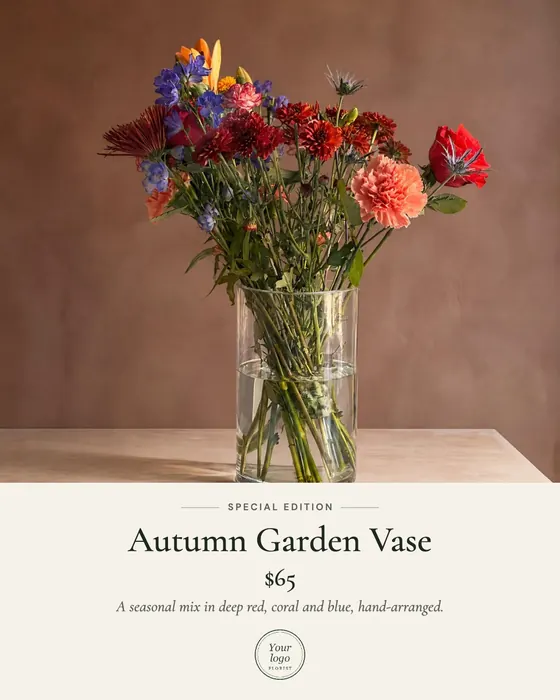 Product card
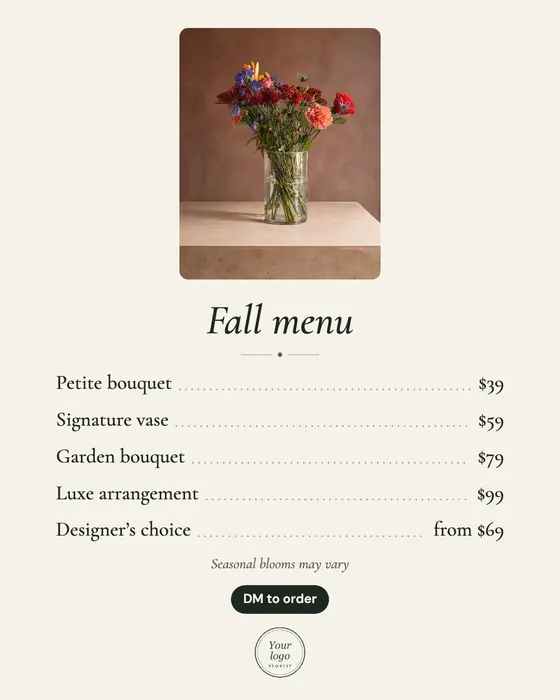 Menu
Menu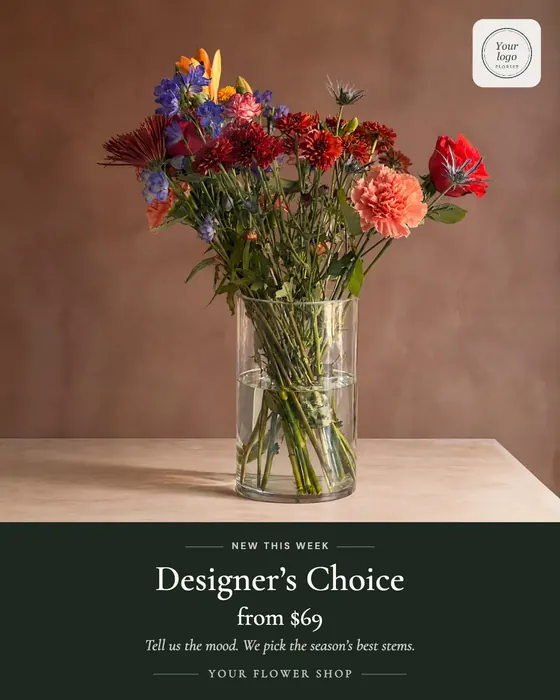 Product card, dark
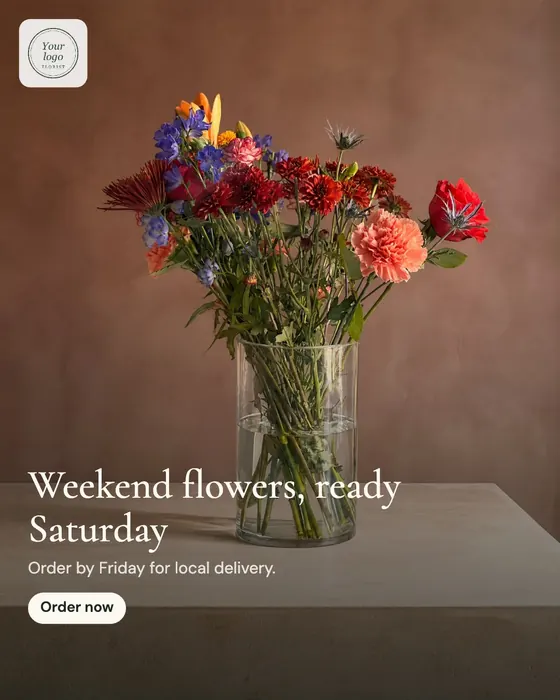 Order-by post
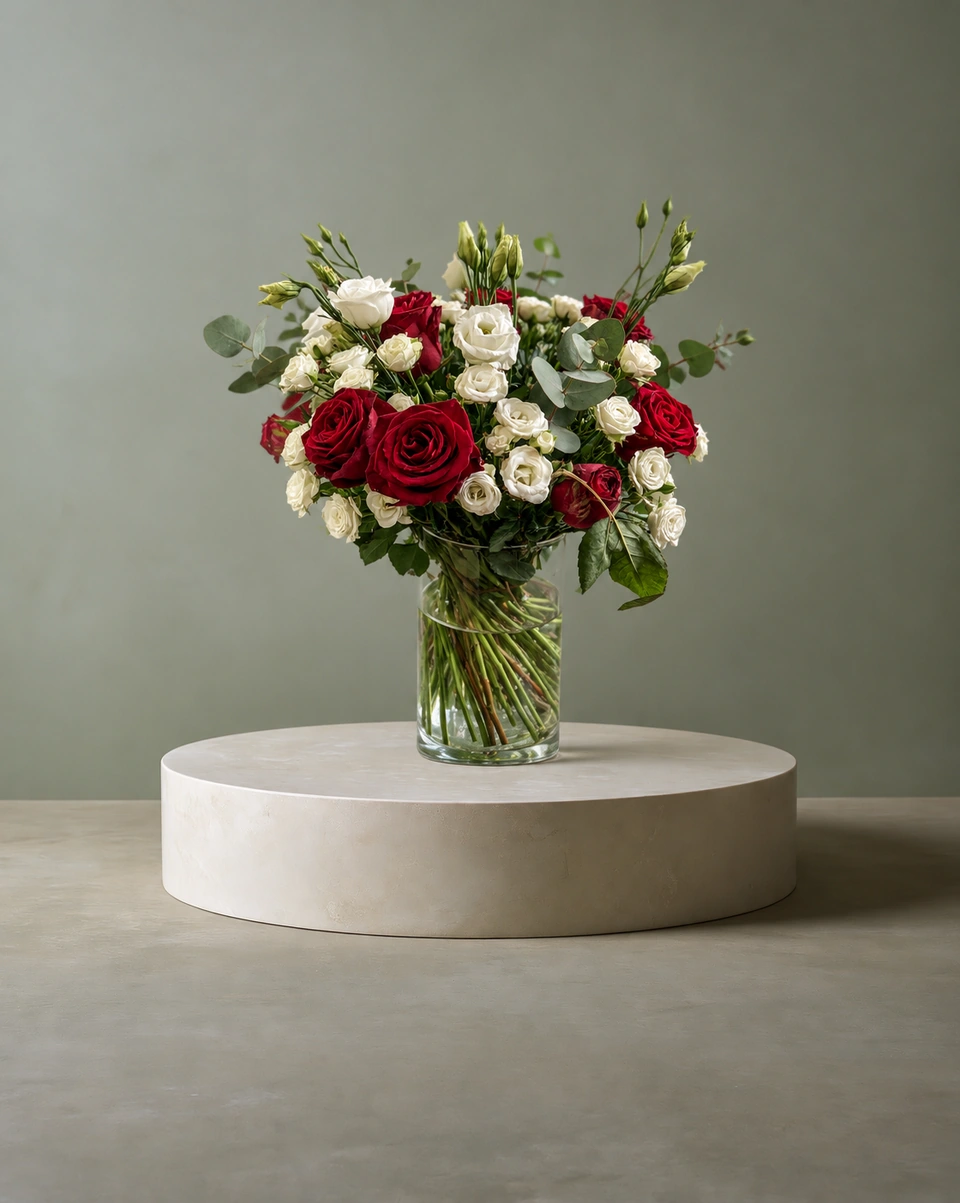
Product cards: a bouquet, its name and its price
A product card puts your photo above a soft band with the bouquet's name, its price, one line about it and your shop name, with an optional small label like “Special edition” or “New this week”. It answers “how much?” before anyone has to ask, which is what turns a like into an order.
A menu with every bouquet and price
Type one bouquet per line, like “Petite bouquet $39”, and the Menu lays them out with dotted lines to each price, under a framed photo, with a note and a button such as “DM to order”. Post it before Valentine's, Mother's Day and the holidays, or pin it to the top of your profile.
Your logo, anywhere you want it
Add your logo once. Then place it with the words, in any corner, in the centre or along the bottom, and make it bigger or smaller. On a photo it sits on a soft white card, so it stays readable on any flowers.
Every size, checked for each platform
| Where | Size | Shape |
|---|---|---|
| Instagram & Facebook post | 1080 × 1350 | 4:5 portrait |
| Square post | 1080 × 1080 | 1:1 |
| Story, Reel & TikTok | 1080 × 1920 | 9:16 |
| Pinterest pin | 1000 × 1500 | 2:3 |
| Etsy & Shopify listing | 2000 × 2000 | 1:1 |
| Website banner | 1920 × 640 | 3:1 |
| Website hero | 1920 × 1080 | 16:9 |
| Event or email header | 1200 × 630 | 1.91:1 |
| Flyer | A5 | |
| Gift card | 5 × 7 in |
It starts with one phone photo
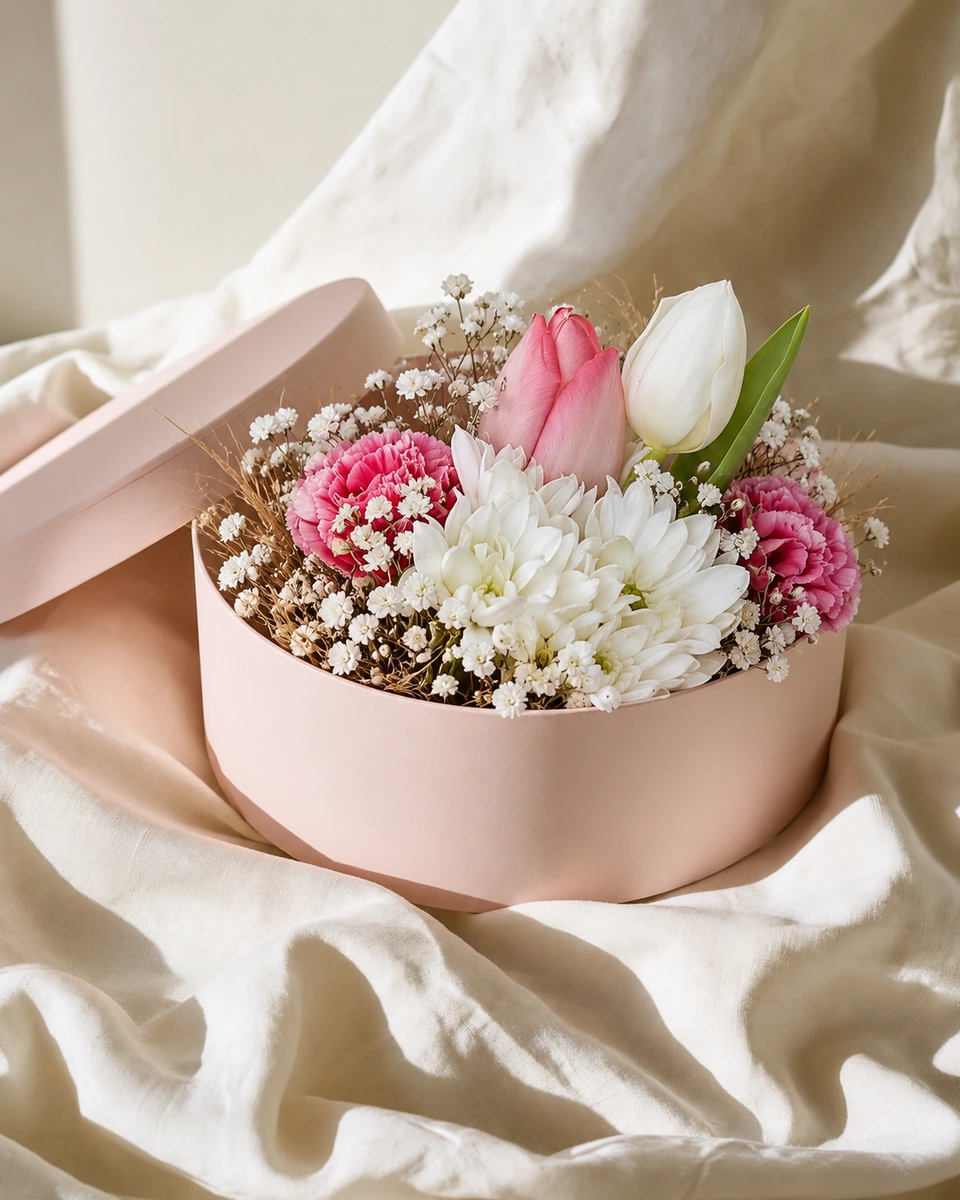
Every design starts from a studio photo: snap your arrangement on the bench, pick one of 200+ rooms, and FlowerShoot makes the photo in about a minute. Then Design & share turns it into a post that sells.
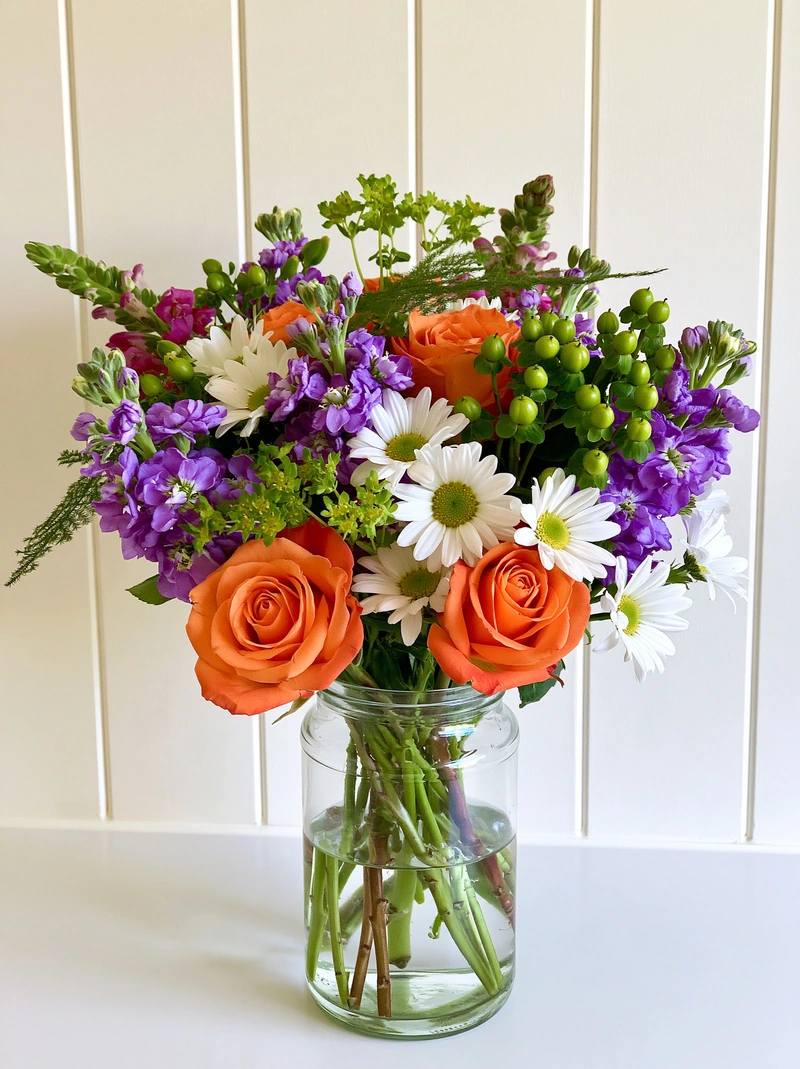 Phone photo
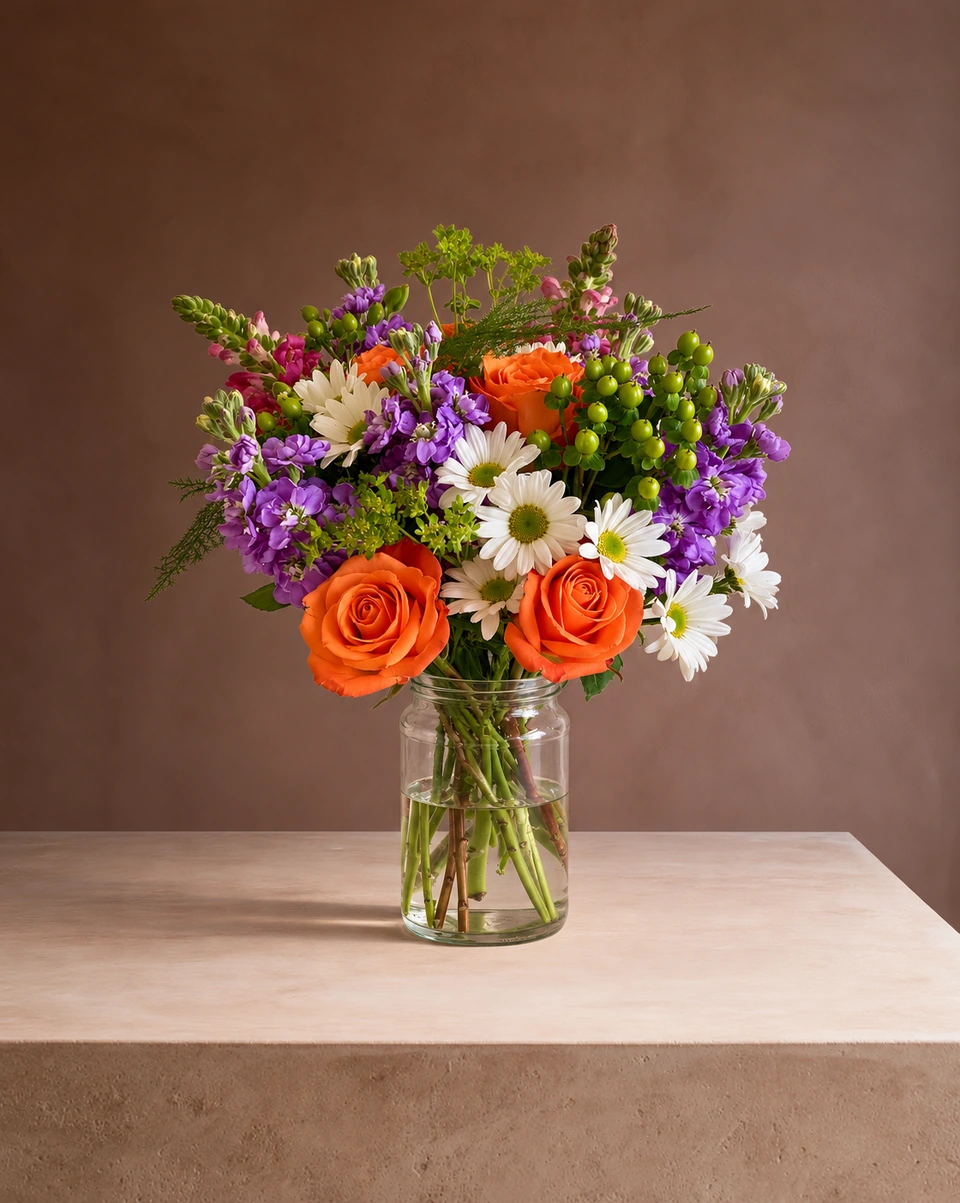 Studio photo
From photo to post in four taps
Make your studio photo
Snap your arrangement on the bench and pick a room. Or bring a photo you already have.
Open Design & share
Choose a Product card, a Menu, a Big headline or another layout.
Add your words and logo
Bouquet name, price and one line. Drag the photo with a finger to frame it.
Download or share
Save a PNG or JPG, or send it straight to Instagram from your phone.
Made only for florists
The photo tool every florist should have
Your flowers are the product. FlowerShoot makes the photo as lovely as the arrangement, wherever you share it: one phone photo in, a studio photo out.
For social media
Fresh posts and Stories every week, without a photo shoot or moving a single bucket. Download post and Story sizes with your logo and a caption, and let your flowers shine in a calm, professional feed.
For selling on your website
A studio product photo for every design, all in one house style, so your shop looks like a boutique. Customers see your real work instead of stock photos, and get what they saw.
- Skip the photographer. A studio photo from one phone photo, in about a minute.
- From 33¢ a photo. Every photo is 4K and uses 1 credit. A trial pack is $9 for 10 credits, good for 30 days.
- No subscription needed. Start with a one-time trial pack. Try 3 photos free, no card.
- Your real flowers. Your flowers and vase kept natural, so customers see your own work.
- 200+ rooms made for flowers. Studios, pedestals, homes, weddings and every season.
- A free fix with every 10 credits, if something isn’t quite right.
Quick answers
Are the templates included in FlowerShoot?
Yes, at no extra cost. Designs made from free photos carry a small “Made with FlowerShoot” badge; any plan or pack removes it from every design.
Can I use a photo I already have?
Yes. Design & share takes a FlowerShoot studio photo or any photo of your own, and your own photo stays on your device.
Do I still need Canva?
Not for your flower posts. Product cards, menus, posts, Stories, pins, banners, flyers and gift cards are all made in FlowerShoot, in your shop's name and sized for each platform.
Which layouts are there?
Product card, Menu, Clean photo, Gallery frame, Big headline and Split. The Campaign kit also makes a whole set for an occasion: a post, three Stories, a pin, a banner and the words.
Can I put my logo on every design?
Yes. Add it once from your shop details, then place it with the words or in any of nine spots, at the size you like.
Prices on this page are in US dollars.