Guides for florists
Guides for florists. Let your real flowers sell.
Short, practical guides for florists who want their work to look as lovely online as it does on the bench: photos, Instagram and holiday marketing, selling online, and the tools worth using.
Photographing your flowers
Phone photo tips, backdrops, portfolios and seasonal menus.
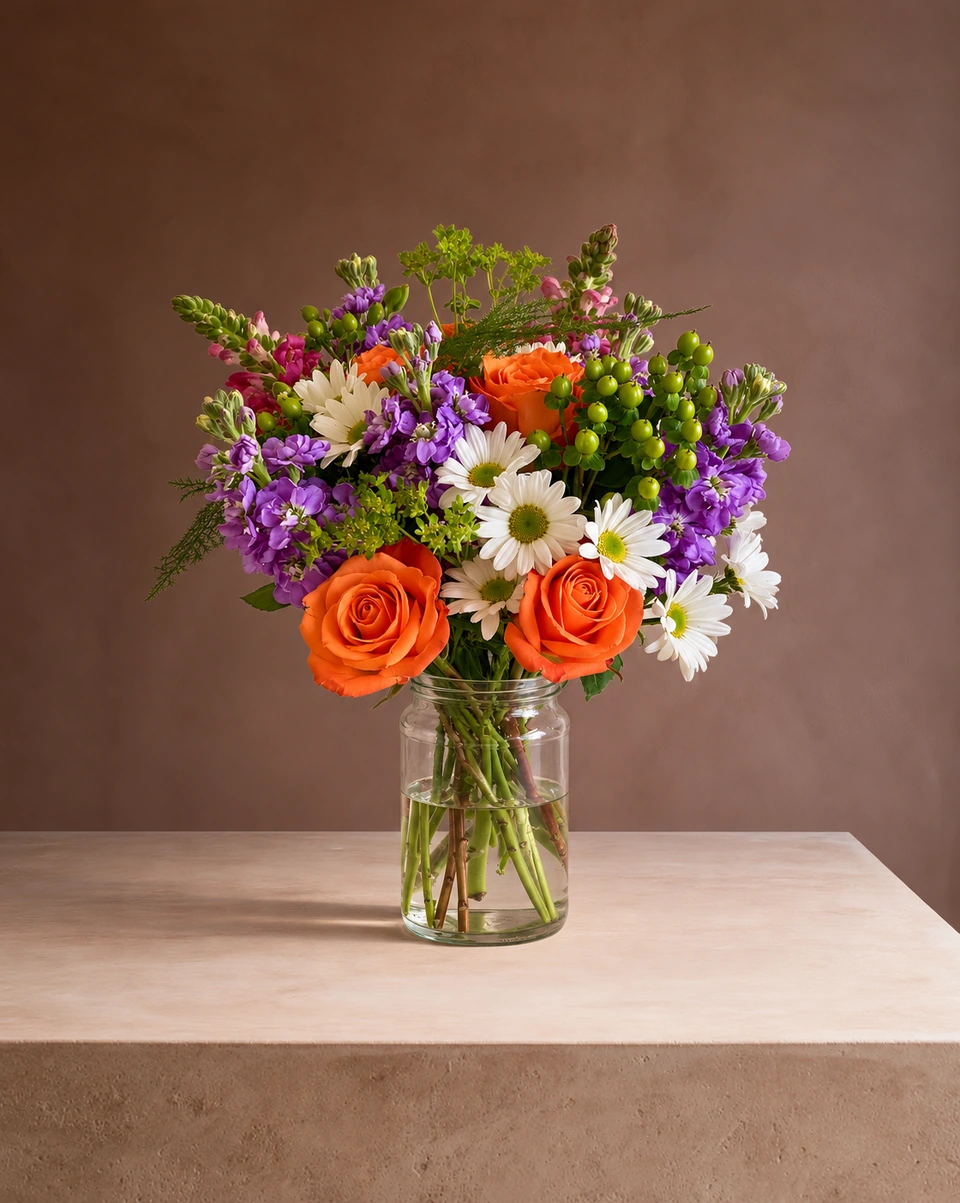 Phone photo guideFlower arrangement photography: how to shoot it with your phoneFlower arrangement photography with your phone: light, angle, framing, focus and the best iPhone settings, then a studio product photo in about a minute.Read the guide
 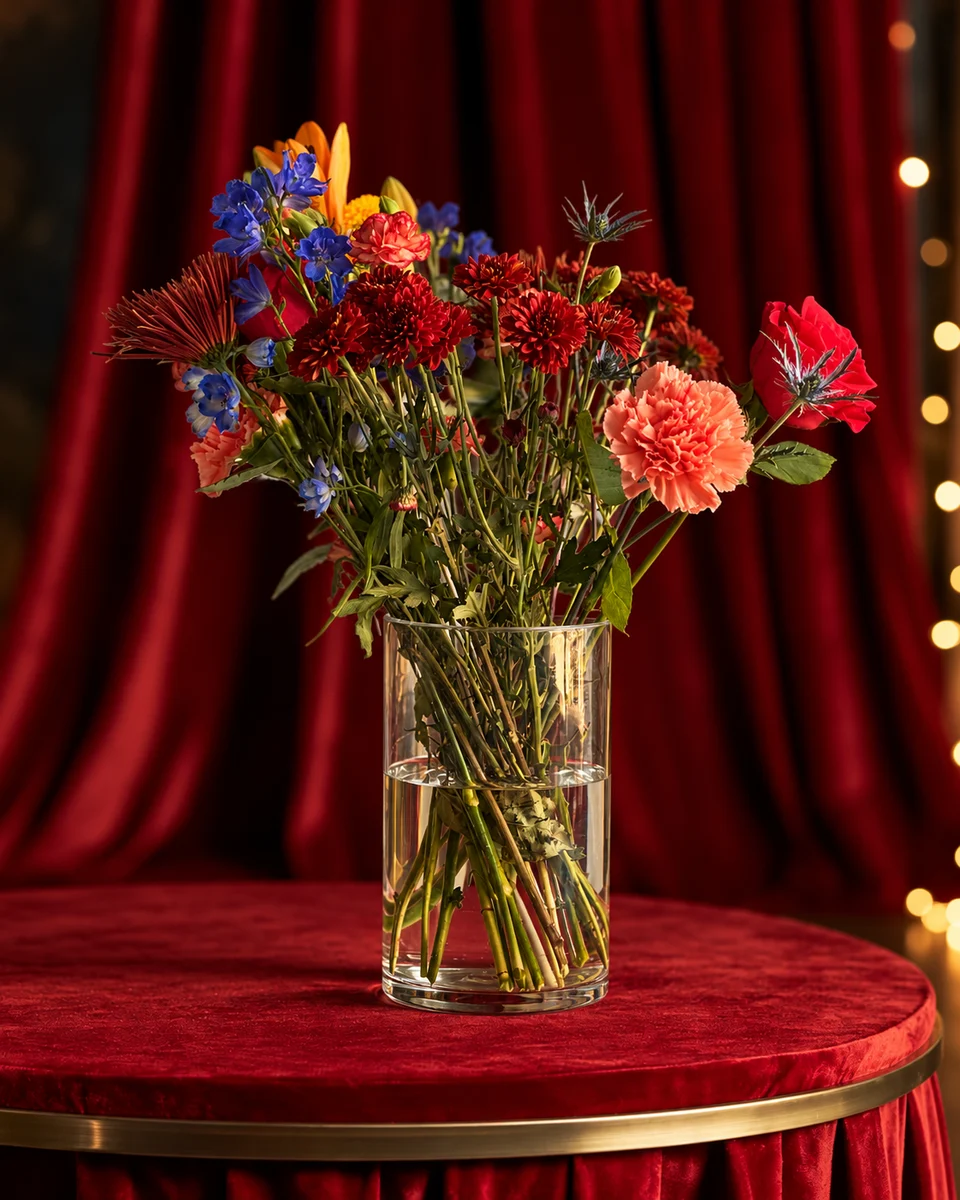 Holiday roomsHoliday rooms for your flower photosChristmas, Valentine’s, Mother’s Day, Easter and Thanksgiving rooms for florists: photograph your holiday menu weeks early from one phone photo, from 33¢ a photo.Read the guide
 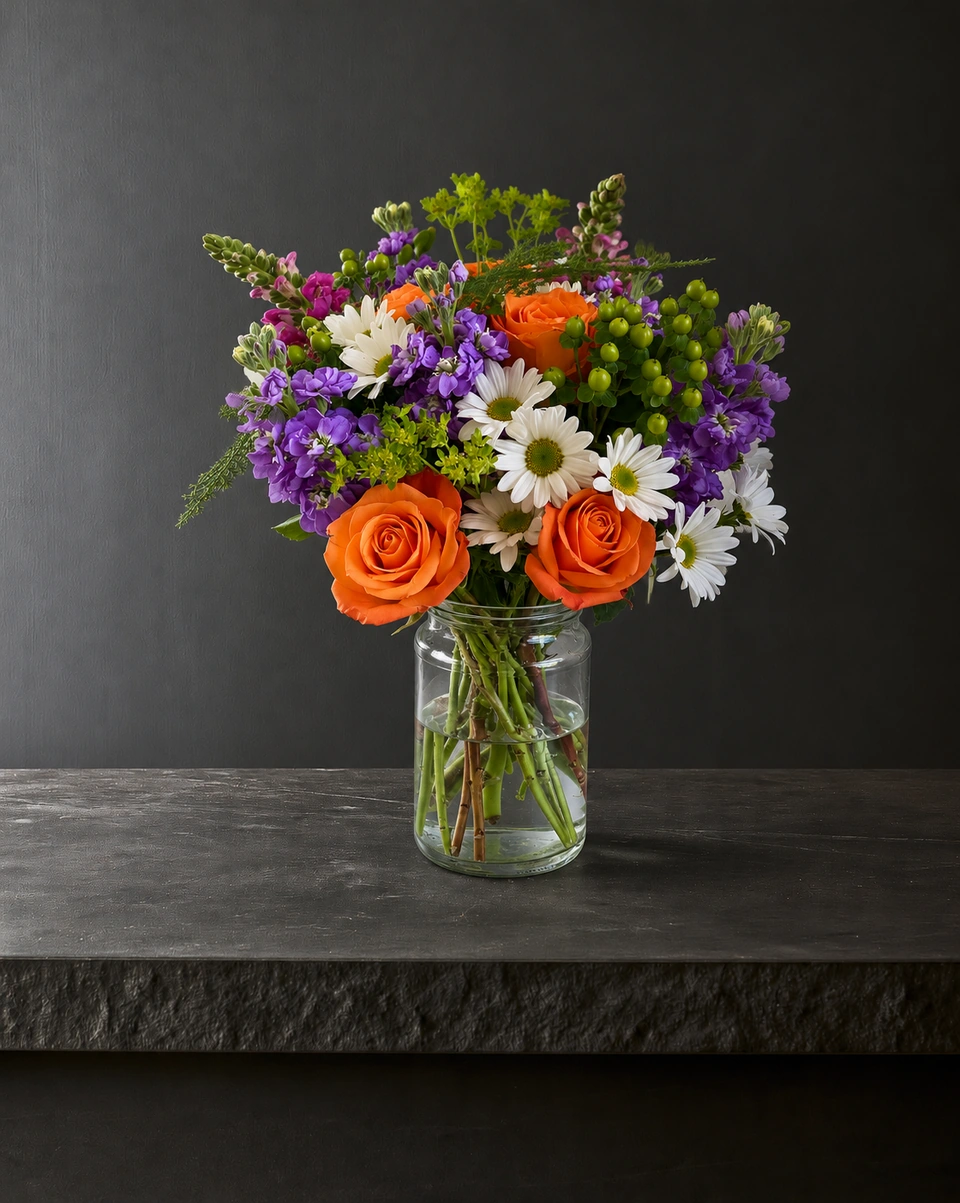 Your websiteProduct photos for your flower shop websiteReplace wire-service stock photos with photos of your own arrangements. How to build a website catalogue from phone photos, with naming and alt text tips for search.Read the guide
 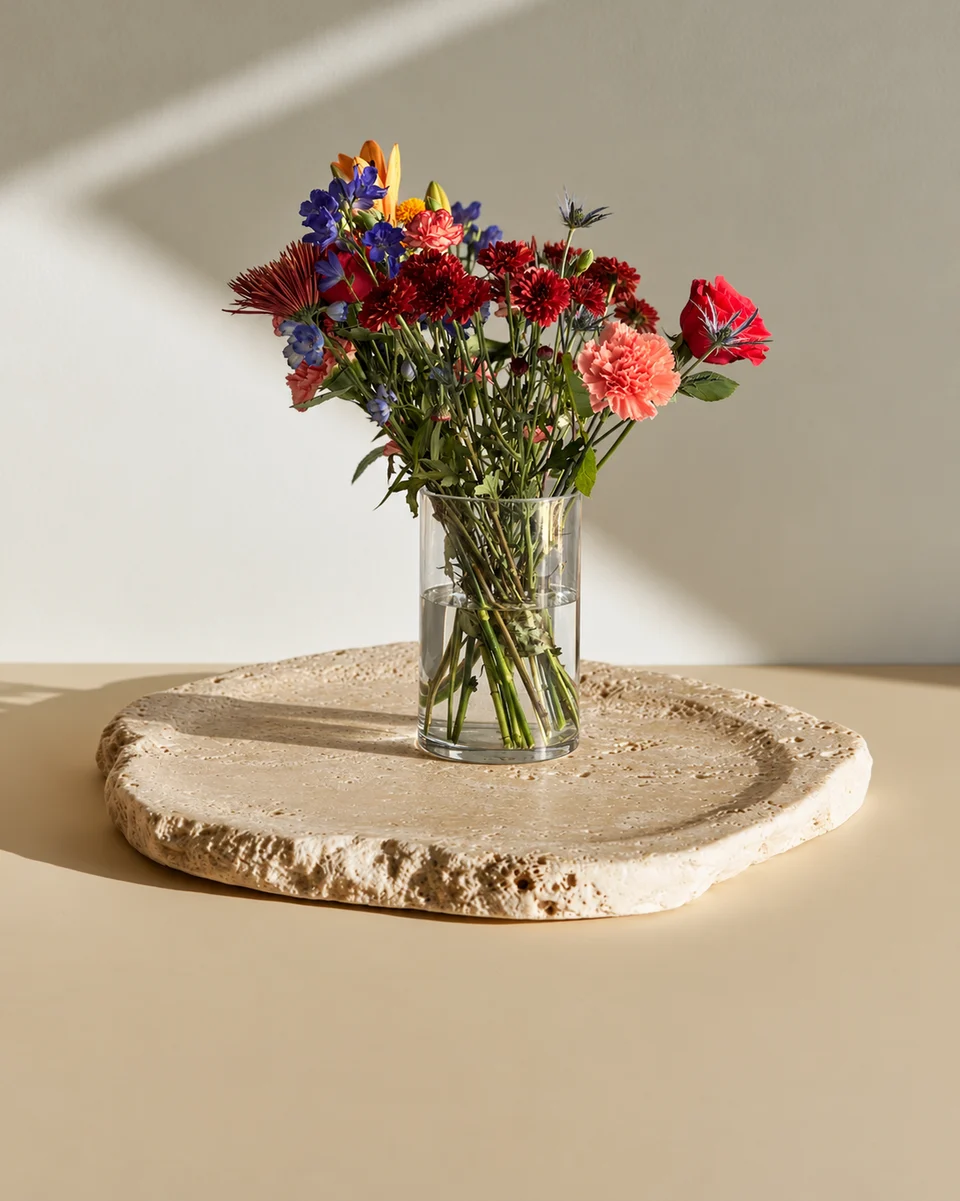 Product photo guideFlorist photography: the complete floral product photo guideFlorist photography that sells: the shot list, sizes for every channel, a matching look across your shop, and what a photographer, DIY or FlowerShoot costs.Read the guide
 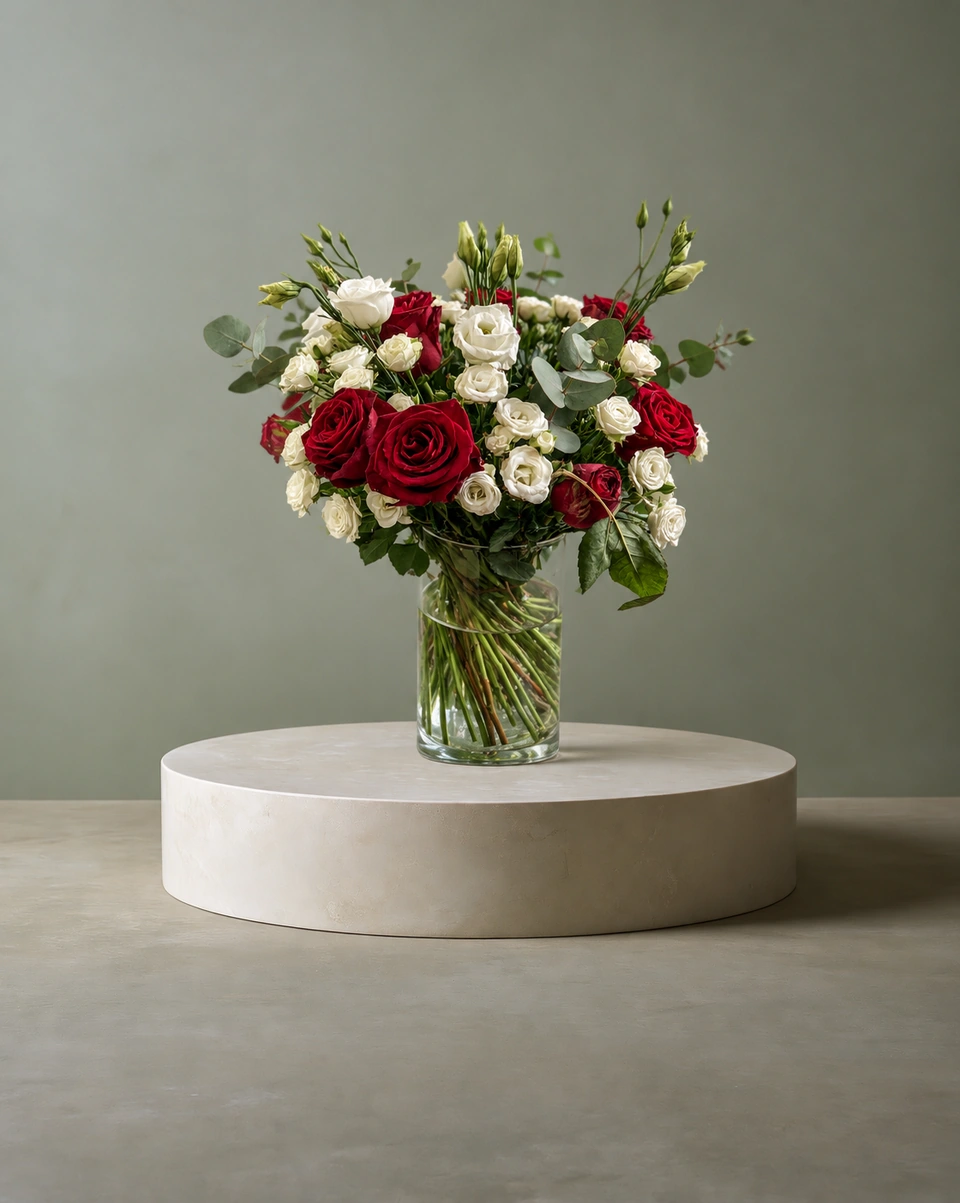 Backdrop guideWhite background flower photos: when they work, and when they don’tA white background suits catalogues and marketplaces, but white flowers, greenery and glass vases fight it. How florists choose between white, colour and a styled room.Read the guide
 - Photo ideasFlower photo ideas: 12 ways to show one arrangementTwelve flower photo ideas for florists: studio, pedestal, table, home, flat lay, basket, gift table, wreath door, wedding, held, holiday and sympathy.Read the guide
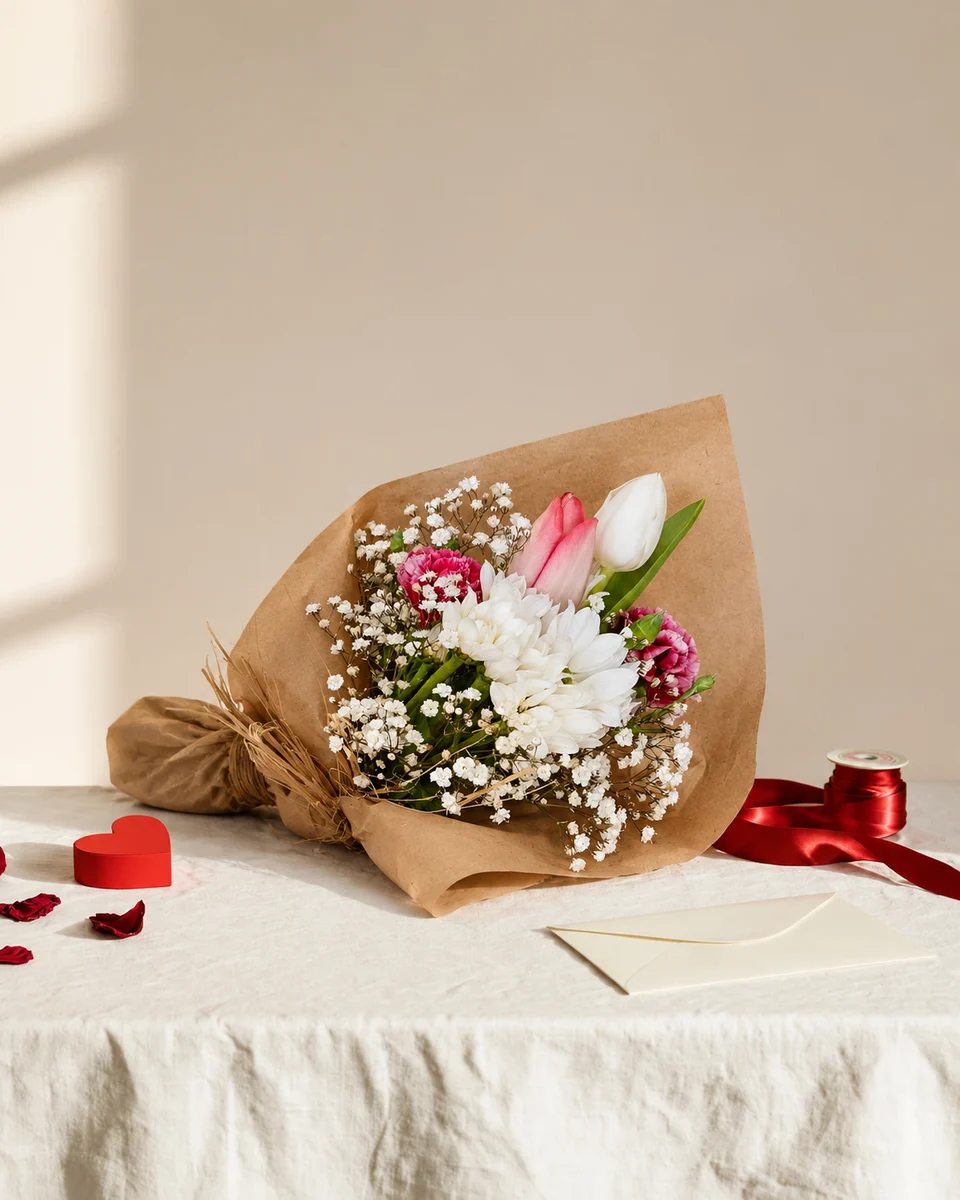 Portfolio guideHow to build a wedding florist portfolio that books couplesBuild a wedding florist portfolio even with few weddings: what to photograph, how to make pieces match, and how to show styled photos honestly to couples.Read the guide
Marketing and social media
Instagram, holiday campaigns and a plan for the whole year.
- Valentine’s DayValentine’s menu photos for floristsGet your Valentine’s flower menu photographed in January: what to shoot, how to make it look like a set, and studio photos from one phone photo, starting at 33¢ each.Read the guide
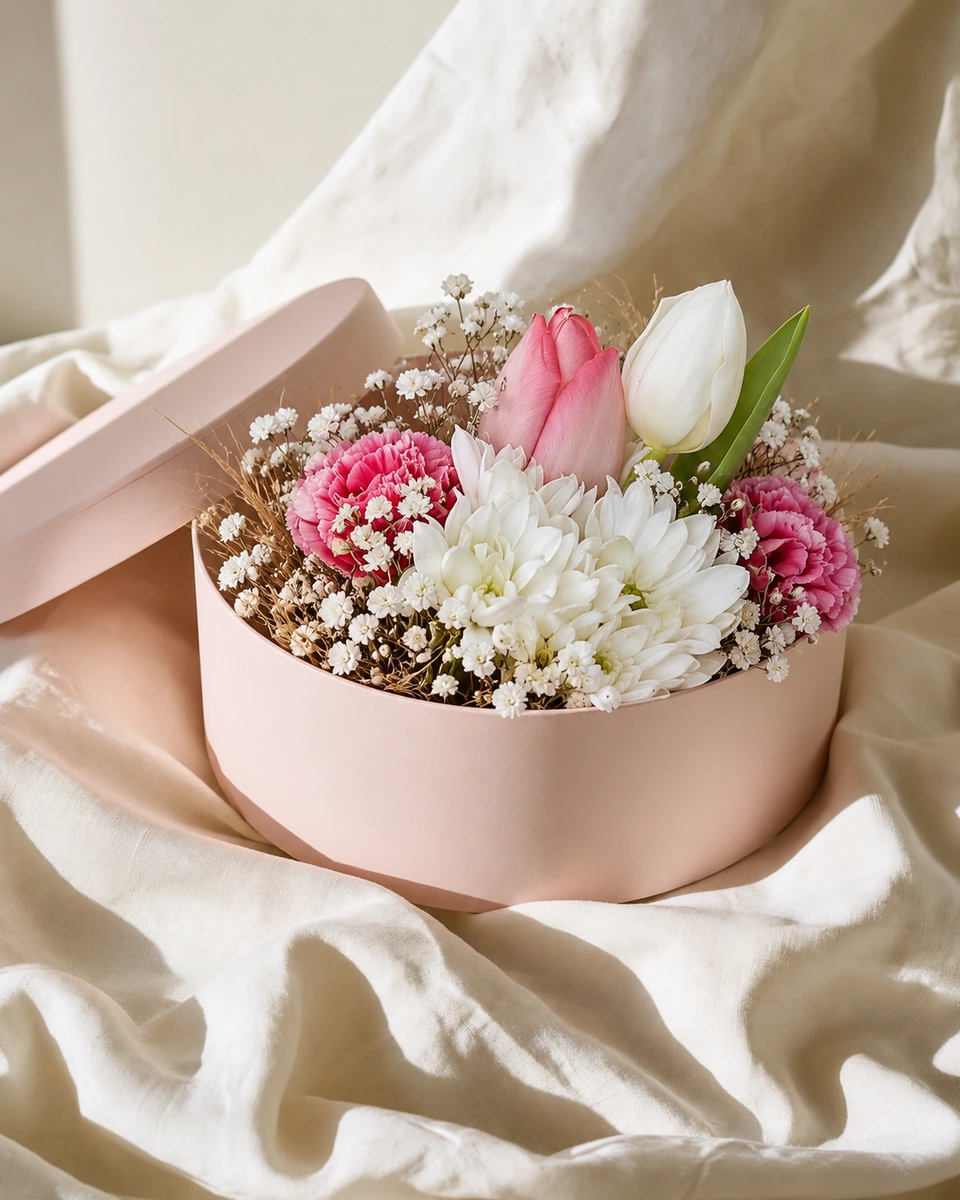 Mother’s DayMother’s Day menu photos for floristsPlan your Mother’s Day flower menu photos: the dates, what to shoot, rooms that feel like a gift at home, and studio photos from one phone photo in about a minute.Read the guide
 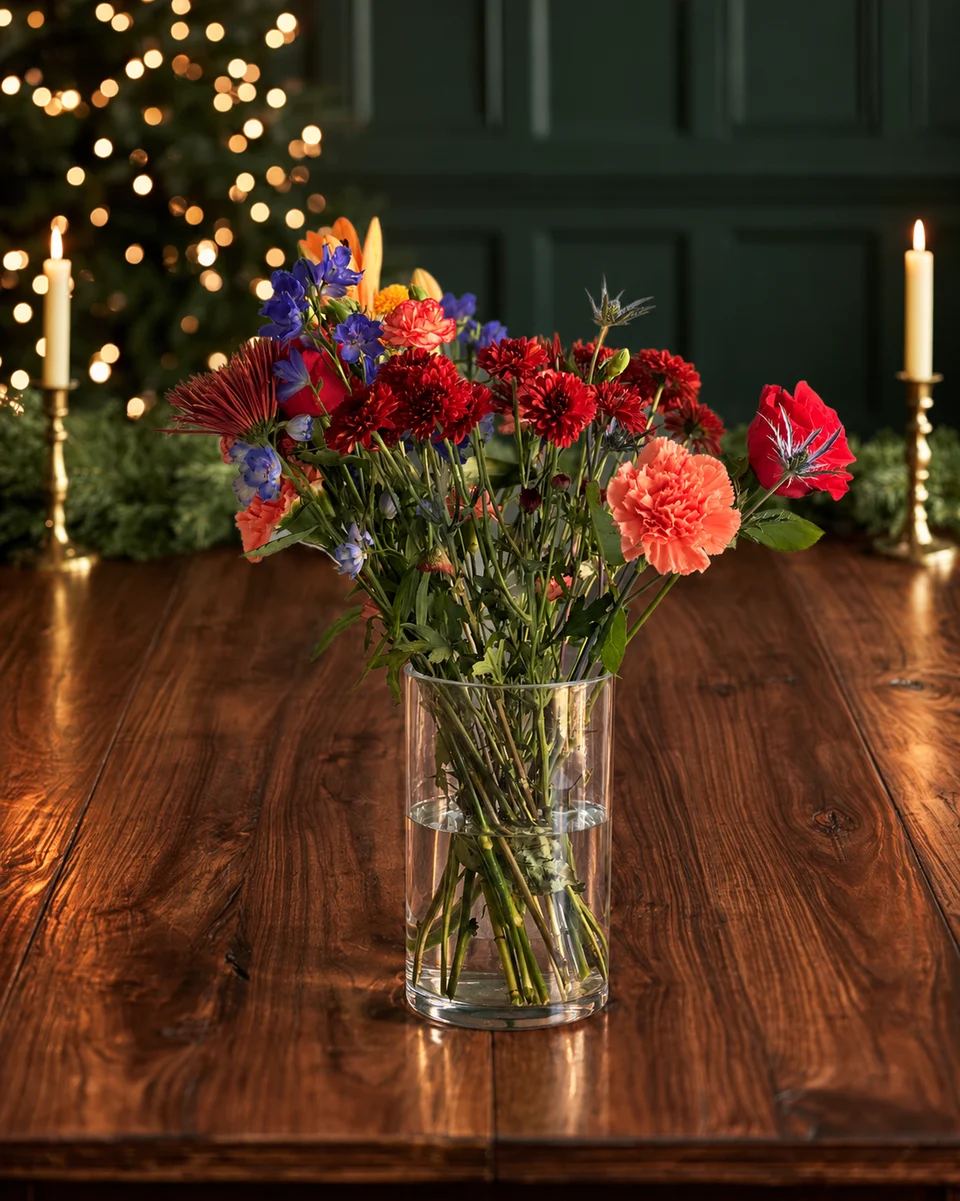 Local search guideGoogle Business Profile for florists: photos and posts that bring ordersWhen people search “florist near me”, your Google Business Profile is your shop window. Which photos, products and updates to add, and how often to refresh them.Read the guide
 - Christmas planChristmas marketing for florists: a six-week photo and post planA week-by-week Christmas plan for florists: menu photos, pre-order posts, Stories that count down to your order-by date, and wreaths, centrepieces and gifts.Read the guide
- Social media planFlorist social media ideas: 30 days of posts from the work you already doThirty days of social media ideas for florists, built from the arrangements you already make: one design becomes a post, Stories, a pin and a behind-the-scenes clip.Read the guide
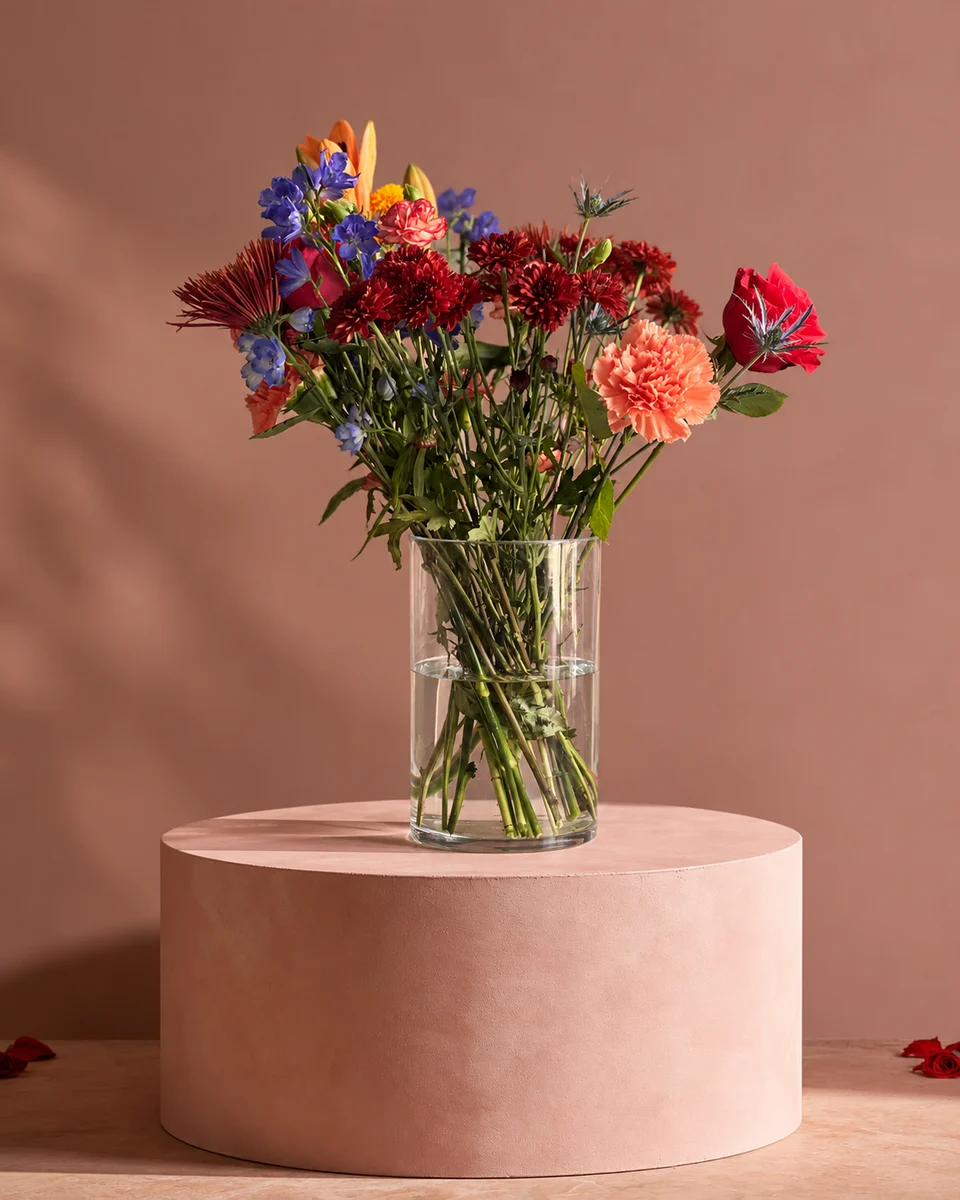 Post examplesFlower shop social media post examples, by occasionReal examples of flower shop social media posts for Valentine’s, Mother’s Day, Christmas, sympathy and everyday best sellers, with the sizes and words to use.Read the guide
 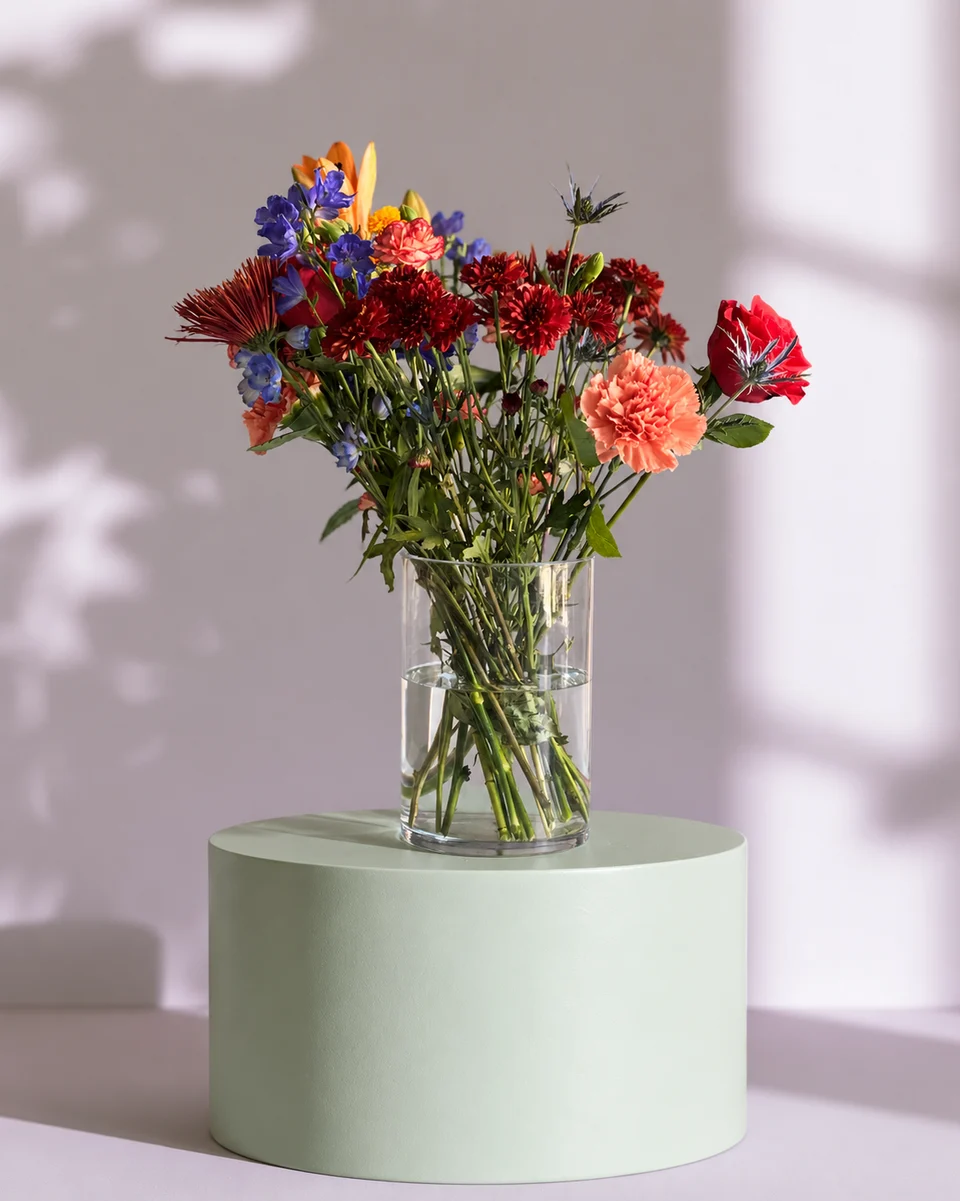 Caption ideasFlorist Instagram captions by occasion (with ones you can copy)Instagram captions for florists by occasion: everyday best sellers, Valentine’s, Mother’s Day, weddings, sympathy and Christmas, each with a gentle nudge to order.Read the guide
 - Instagram bioFlorist Instagram bio examples, and a simple formulaInstagram bio examples for florists: home florists, flower shops, wedding and sympathy florists, with a simple four-part formula that fits in 150 characters.Read the guide
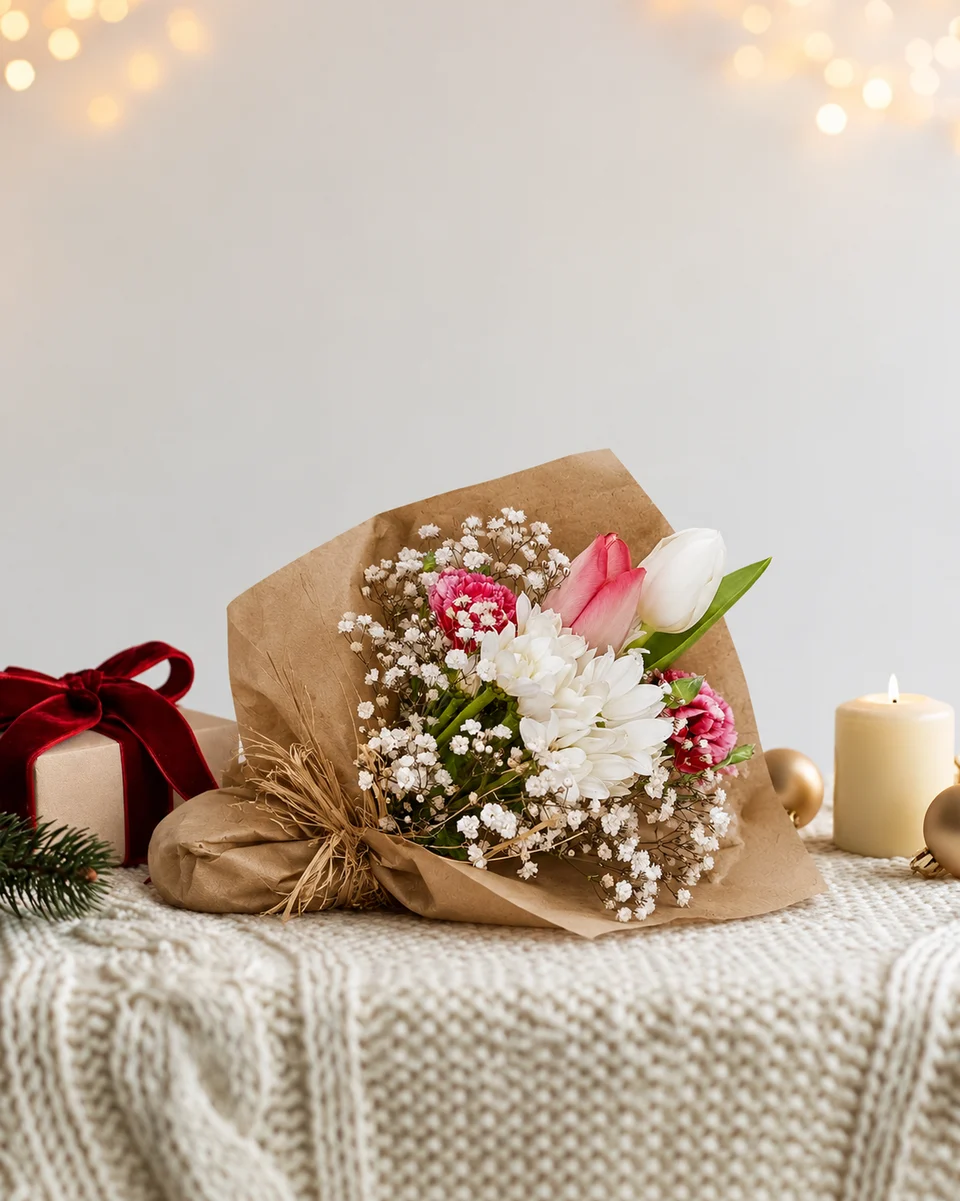 Marketing ideasFlorist marketing ideas, ranked by cost and timePractical florist marketing ideas ranked from free to paid: Google Business Profile, matching menu photos, social posts, local partners, email and seasonal campaigns.Read the guide
Running a flower business
Pricing, selling online, starting out and the tools you need.
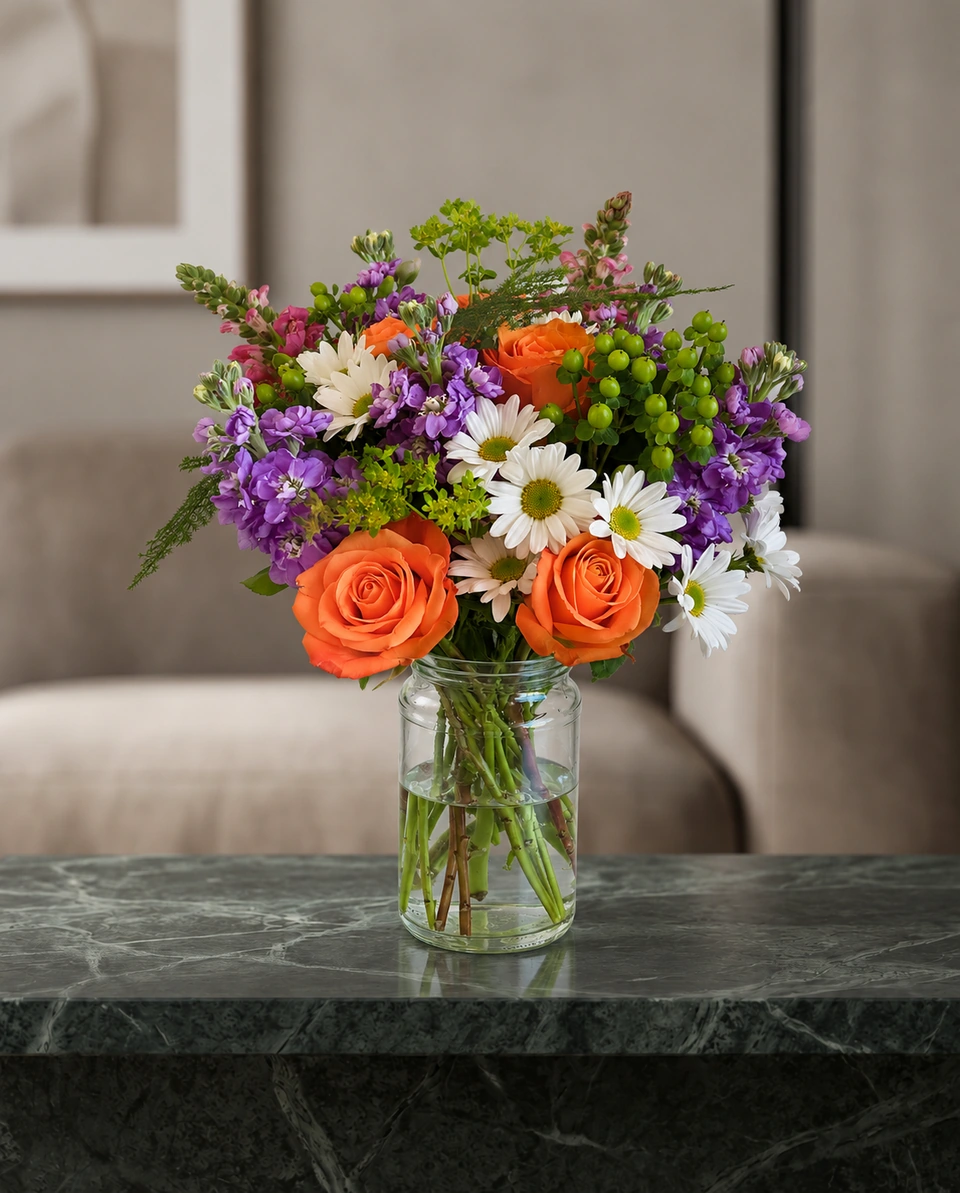 Delivery apps & EtsyFlower photos for DoorDash, Uber Eats and EtsyWhat DoorDash, Uber Eats and Etsy ask for in listing photos, and how florists can get flower photos that sell on each one: sizes, rules and what to check first.Read the guide
 - Etsy guideSelling flowers on Etsy: what sells, photos, titles and tagsHow florists sell on Etsy: which flower products ship well, listing photos that get clicks, and titles and tags buyers search for, with free tools to write them.Read the guide
- Starting outHow to start a flower business from home: a practical checklistA practical checklist for starting a home flower business: your niche, suppliers, pricing, local rules, a name, first photos, and where to sell before you have a shop.Read the guide
- Apps and softwareBest apps for florists in 2026: the must-have toolkitThe apps a florist actually needs in 2026, by job: taking orders and payments, your website, product photos, social posts, scheduling, delivery and bookkeeping.Read the guide
Comparing photo tools
Honest comparisons and alternatives, checked against each tool’s own pages.
- Honest comparisonFlowerShoot vs PetalPro: which flower photo app suits your shop?FlowerShoot or PetalPro? An honest look for florists at price, subscription, how each one treats your backdrop and light, and which suits your shop.Read the guide
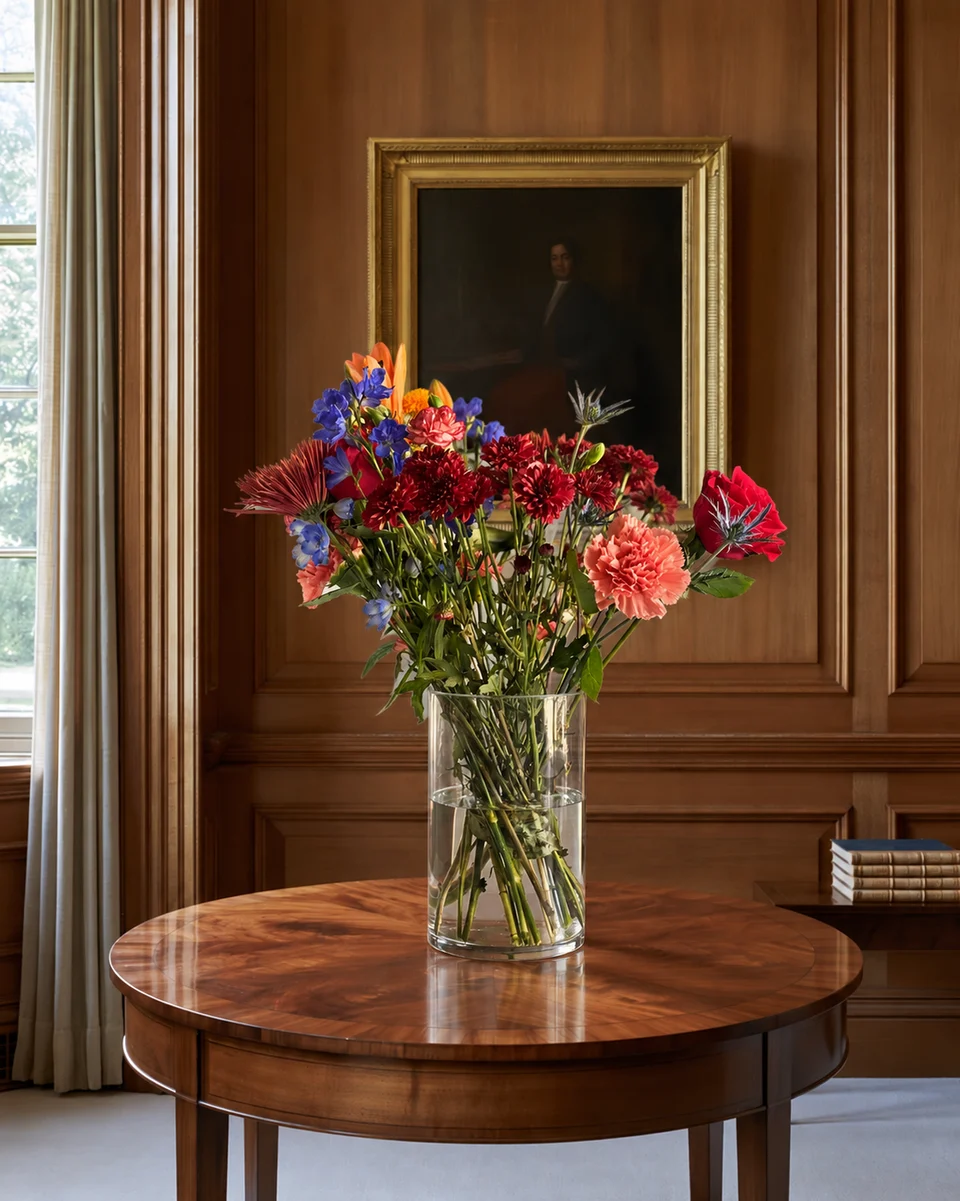 Honest comparisonFlowerShoot or a product photographer: what suits a flower shop?Hiring a product photographer or using FlowerShoot? Cost per photo, turnaround, matching menus and when each one is the right choice for a florist, compared honestly.Read the guide
 - AlternativesPetalPro alternatives for florists: five options comparedLooking for a PetalPro alternative? FlowerShoot, Photoroom, Pebblely, Canva and a photographer compared for florists: price, free trials, and what each one is for.Read the guide
- AlternativesA Photoroom alternative made for floristsPhotoroom is made for every kind of product. If you sell flowers, here is how FlowerShoot compares: rooms made for flowers, free plans, prices and 4K photos.Read the guide
- AlternativesA Pebblely alternative made for floristsPebblely has no free trial and no themes made for flowers. How FlowerShoot compares for florists: 3 free photos, rooms made for flowers, 4K photos and social posts.Read the guide
- AlternativesA Flair AI alternative made for floristsFlair AI suits brands that photograph the same product again and again. For florists, whose every arrangement is new, here is how FlowerShoot compares.Read the guide
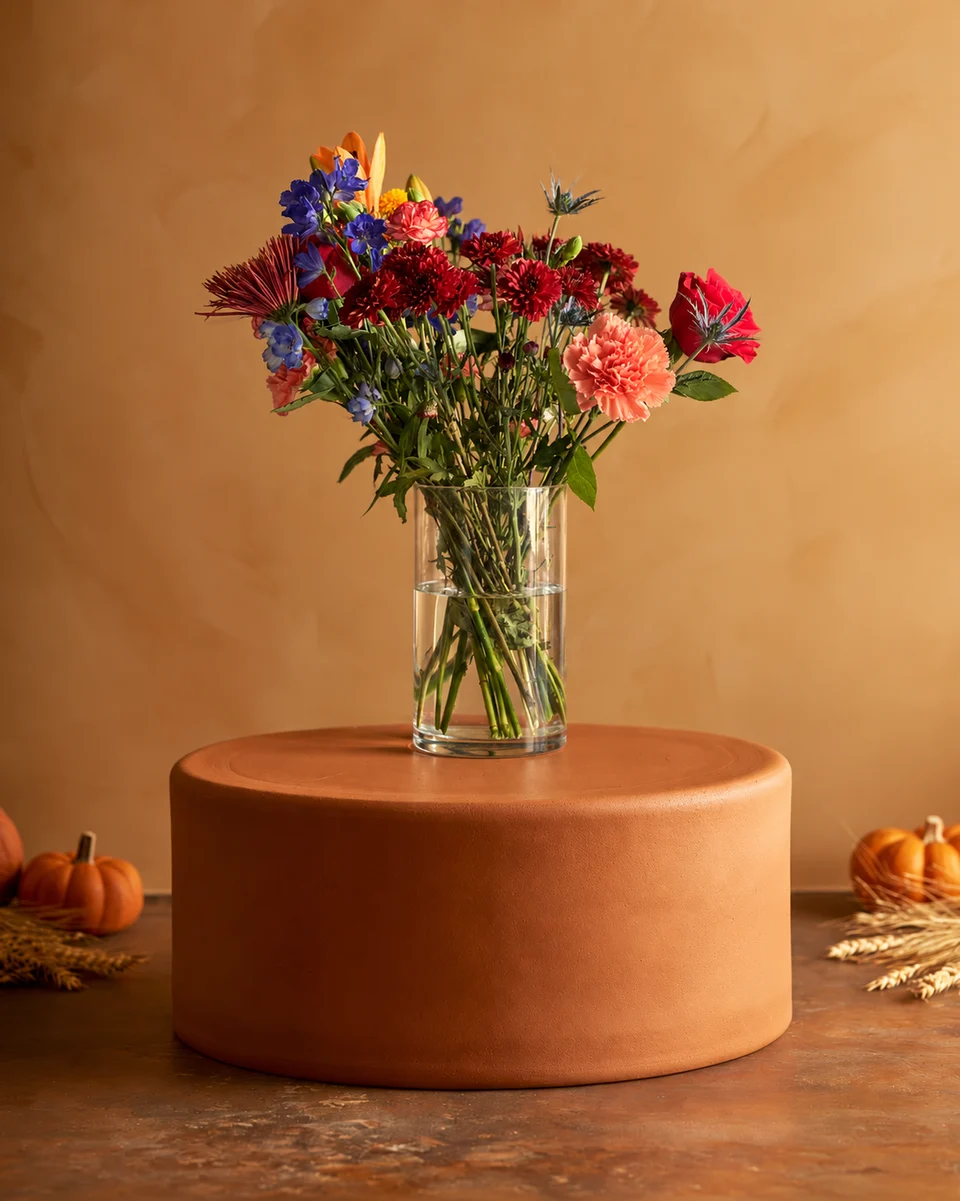 Use bothCanva and FlowerShoot: which does what for a florist?Canva makes the design; FlowerShoot makes the product photo inside it. What Canva’s background tools cost, where they fall short for flowers, and how to use both.Read the guide
About FlowerShoot
Features, prices and how your photos stay private.
- FeaturesFlowerShoot features: everything a florist getsEvery FlowerShoot feature in one place: 200+ rooms for flowers, 4K photos, Campaign kits, captions and Etsy listings, your logo and free fixes.Read the guide
- Prices explainedFlowerShoot pricing: packs, plans and what a photo costsWhat FlowerShoot costs: 3 free photos, a $9 for 10 credits trial pack with no subscription, and monthly or yearly plans from 33¢ a photo. How credits and free fixes work.Read the guide
- Privacy and securityHow FlowerShoot keeps your flower photos privateYour uploads and studio photos stay private to your studio, aren’t used to train image models or for ads, and you can delete them or your account at any time.Read the guide
- How rooms workWhich FlowerShoot rooms keep your flowers as made?Most FlowerShoot rooms keep your vase or bouquet exactly as you made it. A few change it on purpose, into a corsage, a lei or a wreath, and every room tells you first.Read the guide
Made only for florists
The photo tool every florist should have
Your flowers are the product. FlowerShoot makes the photo as lovely as the arrangement, wherever you share it: one phone photo in, a studio photo out.
For social media
Fresh posts and Stories every week, without a photo shoot or moving a single bucket. Download post and Story sizes with your logo and a caption, and let your flowers shine in a calm, professional feed.
For selling on your website
A studio product photo for every design, all in one house style, so your shop looks like a boutique. Customers see your real work instead of stock photos, and get what they saw.
- Skip the photographer. A studio photo from one phone photo, in about a minute.
- From 33¢ a photo. Every photo is 4K and uses 1 credit. A trial pack is $9 for 10 credits, good for 30 days.
- No subscription needed. Start with a one-time trial pack. Try 3 photos free, no card.
- Your real flowers. Your flowers and vase kept natural, so customers see your own work.
- 200+ rooms made for flowers. Studios, pedestals, homes, weddings and every season.
- A free fix with every 10 credits, if something isn’t quite right.
Your next arrangement deserves the studio.
Phone photo in. Studio shot out. Start with 3 free credits.
Upload your photo