Phone photo guide
Flower arrangement photography: how to shoot it with your phone
You chose every stem, conditioned the roses and turned the vase until each face looked right. The photo should do that work justice. Here is how to take a phone photo that shows your arrangement at its best in five minutes at the bench, and how to turn it into a studio photo without booking a photographer.
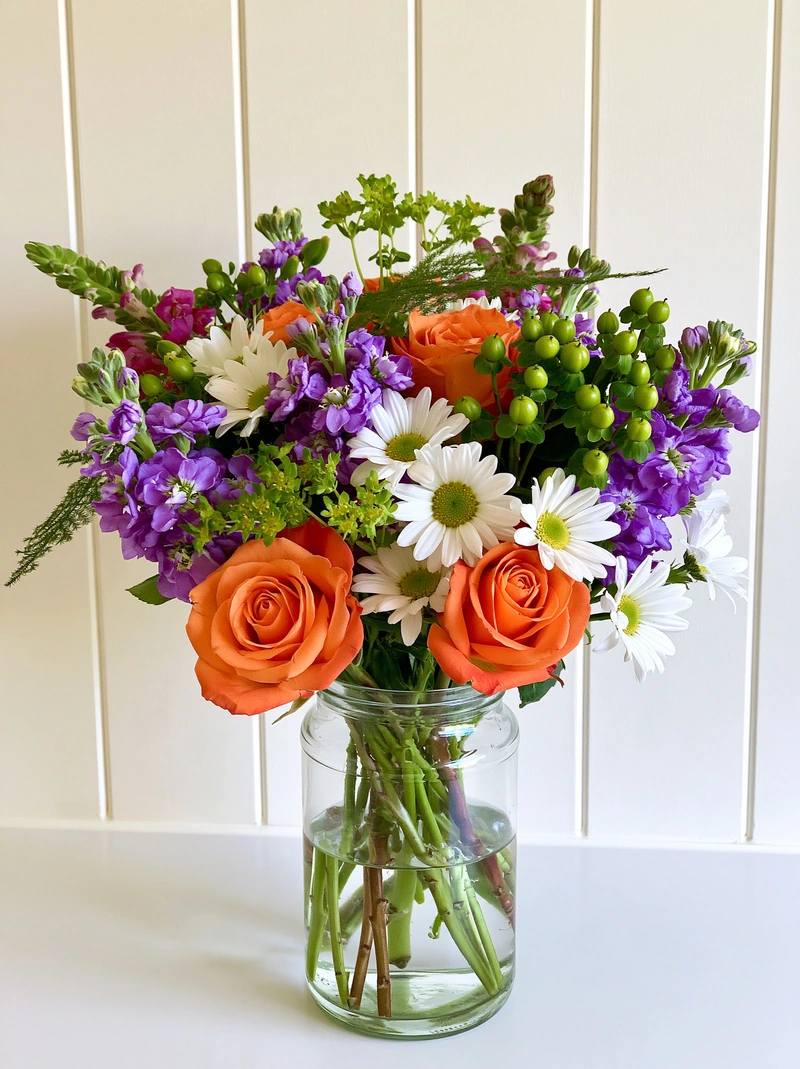 Phone photo
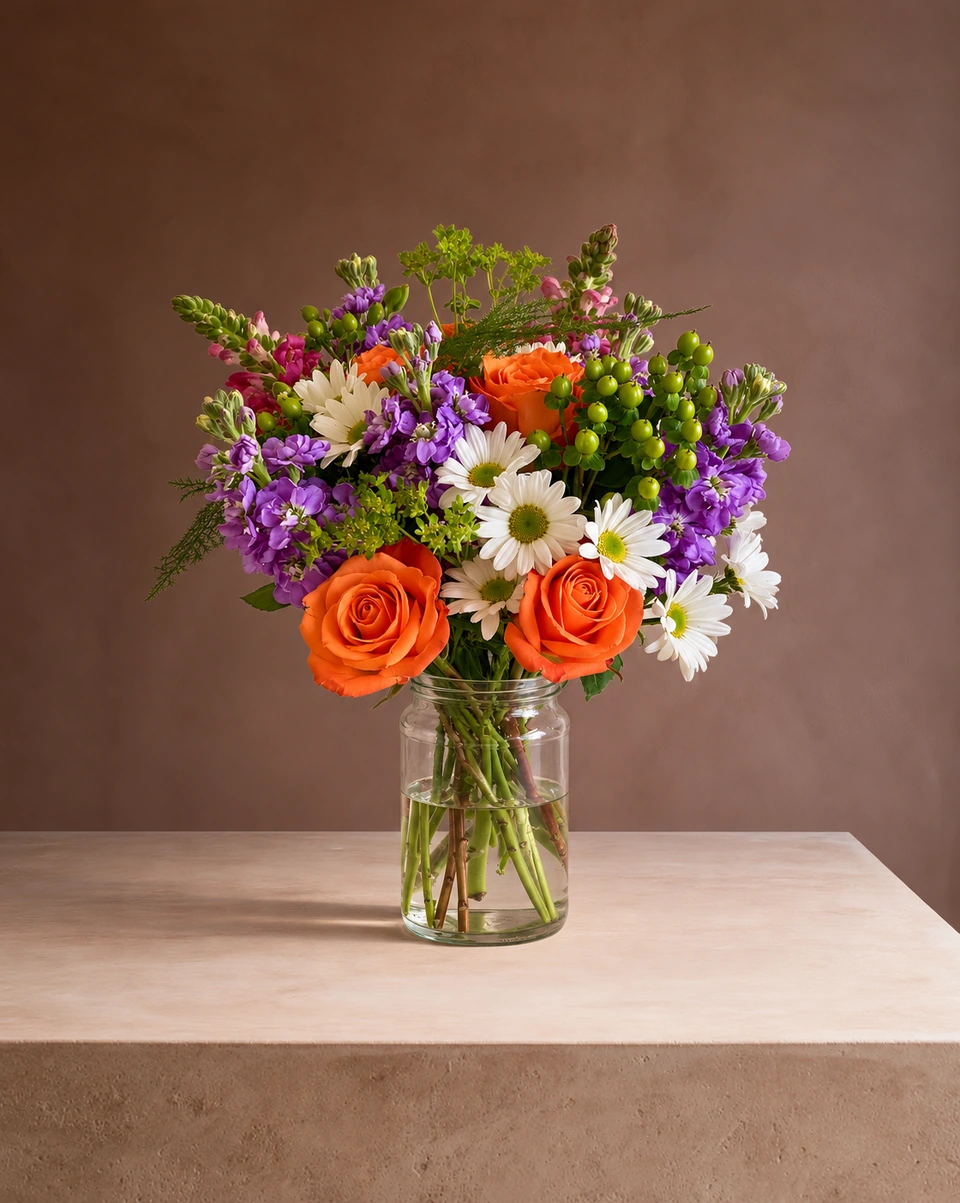 Studio photo
What you need
Your phone, a window and the finished piece. No tripod, no ring light, no studio and no editing app.
Seven steps to a good phone photo
Finish the piece first
Photograph it the way your customer will receive it: in its vase, wrapped or tied, ribbon on. Turn it until its best face looks at you.
Wipe the lens
A fingerprint from your pocket turns every photo hazy. A quick wipe on your sleeve is the easiest improvement there is.
Find soft daylight
Stand near a window, out of direct sun. Soft side light shows the shape of every bloom. Keep the flash off: it flattens petals and makes glass glare.
Hold the phone at flower height
Crouch until the lens is level with the middle of the arrangement and shoot straight on. Looking down from above squashes the vase and hides the side of your design.
Stay on the main lens
Use 1x, or 2x if your phone has it, and take a step back. The ultra-wide 0.5x lens stretches whatever is closest, so vases look bent.
Get the whole piece in
Leave a little space all round: the tallest stem, the trailing greenery and the base of the vase. A stem cut off in the photo can't be put back later.
Tap to focus on the flowers
Tap the main blooms, then slide the brightness down a touch if white petals look washed out. Take three or four photos and keep the sharpest.
The best iPhone camera settings for flowers
Turn on the grid
Settings › Camera › Grid. Line the vase up with the centre so the arrangement stands straight.
Lock focus and brightness
Press and hold on the main blooms until AE/AF Lock appears, then drag the sun icon down a touch so white petals keep their detail.
Use Photo mode at 1x or 2x
Skip Portrait mode and the 0.5x lens: Portrait blur can smudge fine greenery, and 0.5x bends vases.
Let it switch to macro only for close-ups
On Pro models the camera switches to macro when you get close. For a whole arrangement, step back so it stays on the main lens.
Turn off the flash
Swipe up or tap the arrow to find the flash setting and choose Off. Window light is kinder to petals and glass.
Indoors in winter, or no window?
Shoot at the brightest time of day, as close to a window as you can, and turn off ceiling lights so the colours don’t mix. A sheet of white card on the shadow side bounces light back into the flowers. If you only have lamp light, use one daylight-coloured lamp from the side rather than several warm ones.
What you don’t need to worry about
The workbench behind it. Buckets, offcuts, the cooler door, the till: with FlowerShoot the room in your finished photo is new, so a busy background is fine. Spend your five minutes on light and framing, not on clearing the bench.
Five mistakes that hide good flowers
- Shooting from above, so the vase looks short and squat.
- Cutting off the top stems or the base of the vase.
- Portrait mode: its blur can smudge fine edges like gypsophila, fern and trailing greenery.
- Mixed light: a yellow ceiling light on one side and daylight on the other gives odd colours.
- Filters. They change your flower colours, and customers should see the real ones.
Then let FlowerShoot set the scene
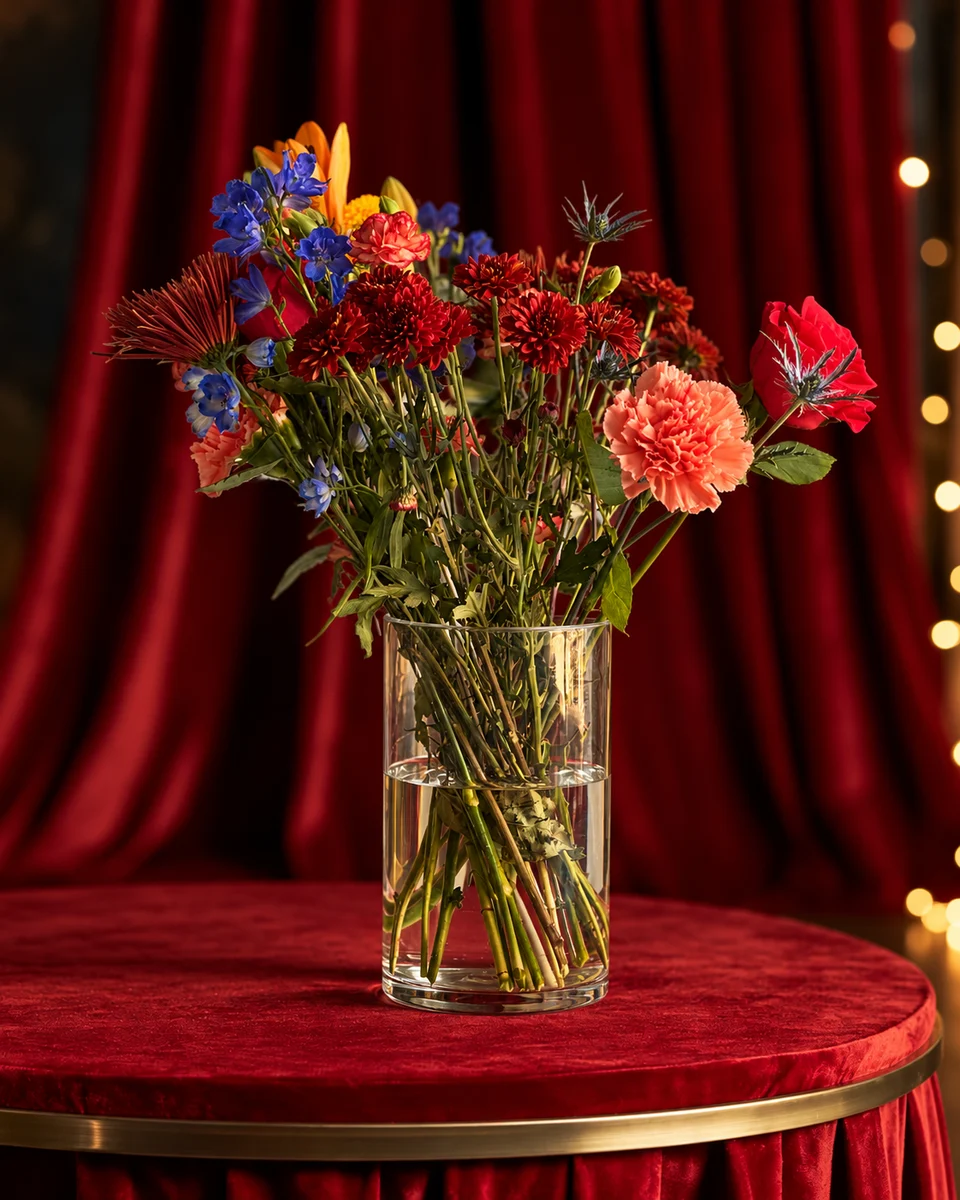
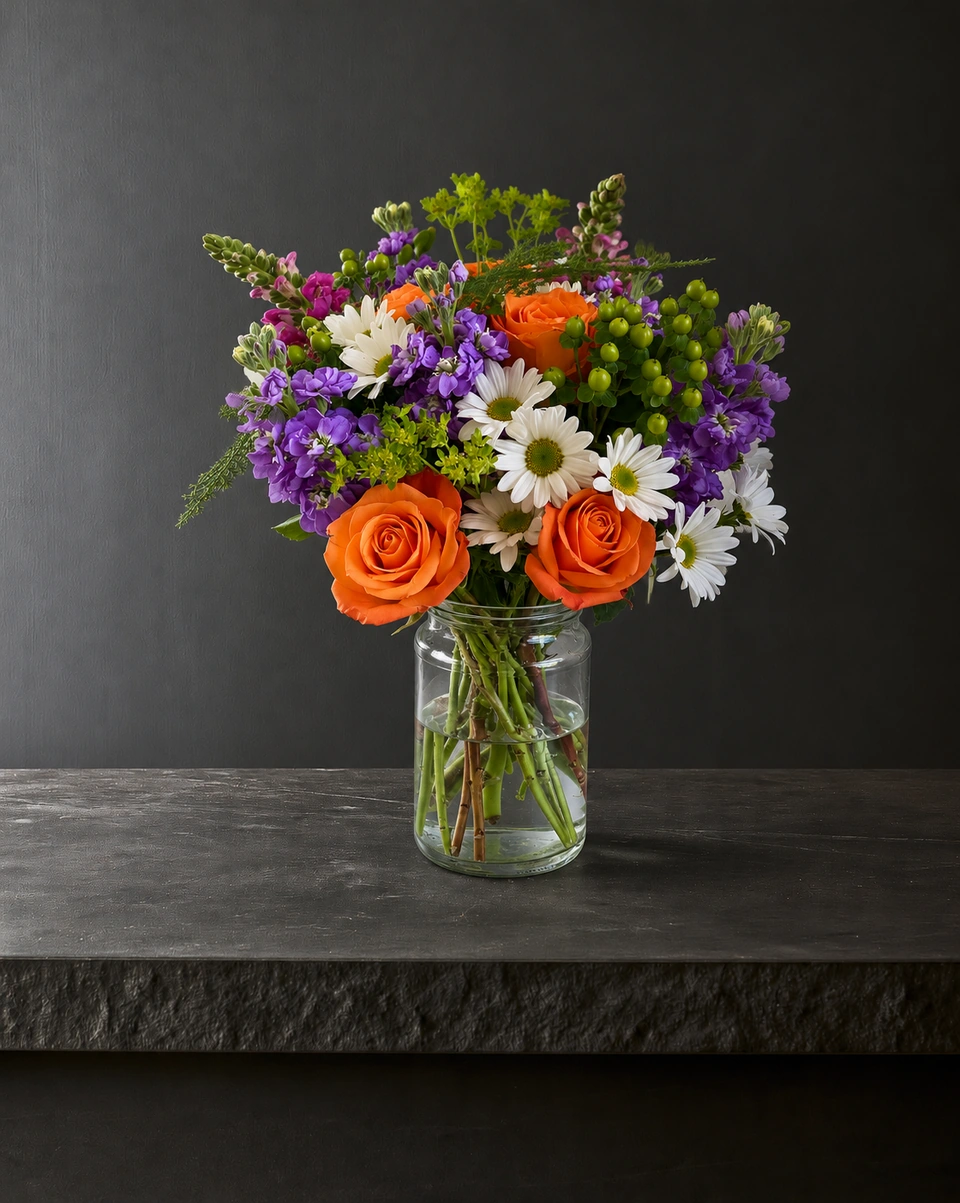
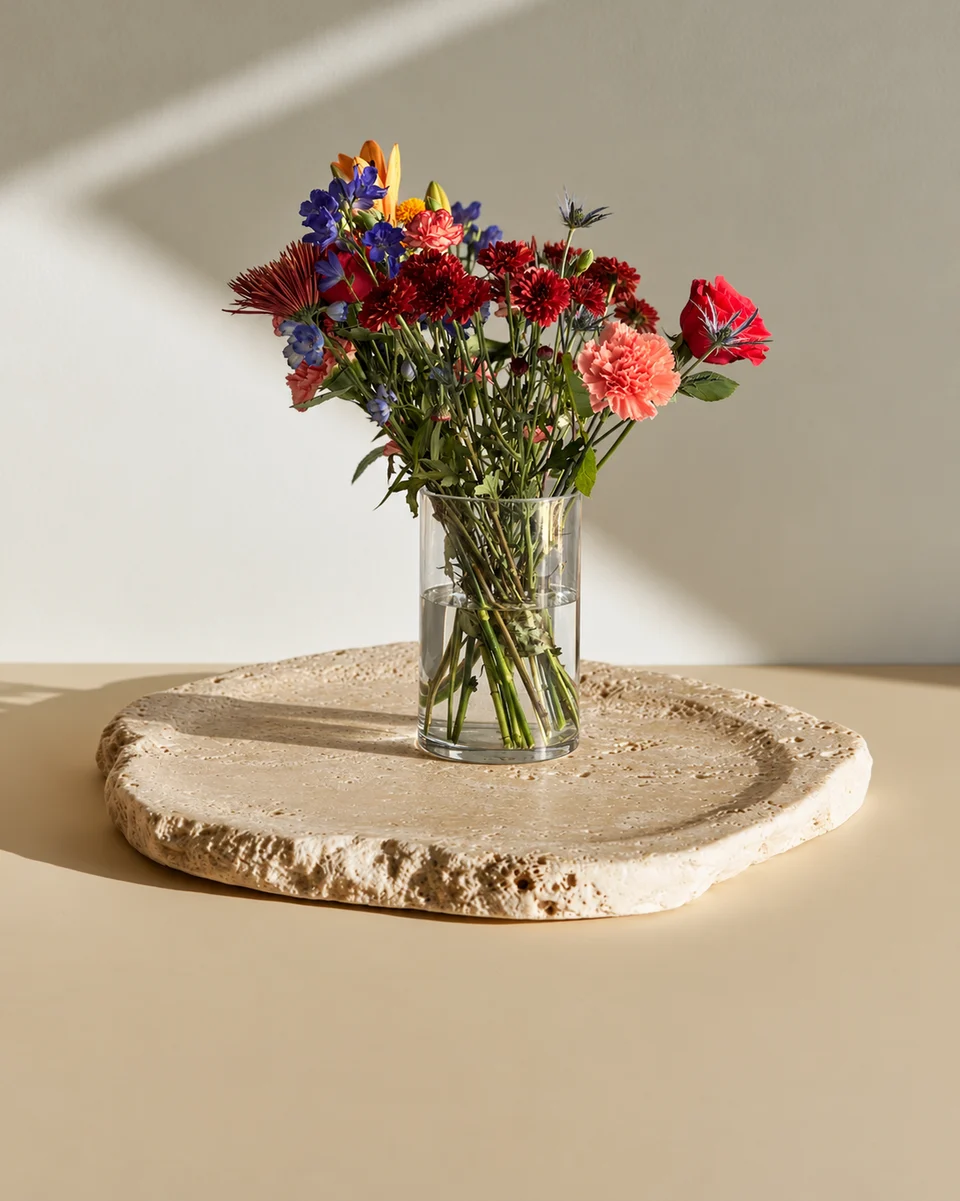
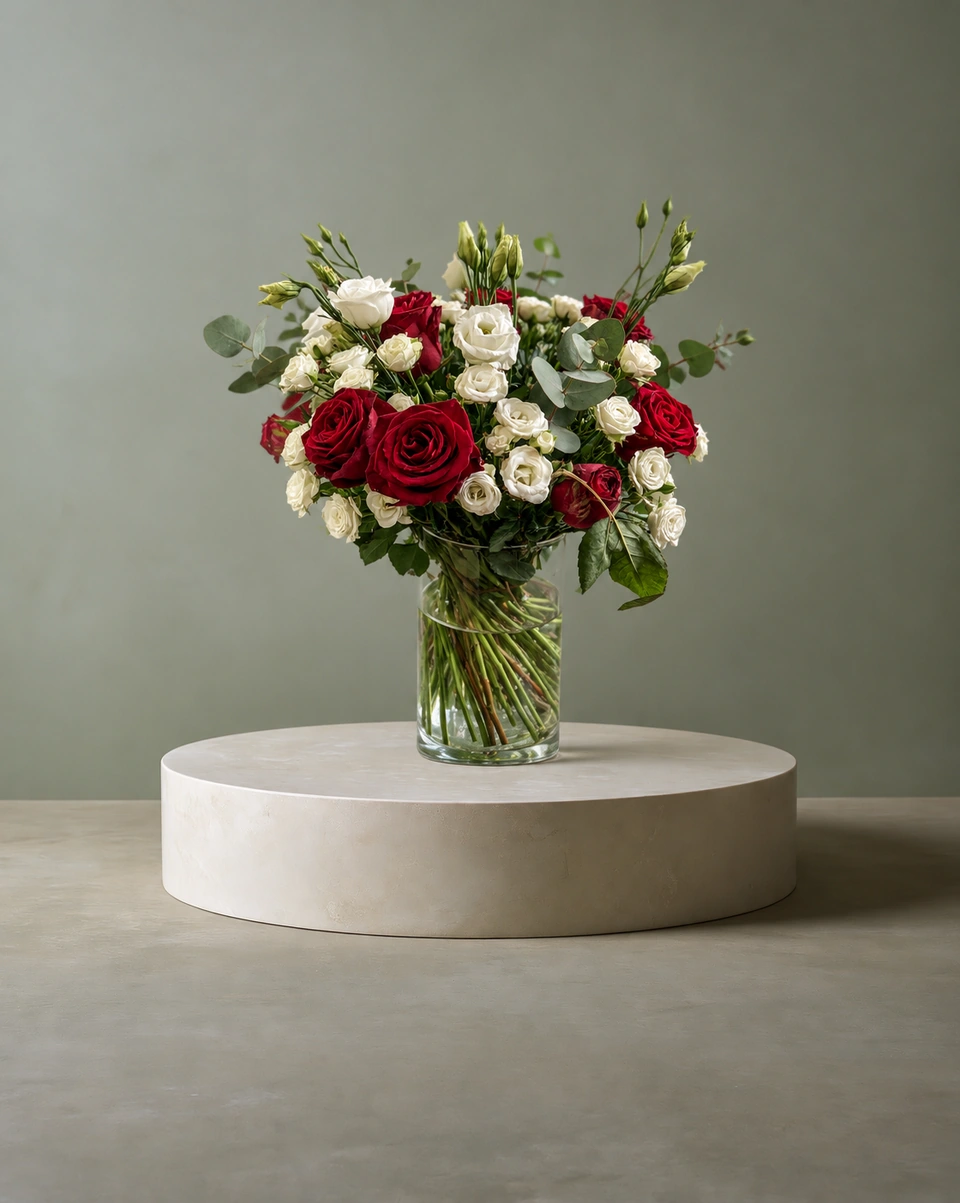
Upload your phone photo, pick one of 200+ rooms made for flowers, and in about a minute you have a studio product photo: your flowers and vase, standing on a real surface in the room’s own light and shadow. A 4K photo costs from 33¢, and new accounts get 3 free credits with no card needed.
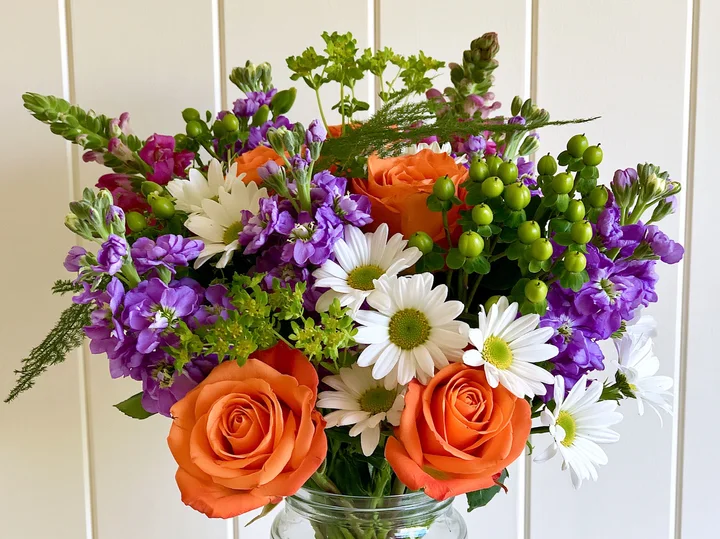 Phone photo
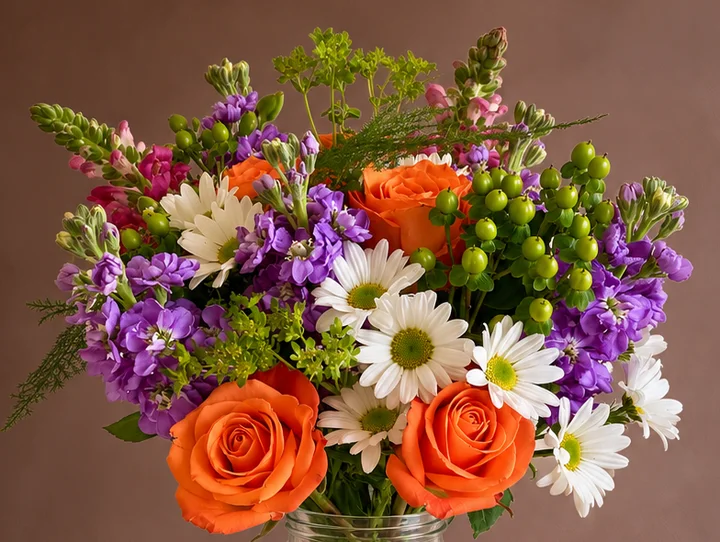 Studio photo
Made only for florists
The photo tool every florist should have
Your flowers are the product. FlowerShoot makes the photo as lovely as the arrangement, wherever you share it: one phone photo in, a studio photo out.
For social media
Fresh posts and Stories every week, without a photo shoot or moving a single bucket. Download post and Story sizes with your logo and a caption, and let your flowers shine in a calm, professional feed.
For selling on your website
A studio product photo for every design, all in one house style, so your shop looks like a boutique. Customers see your real work instead of stock photos, and get what they saw.
- Skip the photographer. A studio photo from one phone photo, in about a minute.
- From 33¢ a photo. Every photo is 4K and uses 1 credit. A trial pack is $9 for 10 credits, good for 30 days.
- No subscription needed. Start with a one-time trial pack. Try 3 photos free, no card.
- Your real flowers. Your flowers and vase kept natural, so customers see your own work.
- 200+ rooms made for flowers. Studios, pedestals, homes, weddings and every season.
- A free fix with every 10 credits, if something isn’t quite right.
Quick answers
What is the best way to photograph flowers with a phone?
Use soft window light, hold the phone level with the middle of the arrangement, stay on the main lens and get the whole piece in the frame, from the tallest stem to the base of the vase. Keep the flash and filters off.
Do I need a white background to photograph flower arrangements?
No. Take the photo anywhere with good light, then let FlowerShoot place your arrangement in a clean studio or a styled room. Your flowers and vase stay as you made them.
Which phone camera settings are best for flower photos?
The standard photo mode on the 1x or 2x lens, with the flash off and focus tapped on the main blooms. Lower the brightness a little if white petals lose their detail.
How do I take pictures of flowers on an iPhone?
Turn on the grid, use Photo mode at 1x or 2x, press and hold on the main blooms to lock focus and brightness, drag brightness down slightly for white petals, and keep the flash off.
How do I photograph flowers indoors without a window?
Turn off mixed ceiling lights, use one daylight-coloured lamp from the side, and bounce light back with a sheet of white card.