Reviews
How to make review images for a florist shop, from real reviews
Short answer
To make a review image for a florist shop, take a real review from Google, Facebook, Etsy or a message, ask the customer if you may share it, and copy their words exactly with their first name or initials. Put it on a good photo of the design they bought, keep the quote short enough to read on a phone, and add your logo. Never write, change the meaning of, or pay for reviews.
In this guide Jump to what you need
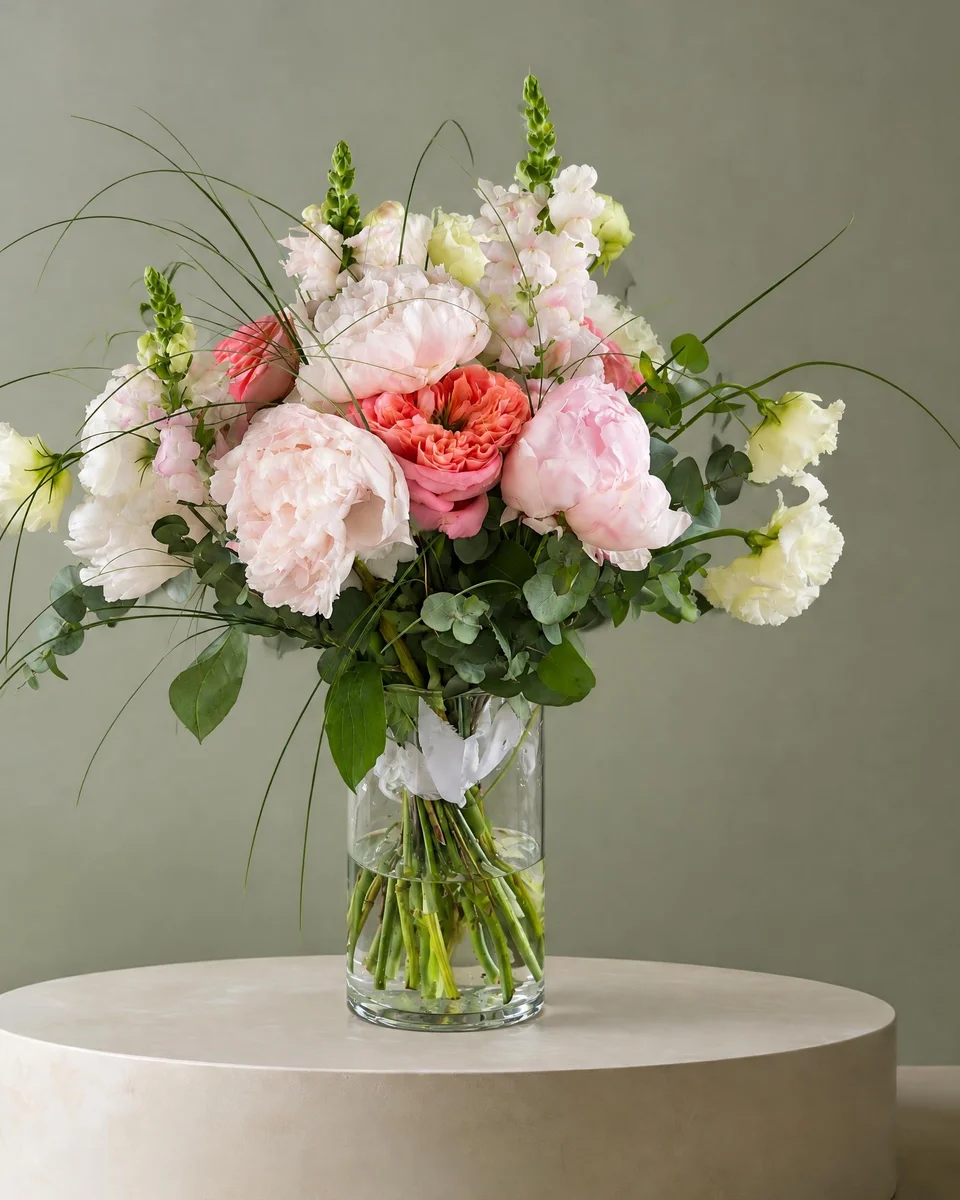
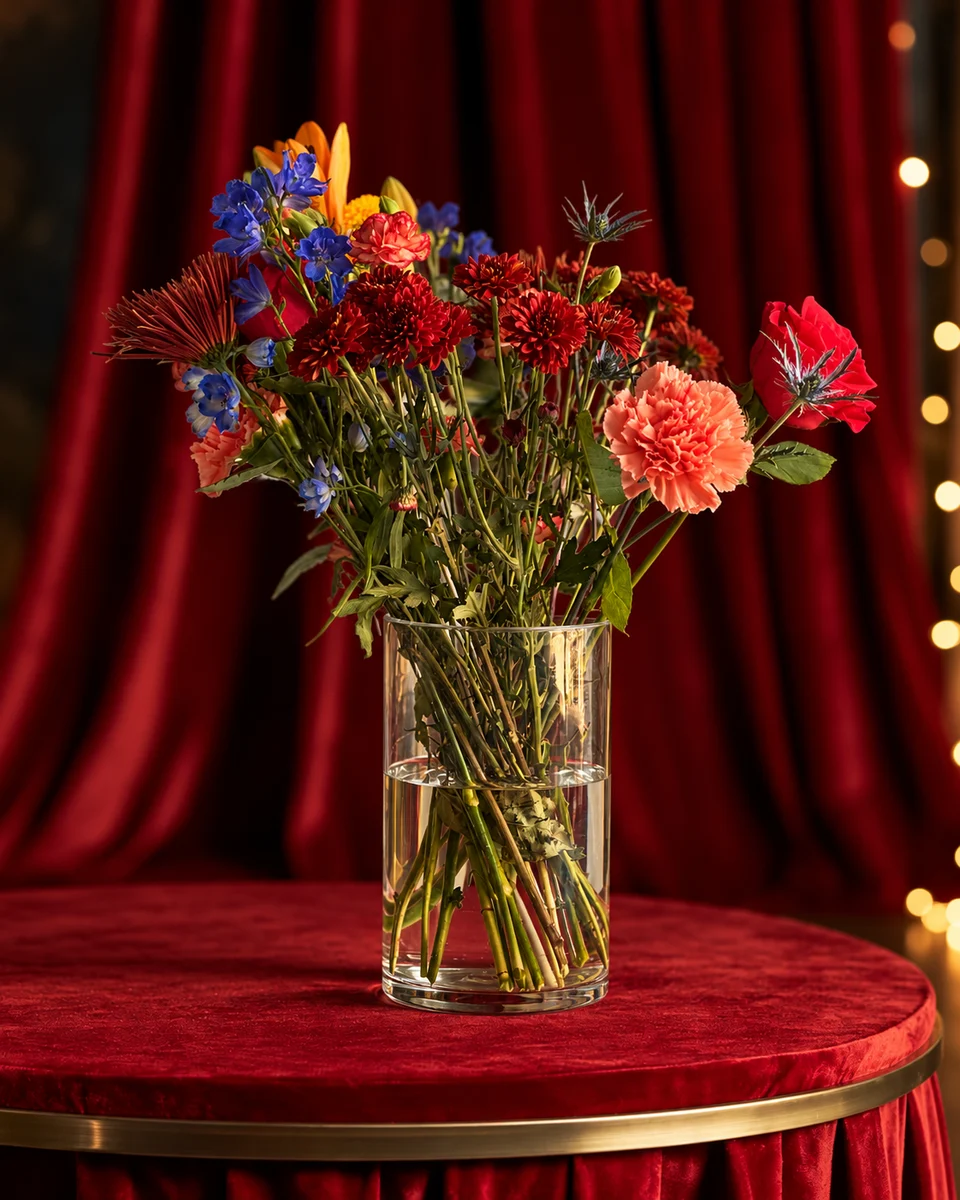
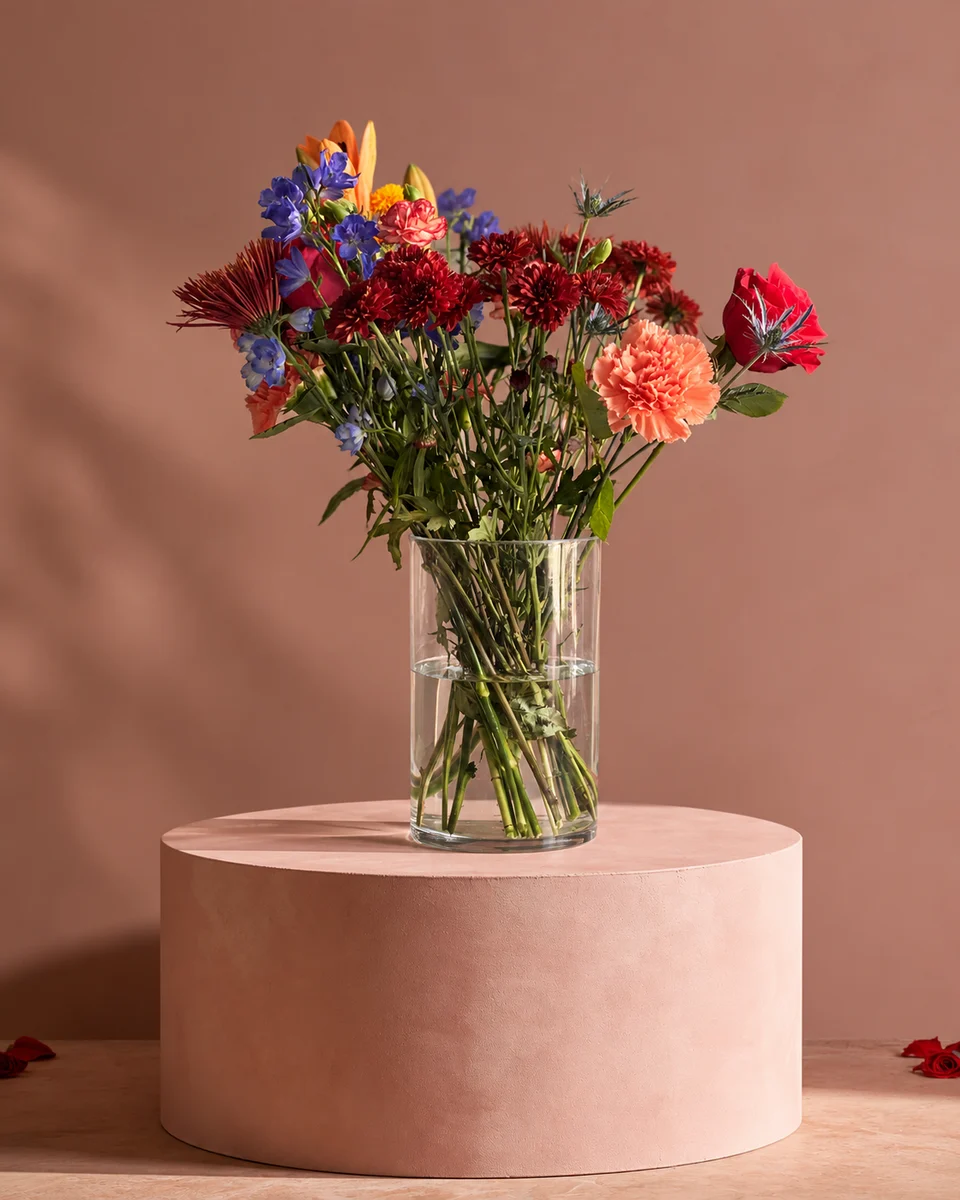
A kind review from a real customer sells better than anything you can write about yourself. Here is how to collect reviews, turn them into clean images for Instagram, Facebook and your website, and stay on the right side of the rules. The best review images pair the customer’s words with a photo of the flowers that earned them, which a florist photo tool can make from a phone photo.
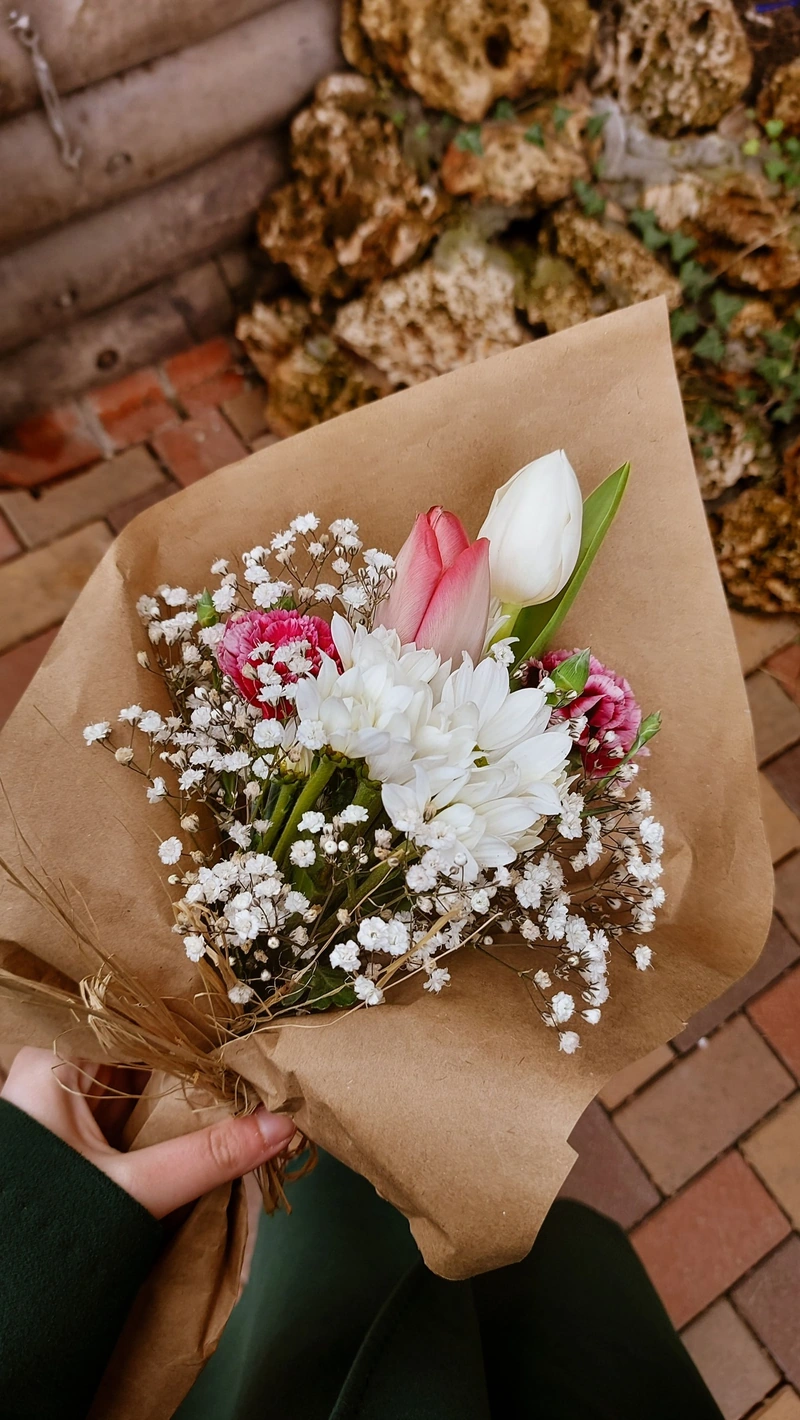 Phone photo
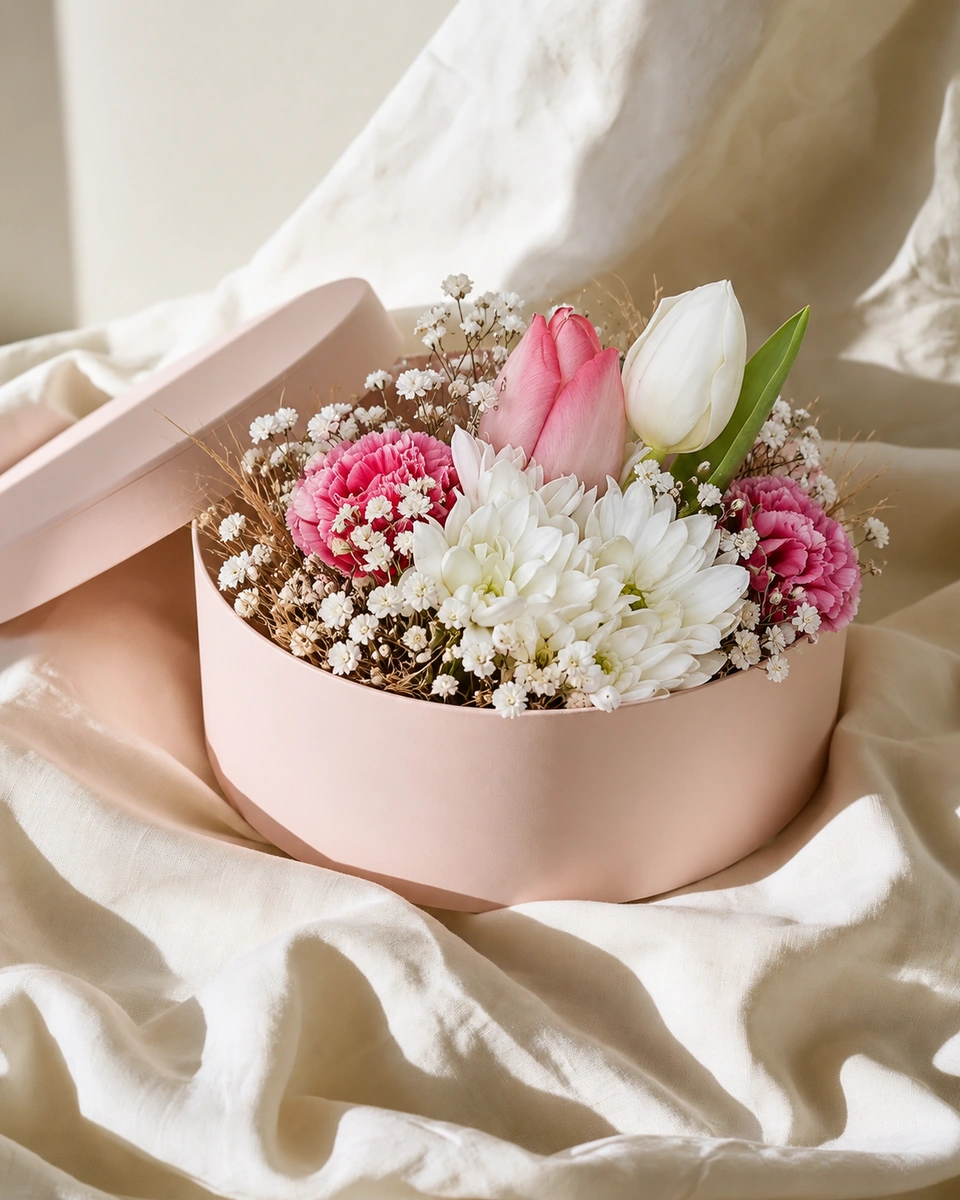 Studio photo
Start with real reviews
- Text or email the person who ordered, a day after delivery, with a direct link to your Google review page. A card in the box reaches the person who received the flowers, and they can leave a review too.
- Google, Facebook and Etsy reviews all count, and so does a kind message, if the customer says you can share it.
- Ask everyone, not only the customers you think are happy. Google doesn’t allow asking only happy customers, or offering a discount or gift for a review.
Make the image in five steps
Pick a short quote
One or two sentences in the customer’s exact words. You may shorten with “…”, but never change the meaning or fix their opinion.
Ask permission
A quick message: “May I share your lovely review on our page?” Use a first name, initials or “a customer in [town]”, unless they’re happy with more.
Choose the right photo
The design they actually bought, or the same design from your menu. If it isn’t their exact bouquet, don’t suggest that it is.
Lay it out
The photo large, the quote in a clear font, stars only if the review really gave them, the source (“Google review”) and your logo small in a corner.
Size it for where it goes
4:5 or square for the Instagram feed, 9:16 for Stories and Reels covers, wide for a website banner.
A layout that’s easy to read
- The photo as the background, with a soft panel behind the words so they stay readable.
- Quote text big enough to read on a phone without zooming: usually no more than 25 words.
- A small source line, such as “Google review · Sarah, Leeds”.
- Two or three colours from your brand, and the same fonts every time.
The rules, in short
- Never write, invent or buy reviews, and never post a friend’s or a staff member’s review as if it came from a customer.
- In the US, the FTC’s rule against fake reviews has applied since October 2024, with fines for breaking it.
- In the UK, fake reviews have been a banned practice under consumer law since April 2025.
- In Canada, the Competition Bureau treats fake reviews as misleading advertising under the Competition Act.
- Ask before using a customer’s own photo, and credit wedding photographers when you share their pictures.
Where to use review images
- An Instagram highlight called “Kind words” or “Reviews”.
- Pinned posts at the top of your Instagram and Facebook profiles.
- Your website’s home page, near the order button.
- Google Business Profile posts, alongside your product photos.
- Wedding proposals, with the couple’s permission.
Write the words around them with florist Instagram captions, and plan a month of posts with florist social media ideas. Starting out with no reviews yet? Read how to start a florist business in the USA.
Made only for florists
From a bench photo to your next listing
Your flowers are the product. FlowerShoot makes the photo as lovely as the arrangement, wherever you share it: one phone photo in, a studio photo out.
For social media
Fresh posts and Stories every week, without a photo shoot or moving a single bucket. Download post and Story sizes with your logo and a caption, and let your flowers shine in a calm, professional feed.
For selling on your website
Choose a house style for your collection, then check each result against the piece you sell. Keep a real product photo alongside staged views, with clear size and vessel details.
- Skip the photographer. A studio photo from one phone photo, in about a minute.
- Standard photos from 19.5¢. One standard photo uses 1 credit. Monthly plans start at $10 for 50 credits. Optional 4K generation uses 2 credits.
- Try before you subscribe. Start with 3 free previews, no card. Monthly plans start at $10 for 50 credits.
- Your real flowers. Start from your own arrangement. Compare the result with the original before listing it.
- 200+ rooms made for flowers. Studios, pedestals, homes, weddings and every season.
Quick answers
How do I make a review image for my flower shop?
Copy a real customer review word for word, ask the customer’s permission, and place it on a good photo of the design they bought with your logo. Size it for the Instagram feed, Stories or your website.
Can I post my customers’ reviews on Instagram?
Yes, with their permission. Use their first name or initials, keep their exact words, and say where the review came from.
Can I shorten a review?
Yes, with “…” where you cut, as long as the meaning stays the same. Never change their opinion or add words.
Can I write reviews for my own business?
No. Fake reviews are banned by consumer law in the US, the UK and Canada and by every review platform, and they can bring fines.
What photo should go with a review?
The design the customer bought, photographed well. A studio photo made from a phone photo with FlowerShoot keeps every review image consistent.
Sources
- FTC: warning letters under its rule on fake reviews (December 2025)
- GOV.UK: CMA guidance on fake reviews
- GOV.UK: CMA investigations into fake and misleading reviews
- Google: prohibited and restricted content on Maps
Platform rules change. Check each one’s current help pages before you upload.