Flower listing photo app for Etsy, Shopify and website sellers
Listing photos of your own flowers, without a photo shoot.
Short answer
A flower listing photo app makes the product photos a listing needs from a photo you already have. FlowerShoot takes one phone photo of your own arrangement, bouquet or wreath and photographs it in a studio or a styled room, in the sizes Etsy, Shopify and your website use. You get 3 free previews when you sign up, with no card. Plans start at $10 a month for 50 photos.
Examples
The phone photo, and the listing photo made from it.
The same flowers and vase in each pair. Only the room, the light and the shadow are new.
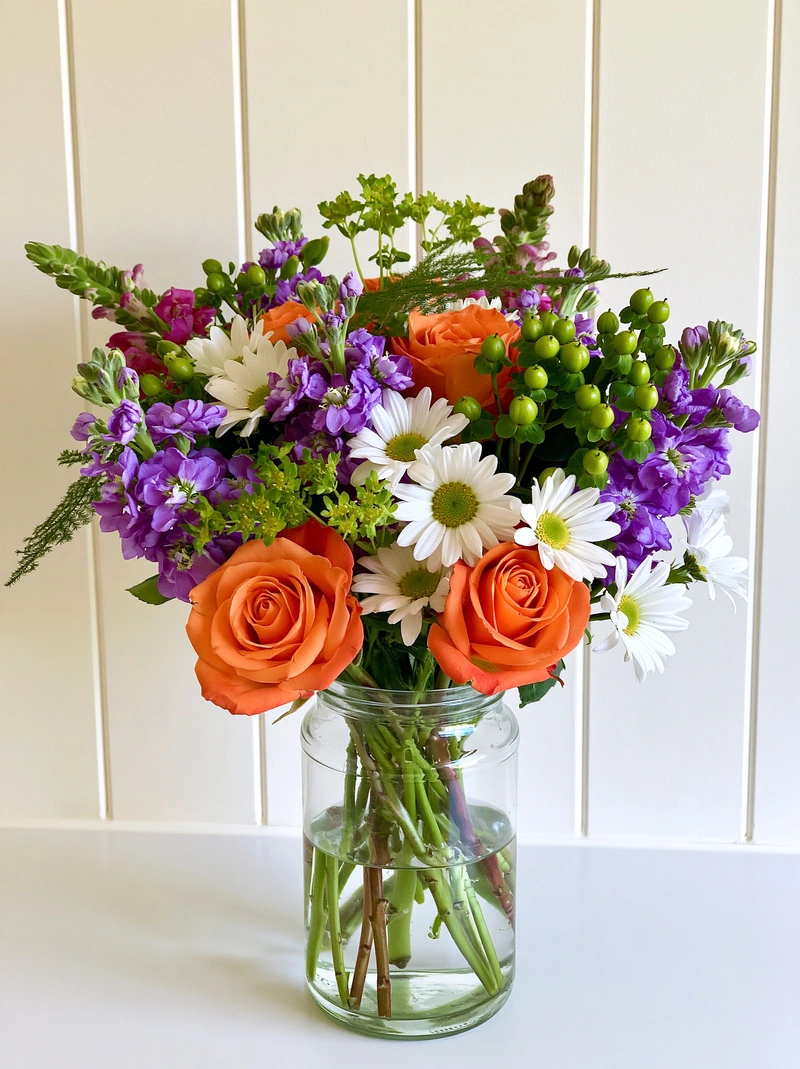 Phone photo
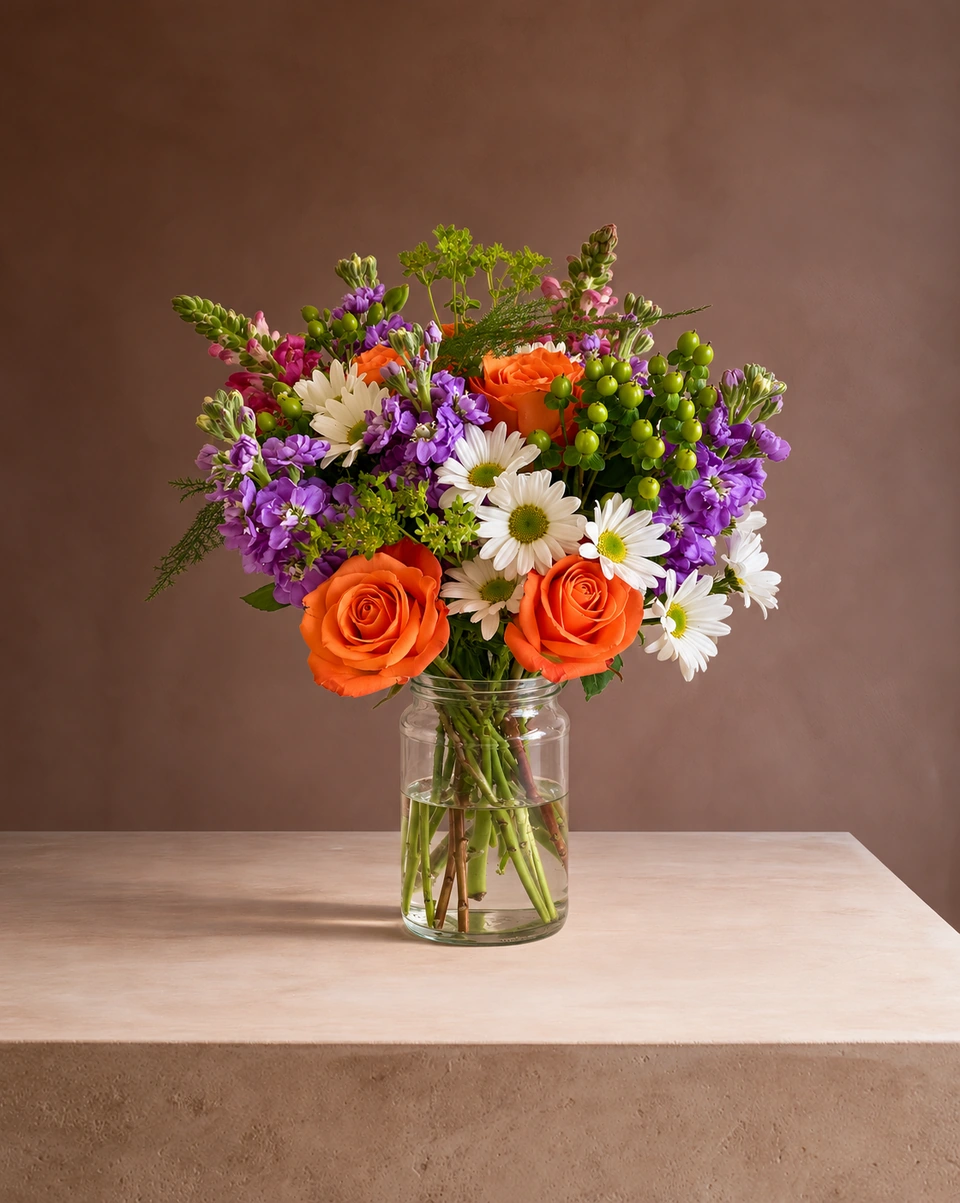 Studio photoPhone photo
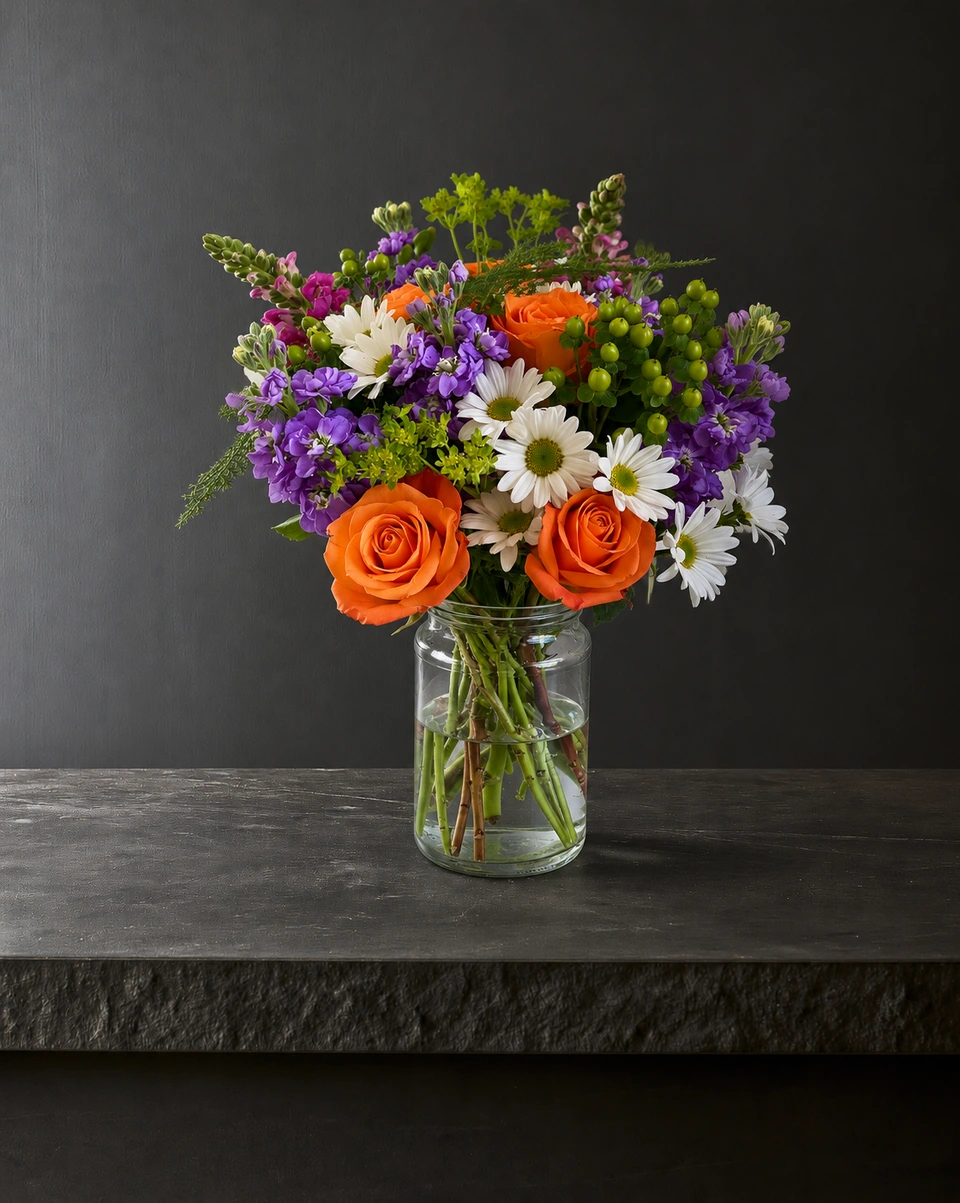 Studio photo
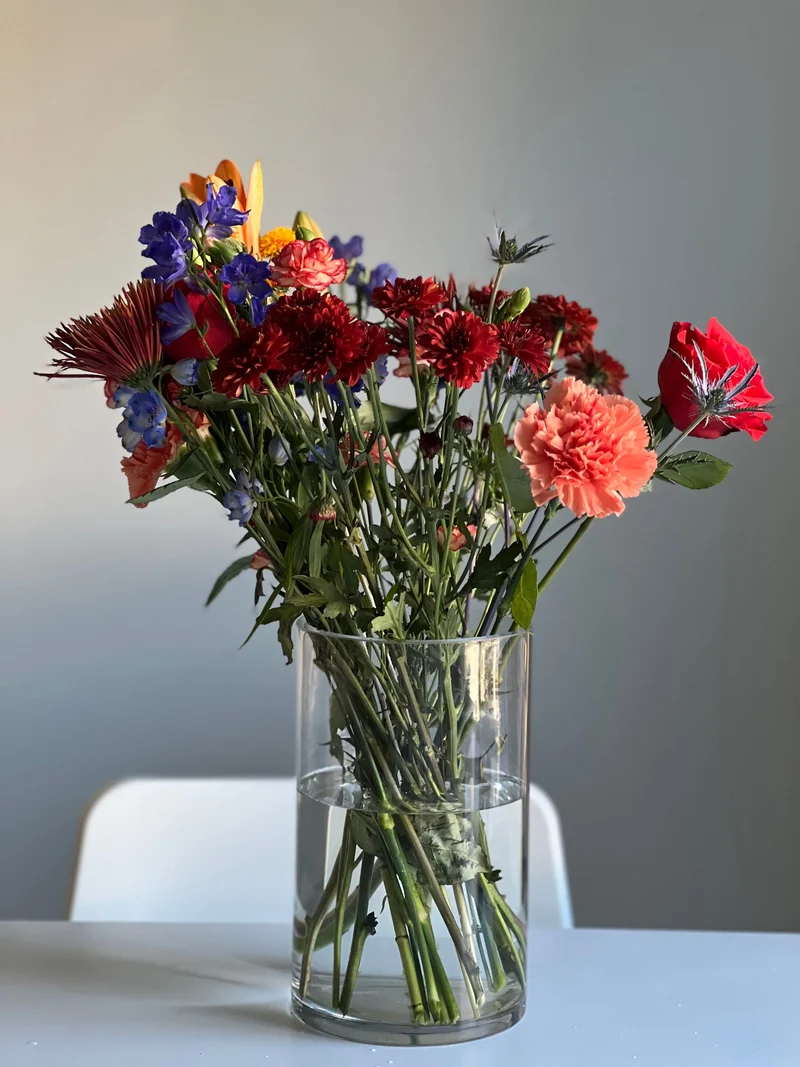 Phone photo
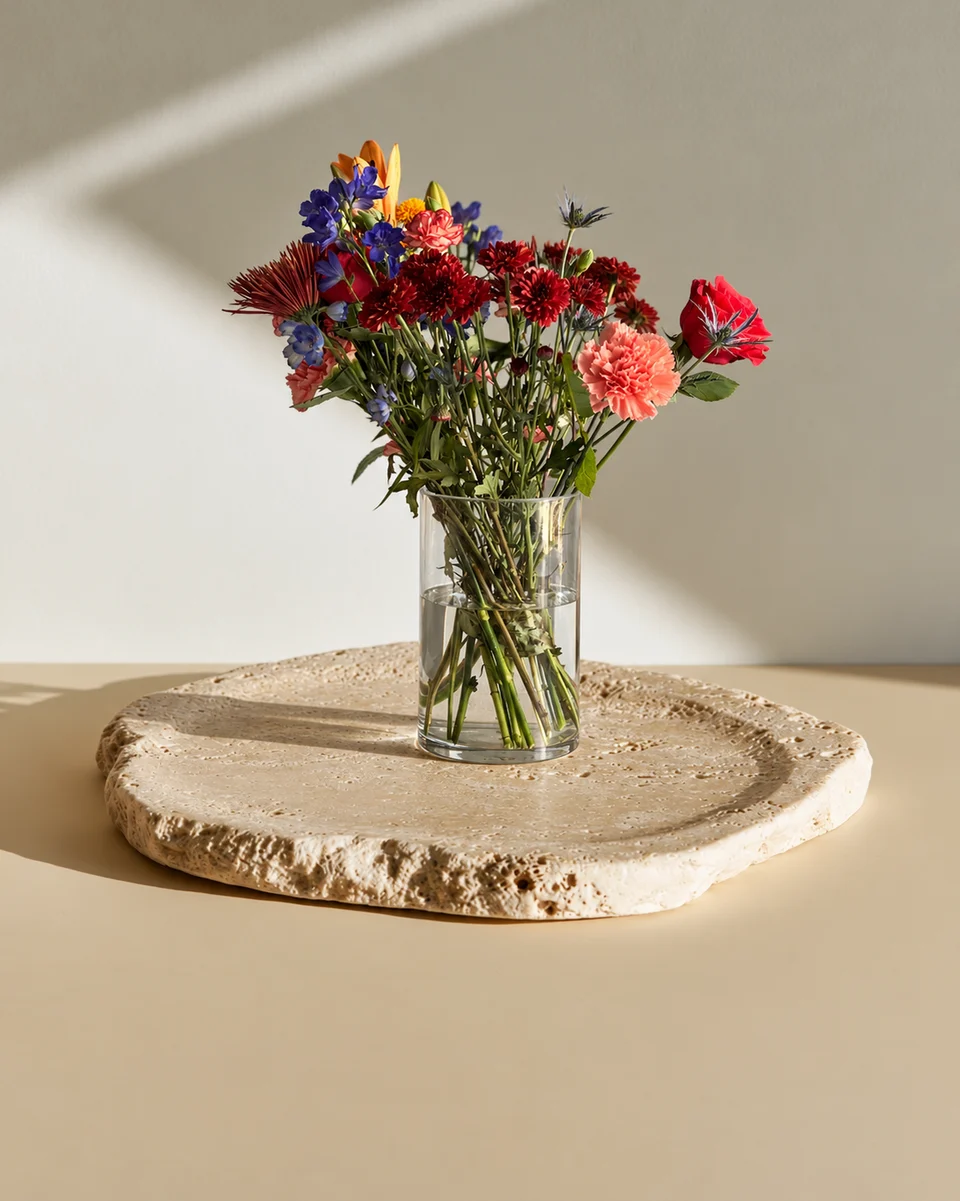 Studio photo
Why florists use it
Made for people who sell flowers.
One piece, several listing photos
Photograph the same arrangement in a clean studio for the main image, then on a table or in a home for the extra images a listing has room for.
Shown as the buyer will receive it
Rooms tagged Kept as made keep your flowers, colours and vase or wrap as you arranged them. Compare each photo with your original before you list it.
Sized and worded for the listing
Download in listing sizes, and let the campaign kit draft an Etsy title, 13 tags and a description to edit.
How it works
One phone photo. Three steps.
Snap the finished piece
One clear phone photo with the whole piece in the frame. A workbench or a kitchen table is fine.
Pick a room tagged Kept as made
Choose from 200+ rooms. For a listing, a studio or pedestal room keeps the eye on the flowers.
Download the listing sizes
Check the photo against your original, then download it for Etsy, Shopify or your website.
- 3free previews when you sign up, no card
- 200+rooms made for flowers
- About a minutefor each photo
- From $10a month for 50 photos
Quick answers
What is a flower listing photo app?
An app that makes the product photos a flower listing needs. In FlowerShoot you upload one phone photo of your own piece and get a studio photo of that same piece in a room you choose, sized for the place you sell.
Can I use these photos on Etsy?
Yes, beside one real photo. Etsy asks for at least one unedited photo of the actual item in most listings and allows edited photos, including a new background, when they show the item accurately. If you edit listing photos with AI, Etsy also asks you to say so in the listing description. Read the short answer
Do they work on Shopify and my own website?
Yes. Your own shop has no rule against a new background. Download the photo, upload it to your product page, and keep the same room across products so the shop looks consistent. Website photo guide
Will the photo show what the buyer receives?
Choose a room tagged Kept as made: it keeps the flowers, colours and vase or wrap you arranged, closely but not pixel for pixel. Always compare the result with your original before listing.
Can I use them on DoorDash or Uber Eats?
Use your original phone photo there. Some delivery apps ask for real, unedited photos with no background added. What each app asks for
How much does it cost?
You get 3 free previews when you sign up, with no card. Previews are shown in full with no watermark; downloading needs a plan. Plans start at $10 a month for 50 photos, billed monthly, and you can cancel any time. See prices
More for flower sellers
- Bouquet photo app for florists and flower sellers
- Instagram photo app for florists and flower sellers
- Photo app for flower shops and home florists
- Flower background changer for florists and flower sellers
- Facebook photo app for florists and flower sellers
- Centerpiece photo app for event and wedding florists
- Selling flowers on Etsy
- Product photos for a flower shop website
- Free tools for florists
Your next arrangement deserves the studio.
Try your own flowers with 3 free previews. No card needed.
Try it freeUse your free credits within 7 days. A paid plan unlocks full-size files at their generated size. See prices