Flower background changer for florists and flower sellers
Change the background, not your flowers.
Short answer
A flower background changer replaces the cluttered bench, kitchen or shop floor behind your flowers with a clean setting. Most background tools cut the flowers out and paste them onto a new picture, which often leaves hard edges around petals and a shadow that does not match. FlowerShoot works differently: it photographs your own arrangement again in the room you pick, so the light and shadow fit the flowers. You get 3 free previews when you sign up, with no card. Plans start at $10 a month for 50 photos.
Examples
The same phone photo, three new backgrounds.
Illustrative examples made from one demonstration photo of a mixed jar. The jar and flowers stay; the room is new.
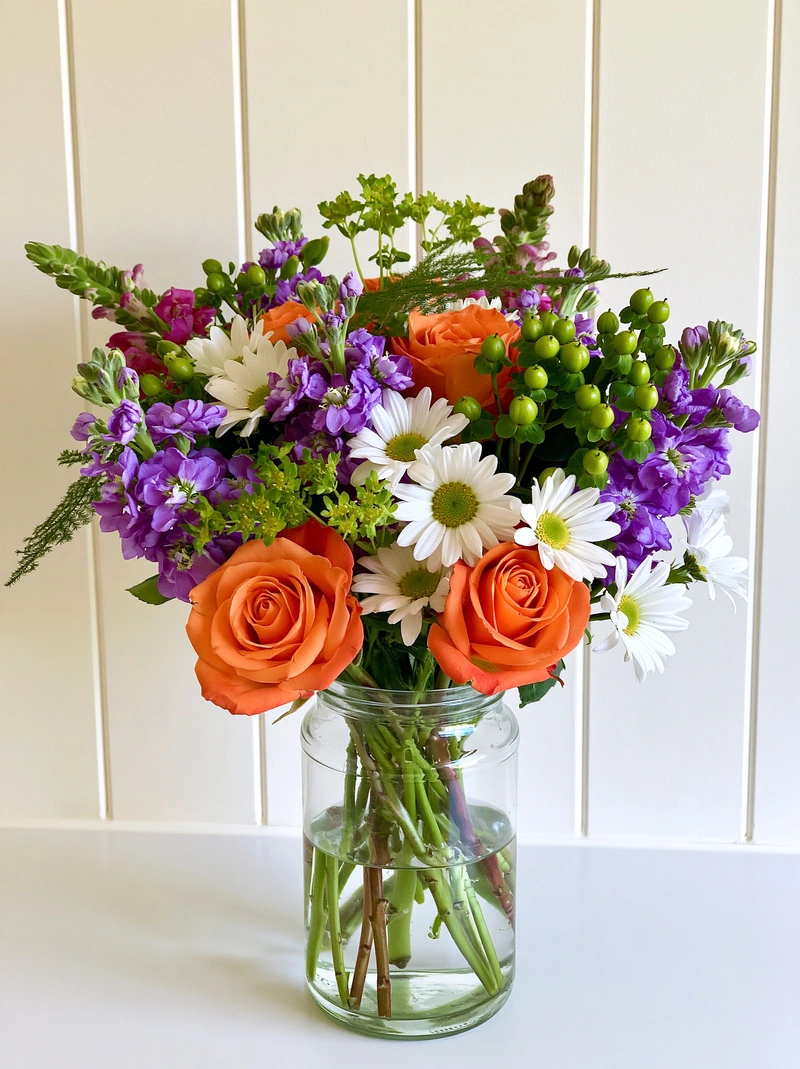 Phone photo
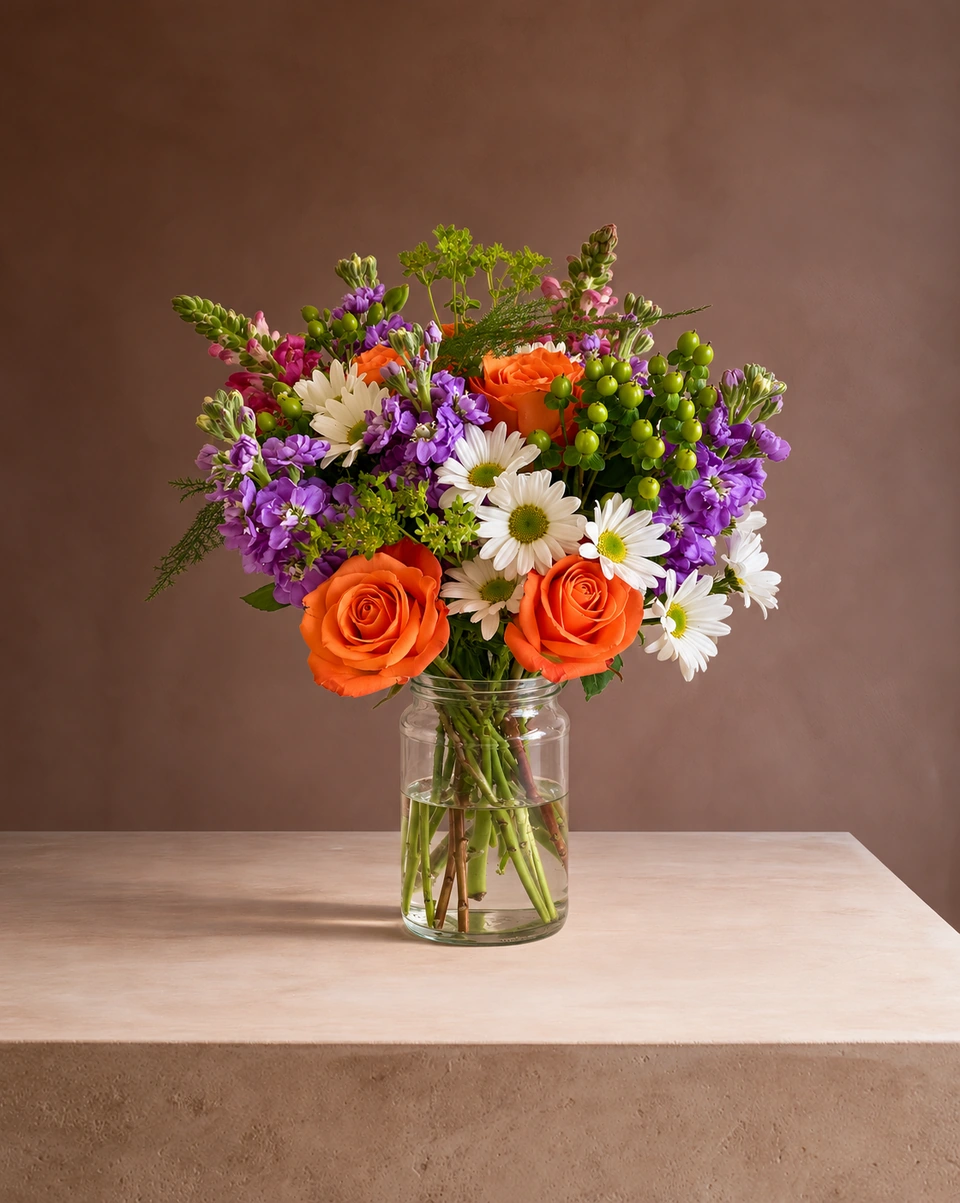 Studio photoPhone photo
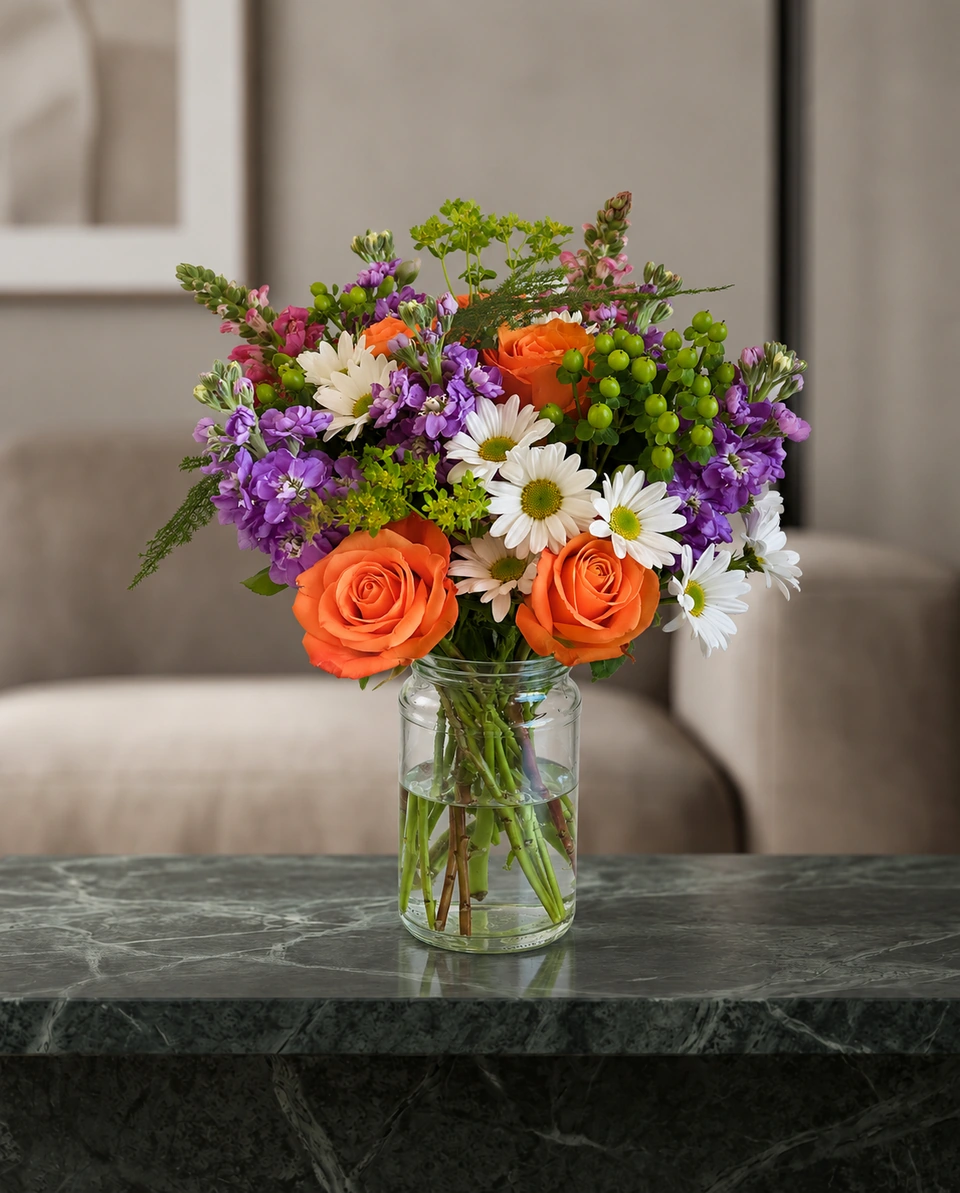 Studio photoPhone photo
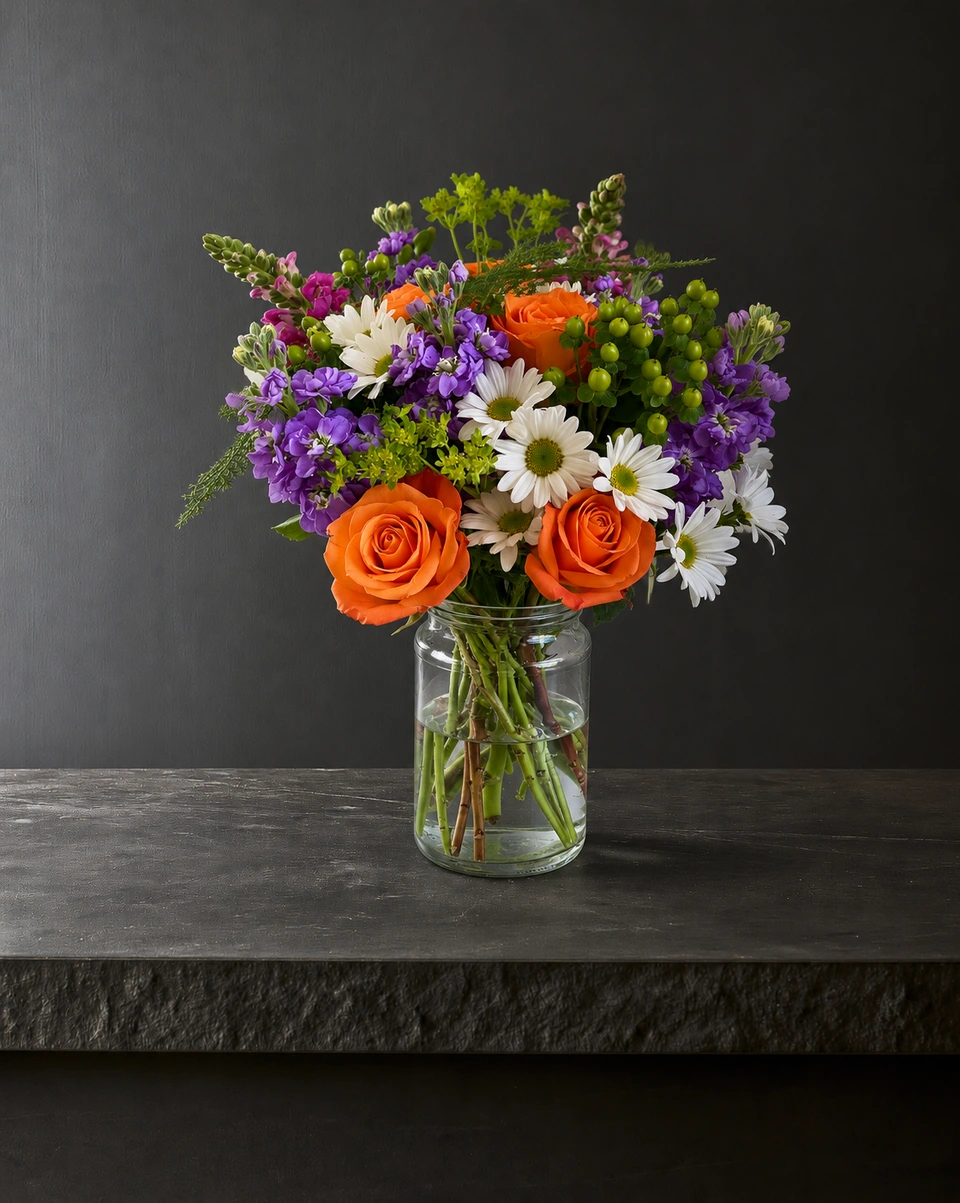 Studio photo
Why florists use it
Made for people who sell flowers.
No cut-out edges
Fine stems, loose petals and filler flowers are where cut-outs go wrong. Here the piece is photographed in the room, so there is no edge to trace.
Light and shadow that match
The room’s window light falls on your flowers and the vase casts its shadow on the room’s own surface, at a natural size.
Backgrounds made for flowers
Studios, pedestals, marble and oak tables, homes and holiday rooms: 200+ in all, each designed around flowers. See every room
How it works
One phone photo. Three steps.
Snap your flowers
One phone photo with the whole piece in the frame. The background can be anything.
Pick the new background
Choose a room. Rooms tagged Kept as made keep your flowers and vase as you arranged them.
Compare and download
Check the result against your original, then download it full size or in post and listing sizes.
- 3free previews when you sign up, no card
- 200+rooms made for flowers
- About a minutefor each photo
- From $10a month for 50 photos
Quick answers
What is a flower background changer?
A tool that puts your flower photo in a cleaner setting. FlowerShoot does it by photographing your own arrangement again in the room you pick, rather than cutting it out and pasting it onto a picture.
Is this the same as a background remover?
No. A background remover cuts the flowers out and leaves them on white or transparent. If a cut-out is all you need, the free background remover does that in your browser. FlowerShoot makes a new photo with the room’s own light and shadow.
Will my flowers change?
In rooms tagged Kept as made, your flowers, colours and vase are kept closely, though not pixel for pixel. A few rooms restyle on purpose and say so before you pick them. Does FlowerShoot change my flowers?
Can I get a plain white background?
Yes. Studio rooms give a clean light background for listings and menus. When a white background works best
Can I use the same background for all my photos?
Yes. Pick the same room for each piece and the wall, surface and light stay the same, so a menu or shop page looks like one set. Does the room stay the same?
How much does it cost?
You get 3 free previews when you sign up, with no card. Previews are shown in full with no watermark; downloading needs a plan. Plans start at $10 a month for 50 photos, billed monthly, and you can cancel any time. See prices
More for flower sellers
- Flower listing photo app for Etsy, Shopify and website sellers
- Bouquet photo app for florists and flower sellers
- Instagram photo app for florists and flower sellers
- Photo app for flower shops and home florists
- Facebook photo app for florists and flower sellers
- Centerpiece photo app for event and wedding florists
- How to choose a flower photo backdrop
- Flower photo editor for florists
- Every room for your flowers
Your next arrangement deserves the studio.
Try your own flowers with 3 free previews. No card needed.
Try it freeUse your free credits within 7 days. A paid plan unlocks full-size files at their generated size. See prices