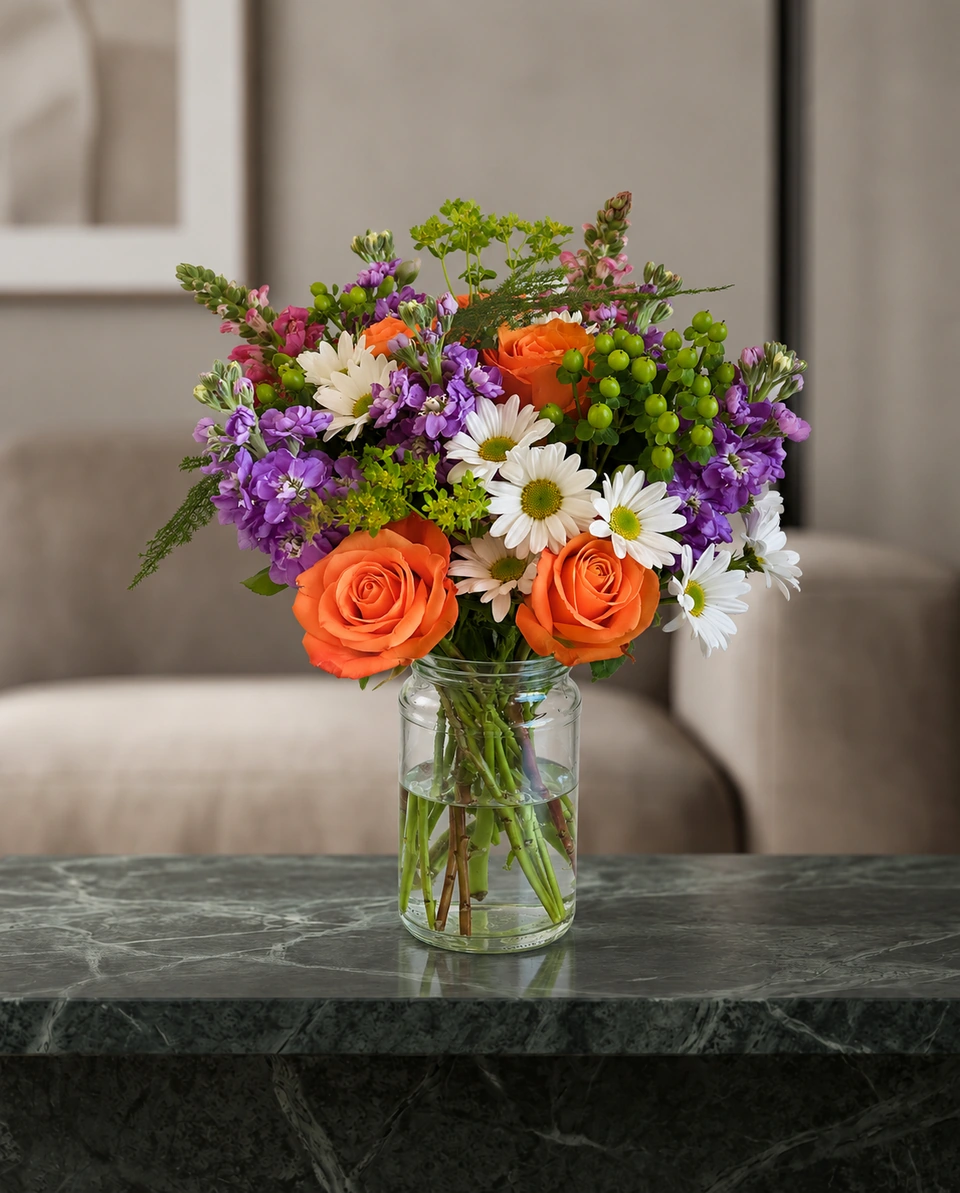
Backdrop guide
Flower photography backdrops: how to choose one for your flowers
Short answer
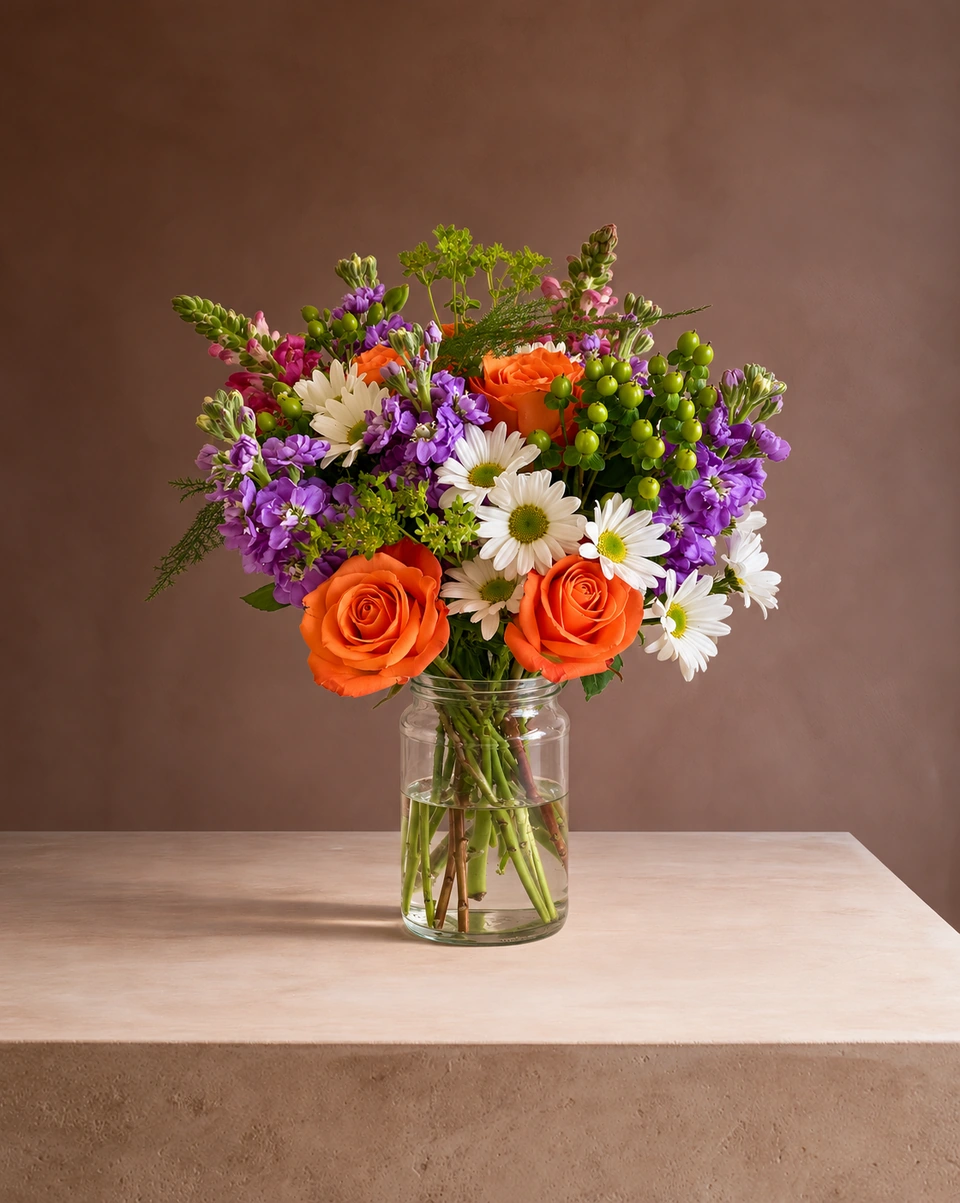
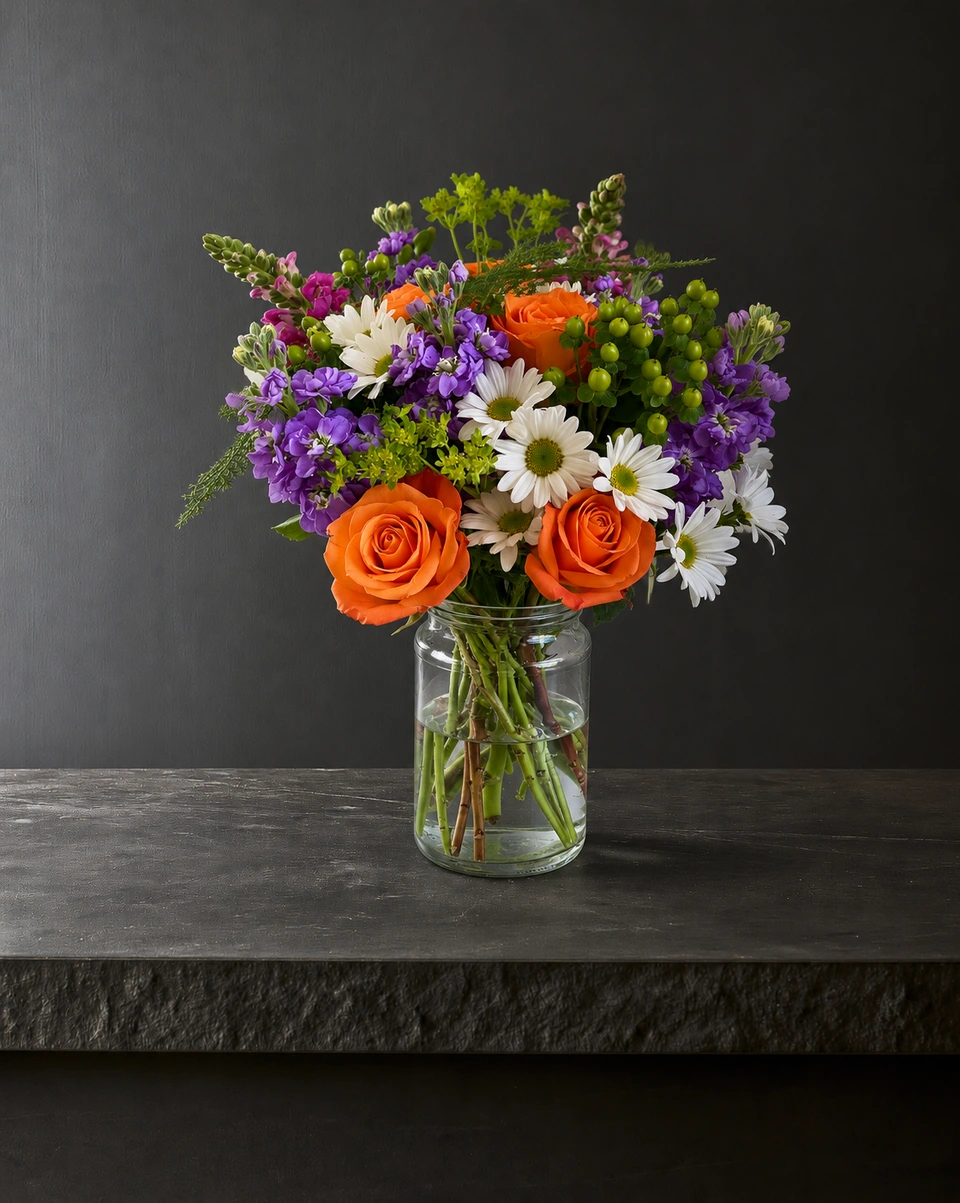
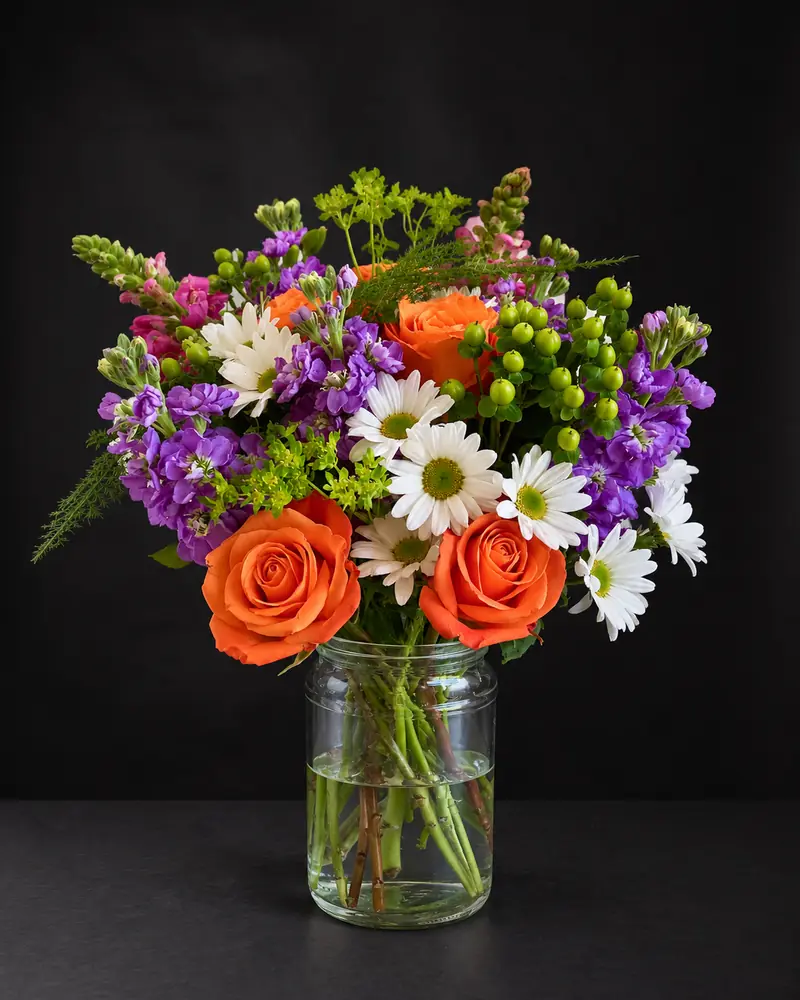
Choose a backdrop that contrasts with your main flowers and repeats a quieter colour from the design: charcoal, black or sage for white and pale flowers; blush, oat or soft blue for pastels; white or ivory for bright mixed colours. Use one backdrop for every product on your website so the menu looks like one shoot. In FlowerShoot you can try studio colours, pedestals and tabletops from one phone photo, and they keep an arrangement or bouquet as you made it.
In this guide Jump to what you need
A backdrop does half the work in a flower photo. The right colour makes the blooms glow; the wrong one turns white roses grey and greenery flat. Here is how to choose a backdrop for your flowers, and how to try dozens from one phone photo without buying paper rolls, boards or a pedestal. Every backdrop on this page is a room in the FlowerShoot flower photo editor.
 Phone photo
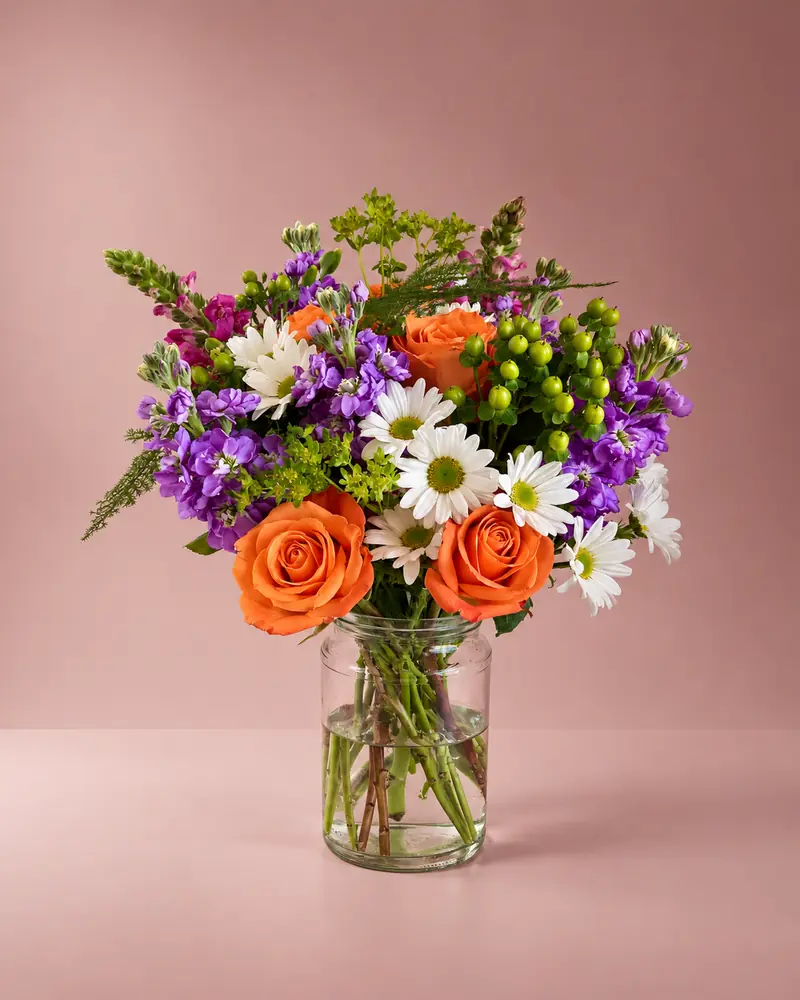 Kept as made
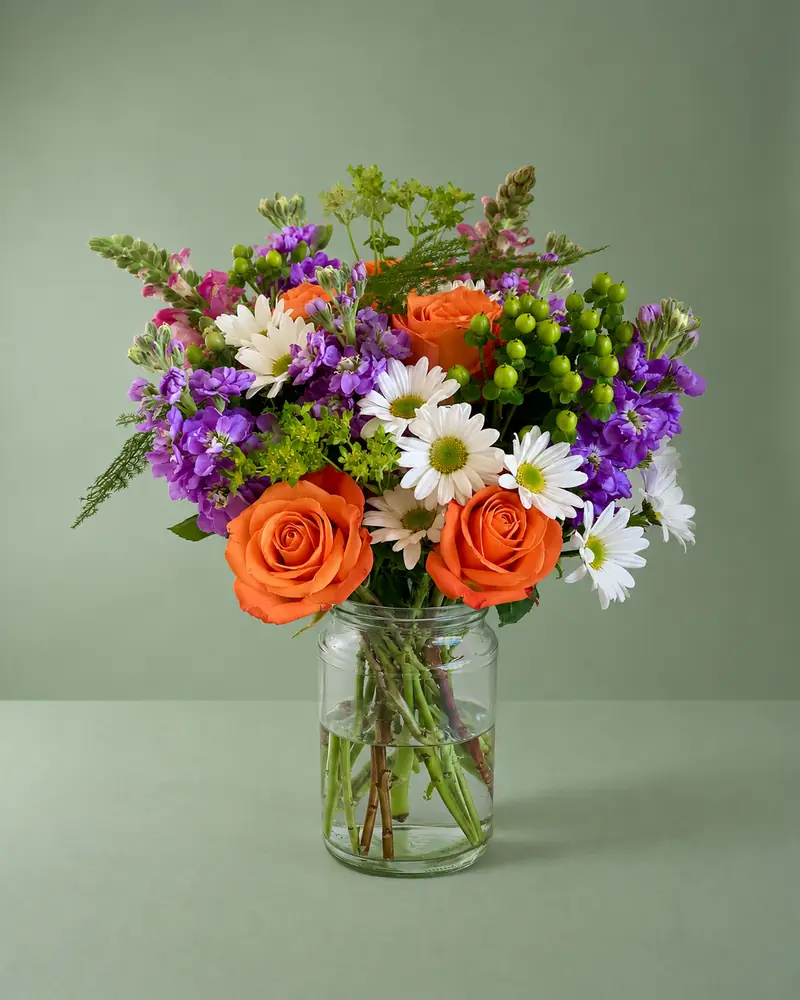 Kept as made
 Kept as made
How to choose a backdrop colour
- White and pale flowers (white roses, lisianthus, hydrangea): a mid or dark backdrop such as charcoal, black or sage, so the petals keep their edges.
- Pastels (blush roses, sweet peas, peonies): blush, oat or a soft sky blue, a shade lighter or darker than the flowers.
- Bright mixed colours: white, ivory or oat, so the flowers bring the colour.
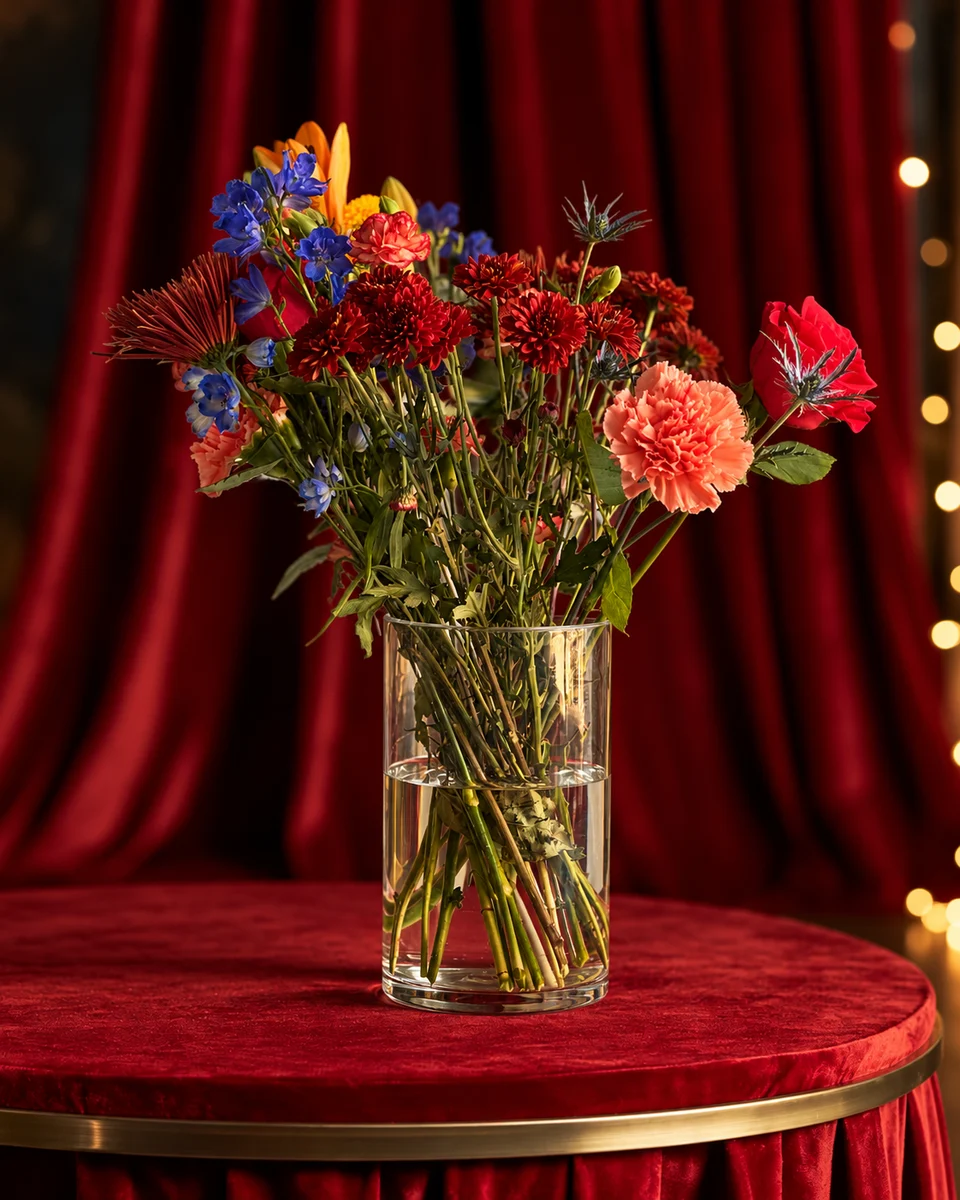
- Deep reds and burgundy: ivory, limestone or warm terracotta, which keep reds rich instead of nearly black.
- Lots of greenery: a warm neutral rather than green, so the foliage doesn’t disappear.
Seamless sweeps for clean product photos
A sweep curves from the wall into the floor with no line behind the flowers. It is the classic product photo for a website, a menu or an Etsy listing. Use the same sweep for every design and your shop looks like one collection.
Studio sweeps and colours:Studio sweep · whiteStudio sweep · greyStudio sweep · blushStudio sweep · sageStudio sweep · oatStudio sweep · terracottaStudio sweep · blackStudio sweep · yarrowPetal blushQuiet ivoryAfter hoursClay afternoon
Colour studios for social posts
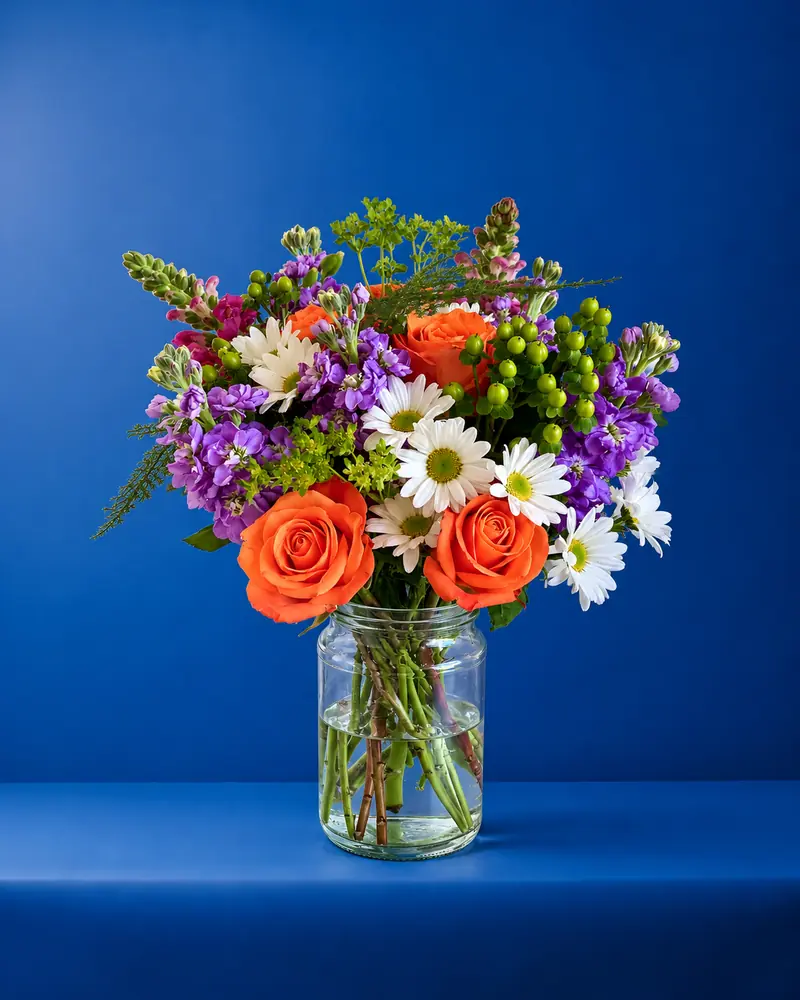
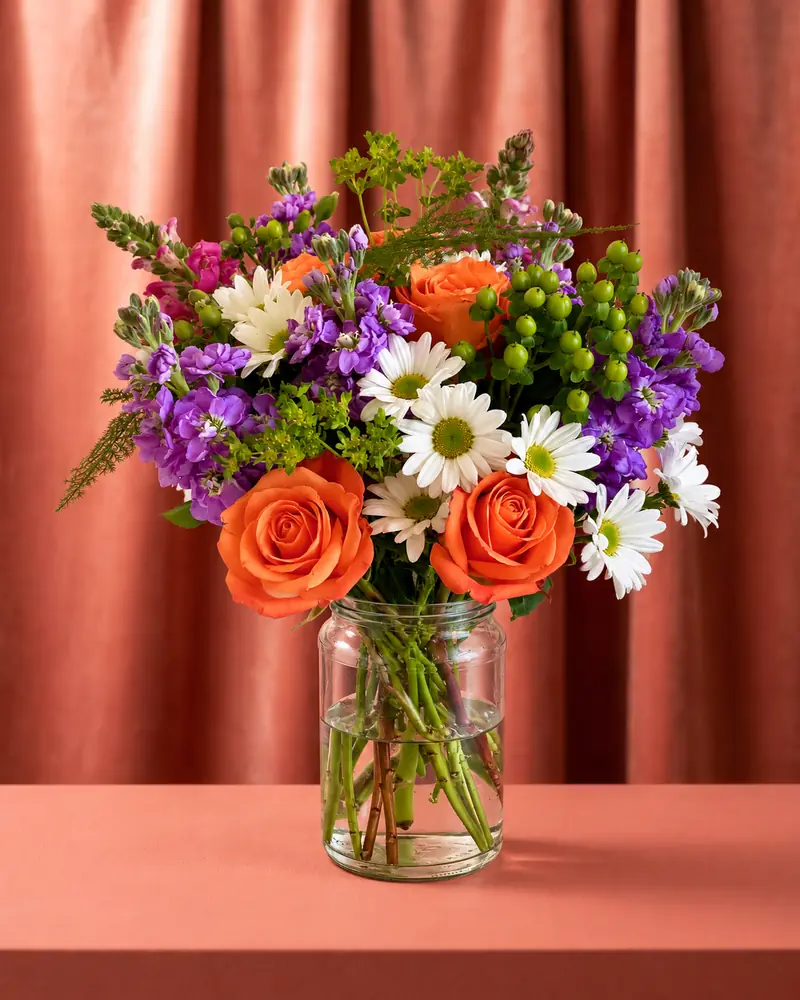
Bold colour stops the scroll. Tangerine, cobalt and coral studios, and velvet in warm coral or midnight blue, suit Instagram and seasonal campaigns. Keep bold colours for social posts and calm ones for your shop.
Phone photo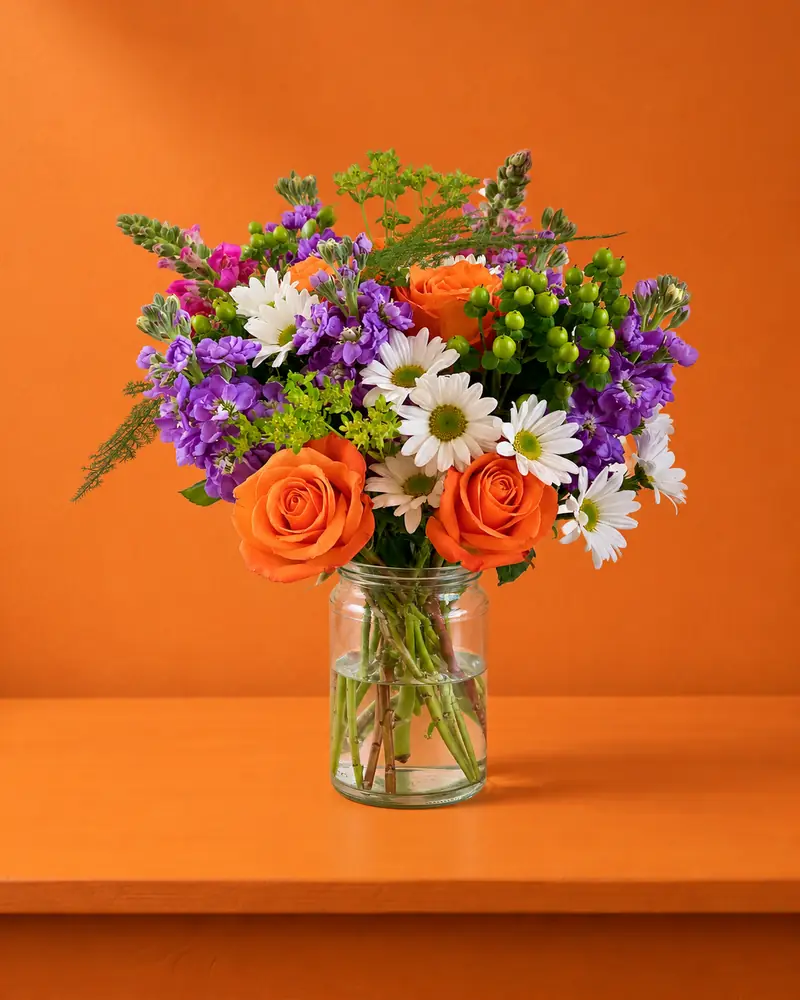 Kept as made
 Kept as made
 Kept as made
Pedestals and podiums for the hero shot
A pedestal lifts the piece and gives it a stage. A white podium on a soft colour feels fresh; a black or grey gallery podium feels like a boutique. Use one at the top of a product page, for a launch post or for your best seller.
Phone photo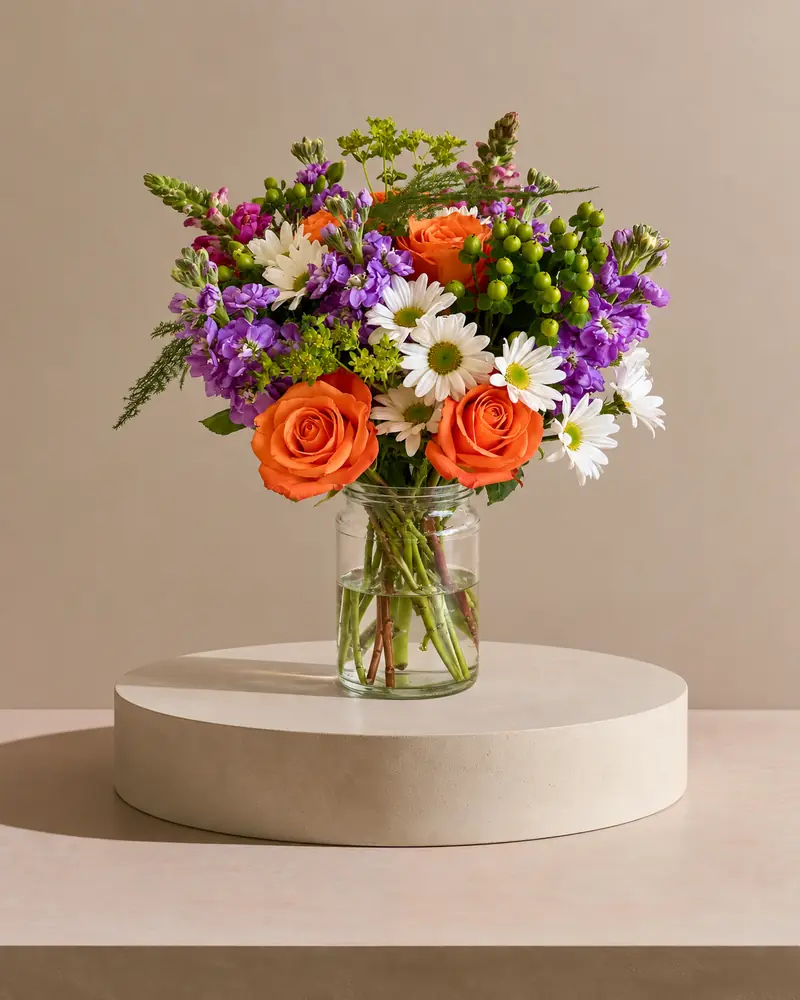 Kept as made
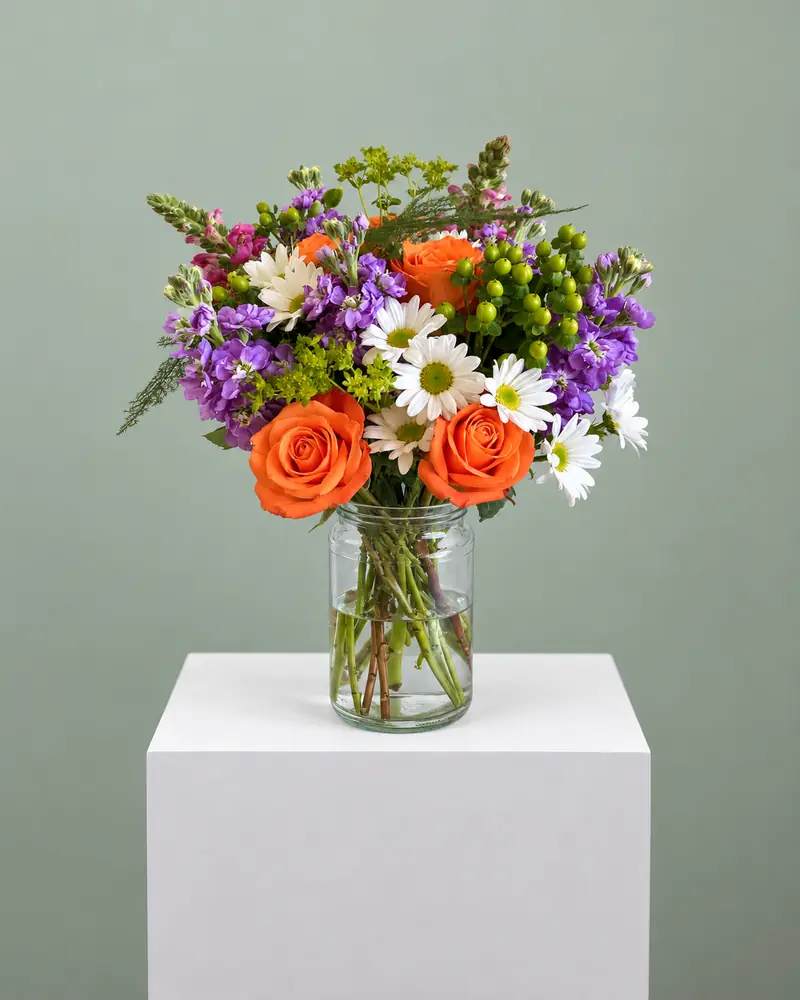 Kept as made
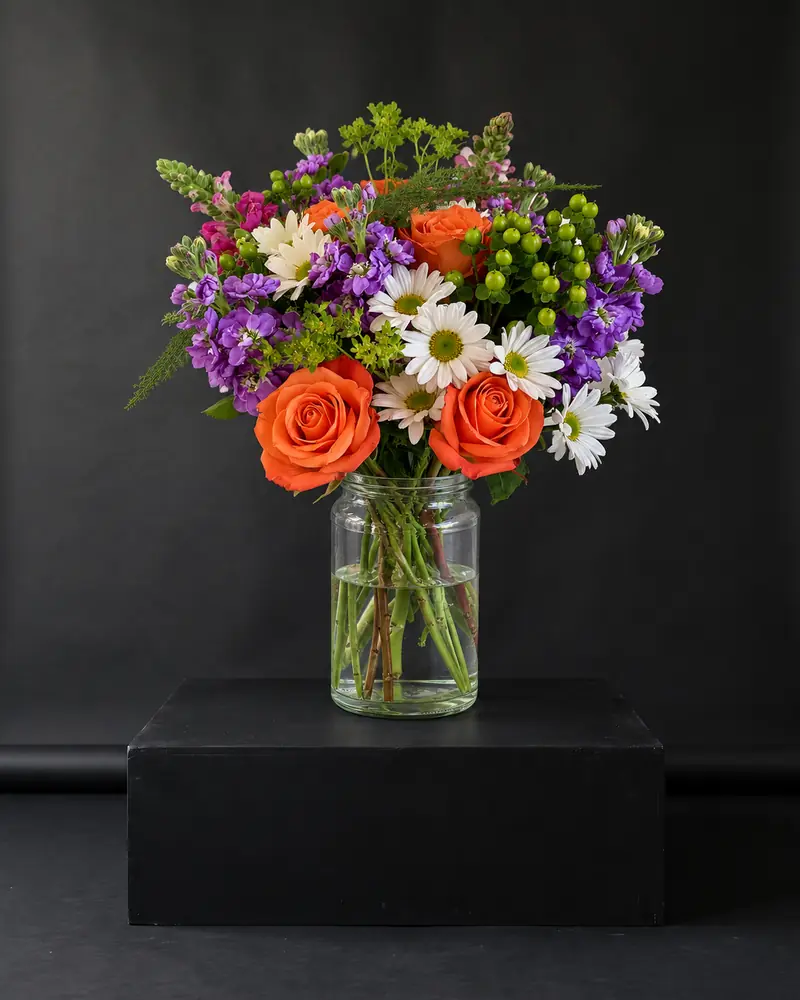 Kept as made
Pedestals to try:Blush pedestalSky pedestalSage & stoneGallery grey podiumBlack gallery podiumWhite podium · sageWhite podium · skyWhite podium · concreteWhite round riser · concreteCharcoal pedestalConcrete pedestalOat pedestal
Tabletops: marble, stone, oak and linen
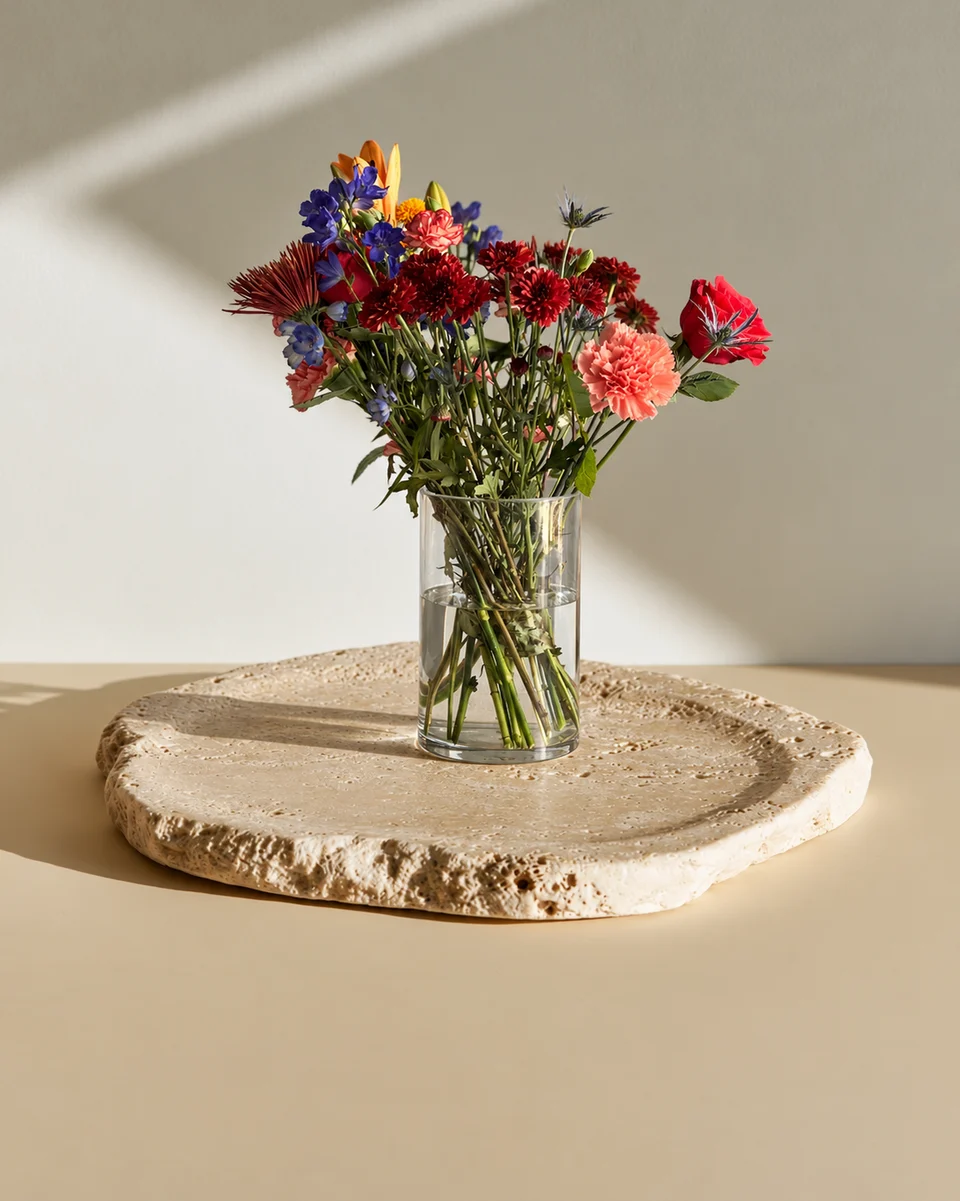
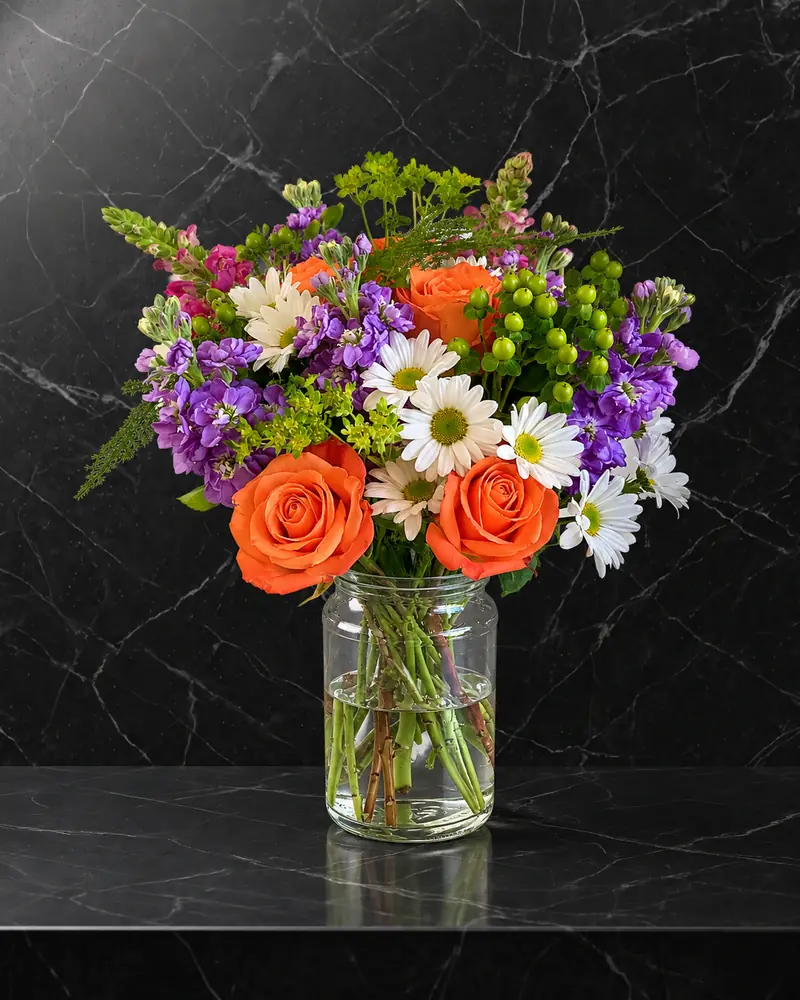
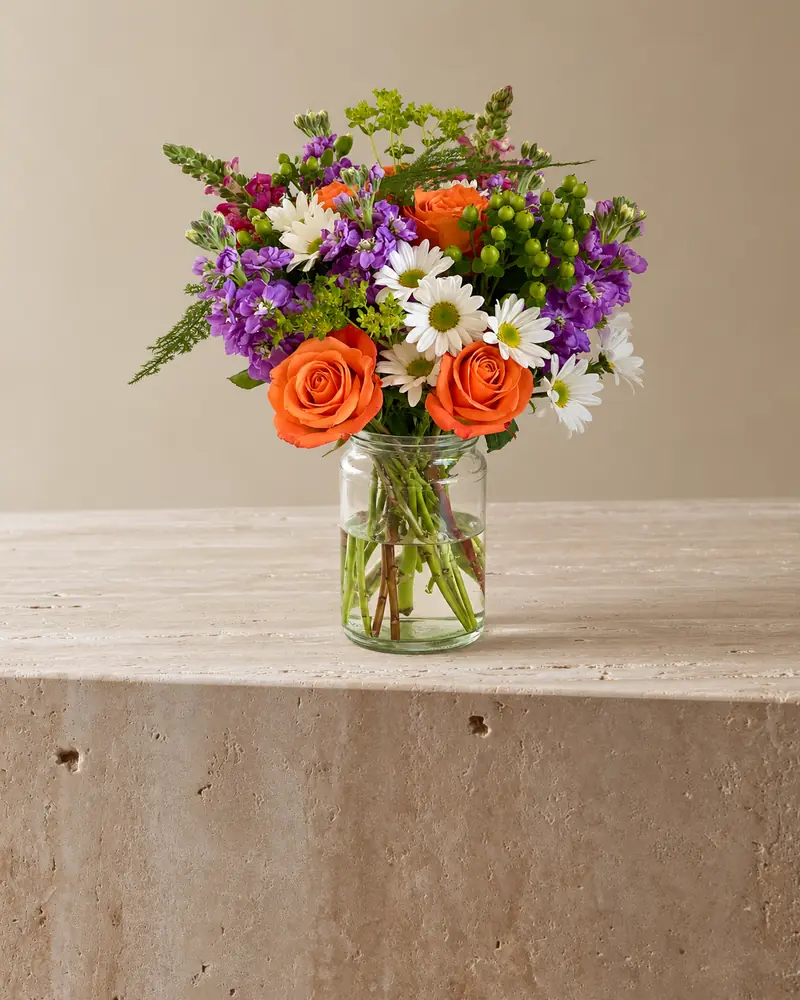
A table says the flowers are real and ready to give. Marble and onyx feel luxe, limestone and travertine feel calm, and oak and linen feel warm. A tabletop in soft window light can suit website and social images. For Google Business Profile, use reality-representing photos without significant alterations; see the profile photo rules.
Phone photo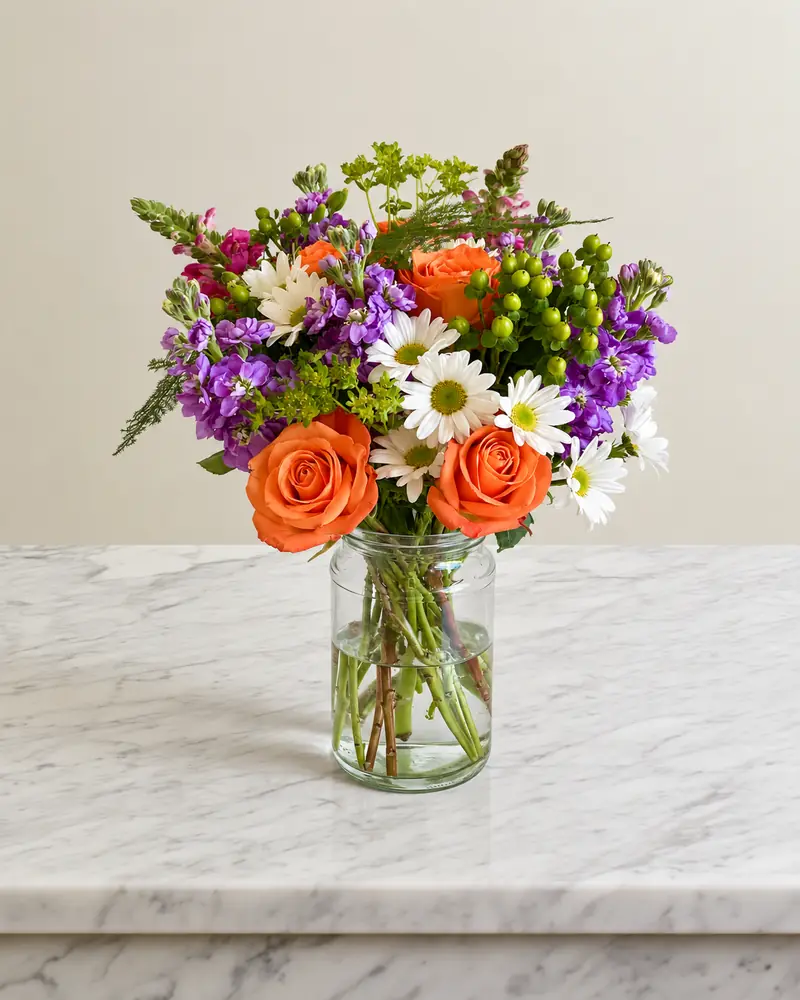 Kept as made
 Kept as made
 Kept as made
Tabletops to try:Marble musePolished white marblePolished black marbleBlack limestoneSoft concreteTravertine studioGolden window lightIvory onyxOnyx daylightRustic oak · linen lightMarble table · sheer curtainsSunlit kitchen
A real backdrop at the bench
Shooting against a real backdrop? A sheet of matt card or a painted board works. Stand the piece an arm’s length in front of it, light it from a window at the side, and keep the backdrop out of direct sun so it doesn’t shine. Matt beats gloss, and a backdrop wider than the arrangement keeps the edges of the frame clean. Our phone photo guide covers light and focus.
Should it be white?
White suits some marketplaces and cut-outs, but it can wash out white and pale flowers. Read when to use a white background, or make a cut-out free with the bouquet background remover.
Want a warmer look? See lifestyle flower photos at home, twelve ways to show one arrangement and our florist photography guide.
Test a backdrop with the difficult parts of your piece
| Product detail | What to check | A simple physical adjustment |
|---|---|---|
| Clear glass and water | Rim, waterline and stem edges can still be seen | Move a white card to the side to create a clean reflection |
| Airy foliage or white petals | No lost tips against a similar background | Try a middle-tone board before choosing pure white or black |
| Reflective or dark vessel | Its outline separates from the surface | Change the light angle; do not paint a brighter outline onto it |
| Wrapped bouquet | The full paper silhouette and ribbon fit | Use a wider board or step back without changing the bouquet |
Take a small test photo before photographing the whole collection. Keep the arrangement, camera and light fixed while changing the board; judge the flower colour and silhouette before the background texture. For digital scenes, compare the result against your original and check which rooms preserve or restyle the piece.
Made only for florists
From a bench photo to your next listing
Your flowers are the product. FlowerShoot makes the photo as lovely as the arrangement, wherever you share it: one phone photo in, a studio photo out.
For social media
Fresh posts and Stories every week, without a photo shoot or moving a single bucket. Download post and Story sizes with your logo and a caption, and let your flowers shine in a calm, professional feed.
For selling on your website
Choose a house style for your collection, then check each result against the piece you sell. Keep a real product photo alongside staged views, with clear size and vessel details.
- Skip the photographer. A studio photo from one phone photo, in about a minute.
- Standard photos from 19.5¢. One standard photo uses 1 credit. Monthly plans start at $10 for 50 credits. Optional 4K generation uses 2 credits.
- Try before you subscribe. Start with 3 free previews, no card. Monthly plans start at $10 for 50 credits.
- Your real flowers. Start from your own arrangement. Compare the result with the original before listing it.
- 200+ rooms made for flowers. Studios, pedestals, homes, weddings and every season.
Quick answers
What is the best backdrop colour for flower photos?
It depends on the flowers. Charcoal, black or sage for white and pale flowers; blush, oat or soft blue for pastels; white or ivory for bright mixed colours. Choose a colour that contrasts with the main blooms and repeats a quieter colour from the design.
Is a white background good for flower photos?
For some marketplaces and cut-outs, yes. But white petals and airy greenery can disappear into it, so many florists use a soft colour, a pedestal or a tabletop for their website and social posts.
What backdrop do florists use for product photos?
Usually a seamless sweep or a painted board in one calm colour, used for every product so the menu matches. FlowerShoot has studio sweeps, colour studios, pedestals and tabletops you can try from one phone photo, without buying any.
Do I need to buy backdrops?
No. A sheet of matt card works for a real photo. Or take one phone photo at the bench and try backdrops in FlowerShoot: each photo takes about a minute, and these rooms keep an arrangement or bouquet as you made it.