AI product photos
AI product photos for florists: what they are and how they work
Short answer
AI product photography creates a new setting around a florist’s photographed arrangement. For a sales listing, choose a room that keeps the piece as made and compare the result with your original. FlowerShoot offers 200+ settings and 3 free previews, with no card needed. A paid plan unlocks full-size downloads at the generated size. Small details can differ.
In this guide Jump to what you need
Need a listing photo of an arrangement you have already made, but the bench behind it is a mess? A photo tool can create a new setting from that picture. The useful test is whether it still shows your product: the same flowers, colour balance, outline and container. Here is how to judge that before you publish a result from FlowerShoot or another tool.
Inspect the full files before you decide
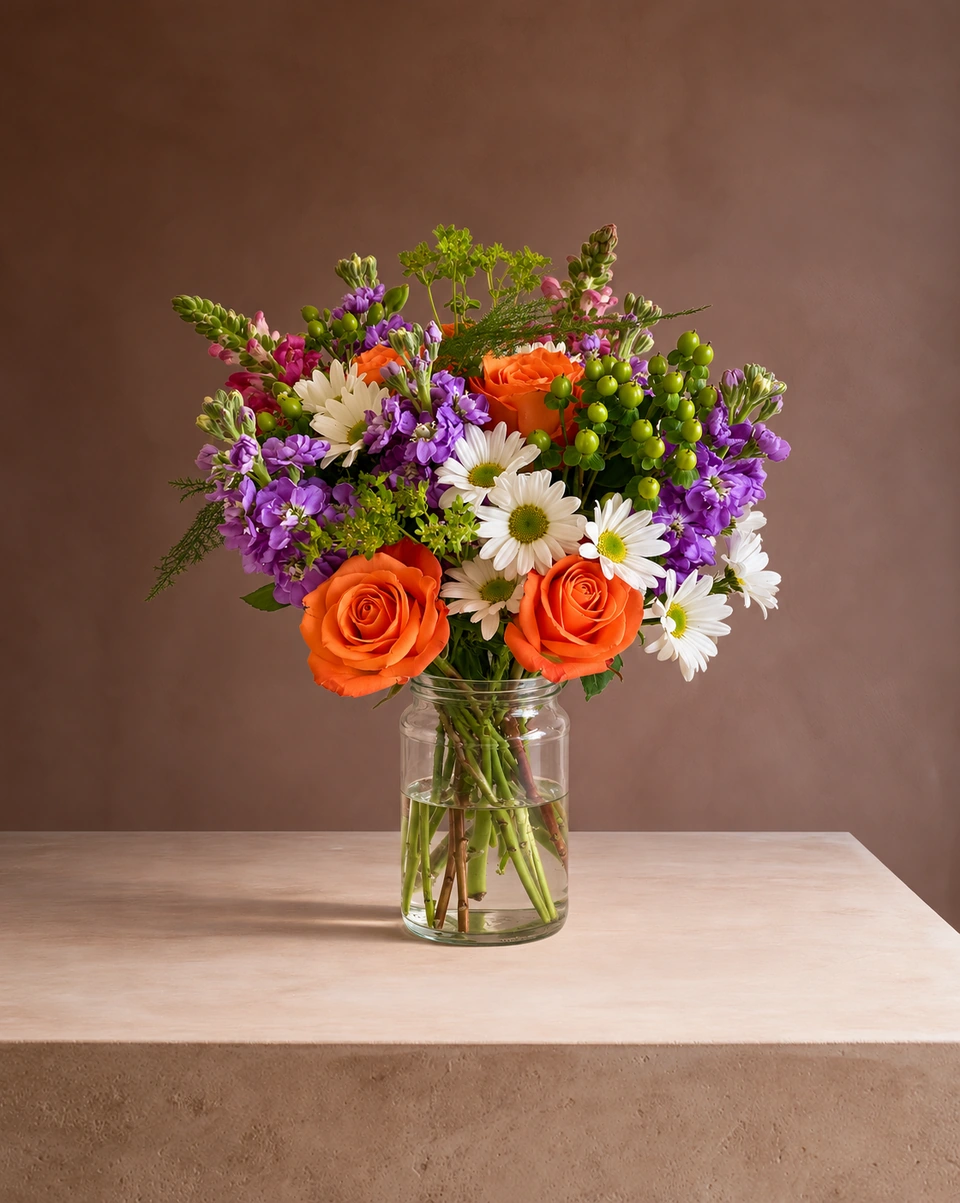
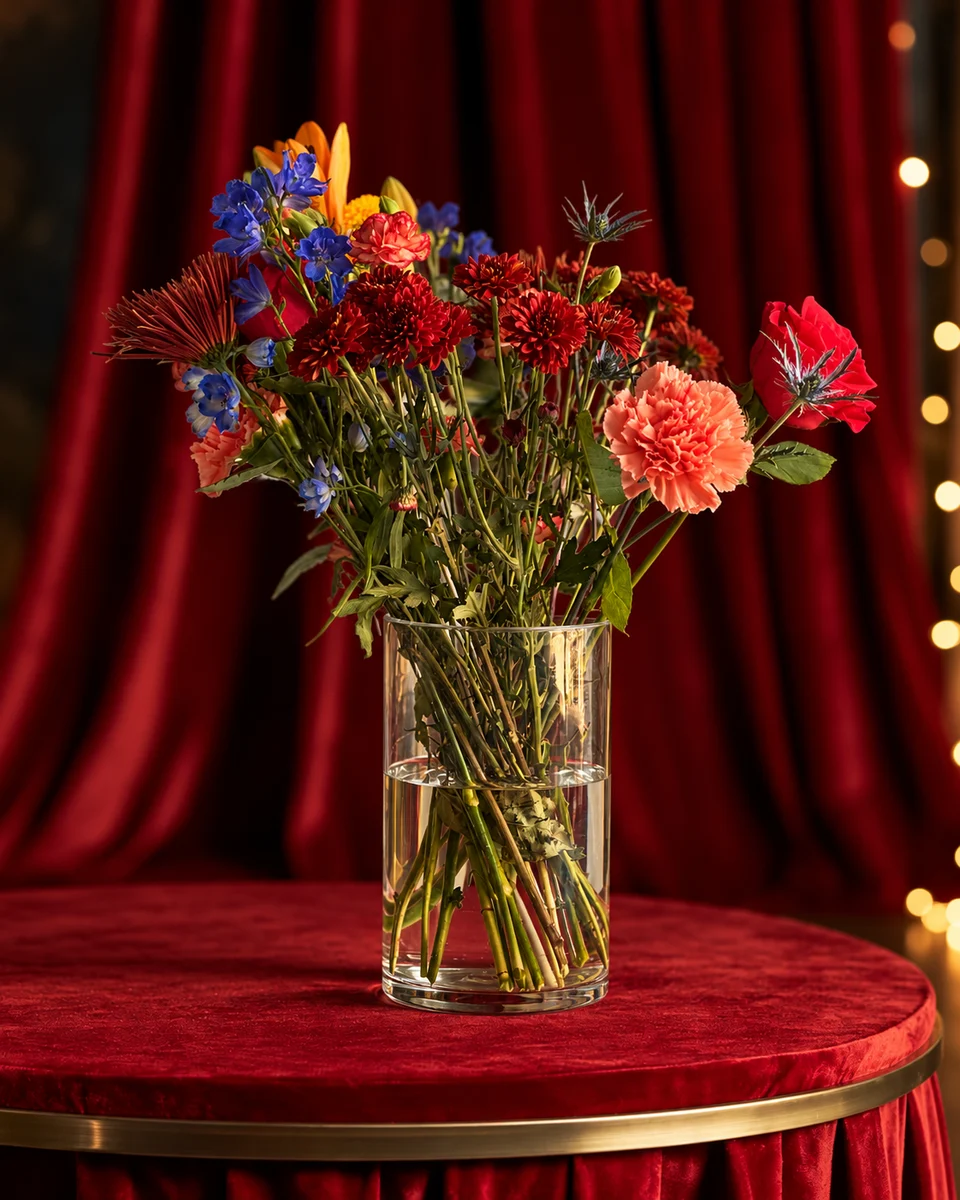
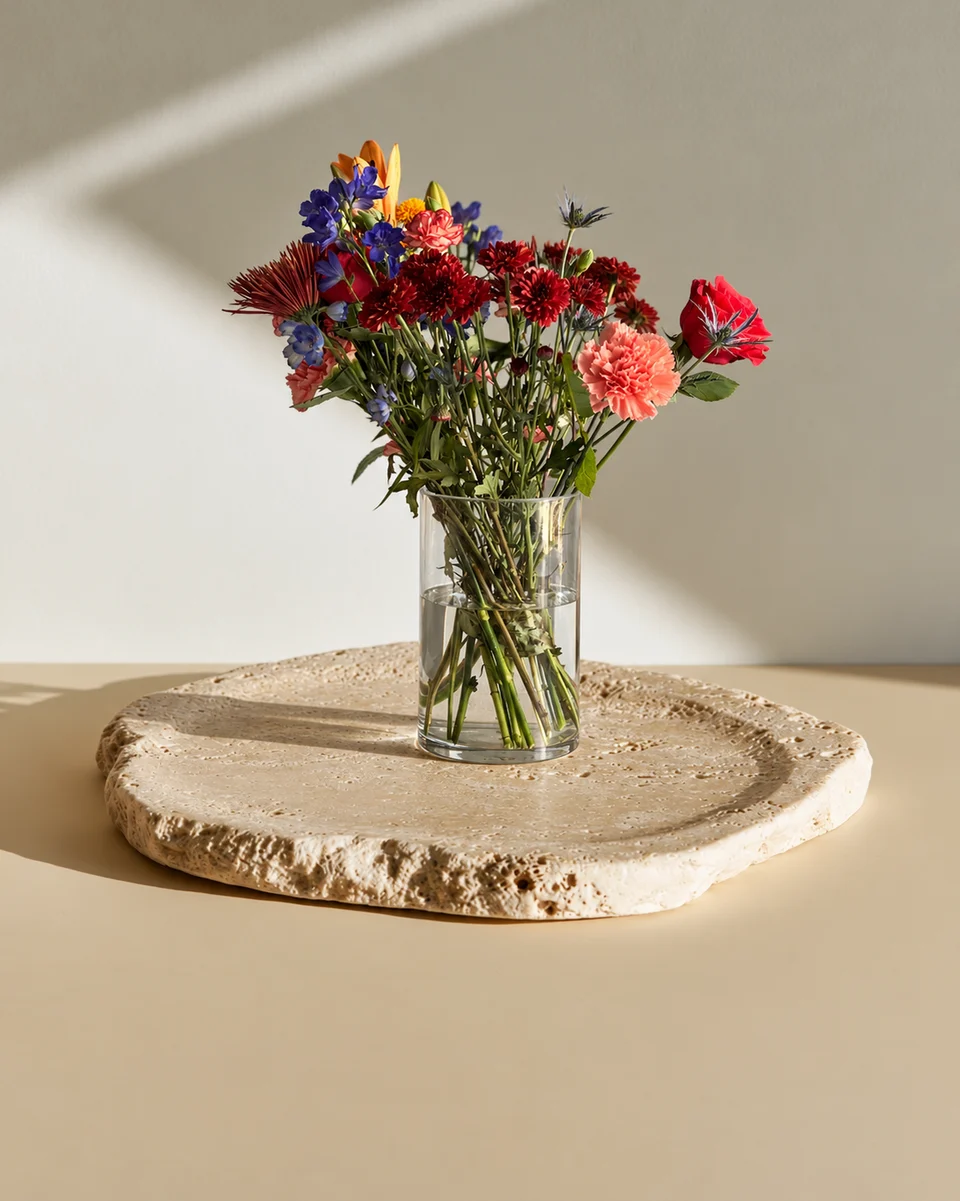
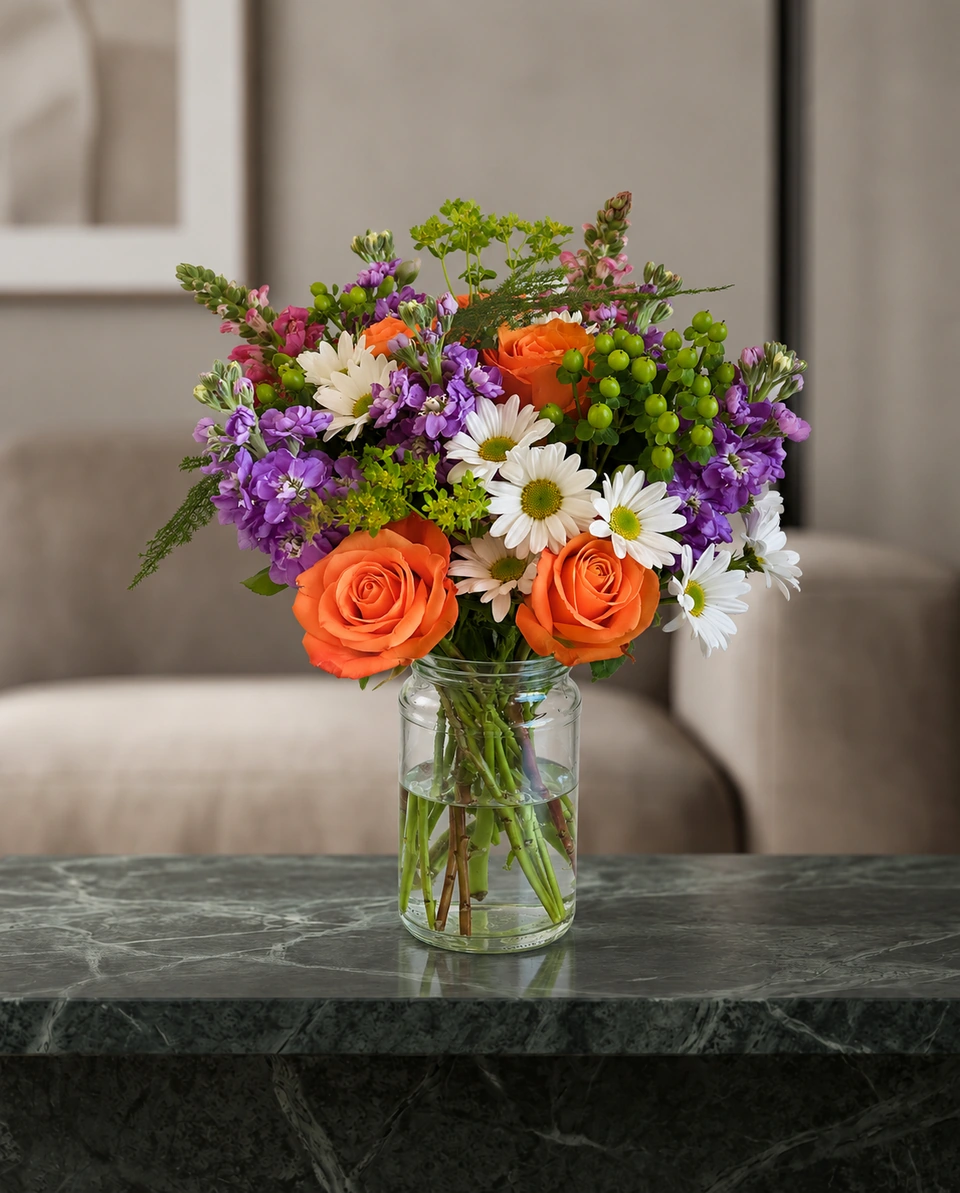
Our recorded photo checks show one licensed arrangement in two rooms, with the original and untouched full-size results. Compare the flowers, colour and container, not just the backdrop. Fine details and placement can vary; these historical demonstration samples do not establish how every upload will turn out.
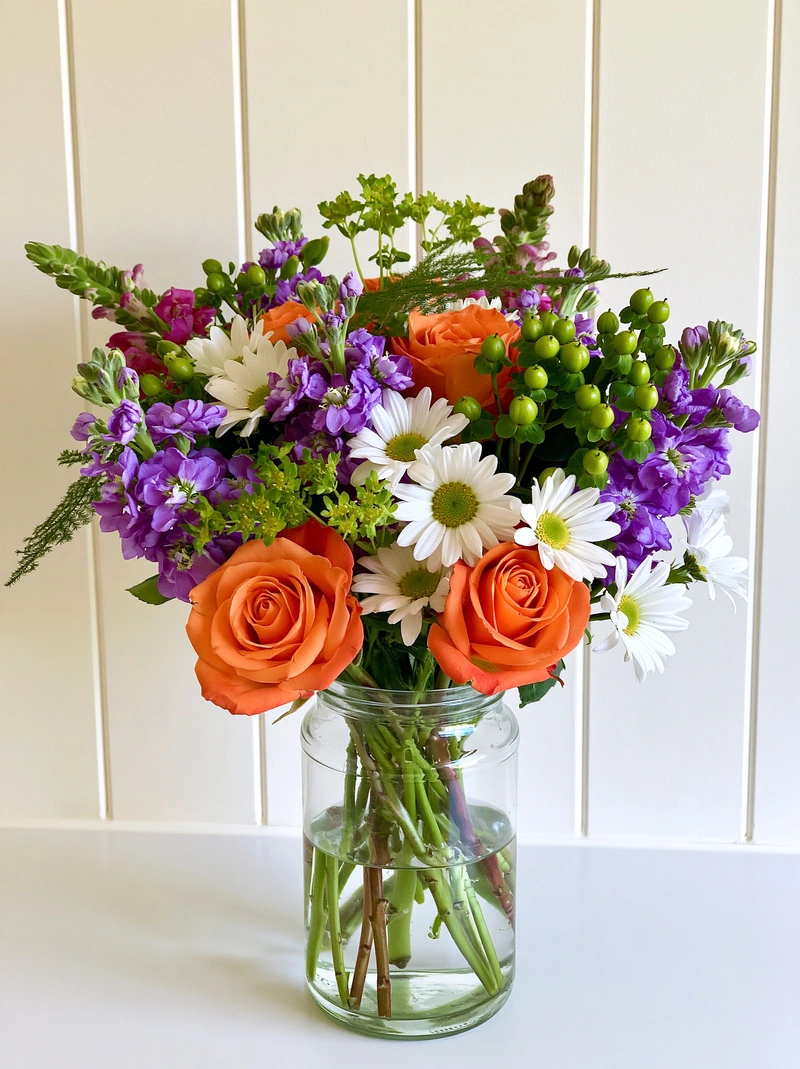 Phone photo
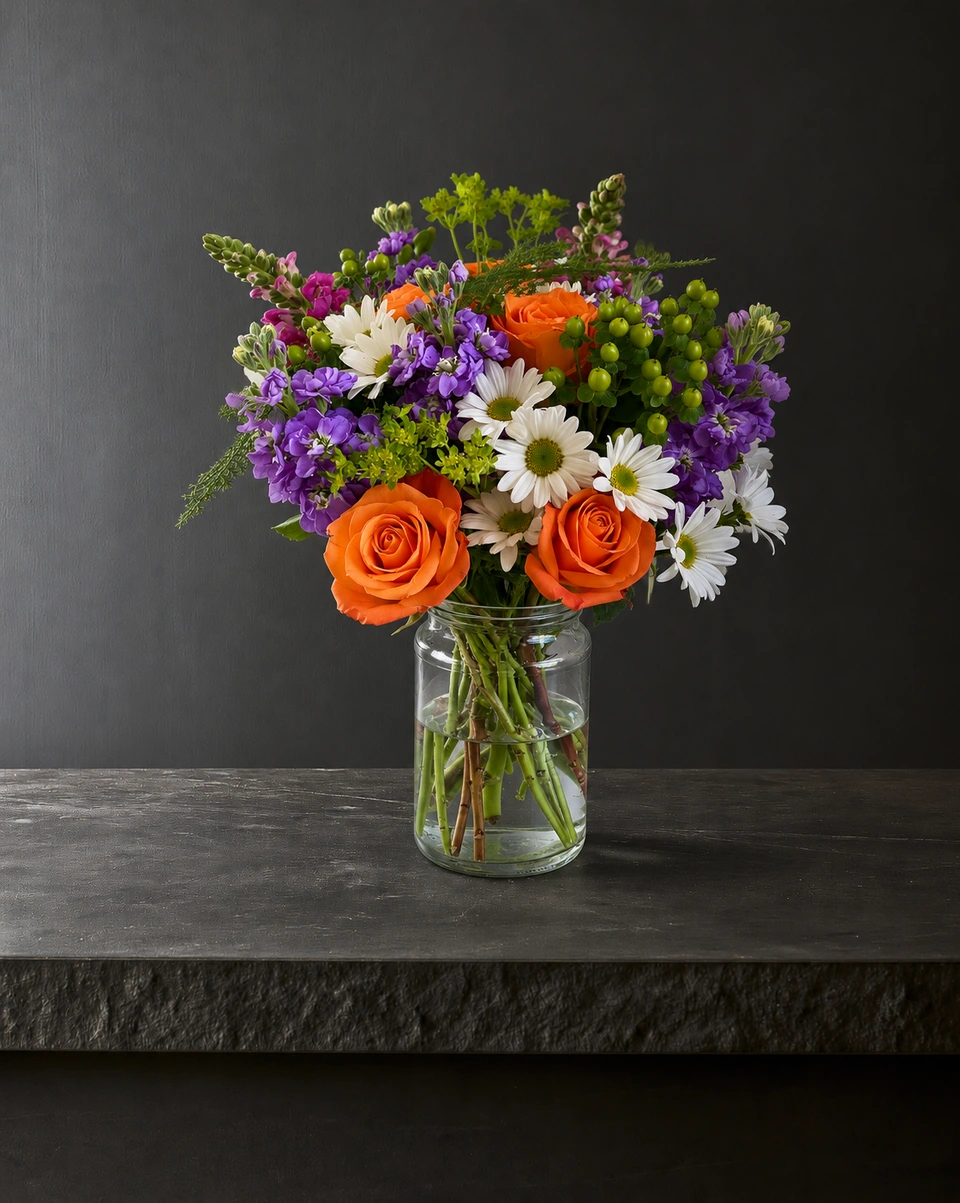 Studio photo
How it works, in three steps
Snap the finished piece
One phone photo at the bench, in daylight, with the whole piece in frame. A messy bench behind it is fine. Our phone photo guide has the details.
Pick a room
A studio colour, a pedestal, a table, a home, a wedding or a holiday setting. Each room card says whether it keeps your flowers as made or changes them on purpose.
Check and download
The photo is ready in about a minute, then crop it for your website, Etsy or Instagram, or make a post with your shop’s name.
What it should keep, and what it may change
- Keep: your flowers, their colours and shape, the vase, wrap and ribbon, so the photo shows what the customer receives.
- Change: everything around the piece: the surface, the backdrop, the light and the shadow, fitted to the room.
- Say so first: a room that restyles your piece on purpose, such as a basket, a corsage or a wreath on a door, should tell you before you choose. FlowerShoot labels every room.
 Phone photo
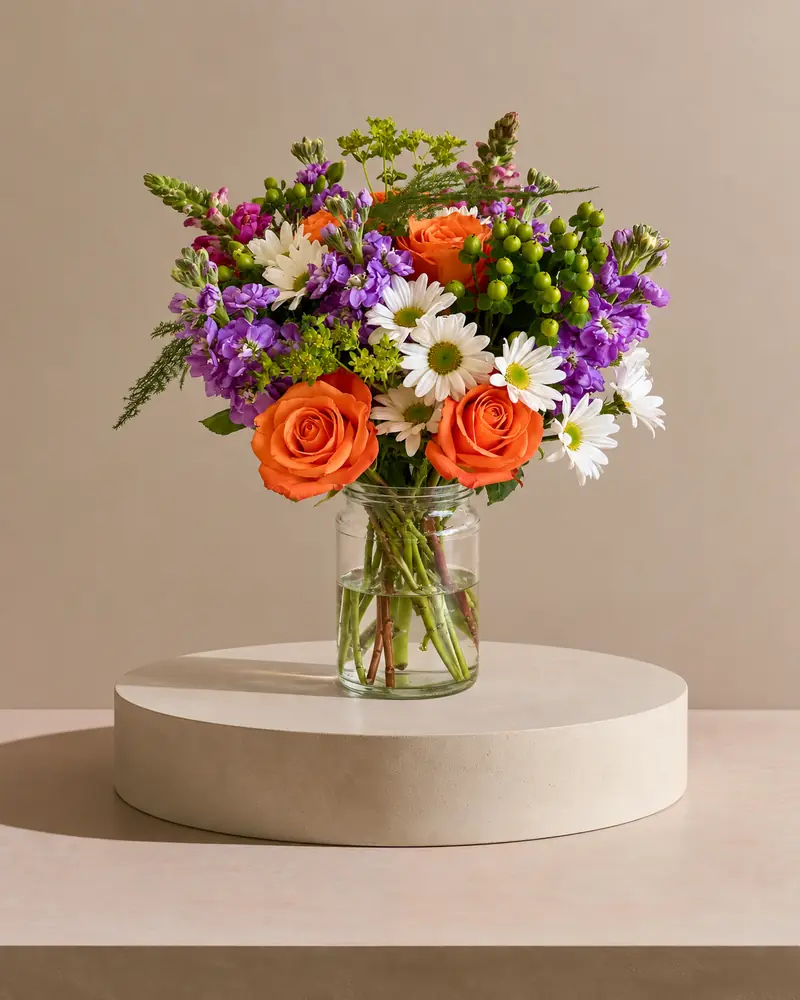 Kept as made
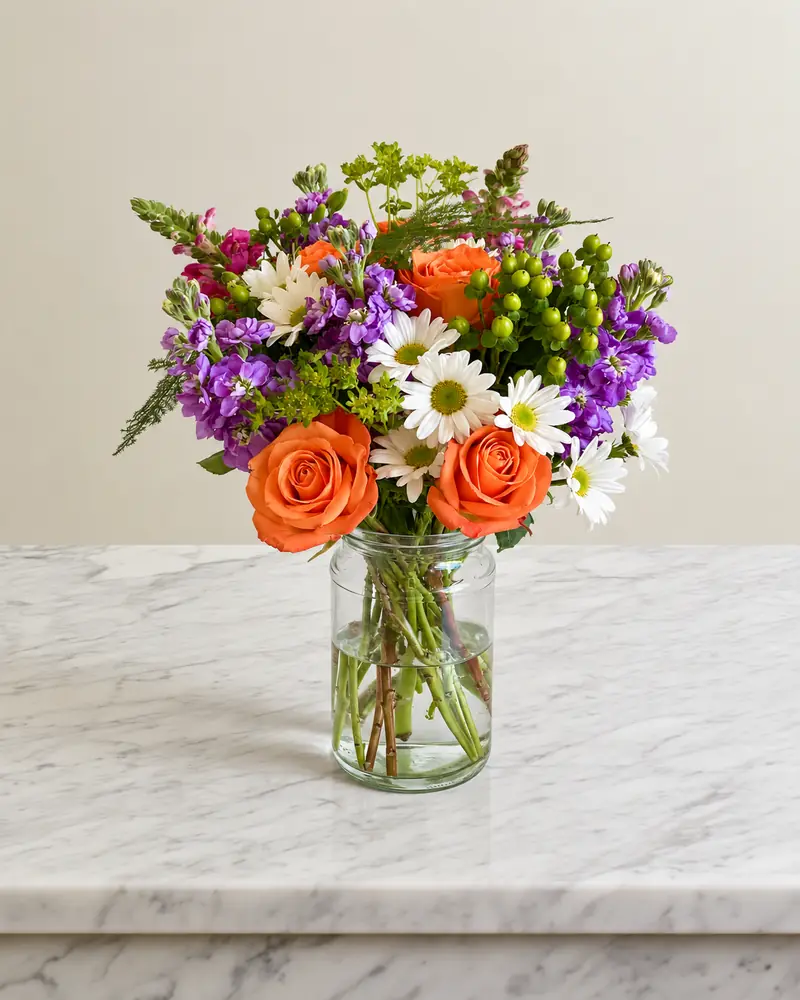 Kept as made
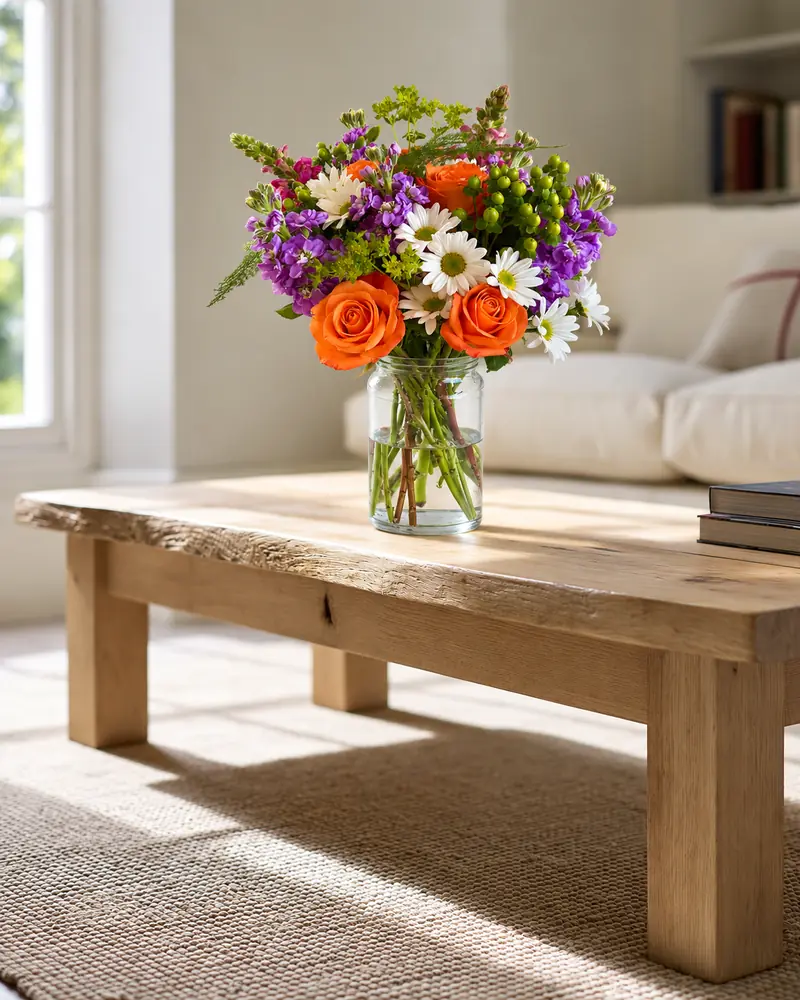 Kept as made
AI product photos or a background remover?
A background remover separates the subject from its background. That can be enough for a plain catalogue image, especially when the edges are clear. Fine foliage, translucent petals and glass need a closer check. A generative photo tool also rebuilds the setting and light, but can change product details. Choose based on the job, then inspect the result. Our free bouquet background remover runs in your browser.
What should I check before using the photo to sell?
| Check | Reason to fix it or use another photo |
|---|---|
| Flowers and colours | A new variety, a missing focal flower, or pinks and creams that have changed beyond the room’s light. |
| Arrangement and container | A wider vase, changed ribbon, extra stems or a different outline that no longer matches your design. |
| Support and light | A floating base, a tilted surface, or shadows and reflections that do not belong to the room. |
| Listing accuracy | A restyled piece or added prop could be mistaken for something included in the order. |
If a result changes something the customer is buying, do not use it as the listing photo. Try a suitable room, request a fix if one is available, or use your original. Our example notes explain which demonstrations came from separate tests and what they can show.
AI product photos or a photographer?
A photographer is still the right call for weddings and a yearly brand shoot. For a menu that changes every week, AI product photos cost a fraction of a session per design and are ready the same hour. See FlowerShoot compared with a product photographer.
Is it honest to sell with AI product photos?
Yes, when the photo shows what the customer receives. Check each photo beside your original before you list it, and keep rooms that change your flowers for ideas and inspiration. Some marketplaces have their own rules: DoorDash asks for real photos without added backgrounds, and Etsy now requires one unedited photo of the real item in most listings, beside any studio photos. Read the DoorDash, Uber Eats and Etsy photo rules.
What it costs
Monthly plans start at $10 for 50 credits. One standard photo uses one credit; optional 4K generation uses two credits. Standard photos cost from 19.5¢ when the qualifying monthly allowance is fully used. New accounts get 3 free credits, no card needed. See every price explained.
Comparing tools? See the best flower photography apps for florists, FlowerShoot vs BloomShot and PetalPro alternatives.
Made only for florists
From a bench photo to your next listing
Your flowers are the product. FlowerShoot makes the photo as lovely as the arrangement, wherever you share it: one phone photo in, a studio photo out.
For social media
Fresh posts and Stories every week, without a photo shoot or moving a single bucket. Download post and Story sizes with your logo and a caption, and let your flowers shine in a calm, professional feed.
For selling on your website
Choose a house style for your collection, then check each result against the piece you sell. Keep a real product photo alongside staged views, with clear size and vessel details.
- Skip the photographer. A studio photo from one phone photo, in about a minute.
- Standard photos from 19.5¢. One standard photo uses 1 credit. Monthly plans start at $10 for 50 credits. Optional 4K generation uses 2 credits.
- Try before you subscribe. Start with 3 free previews, no card. Monthly plans start at $10 for 50 credits.
- Your real flowers. Start from your own arrangement. Compare the result with the original before listing it.
- 200+ rooms made for flowers. Studios, pedestals, homes, weddings and every season.
Quick answers
What is AI product photography for florists?
Turning a phone photo of a real floral piece into a studio product photo with an AI photo tool, instead of booking a photographer or building a set. A good tool keeps the flowers as made and adds the room’s own light and shadow.
Will AI change my flowers?
It shouldn’t, for a product photo. In FlowerShoot most rooms keep your flowers, vase and wrap as you made them, and the few that restyle on purpose (a basket, a corsage, a wreath on a door) say so before you choose. Check every photo beside your original before you sell with it.
Can I use AI product photos on DoorDash or Uber Eats?
DoorDash asks for real photos without added backgrounds, so use a real phone photo there. Use studio photos on your website and social media, and on Etsy beside one unedited photo of the real piece, which Etsy now requires in most listings.
How much does AI product photography cost for a florist?
Monthly plans start at $10 for 50 credits. One standard photo uses one credit; optional 4K generation uses two credits. Standard photos cost from 19.5¢ when the qualifying monthly allowance is fully used. New accounts get 3 free credits, no card needed.
Prices on this page are in US dollars.