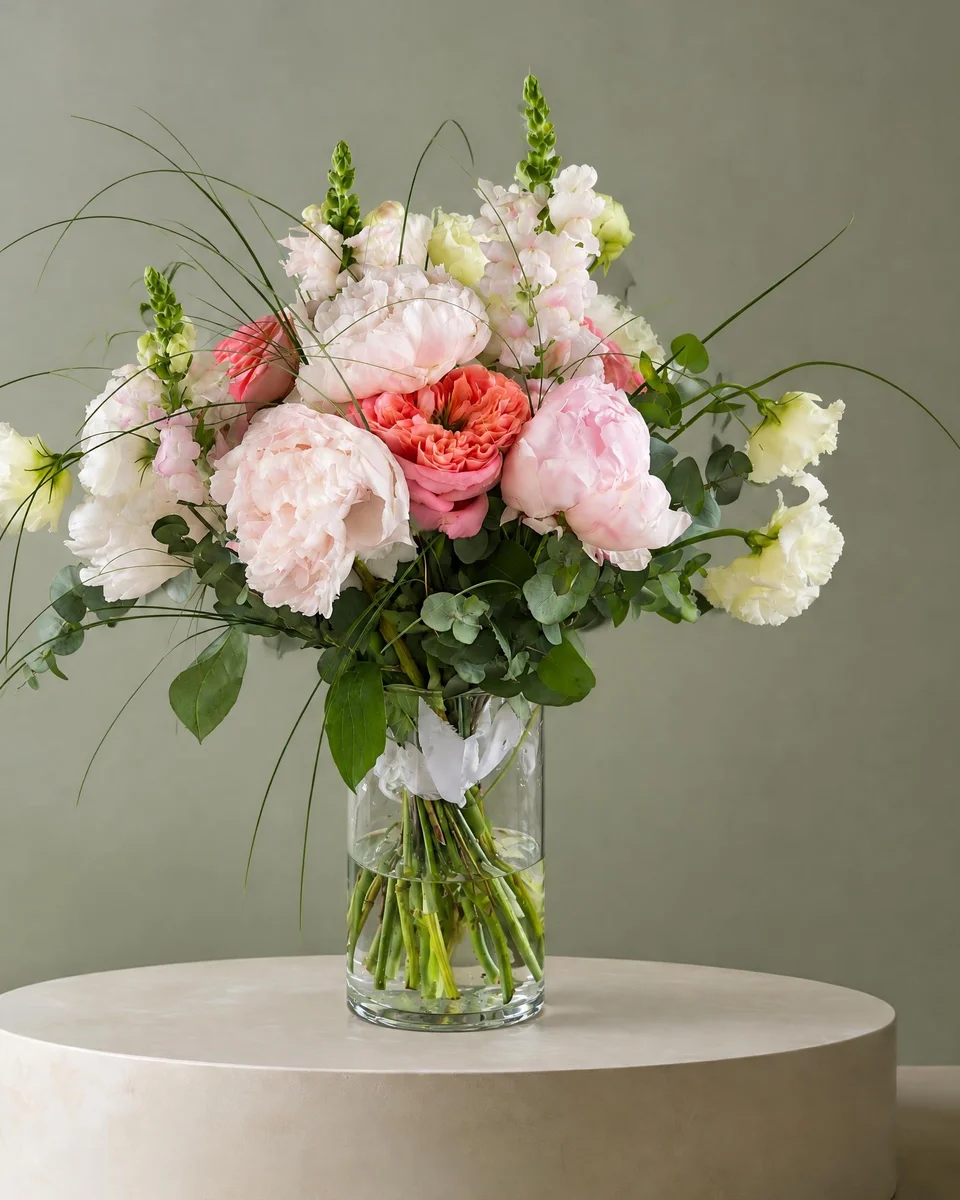
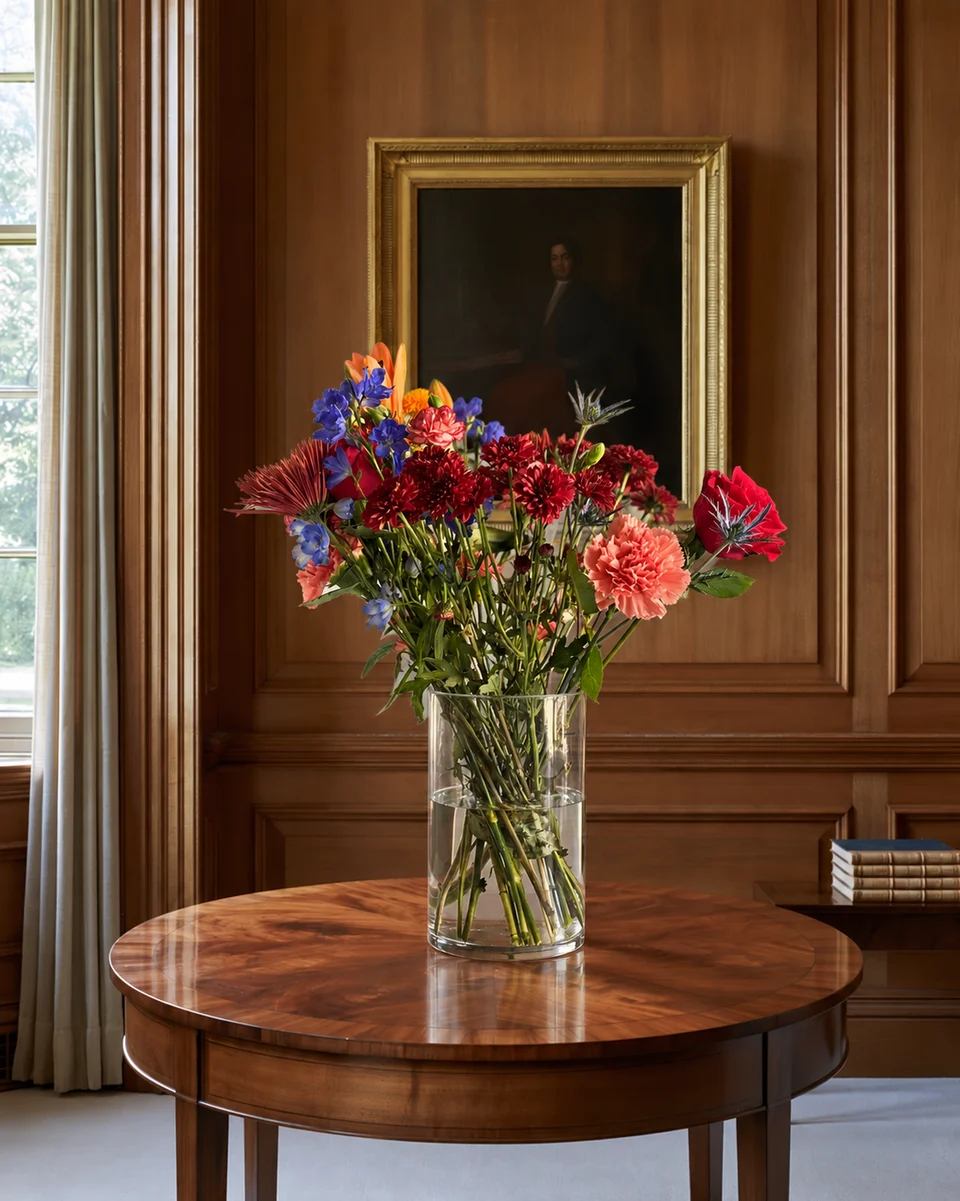
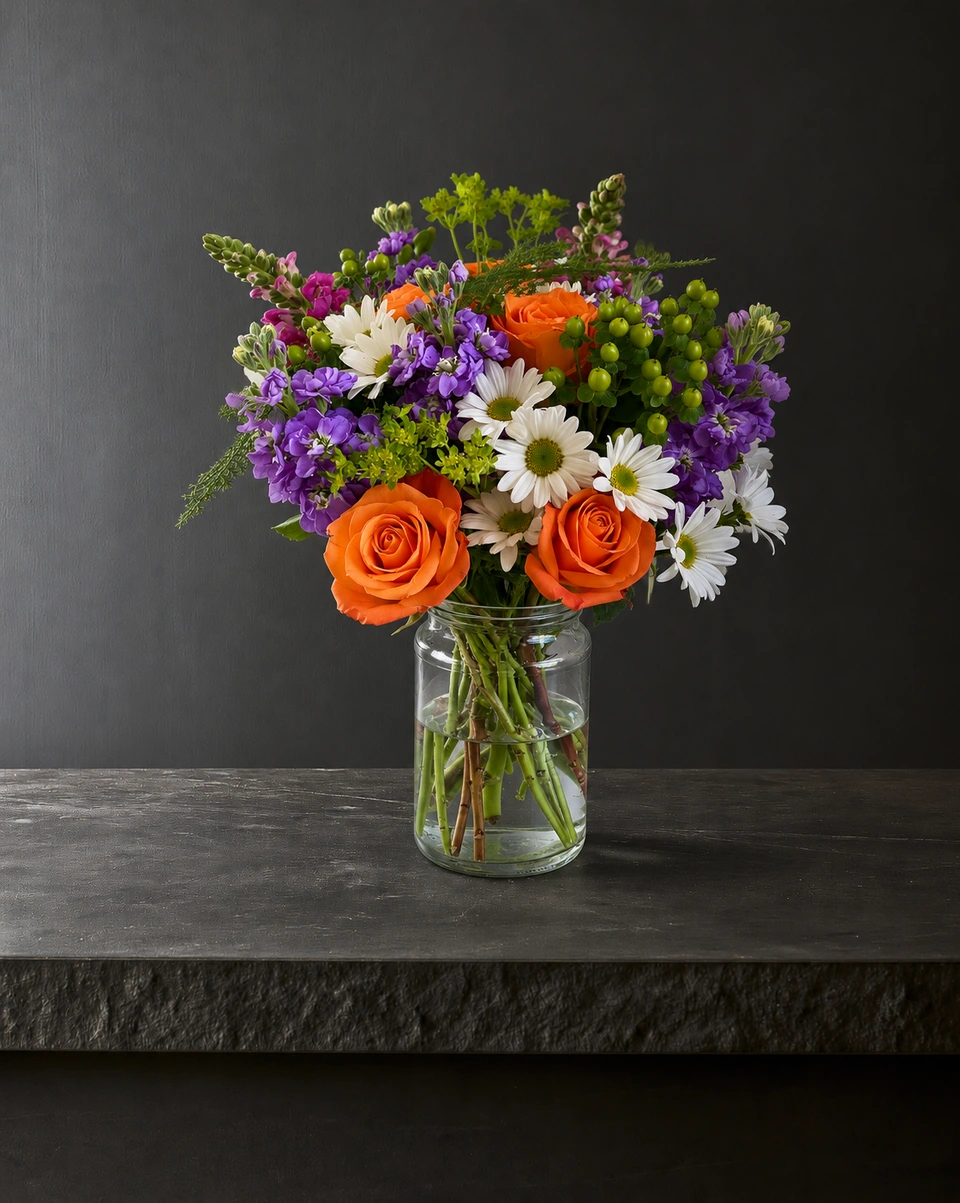
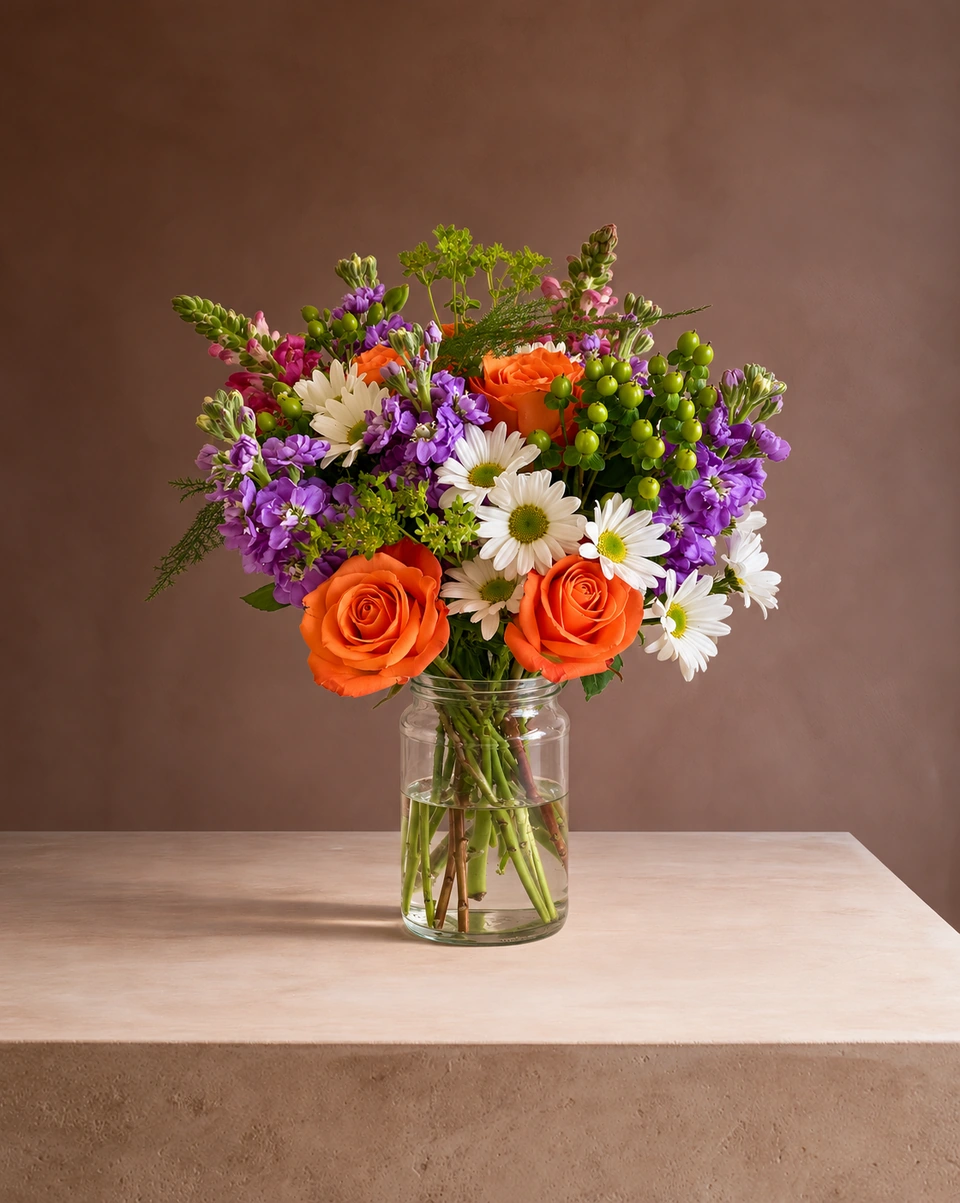
Alternatives
FlowerShoot vs BloomShot: a BloomShot alternative for florists
Short answer
Both are made for florists. The BloomShot pages checked for this comparison offered 5 free photos, plans at $29, $69 and $129 a month for 50, 150 and 350 photos, and 50+ scenes. FlowerShoot offers 3 free starting credits, 200+ rooms and monthly plans at $10/50, $20/100 and $39/200 credits. A standard photo uses one credit; optional 4K generation two. Compare equivalent output sizes and fully used allowances, rather than headline photo counts alone.
In this guide Jump to what you need
BloomShot and FlowerShoot both turn a florist’s phone photo into a styled product photo, and both are made for flowers. They differ in price, the number of settings and what comes with each photo. Here is an honest comparison, checked on BloomShot’s own site on 31 October 2026. We make FlowerShoot, a flower photo editor for florists, so we say what each one is best for.
This is our own comparison, based on dated public-page research. It is not an overall quality ranking or a controlled test of every app; any hands-on results are identified separately. Try the tools with your own flowers before deciding.
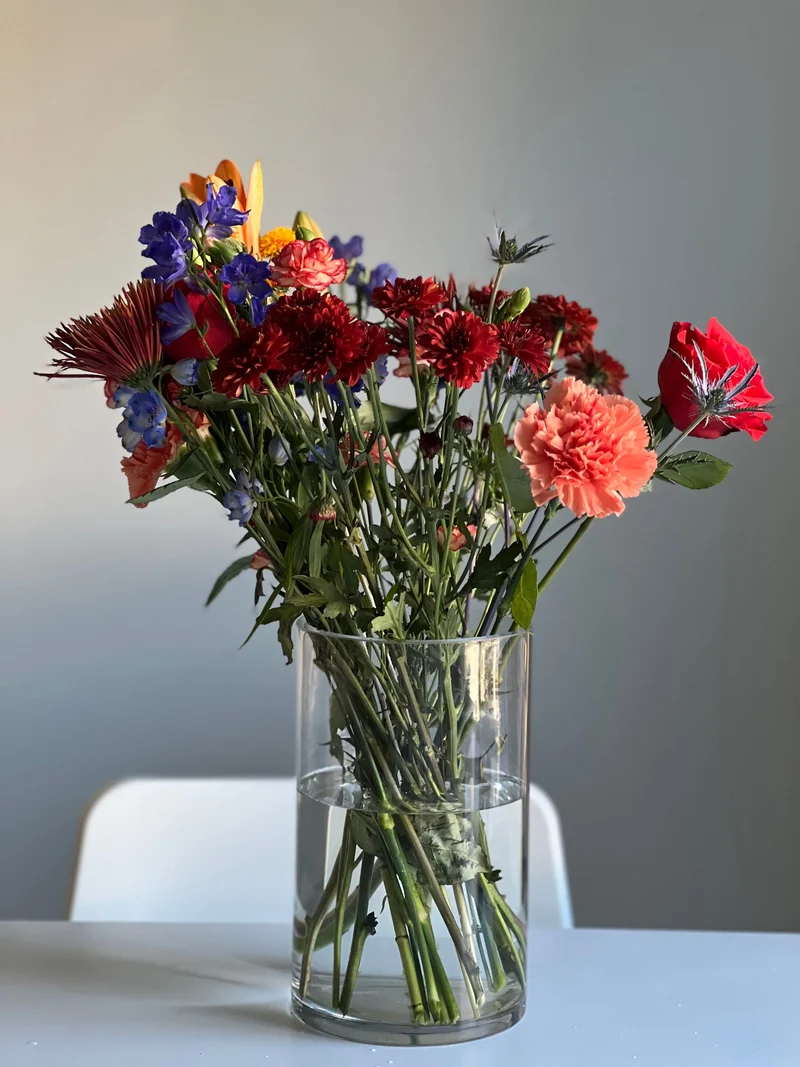 Phone photo
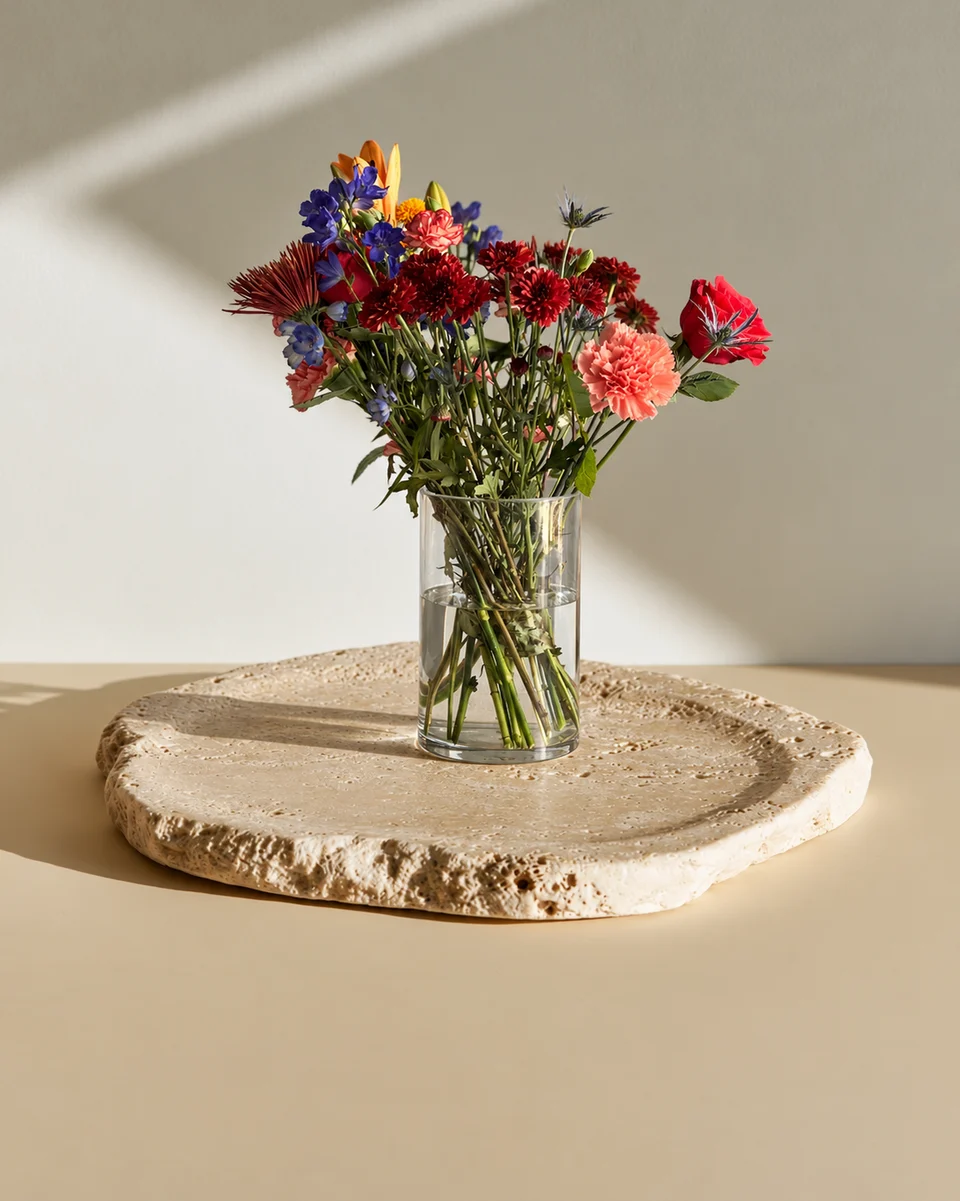 Studio photo
Choose by what you need
- Choose FlowerShoot for a lower entry subscription price, 200+ rooms for holidays, weddings, sympathy and wreaths, and a choice of standard or optional 4K generation inside the studio.
- Choose BloomShot if you want more free photos to start, more photos on a larger plan, or Standard, Deluxe and Premium versions of one arrangement from one upload.
At a glance
| FlowerShoot | BloomShot | |
|---|---|---|
| Made for | Florists | Florists |
| Free to try | 3 free starting credits, no card; a paid plan unlocks downloads at the generated resolution | 5 free photos, no card |
| Without a plan | Monthly plans only after 3 free starting credits. Start a new paid month when credits run out; no top-ups or one-time packs. | Monthly plans; its FAQ mentions top-up packs for busy periods |
| Monthly plans | $10 for 50 credits, $20 for 100, $39 for 200 | $29 for 50 photos, $69 for 150, $129 for 350 |
| Price per photo on a plan | 20¢, 20¢ and 19.5¢ per standard photo when fully used; 4K uses two credits | 58¢, 46¢ and 37¢ |
| Yearly | Monthly only for new purchases | A yearly option, “2 mo free” |
| Settings | 200+ rooms made for flowers, plus Let FlowerShoot choose | 50+ scenes, plus Surprise Me |
| Photo size | Standard photos, with optional 4K generation in the studio | High resolution, commercial use |
| Sizes of one piece | Not offered: one photo of the piece you made | Standard, Deluxe and Premium tiers (middle plan and up) |
| Your logo | On every design, in any of 9 spots (every plan) | In the scene (middle plan and up) |
| Social posts | Design & share and Campaign kit: post, Stories, pin and captions | Instagram social pack; captions with hashtags |
Free to try
BloomShot advertises five free photos and FlowerShoot gives 3 free previews; neither asks for a card. FlowerShoot needs a paid plan for full-size downloads at the generated size. Check each service’s download terms rather than assuming both free offers are the same. On FlowerShoot you can pick your photo and a room before you sign up; sign-in comes when you tap Create, and your photo starts right away.
Price per photo
FlowerShoot’s new monthly offers are $10 for 50 credits, $20 for 100 and $39 for 200. When fully used for standard photos, that is 20¢, 20¢ and 19.5¢ each, before tax. Optional 4K generation uses two credits, so the same allowances make 25, 50 or 100 4K photos instead. BloomShot’s compared offers have different allowances and features; check output sizes before treating the products as equivalent. See FlowerShoot pricing for the current credit rules.
Rooms and settings
BloomShot lists 50+ florist backdrops and a Surprise Me button. FlowerShoot has 200+ rooms made for flowers: studio colours, pedestals, tables, homes, holidays, weddings and sympathy, plus Wreath Studio for wreaths on front doors and Let FlowerShoot choose. Each FlowerShoot room card says whether it keeps your flowers as made or changes them on purpose. Browse them all on the flower photo rooms page.
After the photo
Both help with posts. BloomShot includes an Instagram social pack and captions with hashtags, and its middle plan adds your logo in the scene. FlowerShoot’s post templates make product cards, menus, posts, Stories and pins in your shop’s name, with your logo in any of nine spots. Every plan includes the same design tools and free florist tools.
Compare the cost of photos you will actually publish
Plan allowances are not the same as useful output. If you publish 20 accepted photos in a month, FlowerShoot’s US$10 Starter plan costs US$0.50 per published photo and BloomShot’s US$29 entry plan costs US$1.45. Those are illustrative calculations before tax, not the headline rates at full usage. Add your time and any retries before deciding.
Try the workflow your shop needs
- For a catalogue, test the same difficult upload in each service and compare varieties, colour, vessel, fine stems and usable export size. More rooms alone does not prove a better result.
- For size options, BloomShot advertises fuller-size previews on its middle plan and above. FlowerShoot’s live studio currently stages each photographed piece; use the size listing checklist with your own photos.
- For free utilities, FlowerShoot has browser tools including a pricing calculator, menu maker and resizer. BloomShot also has a public pricing calculator; we are not claiming it has no free tools.
- Inspect our recorded studio example, then compare your own input and output before paying. Neither a selected example nor a feature list establishes which app will convert more sales for your shop.
Made only for florists
From a bench photo to your next listing
Your flowers are the product. FlowerShoot makes the photo as lovely as the arrangement, wherever you share it: one phone photo in, a studio photo out.
For social media
Fresh posts and Stories every week, without a photo shoot or moving a single bucket. Download post and Story sizes with your logo and a caption, and let your flowers shine in a calm, professional feed.
For selling on your website
Choose a house style for your collection, then check each result against the piece you sell. Keep a real product photo alongside staged views, with clear size and vessel details.
- Skip the photographer. A studio photo from one phone photo, in about a minute.
- Standard photos from 19.5¢. One standard photo uses 1 credit. Monthly plans start at $10 for 50 credits. Optional 4K generation uses 2 credits.
- Try before you subscribe. Start with 3 free previews, no card. Monthly plans start at $10 for 50 credits.
- Your real flowers. Start from your own arrangement. Compare the result with the original before listing it.
- 200+ rooms made for flowers. Studios, pedestals, homes, weddings and every season.
Quick answers
Is FlowerShoot cheaper than BloomShot?
FlowerShoot has a lower entry monthly price: $10 rather than the $29 BloomShot entry offer checked here. FlowerShoot’s standard photos use one credit and optional 4K images two, so compare like-for-like resolution, features and total usable photos.
How many free photos do BloomShot and FlowerShoot give?
BloomShot advertises five free photos; FlowerShoot gives 3 previews and requires a paid plan for full-size downloads at the generated size. Neither needs a card to try (checked 31 October 2026).
What is a good BloomShot alternative?
FlowerShoot is made for florists, with 200+ rooms, Wreath Studio, free marketing tools, optional 4K generation and monthly plans from $10 for 50 credits.
Does FlowerShoot have size tiers like BloomShot?
No. FlowerShoot makes a studio photo of the piece you photographed. To show a bigger version, make it and photograph it, so customers see what they will receive.
Prices on this page are in US dollars.