Buying guide
The best flower photography apps for florists in 2026
Short answer
Florists choose between apps made for flowers (FlowerShoot, BloomShot and PetalPro) and general product photo tools (Photoroom, Pebblely, Floraphoto and Canva). FlowerShoot suits matching studio photos in 200+ rooms made for flowers, with monthly plans from $10. BloomShot gives the most free photos to start. PetalPro has the lowest monthly price for white and neutral backgrounds. Photoroom suits background removal across many kinds of product. Checked 23–27 October 2026.
In this guide Jump to what you need
Florists photograph a new design almost every day, and a good flower photography app turns those phone photos into product photos customers trust. Here are the apps florists compare most, checked on each one’s own pages between 23 and 27 October 2026, with what each is best for. We make FlowerShoot, a flower photography tool for florists, so we say plainly where the others suit you more.
This is our own comparison, based on dated public-page research. It is not an overall quality ranking or a controlled test of every app; any hands-on results are identified separately. Try the tools with your own flowers before deciding.
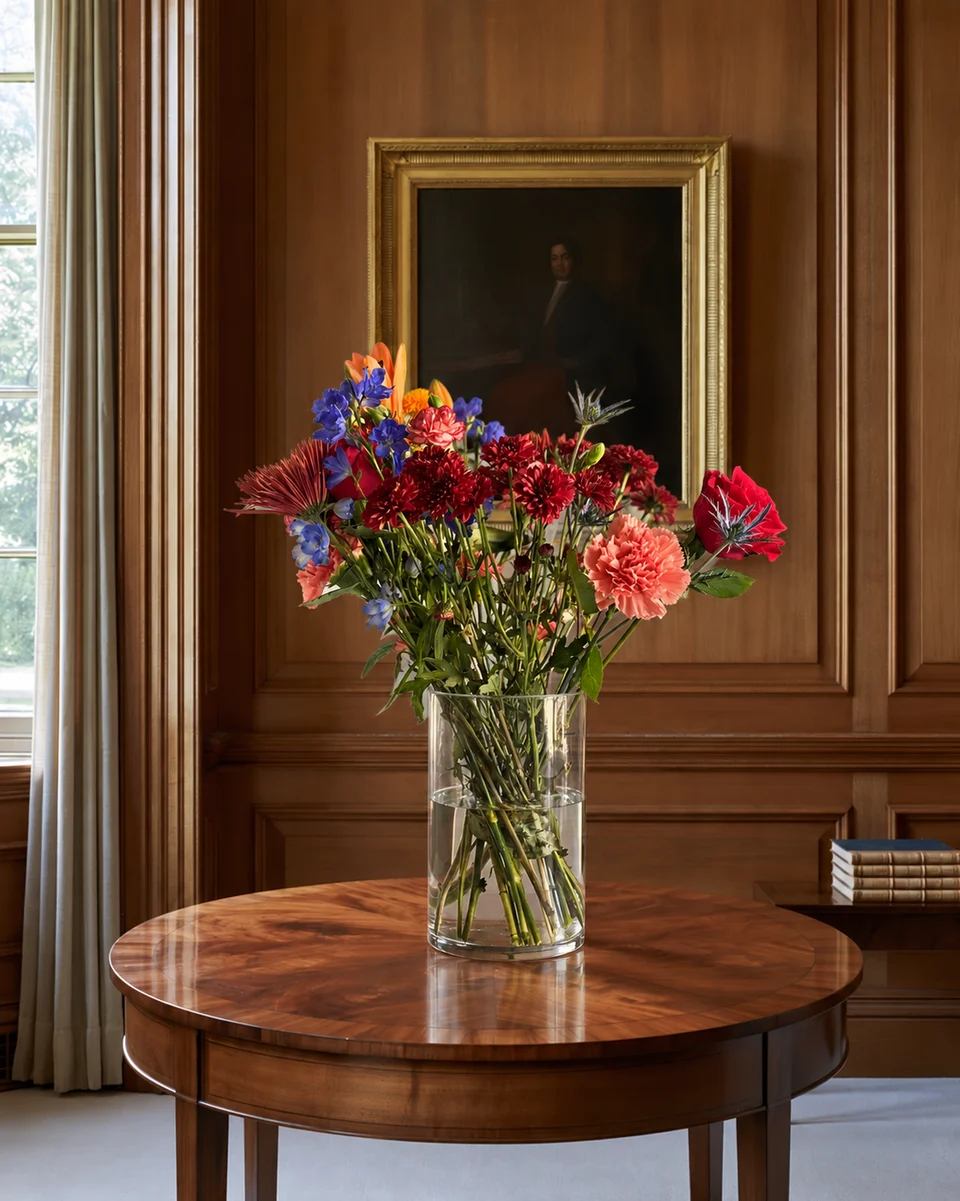
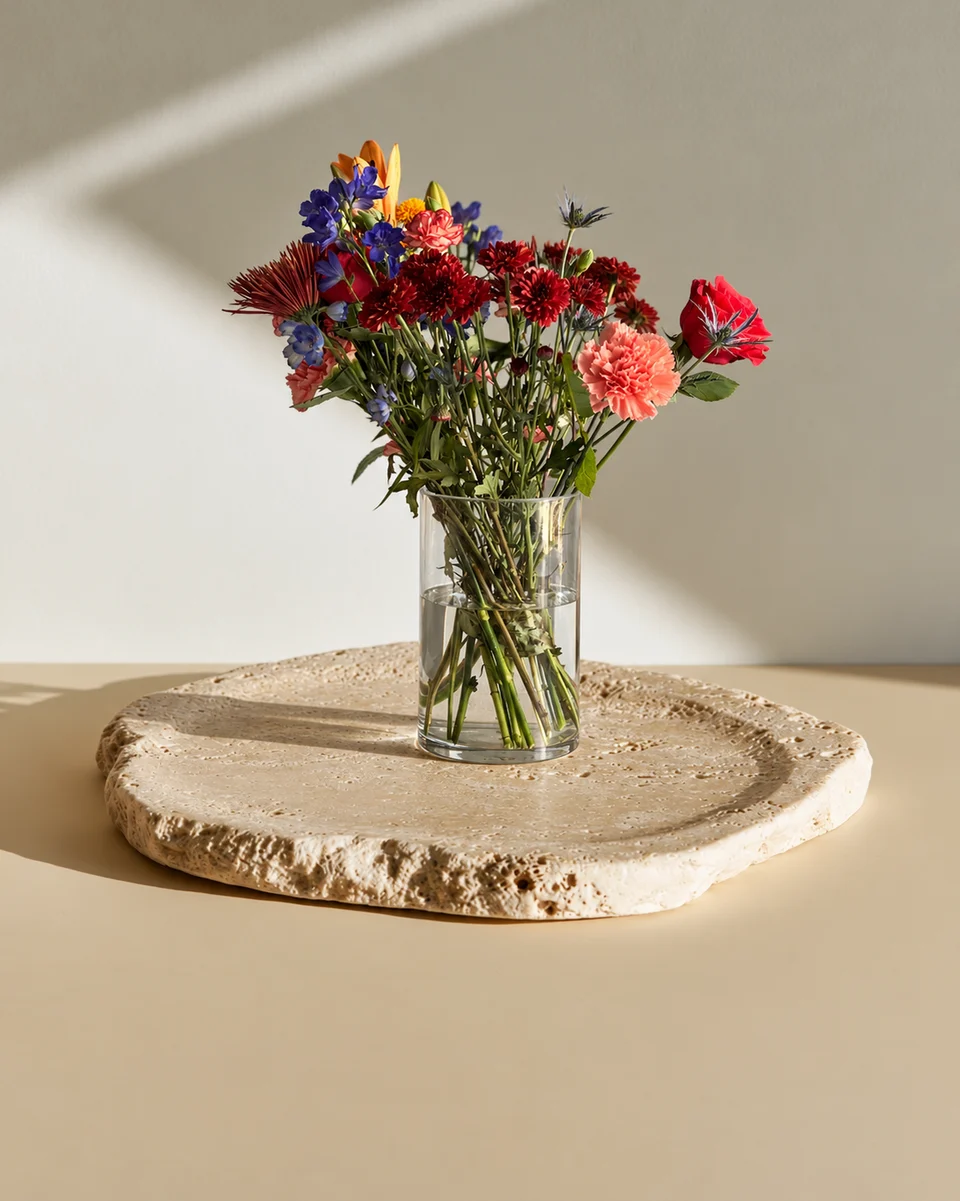
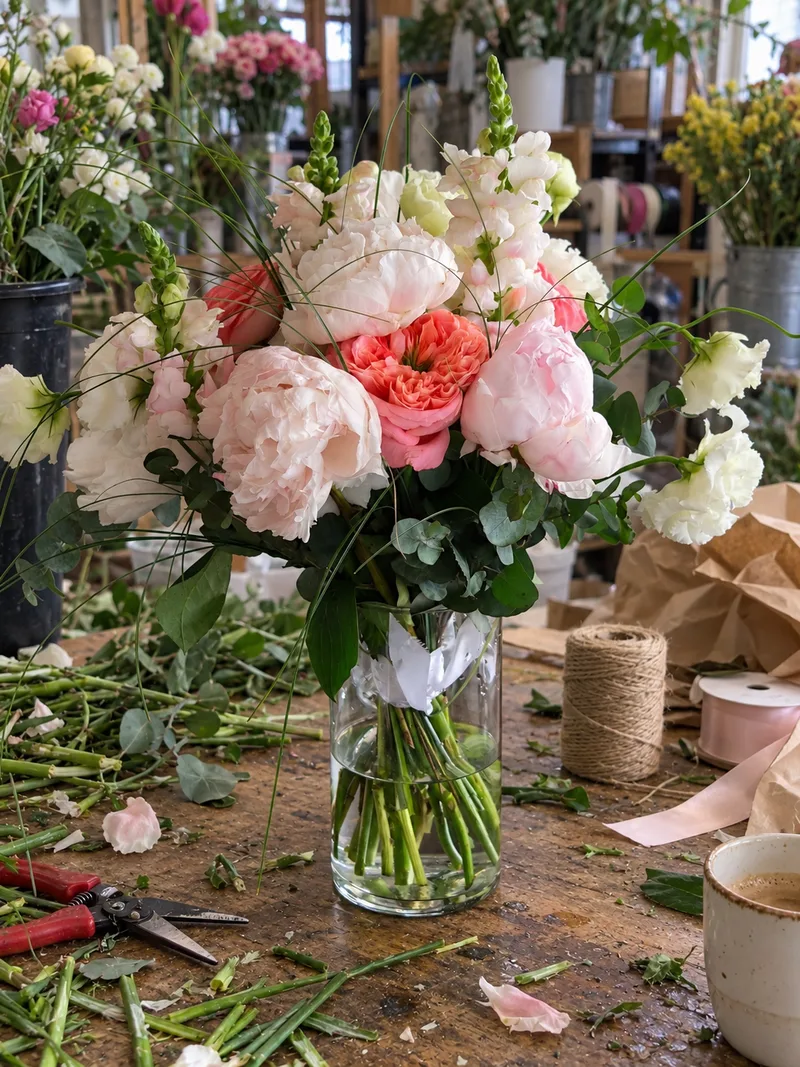 Phone photo
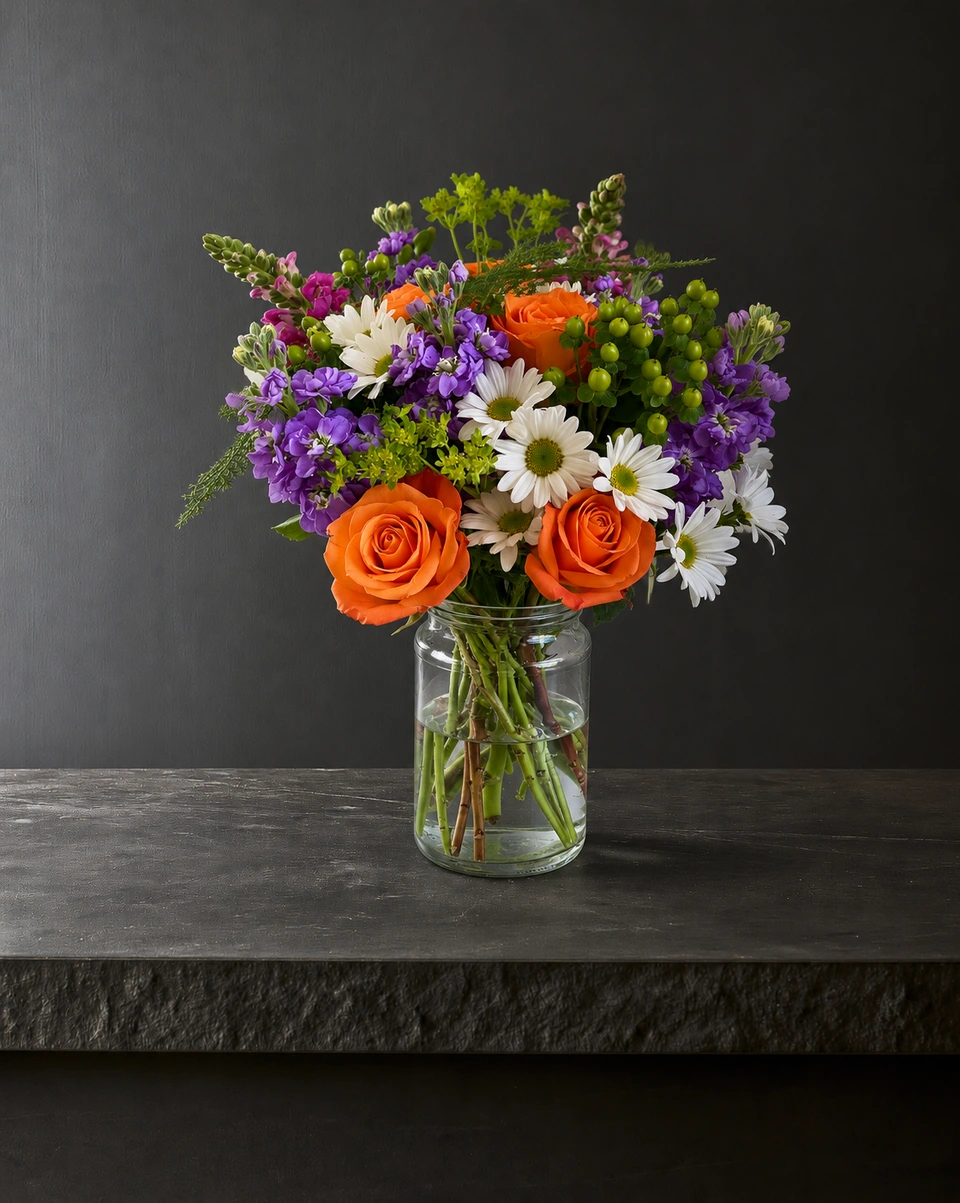
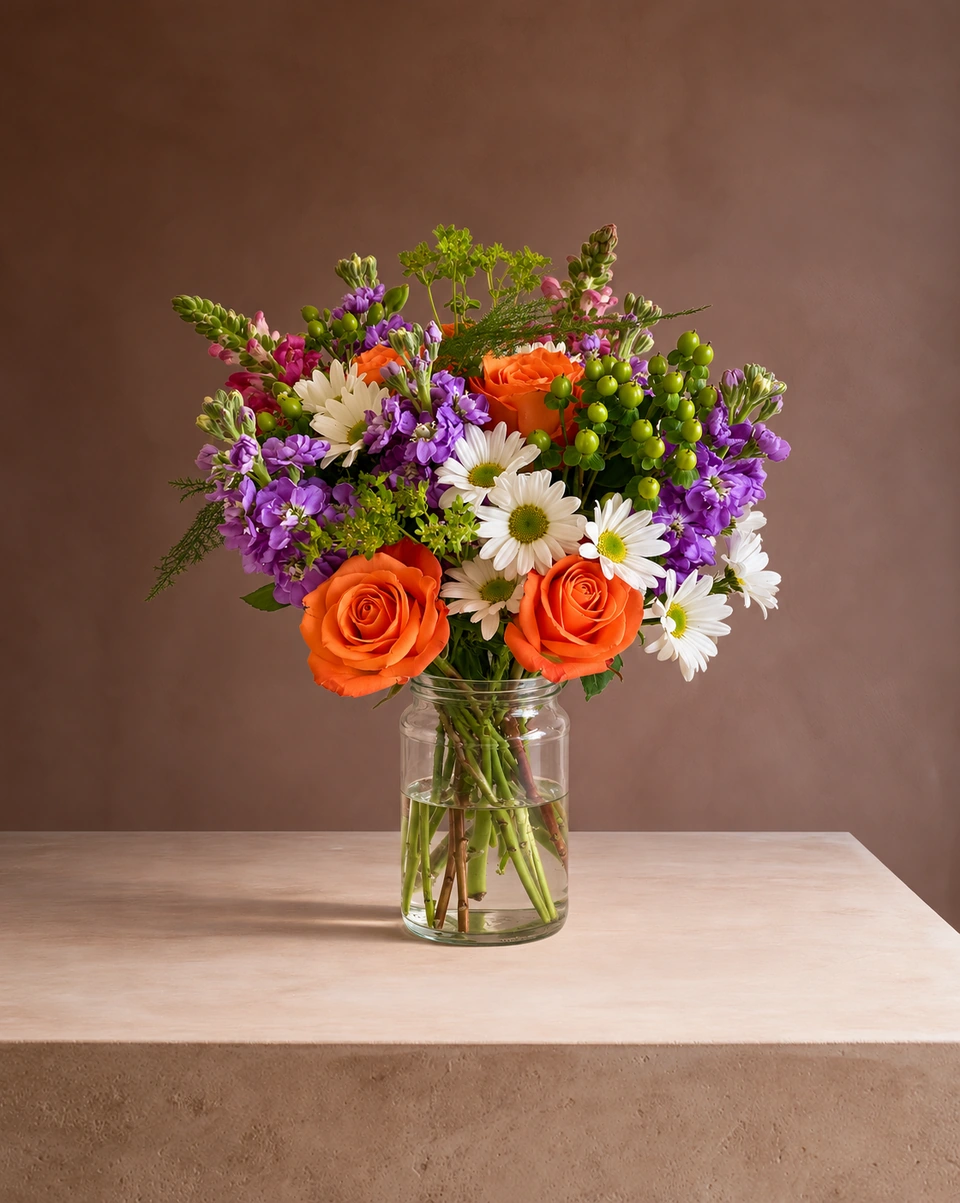
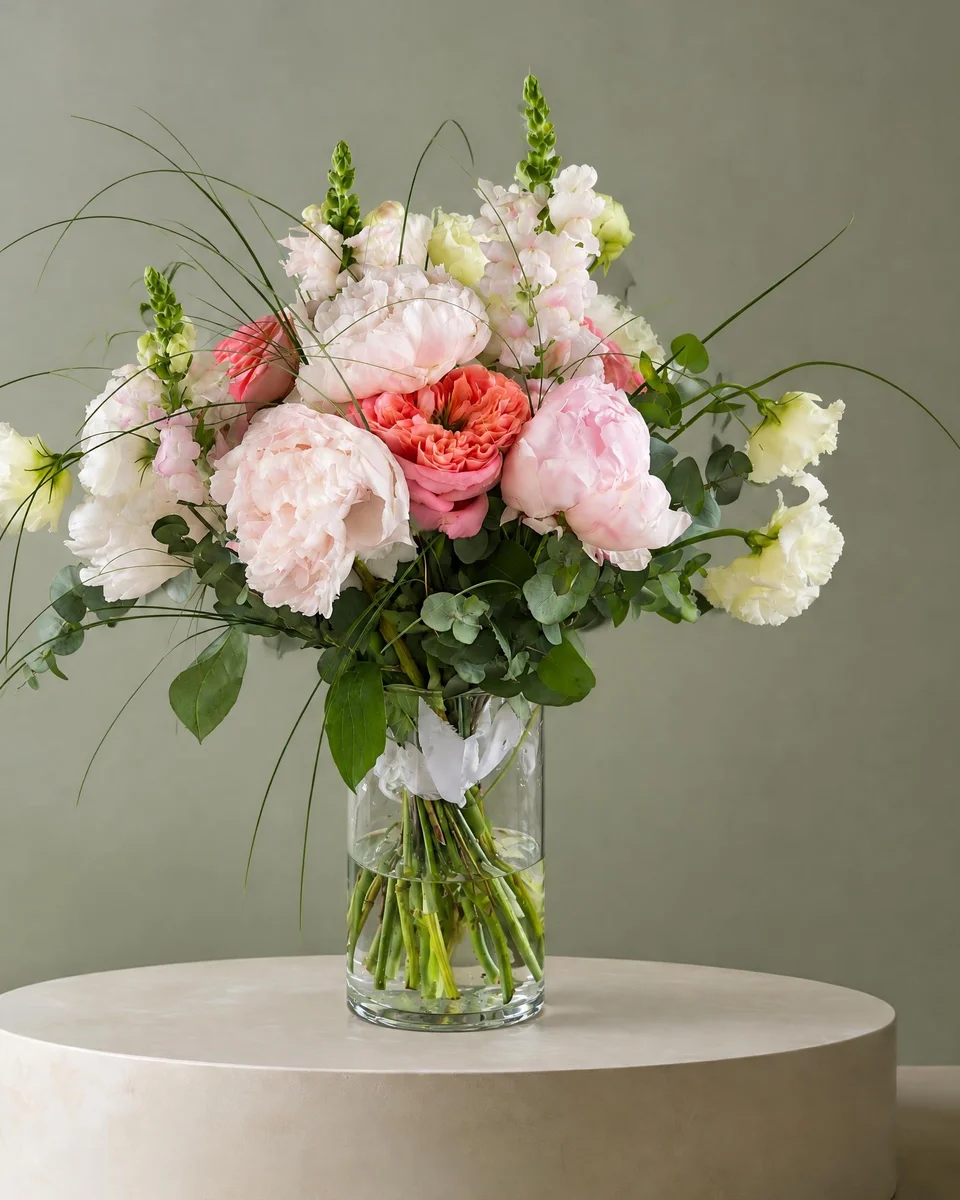 Studio photo
At a glance
| Made for | Free to try | Price | Best for | |
|---|---|---|---|---|
| FlowerShoot | Florists only | 3 free photos, no card | Monthly plans from $10 for 50 credits. Standard photos use one credit; optional 4K generation two. | Matching photo menus in 200+ rooms made for flowers, wreaths on doors and social posts |
| BloomShot | Florists | 5 free photos, no card | Plans of $29, $69 and $129 a month for 50, 150 and 350 photos | Starting with the most free photos, and size tiers from one upload |
| PetalPro | Florists | 3 free edits | $6.99 a month for 50 edits; a 4K photo uses 2 edits | The lowest monthly price, on white and neutral backgrounds |
| Florique | Florists | Free to download; 5 credits for $2.99 | $9.99 a month, or 50 credits for $14.99; iPhone, iPad and Mac only | A florist photo app for Apple devices |
| Floraphoto | Growers, exporters and flower retailers | Free to start; limits not stated | From €0.90 per edited photo, less at high volume | Background removal into your own template, for large catalogues |
| Photoroom | Any product | Free plan, for personal use only | Pro $12.99 a month or $89.99 a year; exports up to 2K, 4K on its Ultra plan | Background removal and batch editing for any product |
| Pixelcut | Any product | Free plan with limited tools | Pro $8 a month billed yearly, or $10 monthly | Background removal, upscaling and generated backgrounds for any product |
| Pebblely | Any product | No free trial | From $9 a month for 30 images | Generated product scenes in social sizes |
| Canva | Design for everyone | Free plan | Pro $18 a month or $144 a year | Flyers, menus and posts from photos you already have |
How to choose
- You sell flowers and want a whole menu that matches: an app made for flowers, with one room you can reuse for every design.
- You want the lowest monthly price and clean white backgrounds: PetalPro.
- Try your own arrangement before buying: FlowerShoot includes 3 free credits, no card needed. Compare the result with the other apps’ current trials before choosing a subscription.
- You sell many kinds of products, not only flowers: Photoroom or Pebblely.
- You grow or export plants in large volumes: Floraphoto.
- You already have good photos and need designs: Canva, or FlowerShoot’s own post templates for florists.
What to check before you pay
- Your flowers, as made: look closely at stems, vase, wrap and ribbon in the result. The customer receives the real piece.
- Photo size: Etsy asks for at least 2000 px on the shortest side; a 4K photo leaves room to crop.
- The real price per photo at the number of designs you make each month, and whether a high-resolution photo costs extra.
- Subscription or not: a one-time pack suits a seasonal menu; a plan suits weekly posting.
- Rooms for your occasions: sympathy, weddings, holidays and wreaths, not only white backdrops.
- A free try on your own work, not only the app’s examples.
Where FlowerShoot fits
FlowerShoot is made only for florists. Upload one phone photo, pick one of 200+ rooms made for flowers, and get a studio photo in about a minute; each room says whether it keeps your flowers as made. Then Wreath Studio puts wreaths on front doors, and Design & share turns any photo into a post or menu. For head-to-head detail, read FlowerShoot vs BloomShot, FlowerShoot vs PetalPro and the Photoroom alternative for florists.
New to this? Start with our phone photo guide and the florist photography guide.
Compare tools using your own small acceptance test
Choose three photos that resemble the work you actually sell: one pale or airy arrangement, one glass or reflective container, and one wrapped bouquet or other difficult outline. Use the same inputs and intended output in each tool. A vendor’s attractive example is evidence of that example, not a test of your upload.
| Check | What to record |
|---|---|
| Identity | Varieties, main bloom positions, colour, vessel and wrapping against the original |
| Placement | Support, contact shadow, natural scale and complete stems |
| File | Export dimensions, watermark and rights for the plan you would buy |
| Work required | Retries, manual repairs and time until the image is ready to publish |
| Cost at your usage | Total payment divided by accepted images you actually use |
A result that changes a crucial detail needs a fix or a new photo. Do not publish it just because it looks polished. Our recorded studio example identifies its demonstration input and display crop; test your own product before choosing a plan.
Made only for florists
From a bench photo to your next listing
Your flowers are the product. FlowerShoot makes the photo as lovely as the arrangement, wherever you share it: one phone photo in, a studio photo out.
For social media
Fresh posts and Stories every week, without a photo shoot or moving a single bucket. Download post and Story sizes with your logo and a caption, and let your flowers shine in a calm, professional feed.
For selling on your website
Choose a house style for your collection, then check each result against the piece you sell. Keep a real product photo alongside staged views, with clear size and vessel details.
- Skip the photographer. A studio photo from one phone photo, in about a minute.
- Standard photos from 19.5¢. One standard photo uses 1 credit. Monthly plans start at $10 for 50 credits. Optional 4K generation uses 2 credits.
- Try before you subscribe. Start with 3 free previews, no card. Monthly plans start at $10 for 50 credits.
- Your real flowers. Start from your own arrangement. Compare the result with the original before listing it.
- 200+ rooms made for flowers. Studios, pedestals, homes, weddings and every season.
Quick answers
What is the best florist photo tool?
For florists who sell the piece in the photo, a tool made for flowers: FlowerShoot (studio photos in 200+ rooms made for flowers, 3 free starting credits), BloomShot (five free photos) or PetalPro (the lowest monthly price). For many kinds of product, Photoroom. Try two on the same arrangement and compare.
What is the best flower photography app for florists?
It depends on what you sell and how often. FlowerShoot suits florists who want matching studio photos in rooms made for flowers; BloomShot gives the most free photos to start; PetalPro has the lowest monthly price for white and neutral backgrounds. Try your own arrangement in two of them before you pay.
Is there a free flower photography app?
Most let you try a few photos free: FlowerShoot gives 3, BloomShot 5, and PetalPro 3 free edits (checked October 2026). Your phone’s camera and a window are free too, and a good phone photo is where every app starts.
Do these apps change my flowers?
Check each result beside your photo. Tools that cut flowers out keep them but can leave floating stems and light that doesn’t match; tools that make a new photo can change small details. FlowerShoot labels every room: most keep your flowers as made, and the few that restyle on purpose say so first.
Do I need a subscription?
FlowerShoot’s generation service uses monthly subscriptions after its free starting credits. Its browser-based marketing tools remain free without a subscription. Other apps offer different subscriptions or per-photo purchases; check their current pricing pages.
Prices on this page are in US dollars.