Lifestyle photos
Lifestyle flower photos: show your flowers where they’ll live
Short answer
Use lifestyle photos for Instagram, gift and Mother’s Day menus and the second photo on a product page; keep a clean studio photo first on the listing itself. Match the setting to who the flowers are for: a sunny kitchen for everyday, a café or reception desk for business orders, a garden for spring and summer. FlowerShoot makes lifestyle photos from one phone photo, and its home, café and garden rooms keep an arrangement or bouquet as you made it.
In this guide Jump to what you need
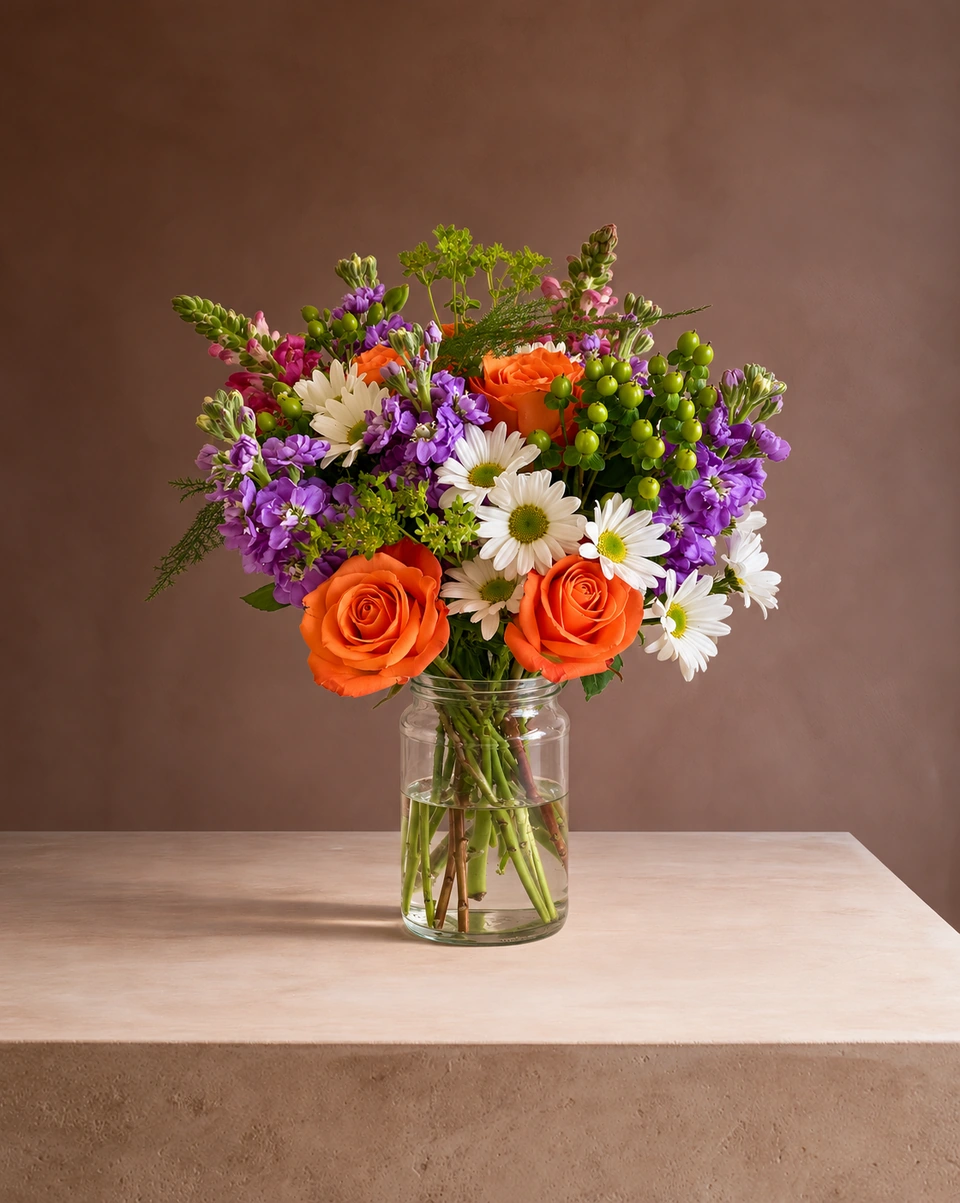
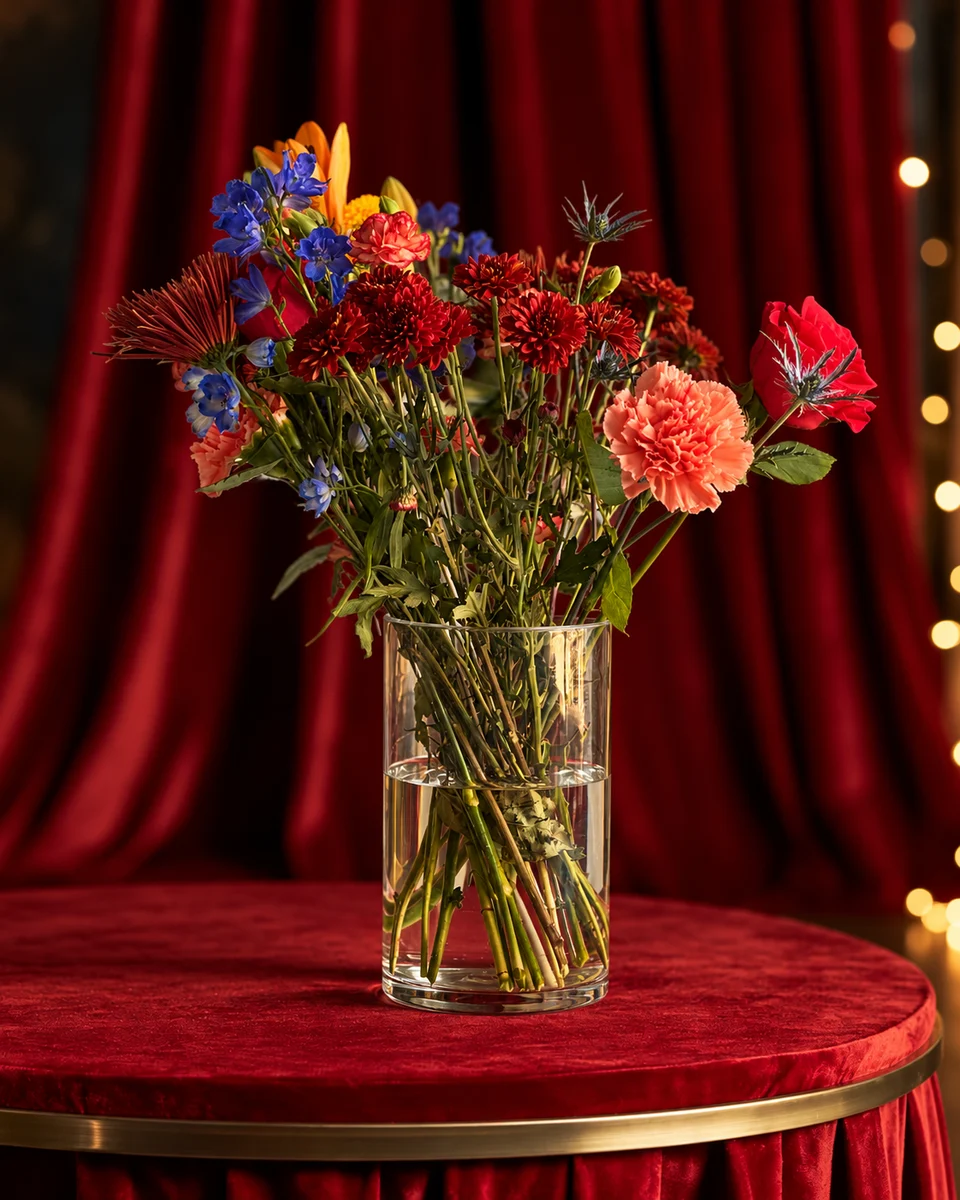
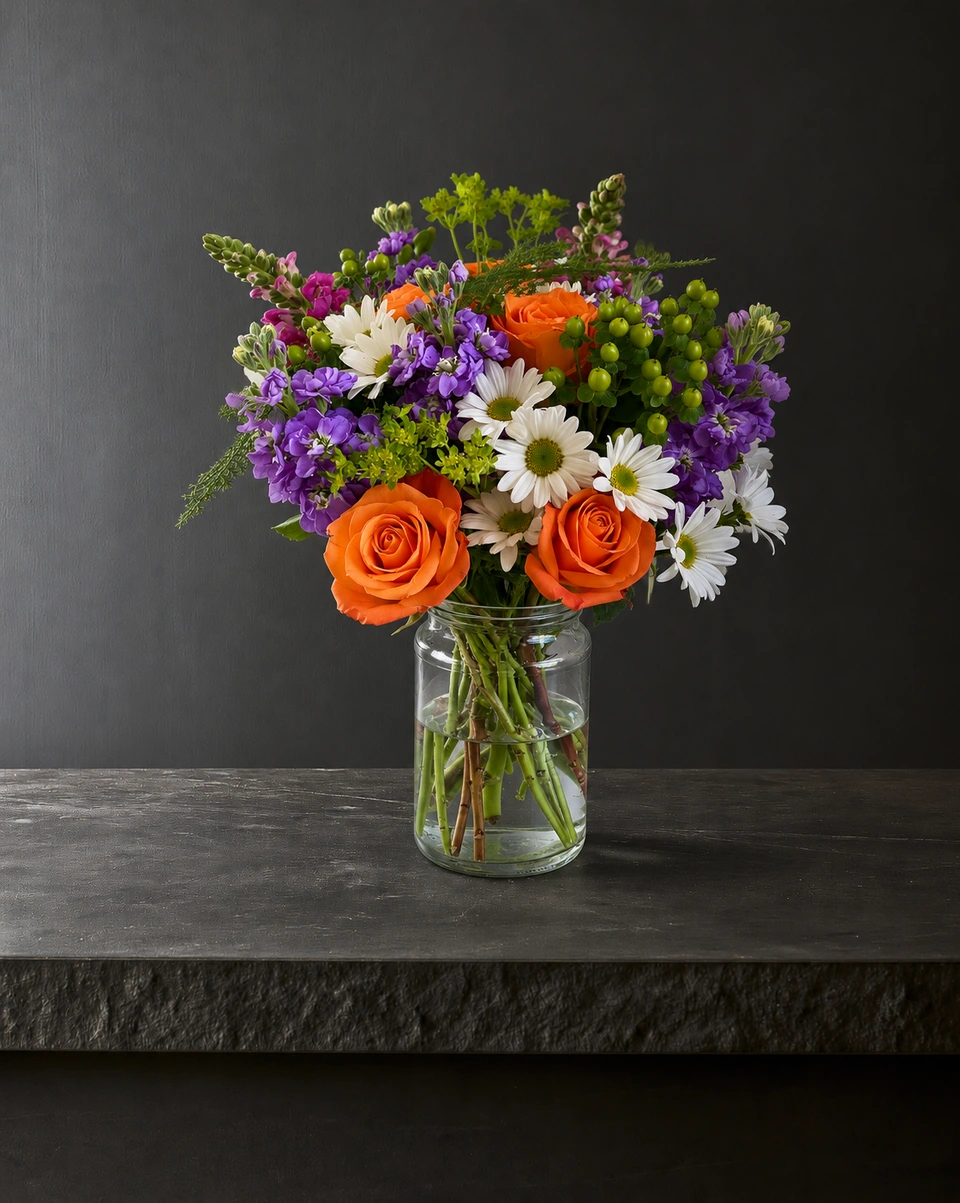
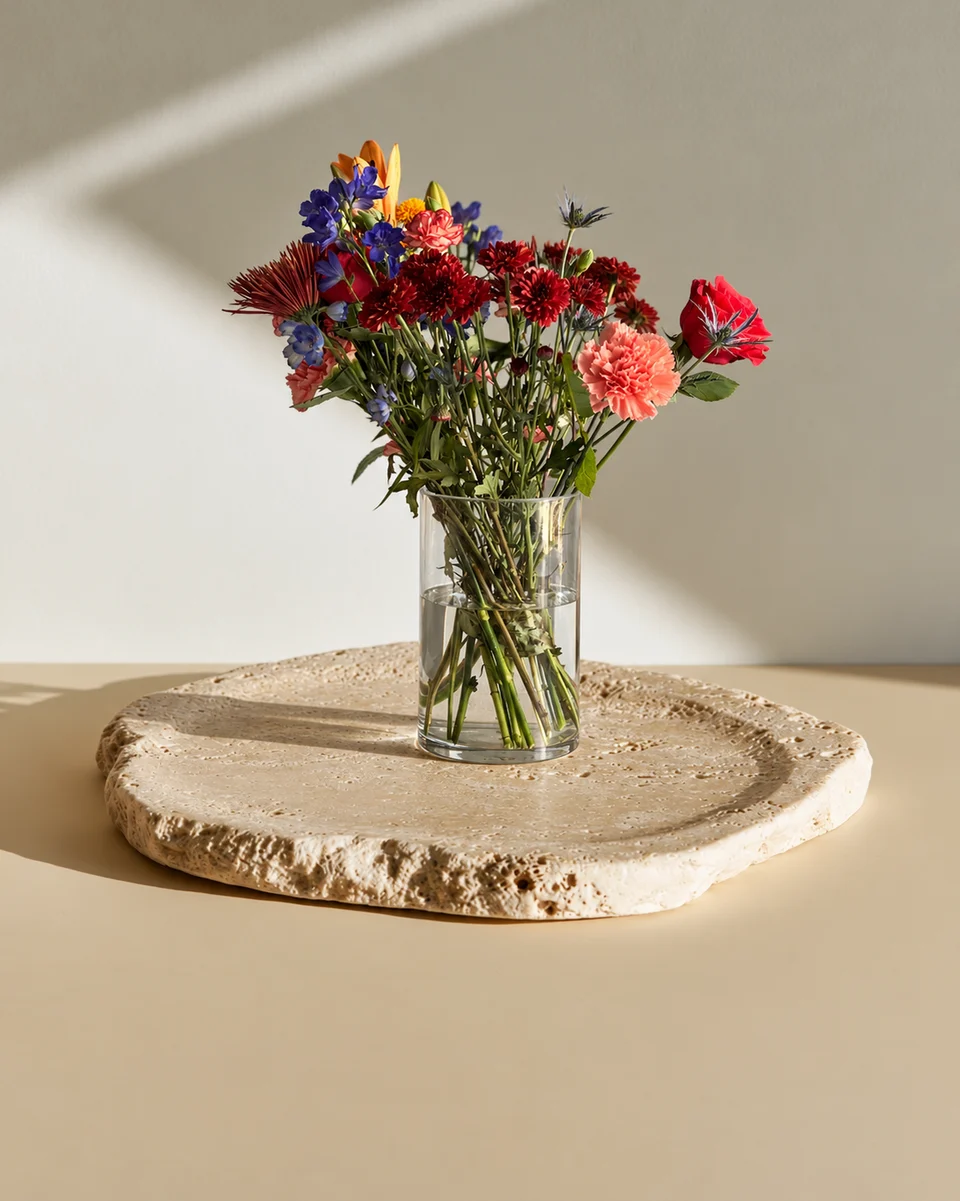
A studio photo shows what the customer receives. A lifestyle photo shows how it will feel: on a kitchen table in morning sun, on a window sill, in a café. Gift buyers picture the flowers in a home like their own, and that helps them say yes. Here is when to use lifestyle photos, and how to make them from one bench photo with FlowerShoot’s home and garden rooms.
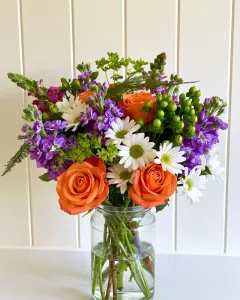 Phone photo
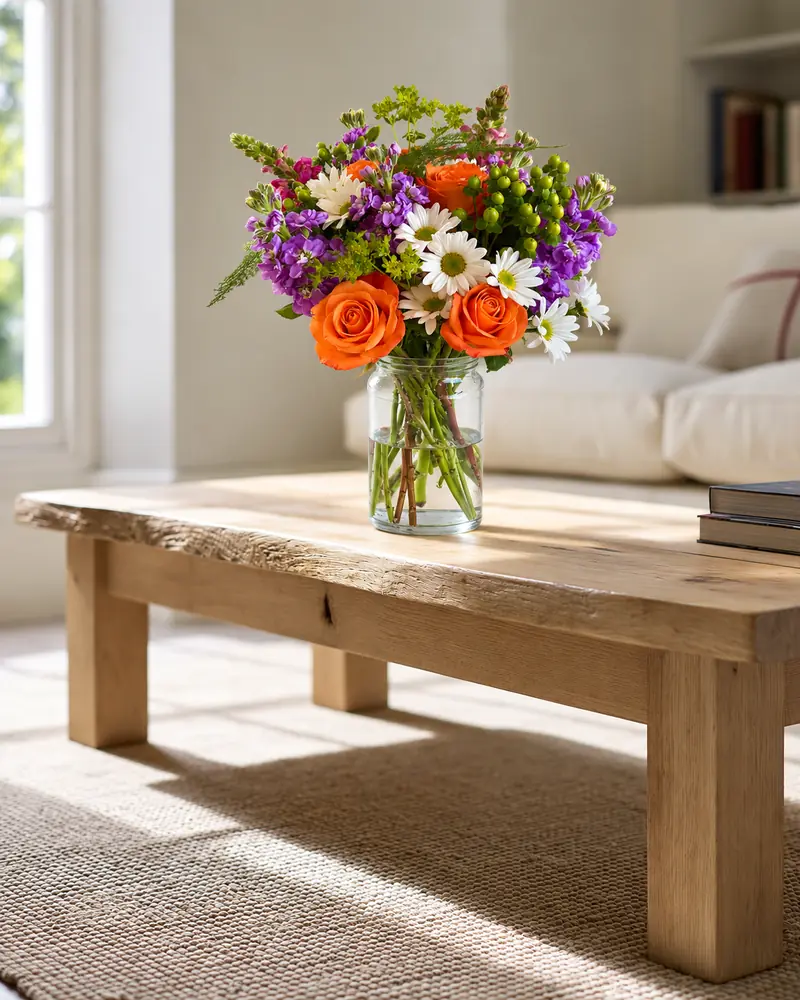 Kept as made
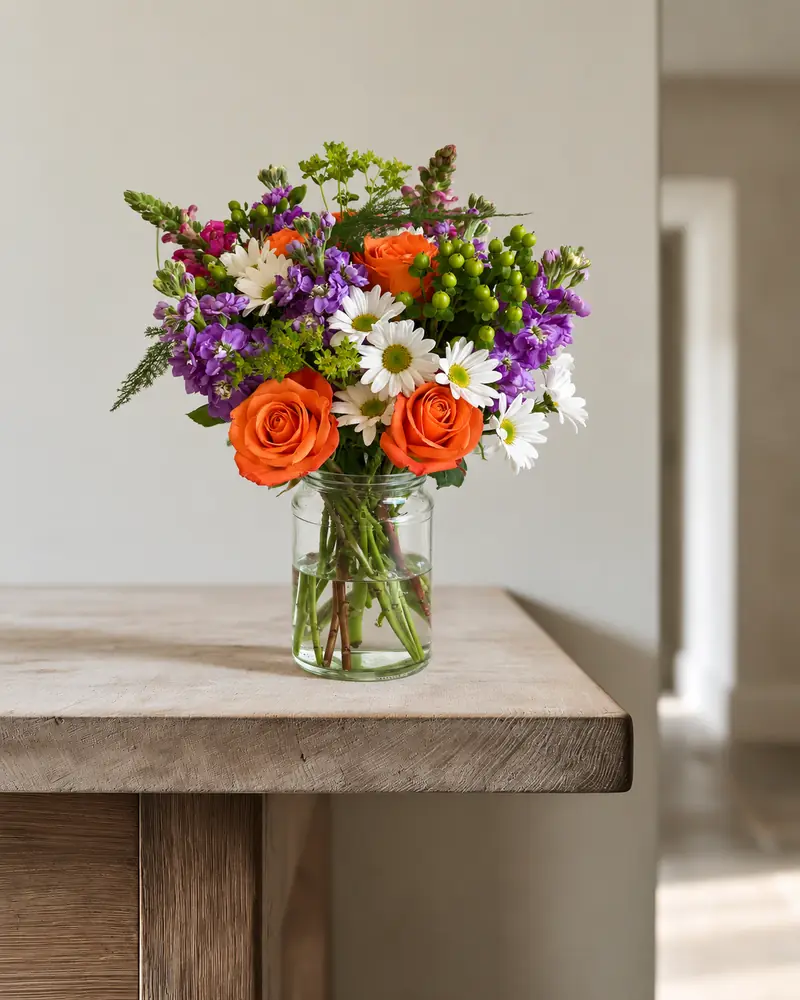 Kept as made
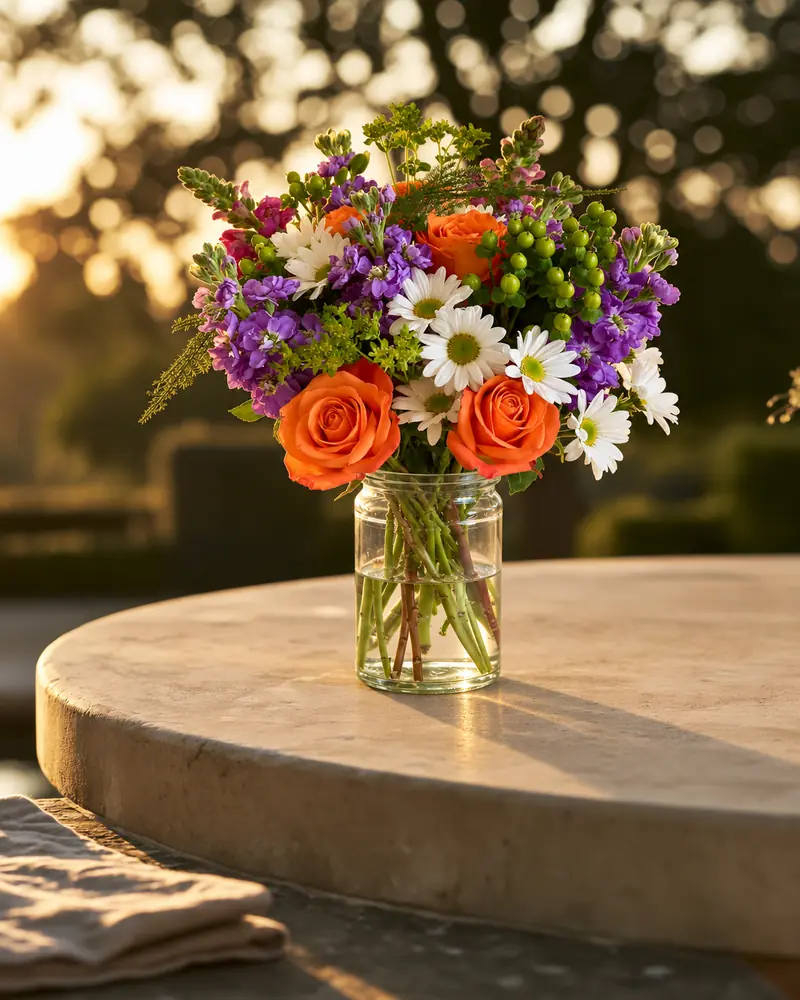 Kept as made
When to use a lifestyle photo
- Instagram and Facebook: a home or a garden feels like a moment, not an advert.
- Gift menus: Mother’s Day, birthdays and thank-yous sell on how the flowers will feel when they arrive.
- The second photo on a product page: studio first for what arrives, lifestyle second for the feeling.
- Google: use real photographs of your products and shop, without significant alterations. Keep generated room images for suitable marketing channels; see the Google Business Profile photo rules.
- Business orders: a reception desk, a hotel welcome or a café counter helps an office or a venue picture a weekly arrangement.
At home: tables, sills and living rooms
Kitchens, window sills, living rooms and bedside tables are settings customers know. Morning light feels fresh and everyday; warm evening light with candles feels like a gift.
Phone photo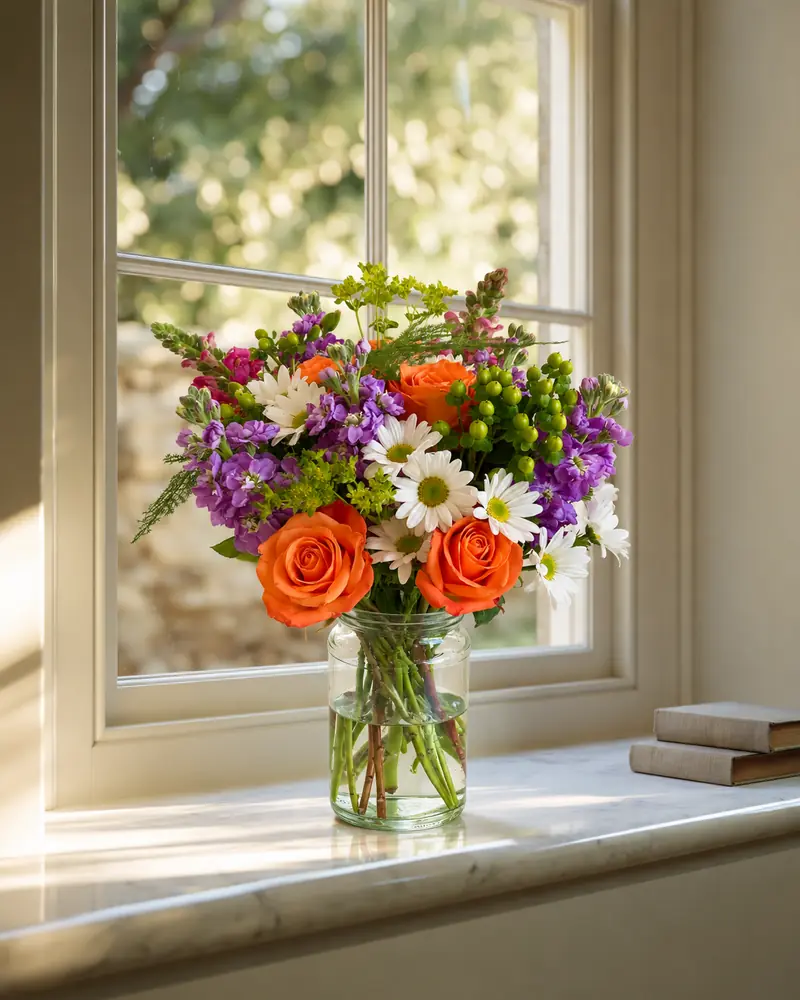 Kept as made
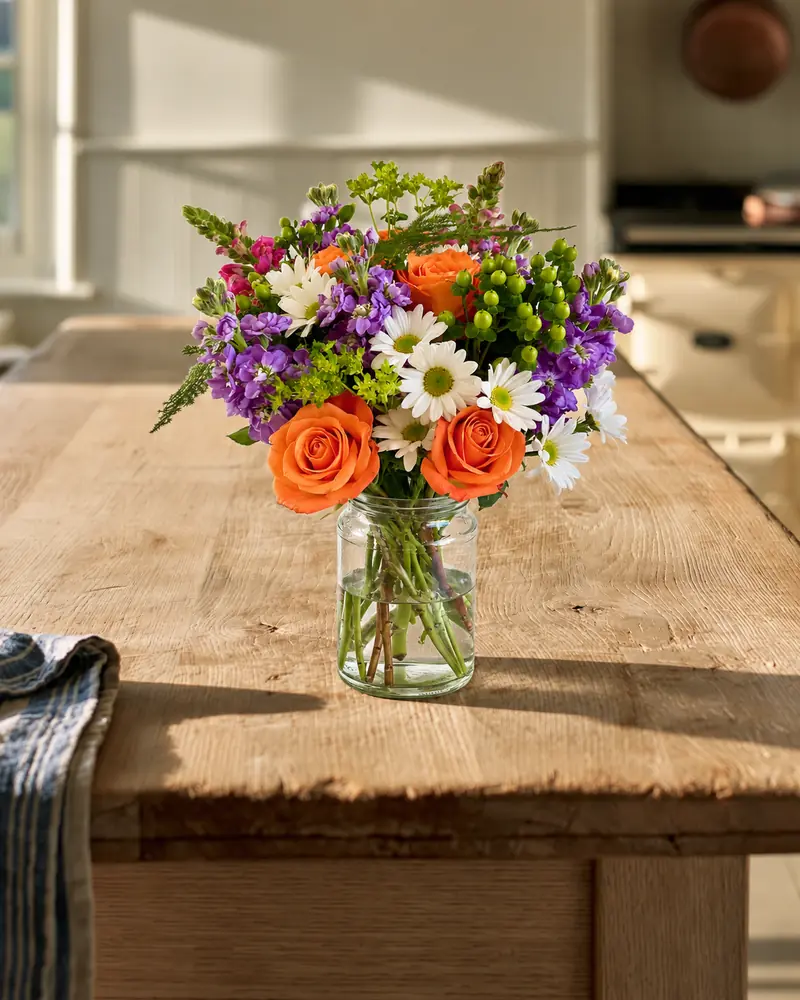 Kept as made
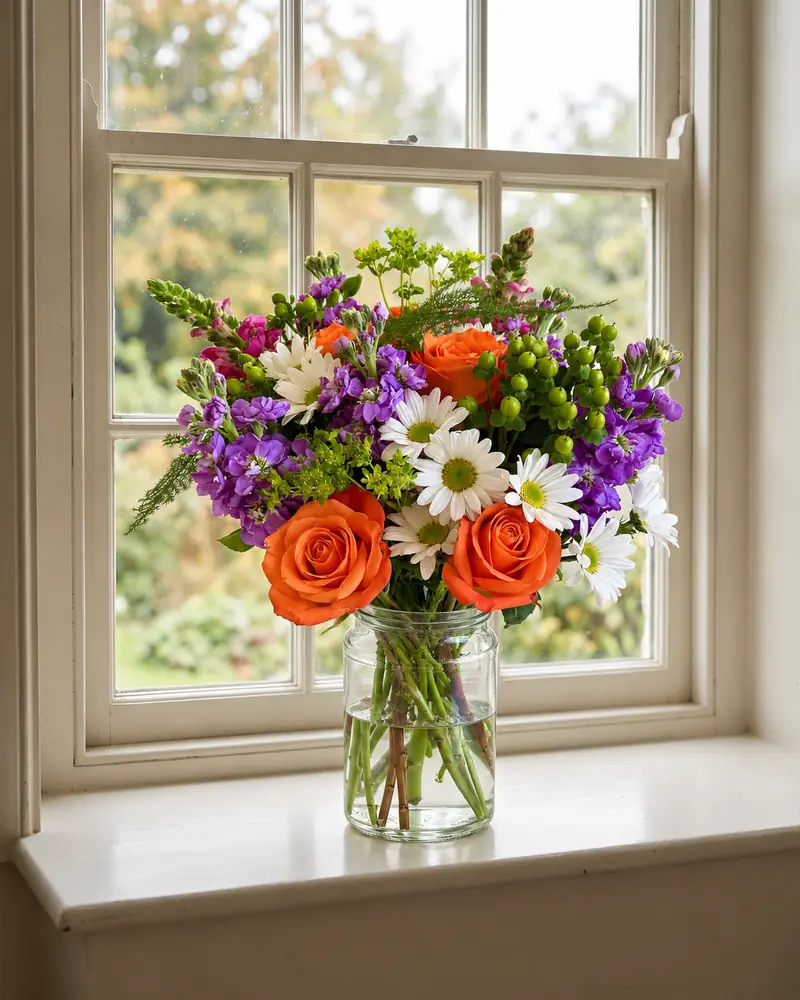 Kept as made
Home rooms to try:Sunday at homeCottage afternoonWindow ledgeMarble sill · garden wallLimestone sill · morningFarmhouse oak · morning sunFarmhouse pine · kitchenSunlit window counterIvory console · taupe drapesBlush plaster · walnut tableWarm wood · parchment wallCosy living roomBedside table · morning sunOak coffee table · fireside
Cafés, hotels and reception desks
If you sell weekly flowers to businesses, show them in a business setting. A reception desk, a hotel welcome table or a café counter helps an office manager picture the order in their own space.
Phone photo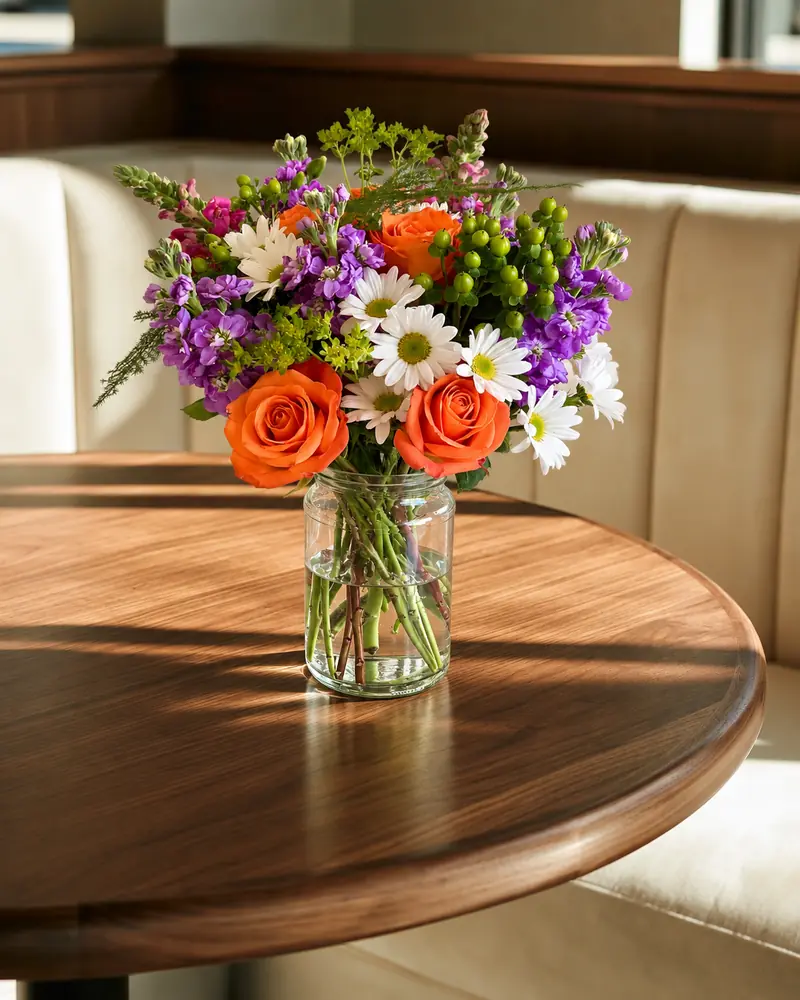 Kept as made
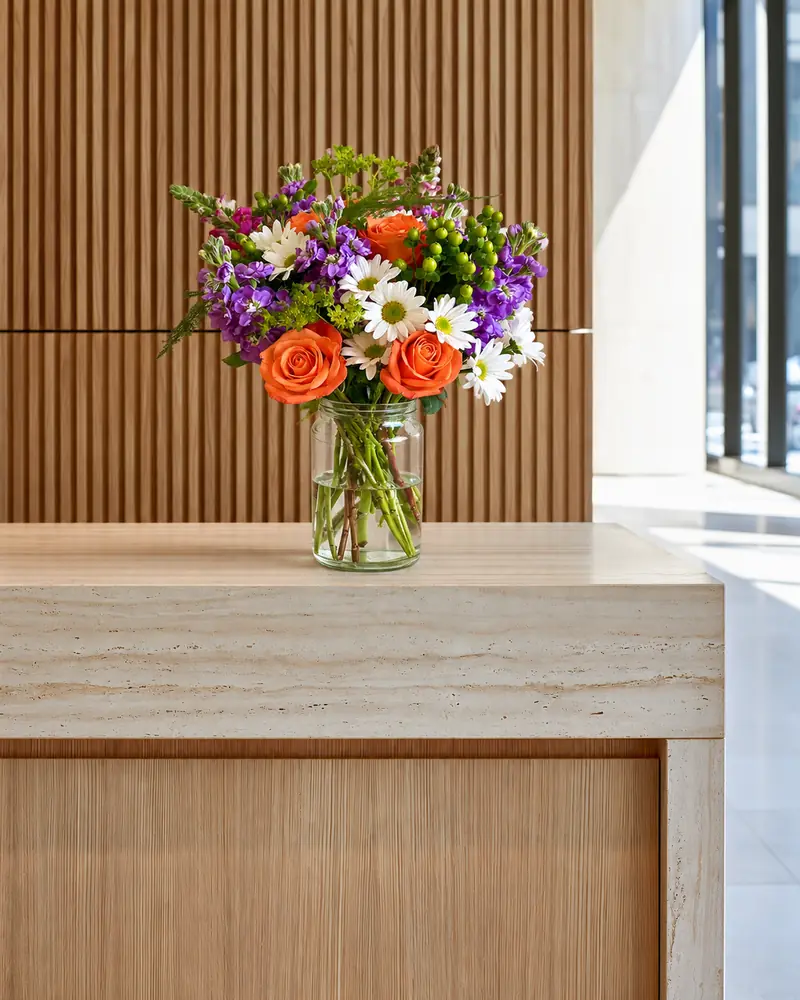 Kept as made
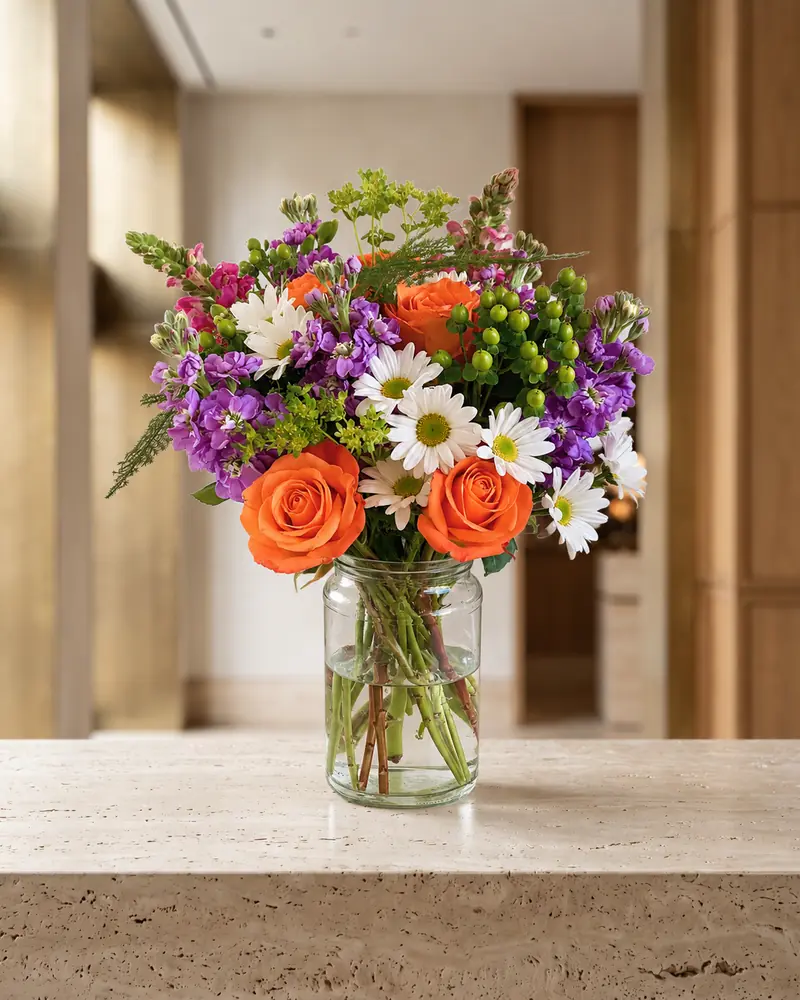 Kept as made
Gardens and conservatories
Garden light suits spring and summer menus, garden roses and anything that looks just picked. A stone table at golden hour, a teak bench by a wall or a conservatory feel fresh without looking staged.
Garden rooms:Stone table · golden hourTeak bench · stone wallGarden conservatorySpring garden · draped tableRose marble · terrace light
Make it look real
- Match the room to the piece. A grand arrangement looks odd on a bedside table, and a posy looks lost on a long dining table.
- Match the light to the flowers. Morning rooms suit fresh, bright designs; candlelit rooms suit deep reds and winter flowers.
- Use homes for feeling and studios for facts. Put a studio photo first on a listing, so customers see what arrives.
Want a cleaner look? See backdrops for flower photography. For the seasons, see the Christmas and holiday flower photo rooms and Mother’s Day menu photos.
Made only for florists
From a bench photo to your next listing
Your flowers are the product. FlowerShoot makes the photo as lovely as the arrangement, wherever you share it: one phone photo in, a studio photo out.
For social media
Fresh posts and Stories every week, without a photo shoot or moving a single bucket. Download post and Story sizes with your logo and a caption, and let your flowers shine in a calm, professional feed.
For selling on your website
Choose a house style for your collection, then check each result against the piece you sell. Keep a real product photo alongside staged views, with clear size and vessel details.
- Skip the photographer. A studio photo from one phone photo, in about a minute.
- Standard photos from 19.5¢. One standard photo uses 1 credit. Monthly plans start at $10 for 50 credits. Optional 4K generation uses 2 credits.
- Try before you subscribe. Start with 3 free previews, no card. Monthly plans start at $10 for 50 credits.
- Your real flowers. Start from your own arrangement. Compare the result with the original before listing it.
- 200+ rooms made for flowers. Studios, pedestals, homes, weddings and every season.
Quick answers
What is lifestyle flower photography?
Photos of flowers in a real setting, such as a kitchen table, a window sill or a café, rather than on a plain studio backdrop. They show how the flowers will look and feel where they live.
Should my website use lifestyle or studio photos?
Both. Put a clean studio photo first so customers see what arrives, and a lifestyle photo second for the feeling. Use the same studio room for every product so your menu matches.
How do I take lifestyle flower photos without a styled home?
Take one daylight phone photo of the finished piece at the bench, then choose a home, café or garden room in FlowerShoot. The photo is made in about a minute, and these rooms keep an arrangement or bouquet as you made it.