Photo app for flower shops and home florists
Every arrangement in your shop, photographed the day you make it.
Short answer
A flower shop photo app lets a shop photograph each arrangement itself, without booking a photographer. With FlowerShoot you snap the finished piece on your phone, choose a room, and get a studio product photo in about a minute. Use the same room for the whole menu and the shop looks consistent. You get 3 free previews when you sign up, with no card. Plans start at $10 a month for 50 photos.
Examples
From the workbench to the menu.
Each pair shows a phone photo and the studio photo made from it.
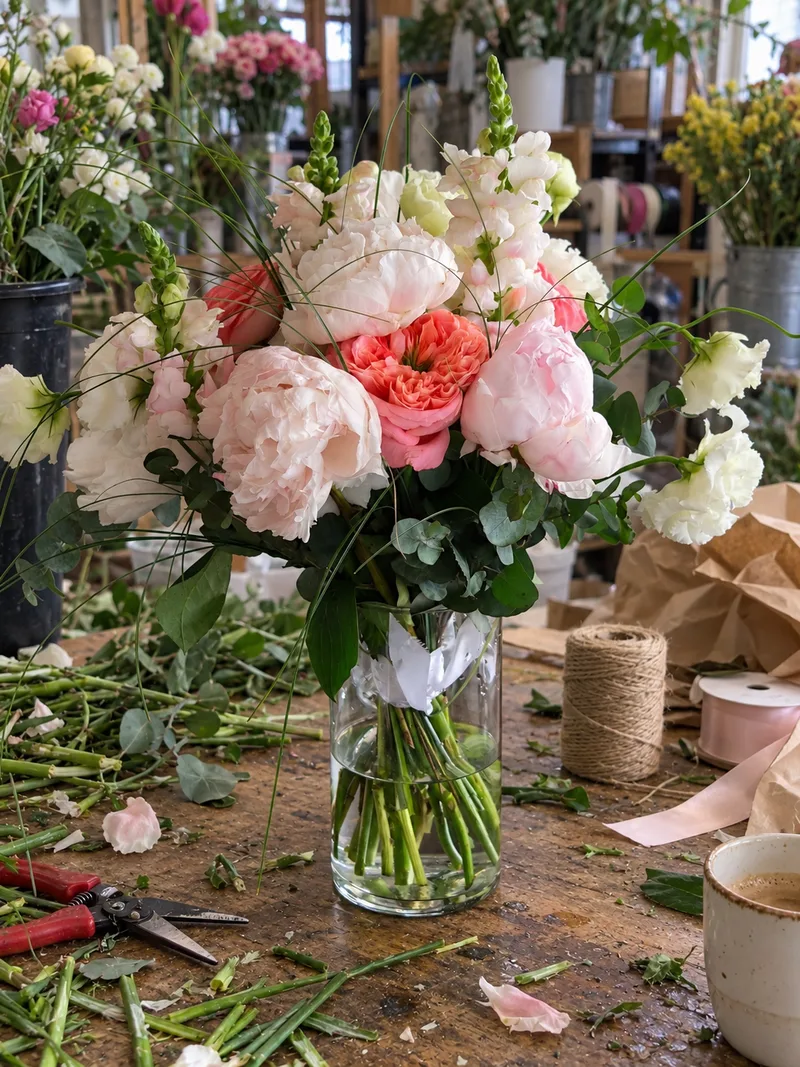 Phone photo
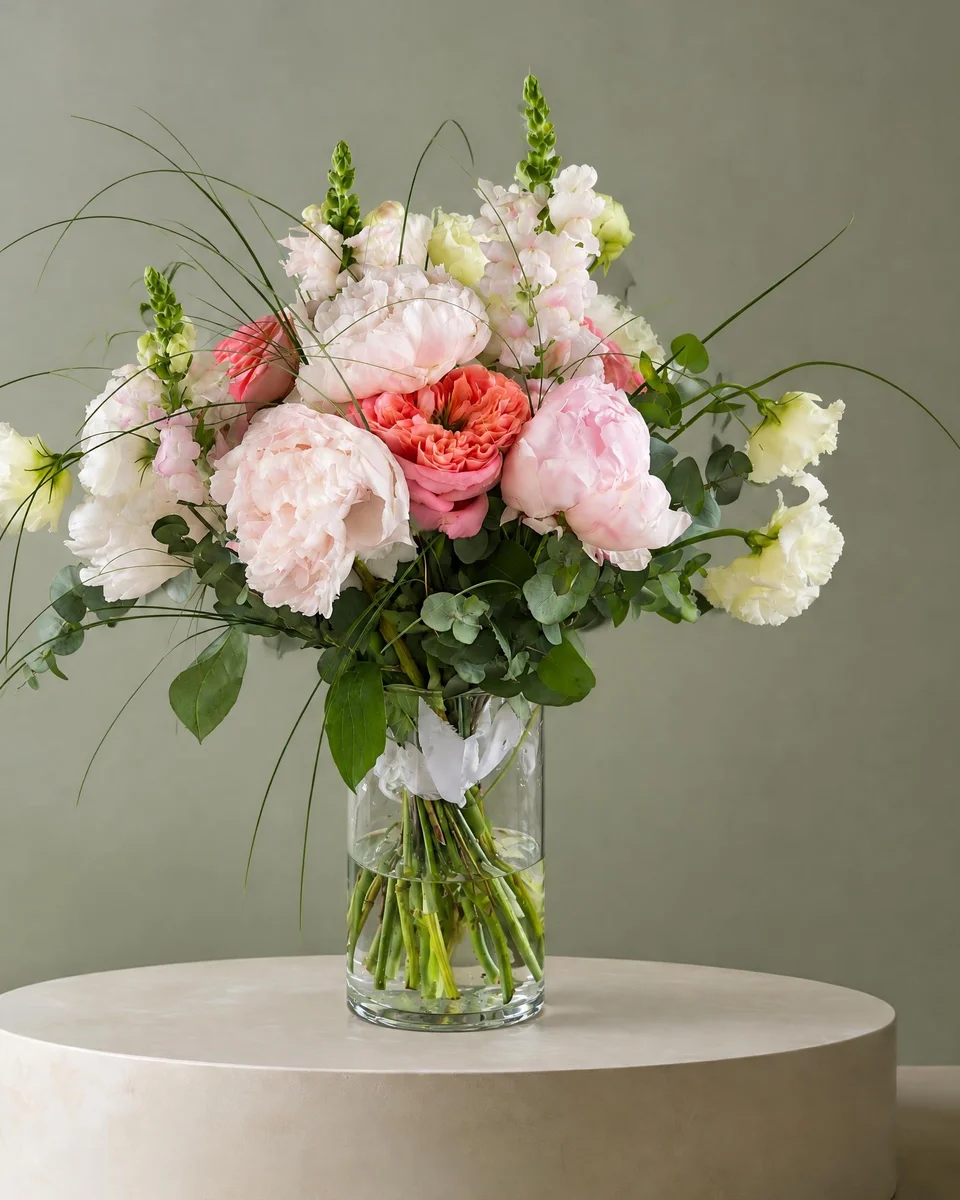 Studio photo
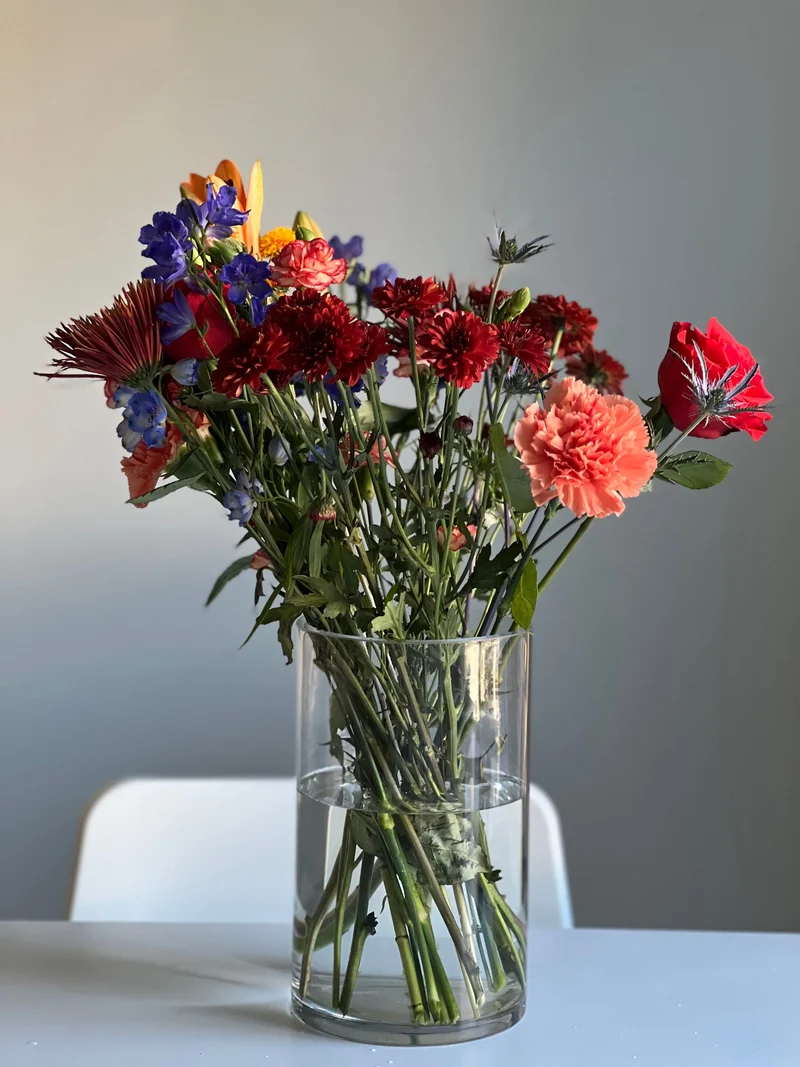 Phone photo
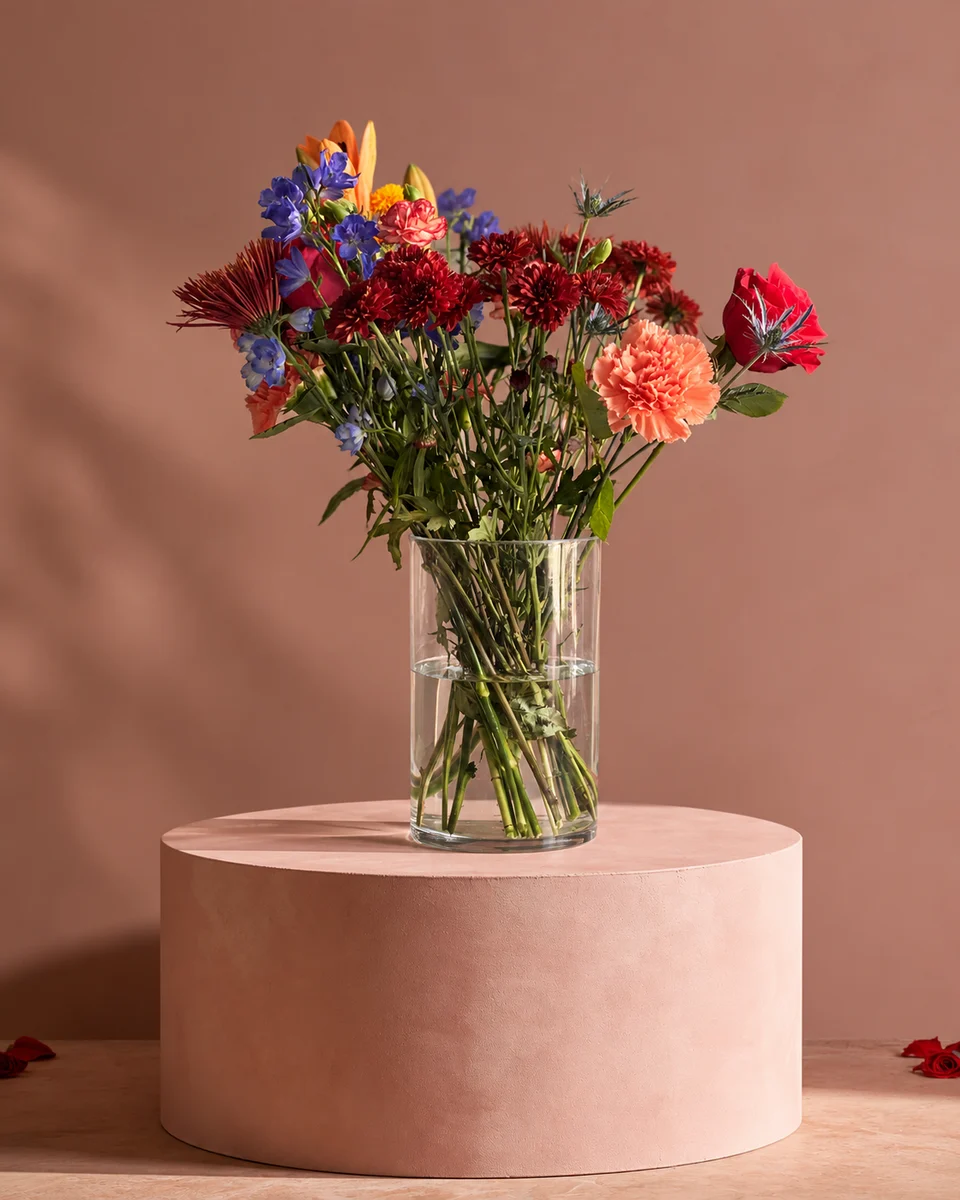 Studio photoPhone photo
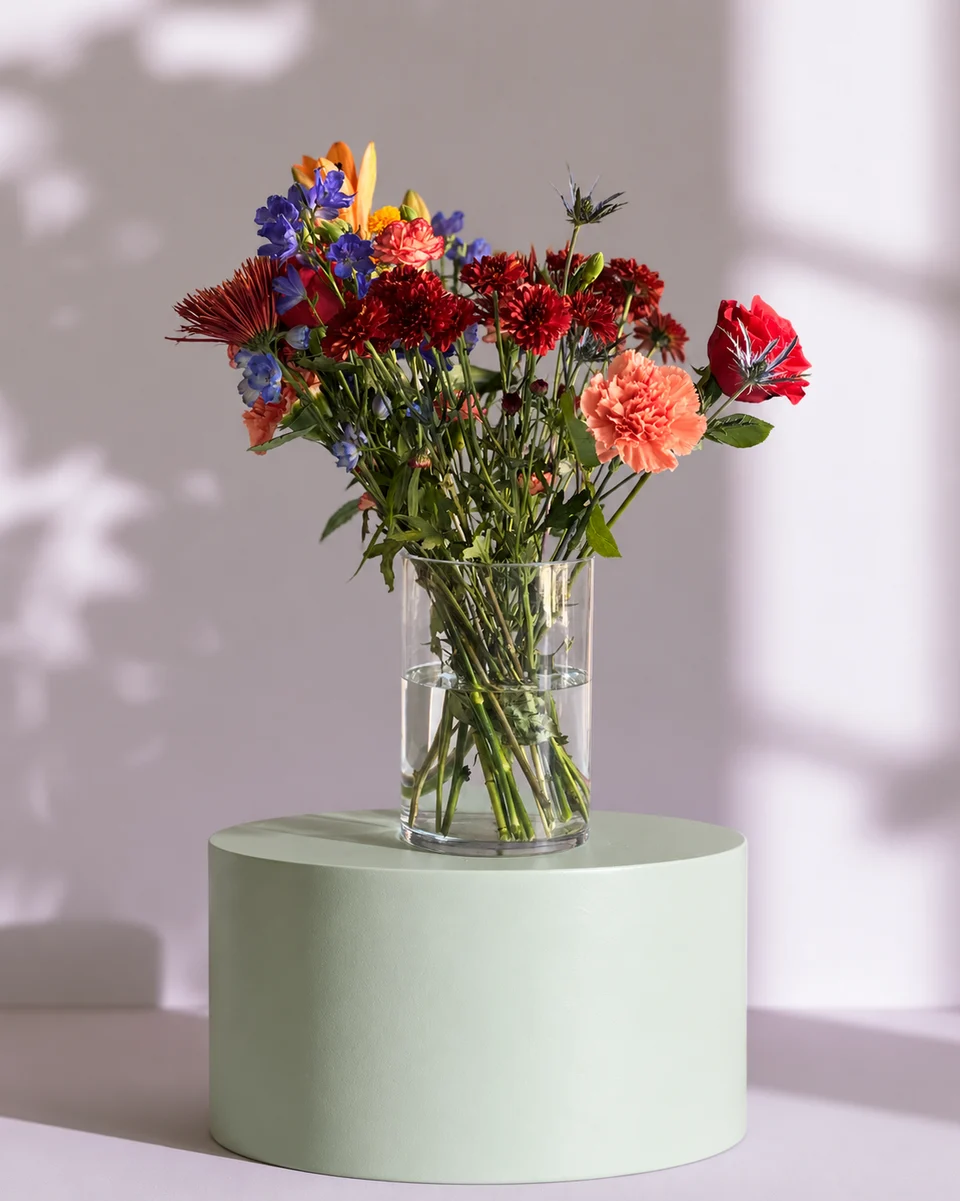 Studio photo
Why florists use it
Made for people who sell flowers.
A menu that matches
Pick one room and use it for every piece, so your website and menu look like one shop. Does the room stay the same?
Seasonal menus, weeks early
Photograph your Valentine’s, Mother’s Day and Christmas pieces in rooms already dressed for the season.
Menus and price cards included
Design & share makes a product card with the name and price, or a menu of every bouquet, from the photos you make.
How it works
One phone photo. Three steps.
Snap each piece as you finish it
One phone photo on the bench, with the whole vase in the frame.
Use your shop’s room
Pick the same room each time from 200+ rooms, or a holiday room for a seasonal menu.
Put it where you sell
Download for your website, menu, Google Business Profile and posts.
- 3free previews when you sign up, no card
- 200+rooms made for flowers
- About a minutefor each photo
- From $10a month for 50 photos
Quick answers
What is a flower shop photo app?
An app a flower shop uses to make its own product photos. FlowerShoot photographs your own arrangements from a phone photo, so the menu shows what you actually make.
Can I keep the same background for my whole menu?
Yes. Choose the same room for each piece and the surface, wall and light stay the same across your menu. How the room is kept
Does it work with my website or shop system?
It works beside them. Download each photo and upload it to your website, online shop or point of sale as you would any product photo. Where it fits among florist software
Can it make a printed menu or price card?
Yes. Design & share makes a product card or a menu with names and prices, to print or post. There is also a free flower menu maker.
Do I need a camera, a studio or editing skills?
No. A phone photo in good light is enough, and there is nothing to edit. How to take the phone photo
How much does it cost?
You get 3 free previews when you sign up, with no card. Previews are shown in full with no watermark; downloading needs a plan. Plans start at $10 a month for 50 photos, billed monthly, and you can cancel any time. See prices
More for flower sellers
- Flower listing photo app for Etsy, Shopify and website sellers
- Bouquet photo app for florists and flower sellers
- Instagram photo app for florists and flower sellers
- Flower background changer for florists and flower sellers
- Facebook photo app for florists and flower sellers
- Centerpiece photo app for event and wedding florists
- Product photos for a flower shop website
- Valentine’s menu photos
- Florist software: what each kind does
Your next arrangement deserves the studio.
Try your own flowers with 3 free previews. No card needed.
Try it freeUse your free credits within 7 days. A paid plan unlocks full-size files at their generated size. See prices