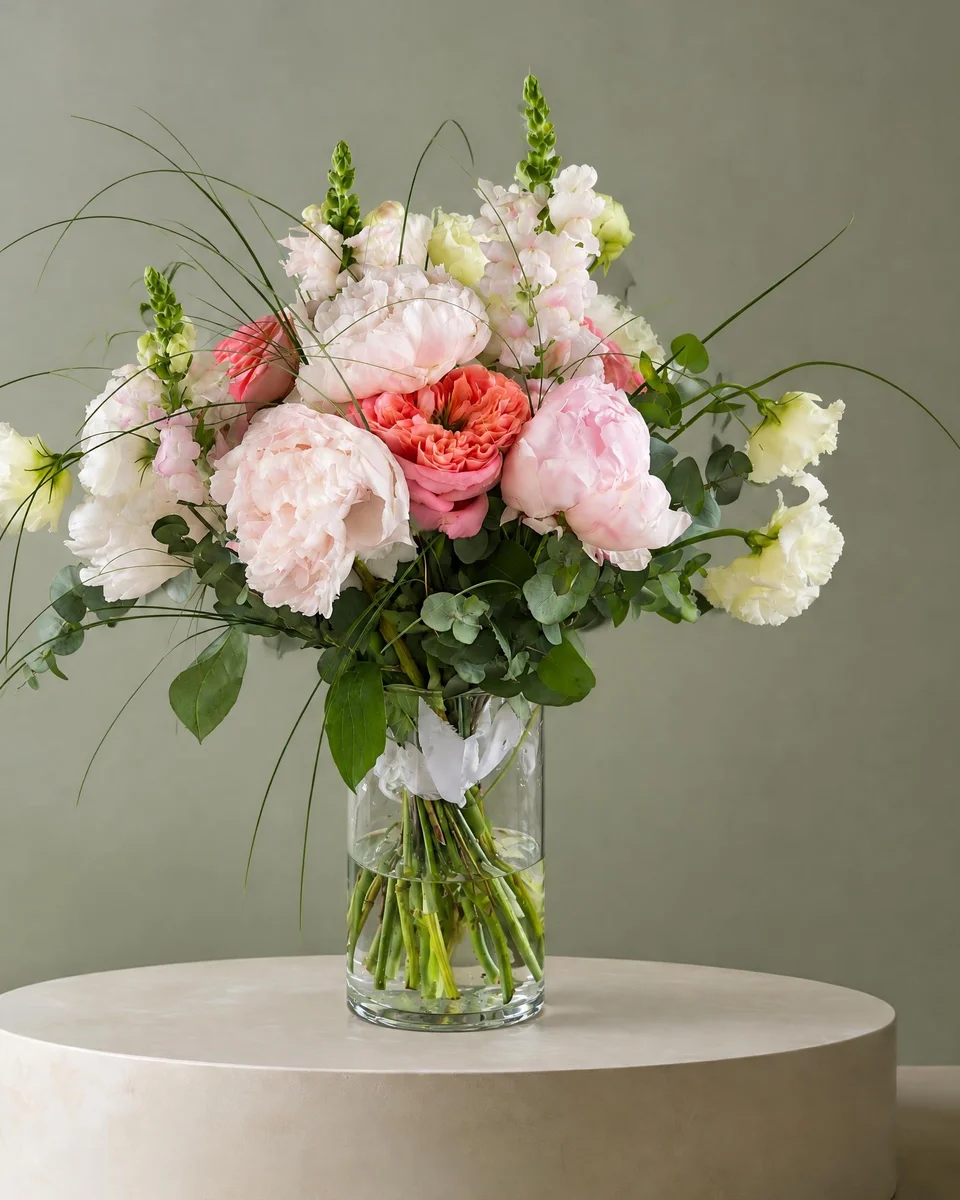
Software guide
Best florist software in 2026: the right tool for every job in a flower shop
Short answer
Most florists use one tool per job: a shop system for orders and payments (such as Floranext, FloristWare, Hana, Square or Shopify), a website (Shopify, Squarespace, Wix or a florist website provider such as Lovingly, BloomNation or Flower Shop Network), event software for weddings (Curate, Details or FlowerBuddy), bookkeeping (QuickBooks or Xero) and a photo tool. FlowerShoot is the photo and listing tool: one phone photo of your own arrangement becomes a studio product photo in about a minute, ready for your website, Etsy and Instagram.
“Florist software” can mean five different things: a shop system that takes orders, a website, wedding proposal software, a photo tool or bookkeeping. Here is each job, the tools florists compare for it, and how to choose by the kind of florist you are. Checked 28 October 2026. We’re not affiliated with any of these tools except our own, FlowerShoot, photo and listing software for florists, so check each one’s own site for current prices.
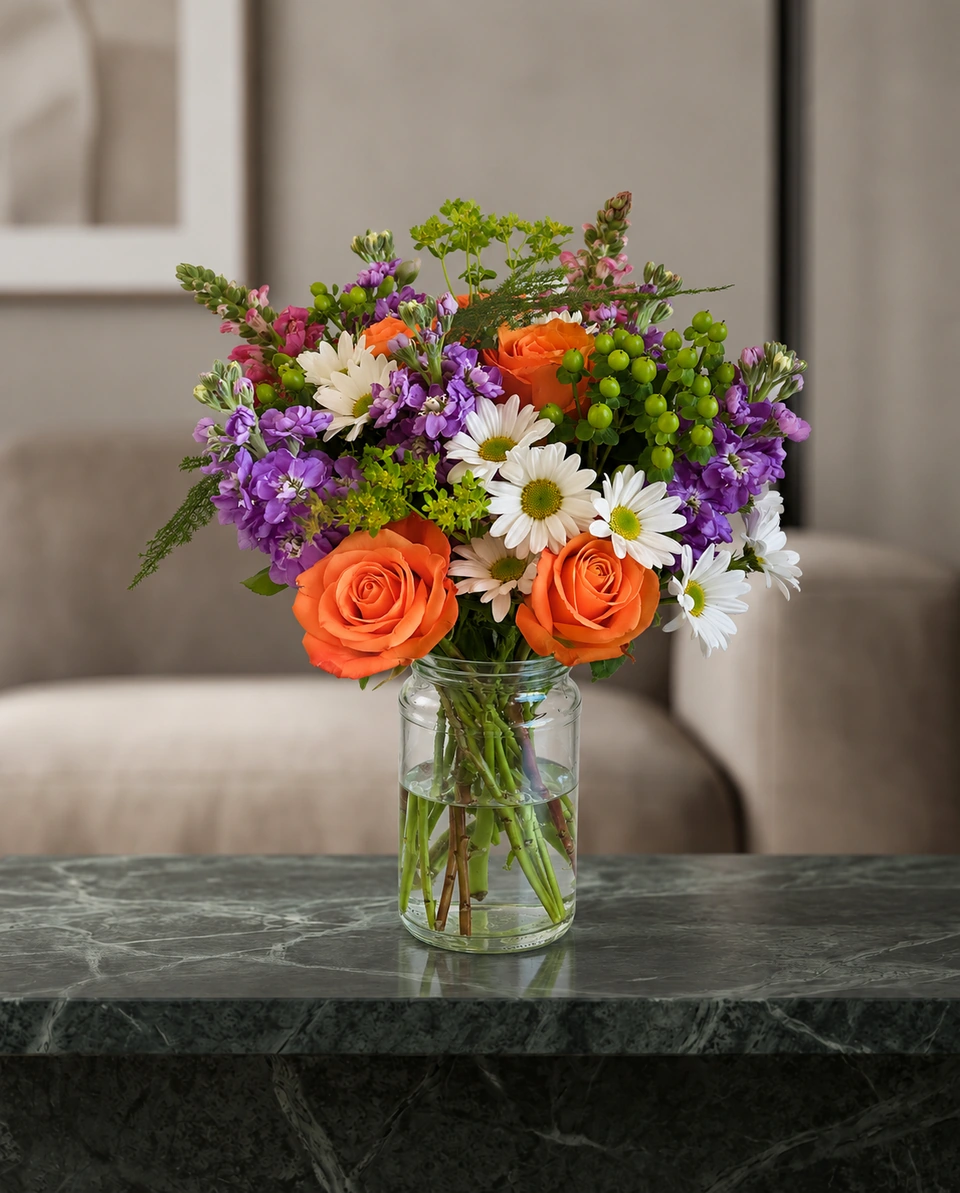
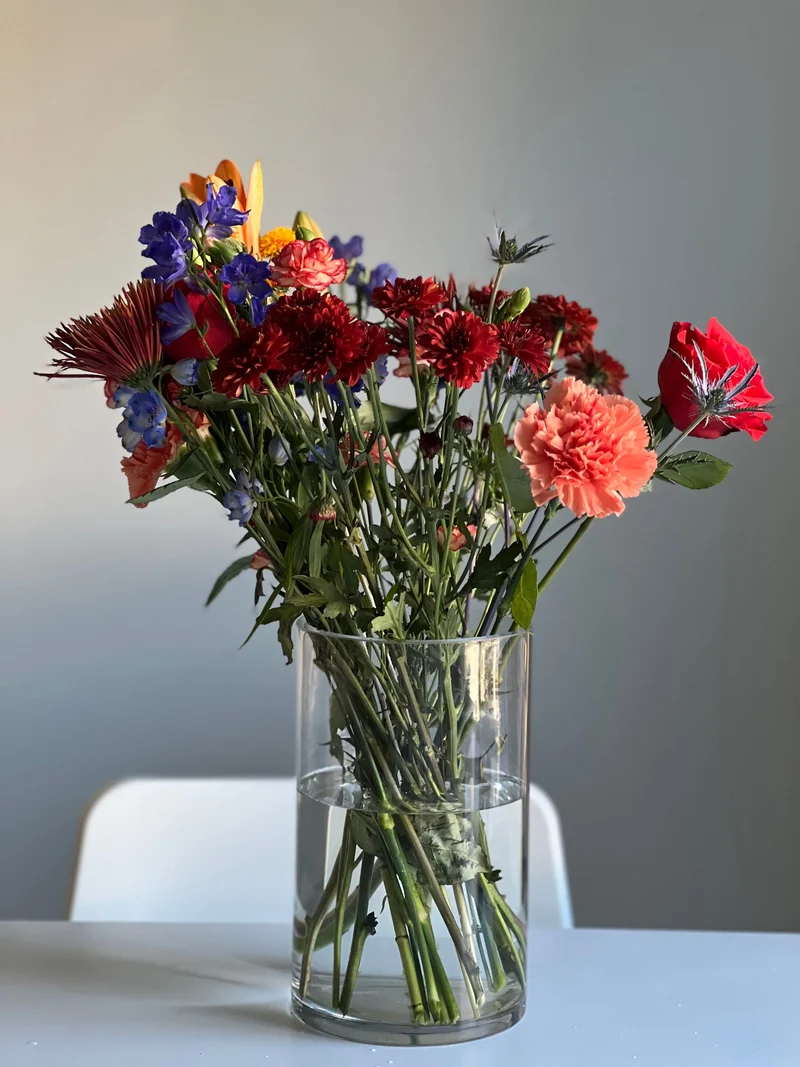 Phone photo
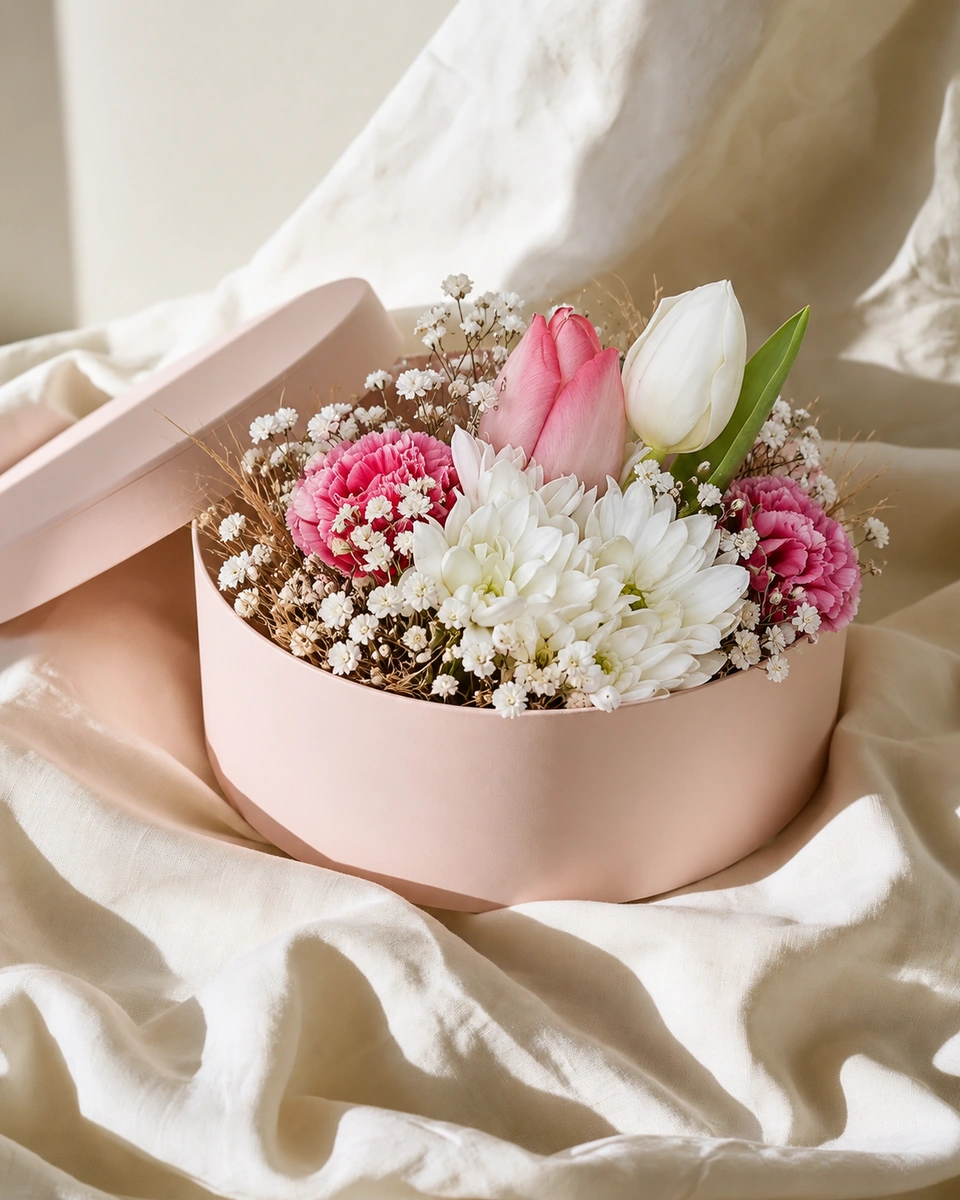
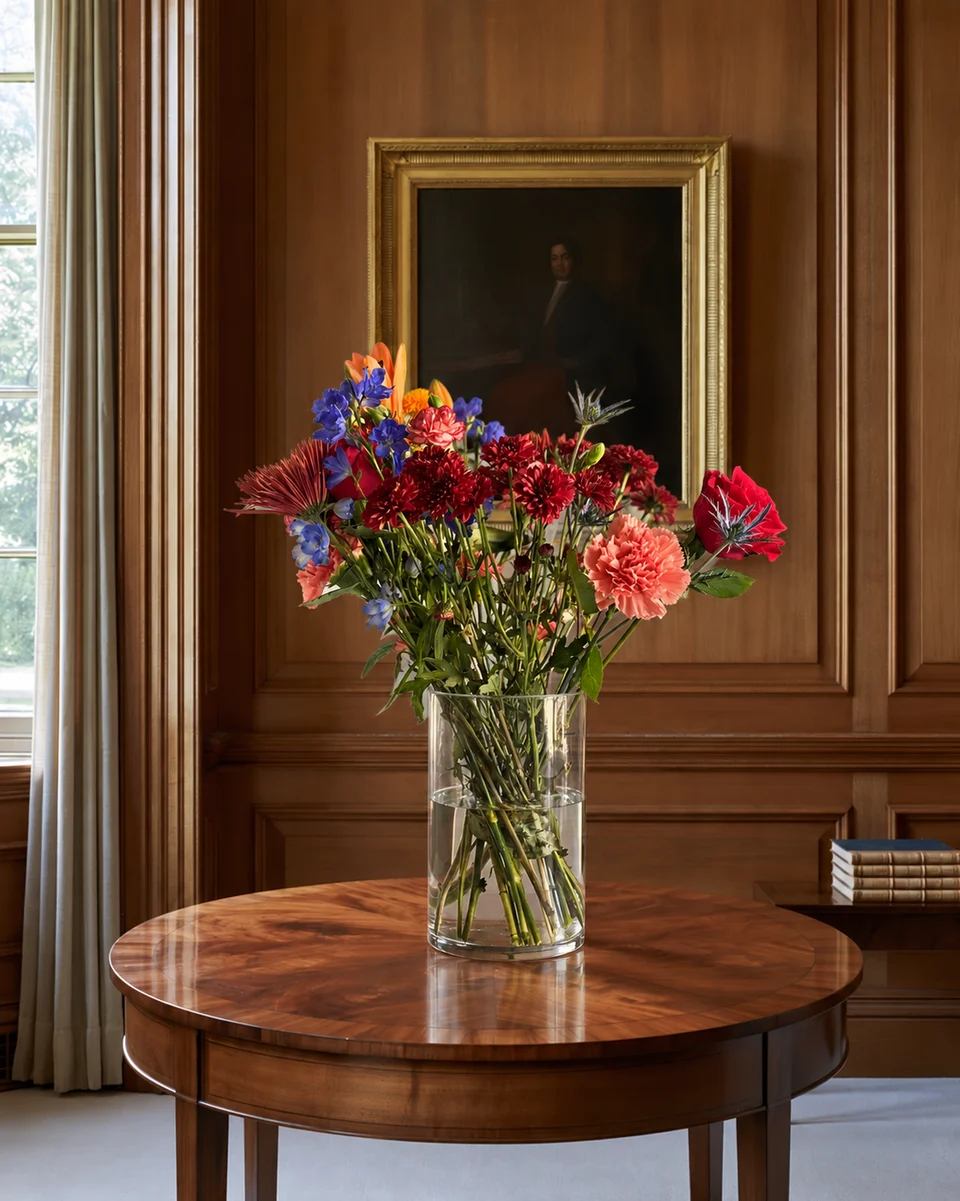
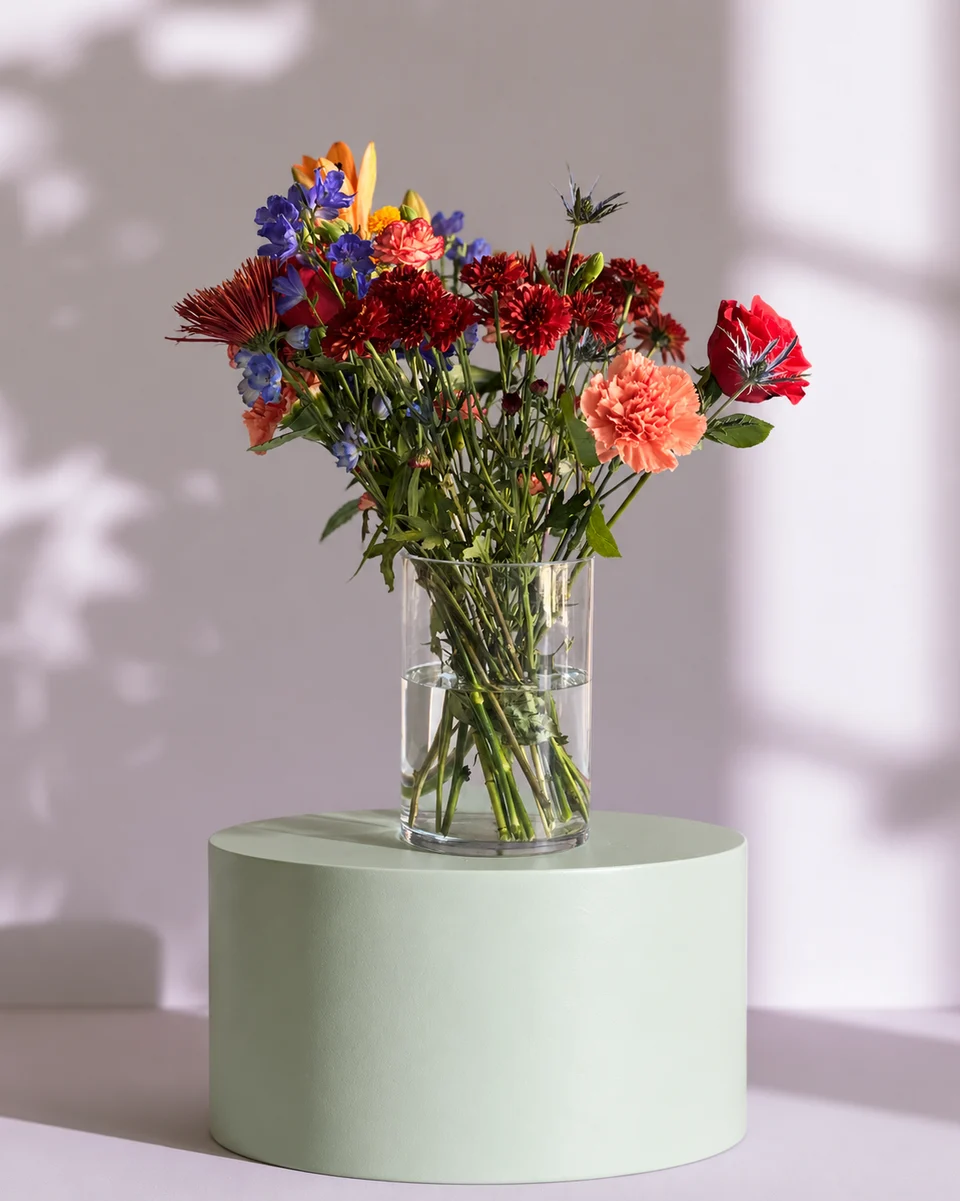
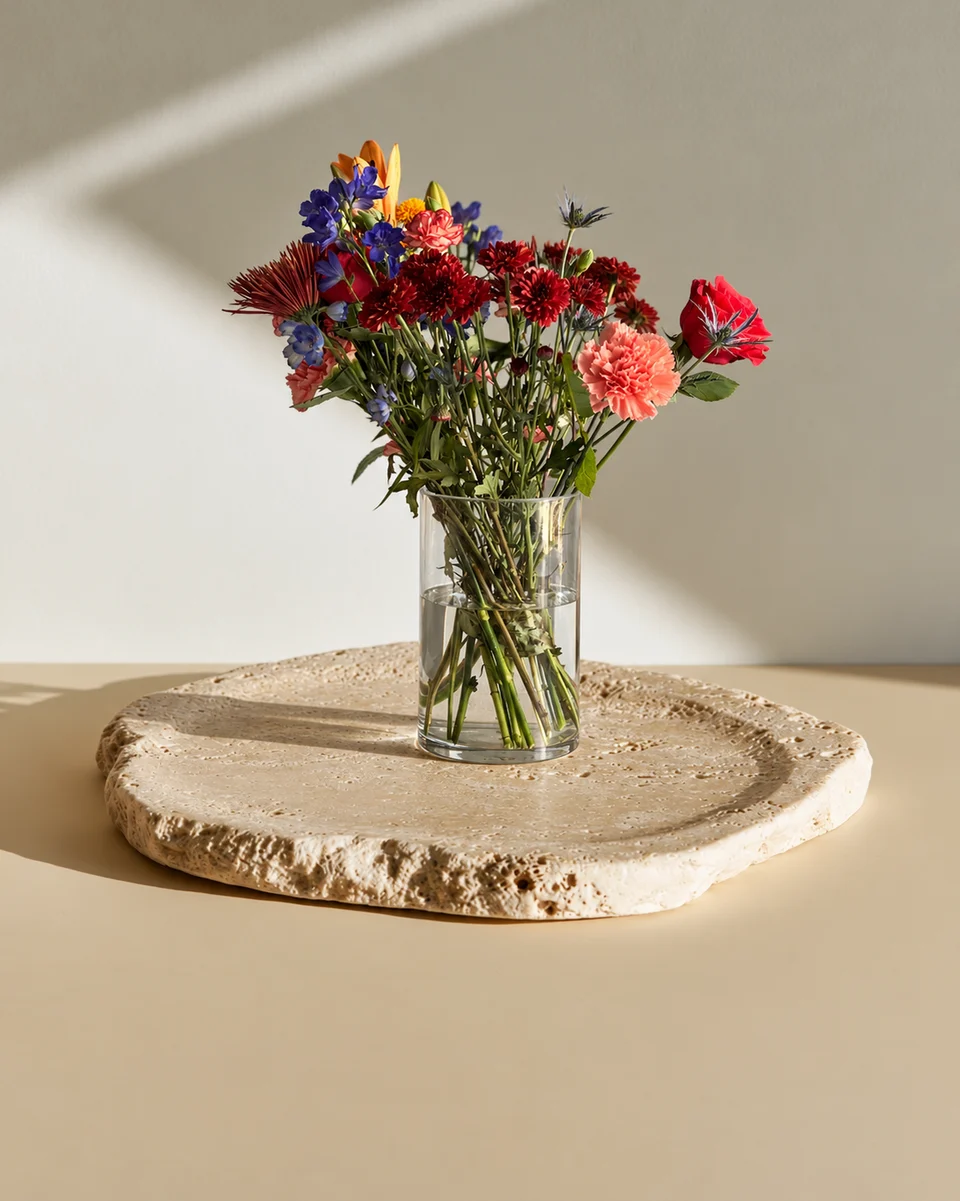 Studio photo
Florist software, job by job
| Job | What it does | Examples florists compare |
|---|---|---|
| Shop system (POS and orders) | Takes orders and payments in the shop, by phone and online, and tracks deliveries | Floranext, FloristWare, Hana Florist POS, QuickFlora, or a general system such as Square or Shopify POS |
| Wire-service orders | Sends and receives orders between florists in different towns | The systems that come with wire services such as FTD and Teleflora |
| Website and online shop | Product pages, delivery dates and card messages at checkout | Shopify, Squarespace, Wix, or florist website providers such as Lovingly, BloomNation, Flower Shop Network and Floranext |
| Weddings and events | Recipes, stem counts, proposals, contracts and payment schedules | Curate, Details Flowers Software, FlowerBuddy |
| Product photos and listings | Studio photos of your own designs, matching across your menu, plus captions and Etsy listing words | FlowerShoot |
| Menus, flyers and posts | Printed menus, flyers, product cards and social posts | Canva, or Design & share inside FlowerShoot |
| Local search | Your shop in Google Maps and search results | Google Business Profile (free) |
| Bookkeeping | Expenses, invoices, tax and stem write-offs | QuickBooks, Xero |
Choose by the kind of florist you are
Starting from home
Keep it simple: a card reader and online checkout (Square or Shopify), a free Google Business Profile and good photos. Add florist software when orders outgrow a notebook. Read how to start a flower business from home.
A shop with walk-ins and delivery
A florist shop system earns its keep: delivery routes, card messages, house accounts and wire orders in one place. Ask each one how it handles your website and your product photos.
Weddings and events
Proposal software saves hours on recipes, stem counts and contracts, and a proposal is only as convincing as its photos. See wedding florist portfolio photos.
Selling online and on Etsy
An online shop is mostly photos, and every listing needs a clear product photo that matches the rest. Read selling flowers on Etsy.
Best florist software for product photos, listings and scenes
Shop systems, websites and proposal tools all show your photos; making them is still up to you. Wire-service catalogues come with photos of the catalogue’s version of a design, not the one you made, and a phone photo on the workbench rarely looks ready to sell.
That is the job FlowerShoot does. Take one phone photo of a finished piece, pick one of 200+ rooms made for flowers, and get a studio product photo in about a minute. Design & share then turns it into product cards, menus, posts and Etsy or Shopify listing sizes, with captions and listing words. It doesn’t take orders or payments, so it works beside whichever shop system and website you already use: download the photo and add it there.
Read next: the best apps for florists, flower shop website photos and the free flower pricing calculator.
Made only for florists
From a bench photo to your next listing
Your flowers are the product. FlowerShoot makes the photo as lovely as the arrangement, wherever you share it: one phone photo in, a studio photo out.
For social media
Fresh posts and Stories every week, without a photo shoot or moving a single bucket. Download post and Story sizes with your logo and a caption, and let your flowers shine in a calm, professional feed.
For selling on your website
Choose a house style for your collection, then check each result against the piece you sell. Keep a real product photo alongside staged views, with clear size and vessel details.
- Skip the photographer. A studio photo from one phone photo, in about a minute.
- Standard photos from 19.5¢. One standard photo uses 1 credit. Monthly plans start at $10 for 50 credits. Optional 4K generation uses 2 credits.
- Try before you subscribe. Start with 3 free previews, no card. Monthly plans start at $10 for 50 credits.
- Your real flowers. Start from your own arrangement. Compare the result with the original before listing it.
- 200+ rooms made for flowers. Studios, pedestals, homes, weddings and every season.
Quick answers
What software do florists use?
Most florists use one tool per job: a shop system for orders and payments (such as Floranext, FloristWare, Hana, Square or Shopify), a website, wedding proposal software (such as Curate, Details or FlowerBuddy), bookkeeping such as QuickBooks, and a photo tool such as FlowerShoot for product photos.
What is the best software for a new florist?
Start small: Square or Shopify for payments and a simple online shop, a free Google Business Profile, and FlowerShoot for product photos from your phone. Move to florist POS software when delivery, wire orders or weddings get busy.
What is the best florist software for product photos and listings?
FlowerShoot, photo and listing software made only for florists. One phone photo of your own arrangement, bouquet or wreath becomes a studio product photo in about a minute, in 200+ rooms made for flowers: pedestals, held bouquets, front doors, flat lays and holiday tables. Design & share then turns it into product cards, menus and posts, with captions and Etsy listing words. Shop systems show photos but don’t make them.
Is there software that makes product photos for florists?
Yes. FlowerShoot is photo software made only for florists: one phone photo of your arrangement becomes a studio product photo in about a minute, in 200+ rooms made for flowers. Your first 3 standard previews are free.
Does florist POS software make product photos?
Not of your own designs. Shop systems and websites show photos, and wire services supply catalogue photos of their version of each design. To show the piece you made, photograph it and turn it into a studio photo with a tool such as FlowerShoot.
Does FlowerShoot connect to Shopify, Square or Etsy?
Not directly. You download each photo in the size your site needs, including a 2000×2000 Etsy and Shopify listing size, and upload it to your shop. It works beside any shop system or website.
Is FlowerShoot a florist POS?
No. FlowerShoot doesn’t take orders, payments or deliveries. It is the photo and listing tool you use beside your POS and website.
Sources
Platform rules change. Check each one’s current help pages before you upload.