Flower photo editor
Flower photo editor for florists: studio backgrounds online
Short answer
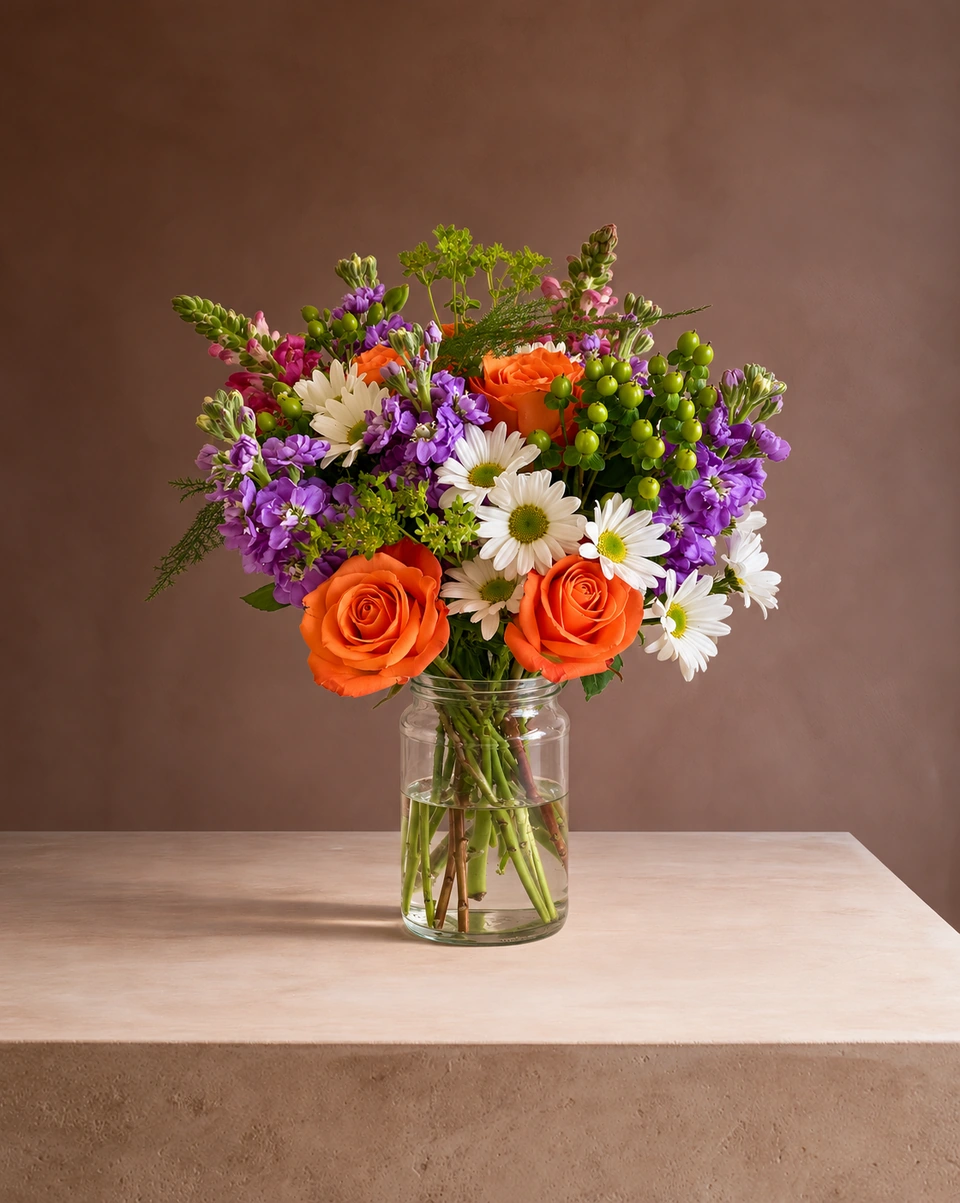
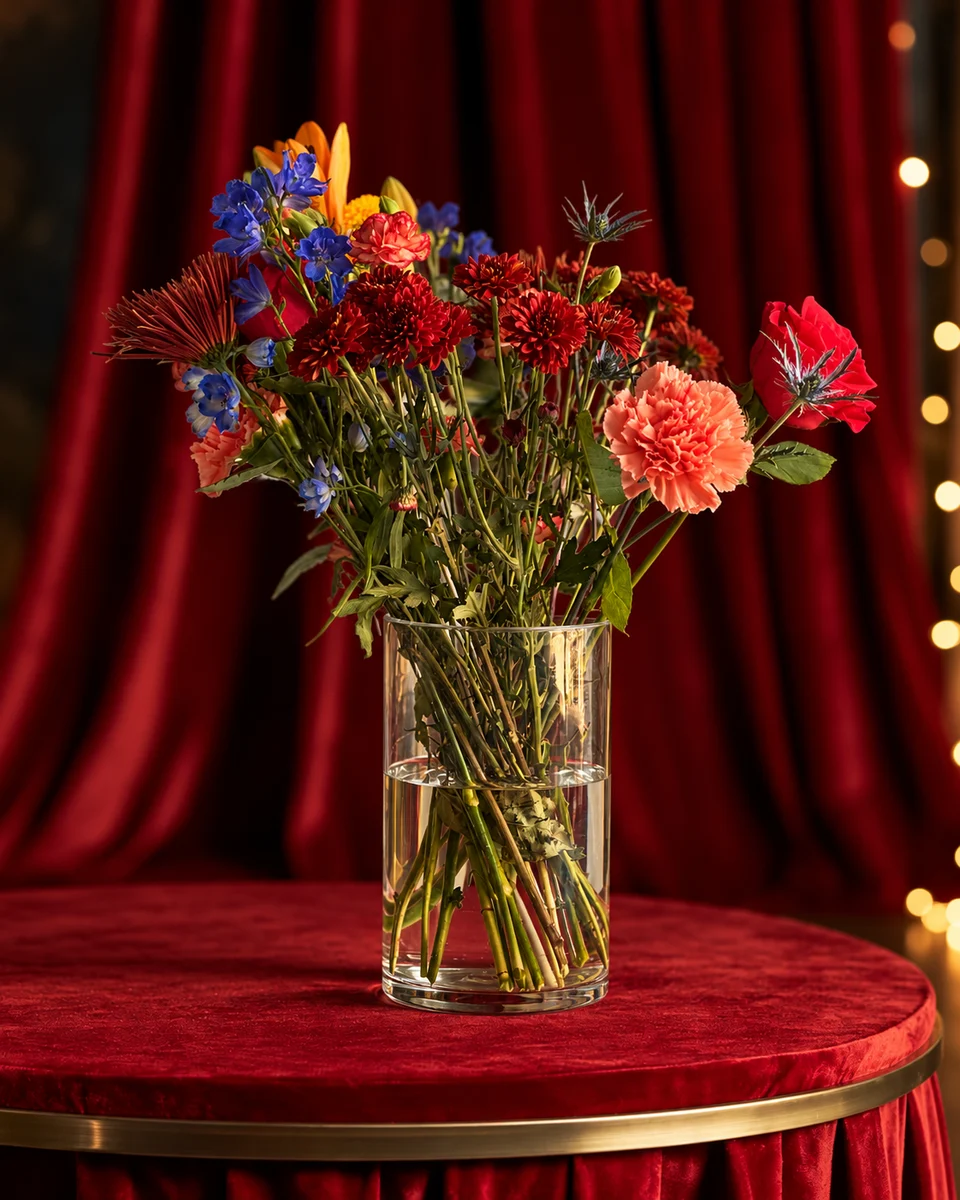
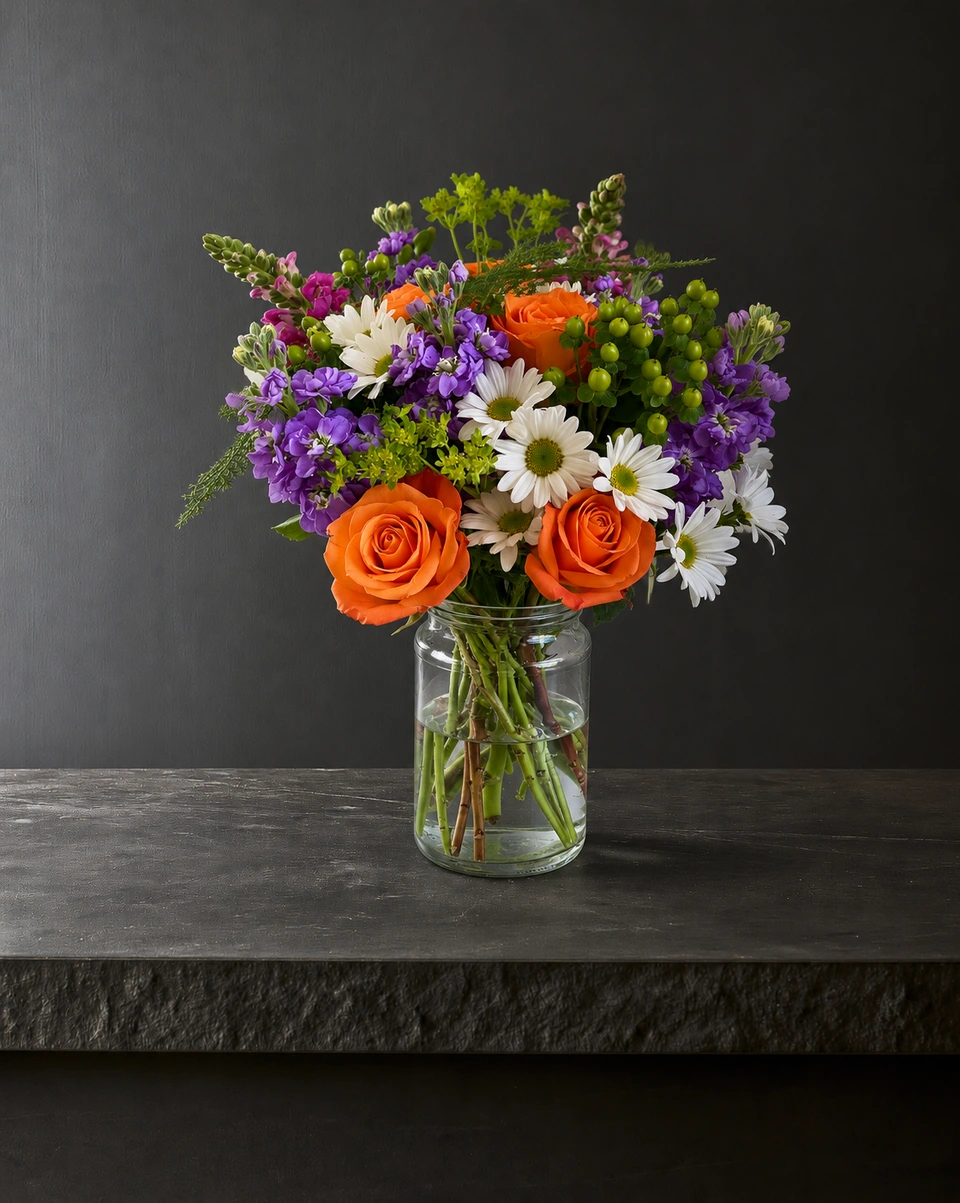
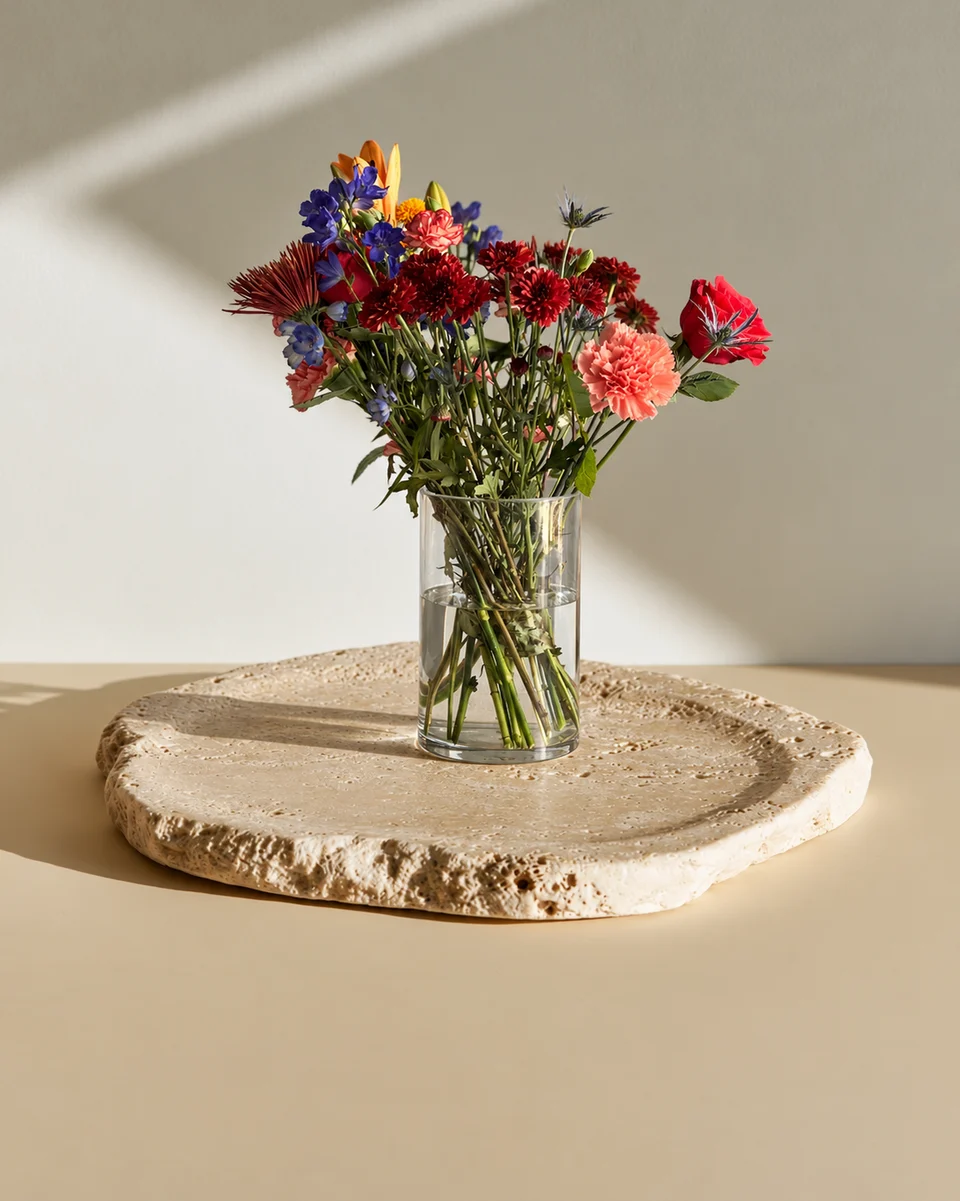
The best edit for a flower product photo changes what is around the flowers, not the flowers. FlowerShoot is a flower photo editor made for florists: upload one phone photo of your arrangement, bouquet or wreath, choose one of 200+ rooms made for flowers, and get a studio photo with the room’s own surface, light and shadow in about a minute. It works online in a modern phone or computer browser, and the first 3 starting credits are free, no card needed.
In this guide Jump to what you need
Most flower photo editors fix brightness or cut the flowers out. A florist needs something else: the same flowers, in a better place, in light that matches. Here is what to look for in a flower photo editor, the ways to change a background compared, and how FlowerShoot, the flower photo editor made for florists, does it in about a minute.
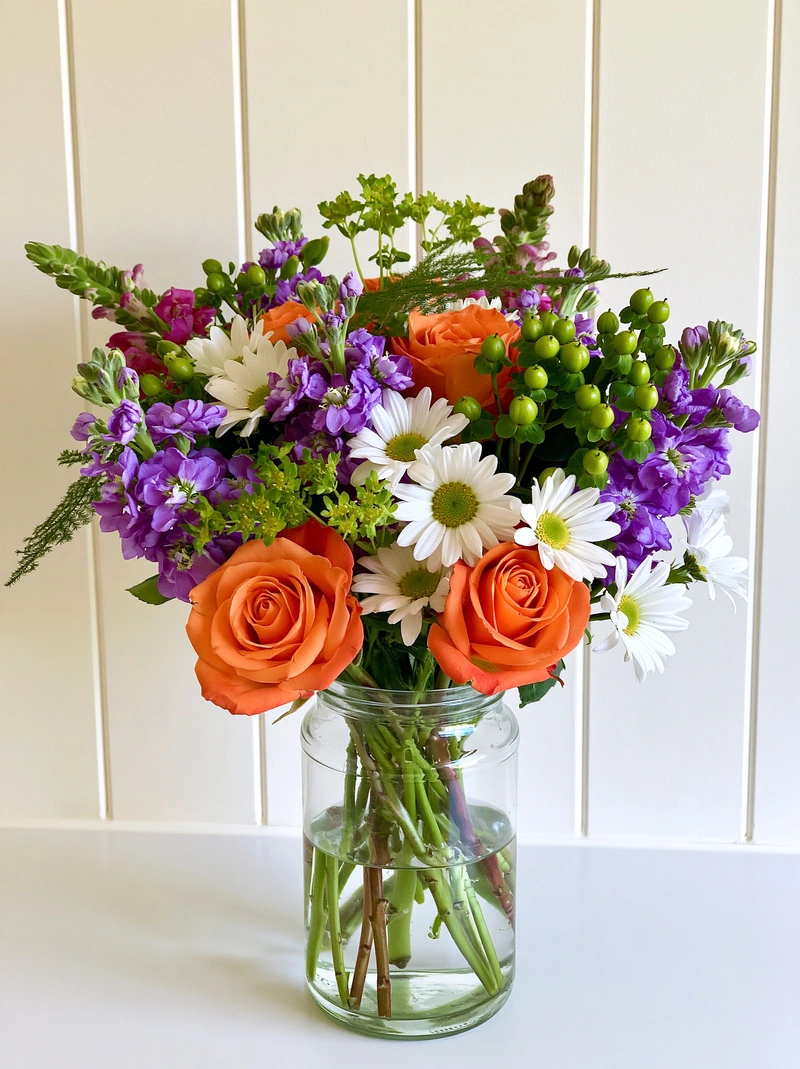 Phone photo
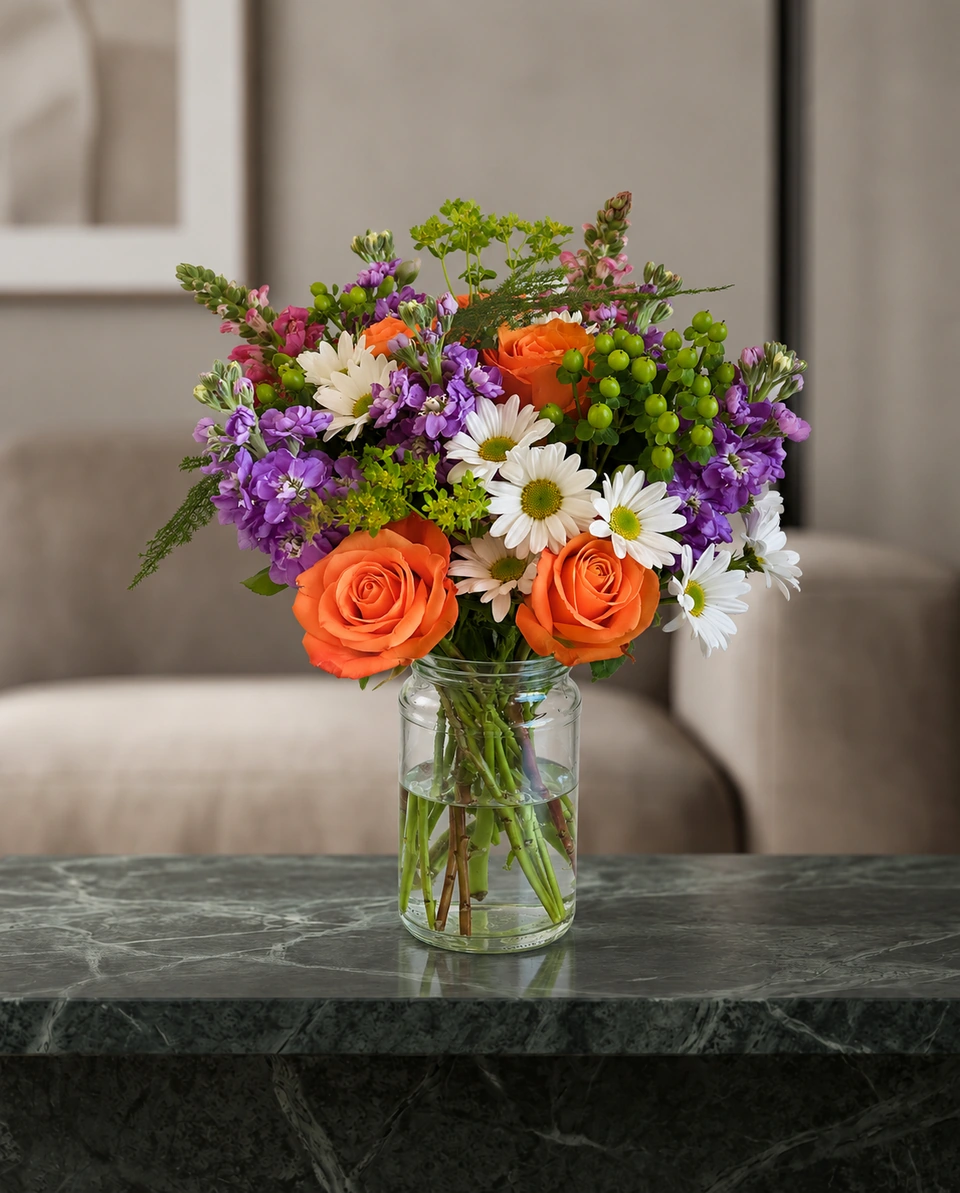 Studio photo
What a flower photo editor should do for a florist
- Change the background, not the flowers. The customer should receive the arrangement in the photo.
- Match the light. Flowers cut out and pasted onto a new background keep their old light, and it shows. The room’s light and shadow should fall on your piece.
- Stand the vase on a real surface, with a shadow under it, at a natural size for the room.
- Export big enough. A 4K photo is about 8 megapixels: enough to crop a close-up or print a menu card.
- Build a house style by reusing a room, then checking the finished photos together for colour, scale and framing.
Ways to edit a flower photo, compared
| Changes the background | Light and shadow | Size | Best for | |
|---|---|---|---|---|
| FlowerShoot | Yes: 200+ rooms made for flowers | Built into each room | Standard photos; optional 4K generation uses two credits | Matching product photos for your website, Etsy and Instagram |
| A background remover | Removes it, to white or see-through | No new light | Your photo’s size | White background listings |
| Your phone’s photo editor | No | Brightness and colour only | Your photo’s size | Minor edits to other images; retain an unedited original where required |
| Desktop editing software | Yes, by hand | Only if you paint it in | Any | Designers with time to spare |
How to edit a flower photo with FlowerShoot
Take one phone photo
Daylight from the side, the whole piece in frame including the base of the vase. The phone photo guide has the details.
Choose a room
Studio colours, pedestals, marble, homes, weddings, sympathy or a holiday. Selling the exact piece? Pick a room tagged Kept as made.
Create
Your photo is ready in about a minute and opens beside your original, so you can compare them.
Download
Download at the generated size, or use ready crops for posts, Stories and listings. Choose optional 4K generation before creating if your listing needs at least 2000 pixels on the shortest side.
Add your name and price
Design & share turns the photo into a product card, a menu or a post with your logo.
Flower photo backgrounds in HD and 4K
One standard FlowerShoot photo uses one credit; optional 4K generation uses two. Settings include stone pedestals, linen and plaster studio colours, farmhouse tables, living rooms, weddings, sympathy, Christmas and Valentine’s rooms, and front doors for wreaths in Wreath Studio. See every room with an example, or choose a backdrop colour.
Free, online or an app?
FlowerShoot works online in a modern phone or computer browser, so there is nothing to install. New accounts get 3 free previews with no card; free photos are previews until you buy a paid plan. On a phone, add it to your home screen to open it like an app. For a plain white background, the free background remover runs in your browser.
Made only for florists
From a bench photo to your next listing
Your flowers are the product. FlowerShoot makes the photo as lovely as the arrangement, wherever you share it: one phone photo in, a studio photo out.
For social media
Fresh posts and Stories every week, without a photo shoot or moving a single bucket. Download post and Story sizes with your logo and a caption, and let your flowers shine in a calm, professional feed.
For selling on your website
Choose a house style for your collection, then check each result against the piece you sell. Keep a real product photo alongside staged views, with clear size and vessel details.
- Skip the photographer. A studio photo from one phone photo, in about a minute.
- Standard photos from 19.5¢. One standard photo uses 1 credit. Monthly plans start at $10 for 50 credits. Optional 4K generation uses 2 credits.
- Try before you subscribe. Start with 3 free previews, no card. Monthly plans start at $10 for 50 credits.
- Your real flowers. Start from your own arrangement. Compare the result with the original before listing it.
- 200+ rooms made for flowers. Studios, pedestals, homes, weddings and every season.
Quick answers
What is the best flower photo editor for florists?
For product photos, one that changes the room around your flowers and keeps the flowers as you made them. FlowerShoot is made for florists: 200+ rooms made for flowers, standard photos and optional 4K generation, about a minute a photo and 3 free starting credits.
Can I change the background of a flower photo online for free?
Yes. FlowerShoot gives new accounts 3 free previews in rooms made for flowers, with no card, in the browser. For a plain white background, its free background remover also runs in your browser.
Is there a flower photo editor app?
FlowerShoot works like an app in your phone’s browser on iPhone and Android, and you can add it to your home screen, with nothing to download.
Can I edit flower photos in HD or 4K?
Yes. Standard photos use one credit. Optional 4K generation uses two credits and creates about 8-megapixel output, with dimensions depending on the room shape. Choose it in the studio before creating.
Will a flower photo editor change my flowers?
Most rooms aim to keep the piece as made, with new light and surroundings. Fine flower, vase or wrapping details can differ, so inspect the result against your original before listing. Rooms that intentionally restyle the piece say so before you choose.
Sources
Platform rules change. Check each one’s current help pages before you upload.