Buying guide
Free florist photo tools online: what you really get free in 2026
Short answer
For a florist, the free options are FlowerShoot (3 free studio previews in rooms made for flowers, no card, in the browser; free photos are previews until you buy), BloomShot (five free photos), PetalPro (3 free edits), Photoroom’s free plan (personal, non-commercial use only), Pixelcut’s free plan (limited tools), Canva’s free plan (designs; background tools on Pro) and Snapseed (a fully free editor for your own photo). FlowerShoot’s background remover, photo resizer, watermark tool and menu maker are free in the browser. Checked 23–29 October 2026.
In this guide Jump to what you need
Most florist photo tools say “free”, but free can mean a few photos, a badge on every download, personal use only, or an editor that never changes the background. Here is what each tool really gives free, checked on its own pages between 23 and 29 October 2026, and which free option suits which job. We make FlowerShoot, a florist photo tool, so we say plainly where another one suits you more.
This is our own comparison, based on dated public-page research. It is not an overall quality ranking or a controlled test of every app; any hands-on results are identified separately. Try the tools with your own flowers before deciding.
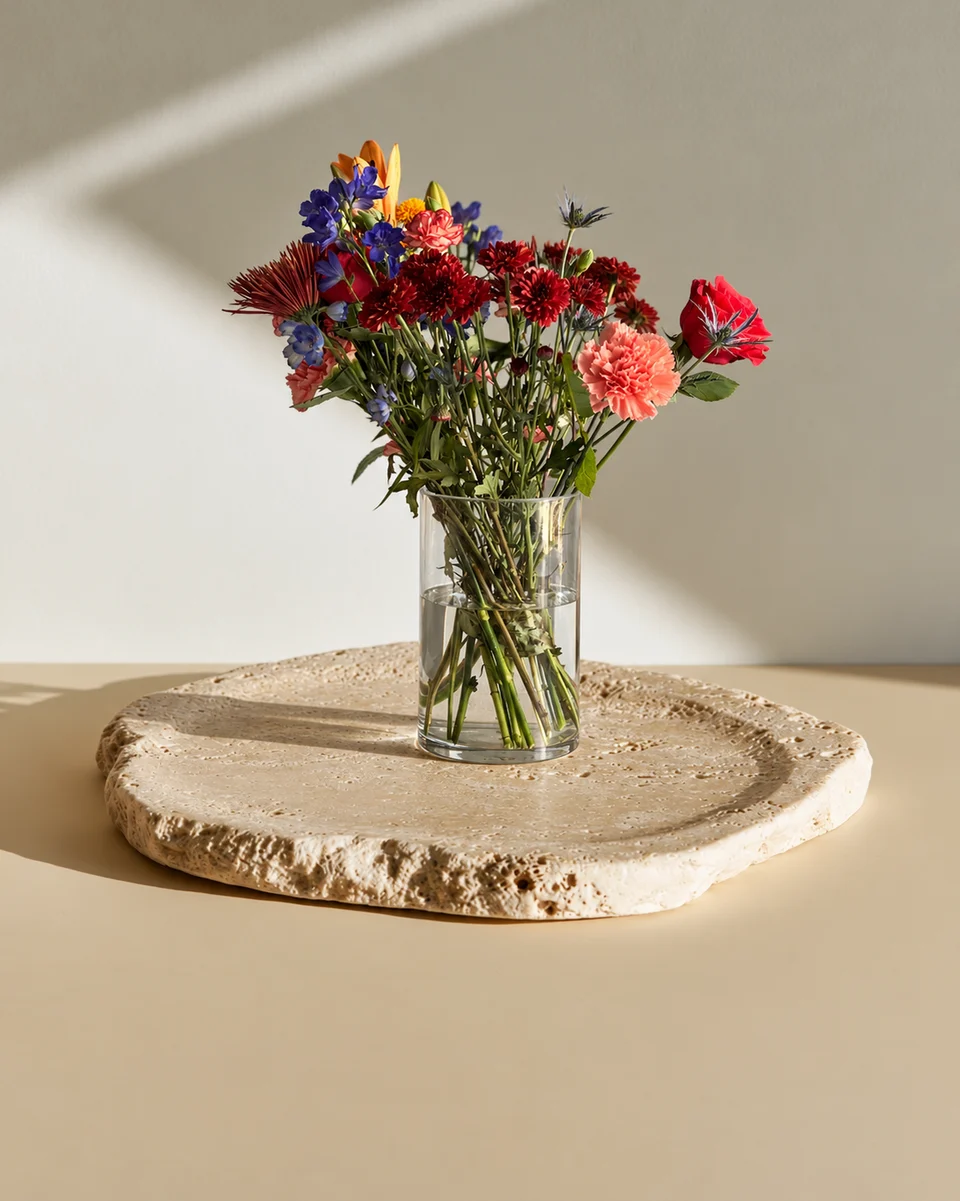
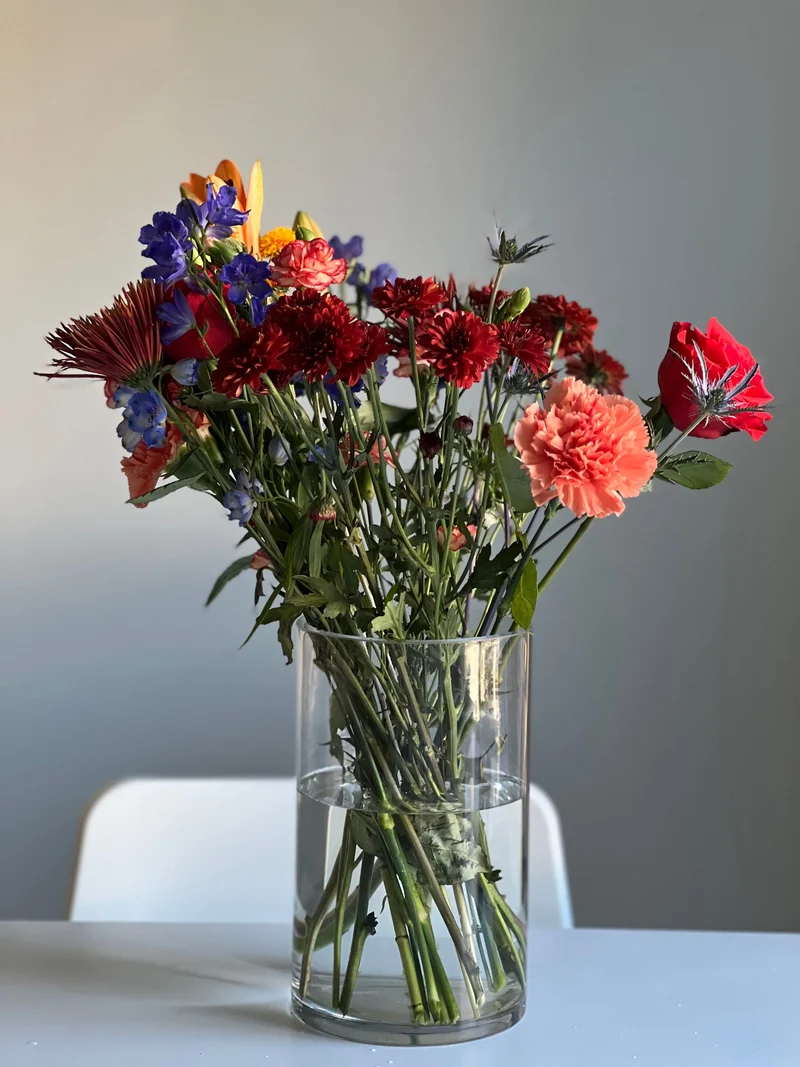 Phone photo
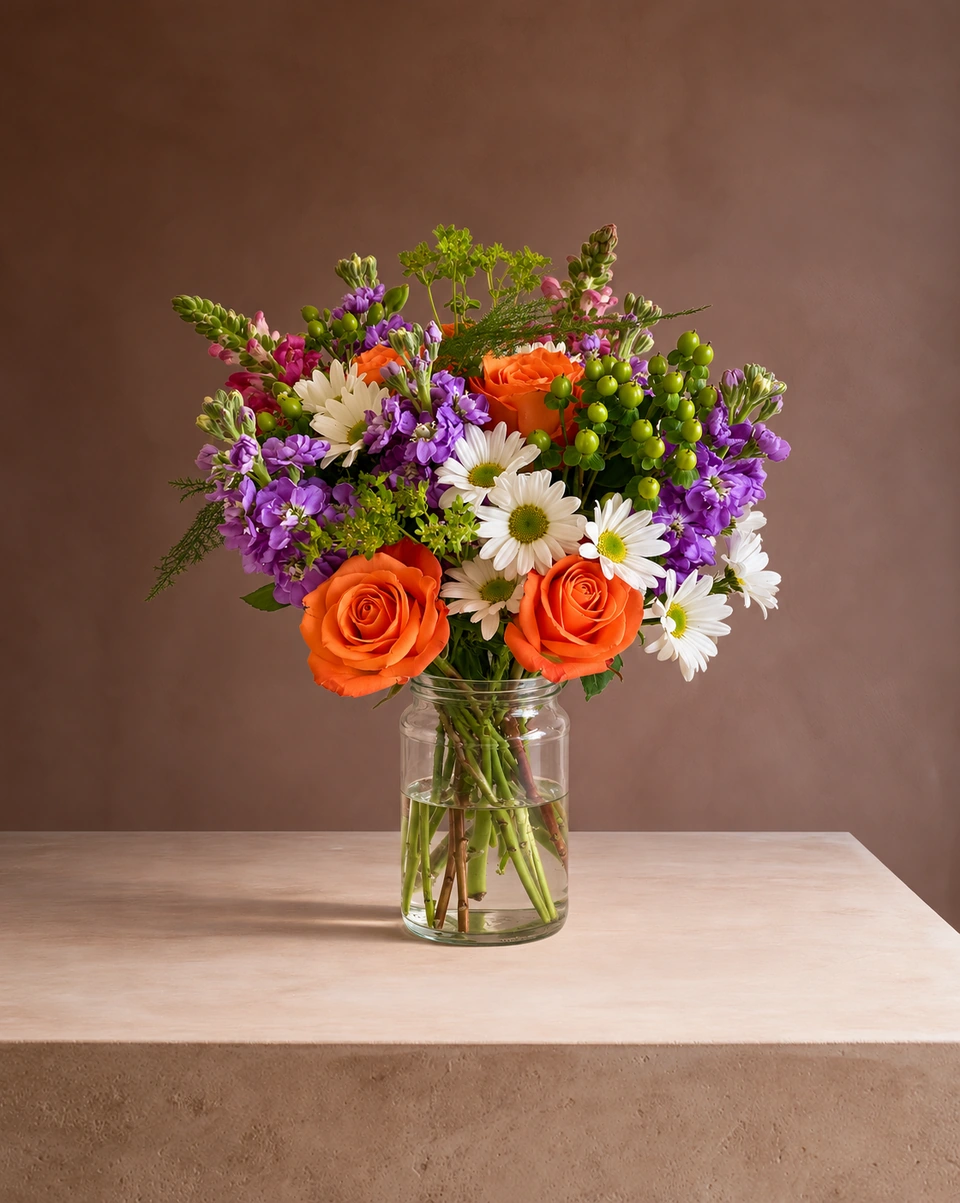
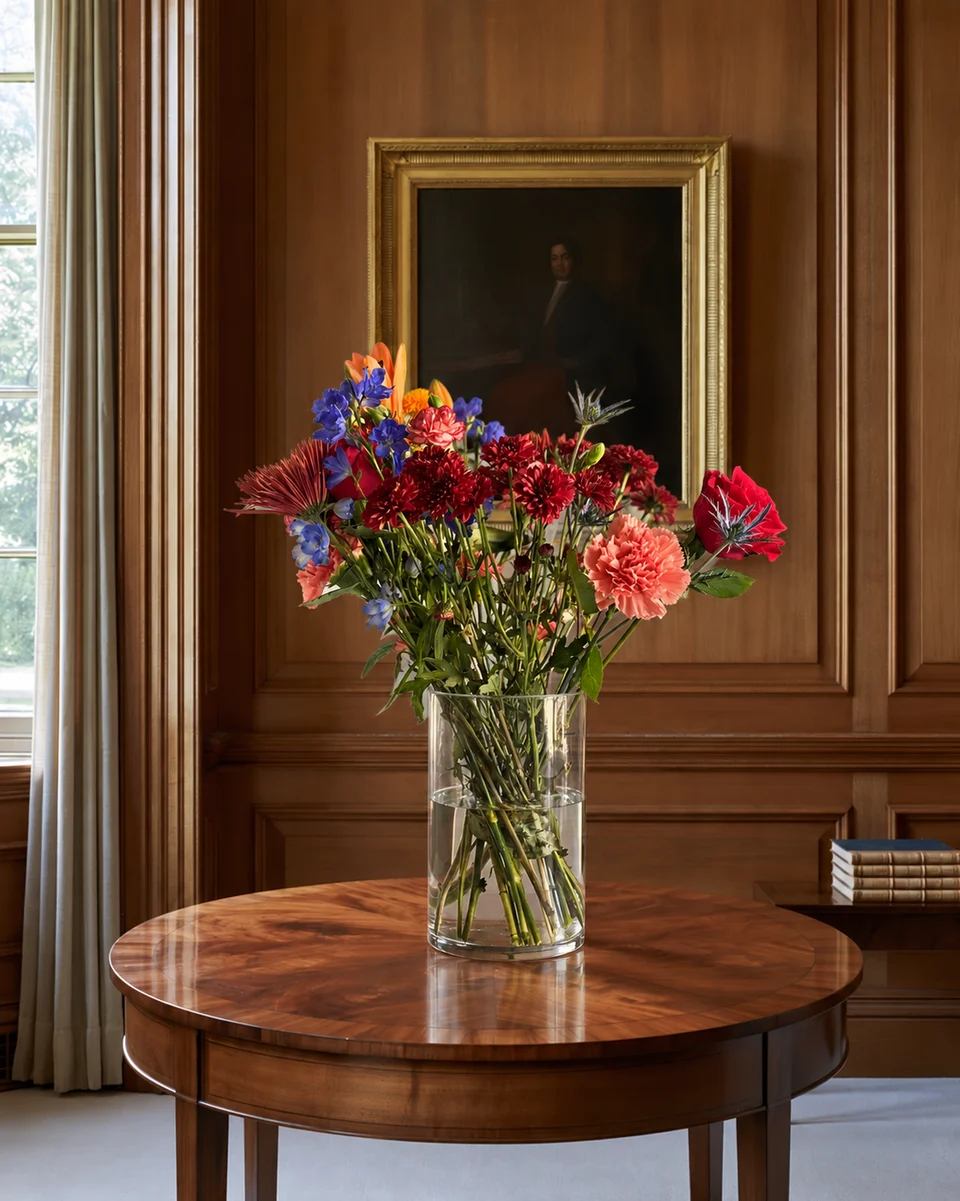 Studio photo
What each tool gives free
| Free | The catch | Works on | Best for | |
|---|---|---|---|---|
| FlowerShoot | 3 free credits for previews, no card | Free photos are previews until you buy a plan; free credits last 7 days | Any phone or computer browser, nothing to download | Matching studio photos of your own arrangements in 200+ rooms made for flowers |
| BloomShot | 5 photos, no card | Plans from $29 a month after that | Web | Starting with the most free photos |
| PetalPro | 3 edits | $6.99 a month for 50 edits after that; a 4K photo uses 2 edits | iPhone, Android and web | White and neutral backgrounds |
| Photoroom | Free plan | Personal, non-commercial use only, so a shop needs a paid plan; exports up to 2K below its Ultra plan | iPhone, Android and web | Background removal for personal projects |
| Pixelcut | Free plan with limited tools; exports without a watermark | Pro is $8 a month billed yearly for more credits | iPhone, Android and web | Quick background removal |
| Canva | Free plan for designs | Background remover and generator on Pro, $18 a month | Web, iPhone and Android | Menus, flyers and posts from photos you already have |
| Snapseed | Everything: no subscription, ads or watermarks | Edits your own photo; it doesn’t change the background or room | iPhone and Android app | Brightness, colour and straightening |
Which free tool for which job
- A studio product photo of your own arrangement: FlowerShoot’s 3 free photos or BloomShot’s five. Try both on the same piece and compare.
- The real, unedited photo Etsy and DoorDash ask for: your phone camera, with no edits at all. Since 22 October 2026 Etsy requires one unedited photo of the actual item in most listings. Read the Etsy and DoorDash photo rules.
- Removing a background for free: FlowerShoot’s free background remover runs in your browser.
- Menus and posts: Canva’s free plan, or FlowerShoot’s free flower menu maker.
- Every platform size from one photo: the free product photo resizer, and the free watermark tool for your logo.
Free, online, nothing to download
FlowerShoot runs in a modern phone or computer browser, so there is nothing to install: open flowershoot.com, take or choose a photo, pick a room and get a studio photo in about a minute. You can pick a room before you sign in, and the 3 free photos need no card. On a phone, add it to your home screen to open it like an app.
What it costs after the free photos
Monthly plans start at $10 for 50 credits. One standard photo uses one credit; optional 4K generation uses two credits. Standard photos cost from 19.5¢ when the qualifying monthly allowance is fully used. New accounts get 3 free credits, no card needed. The browser-based marketing tools remain free. Read FlowerShoot prices, the best flower photography apps and PetalPro alternatives.
Made only for florists
From a bench photo to your next listing
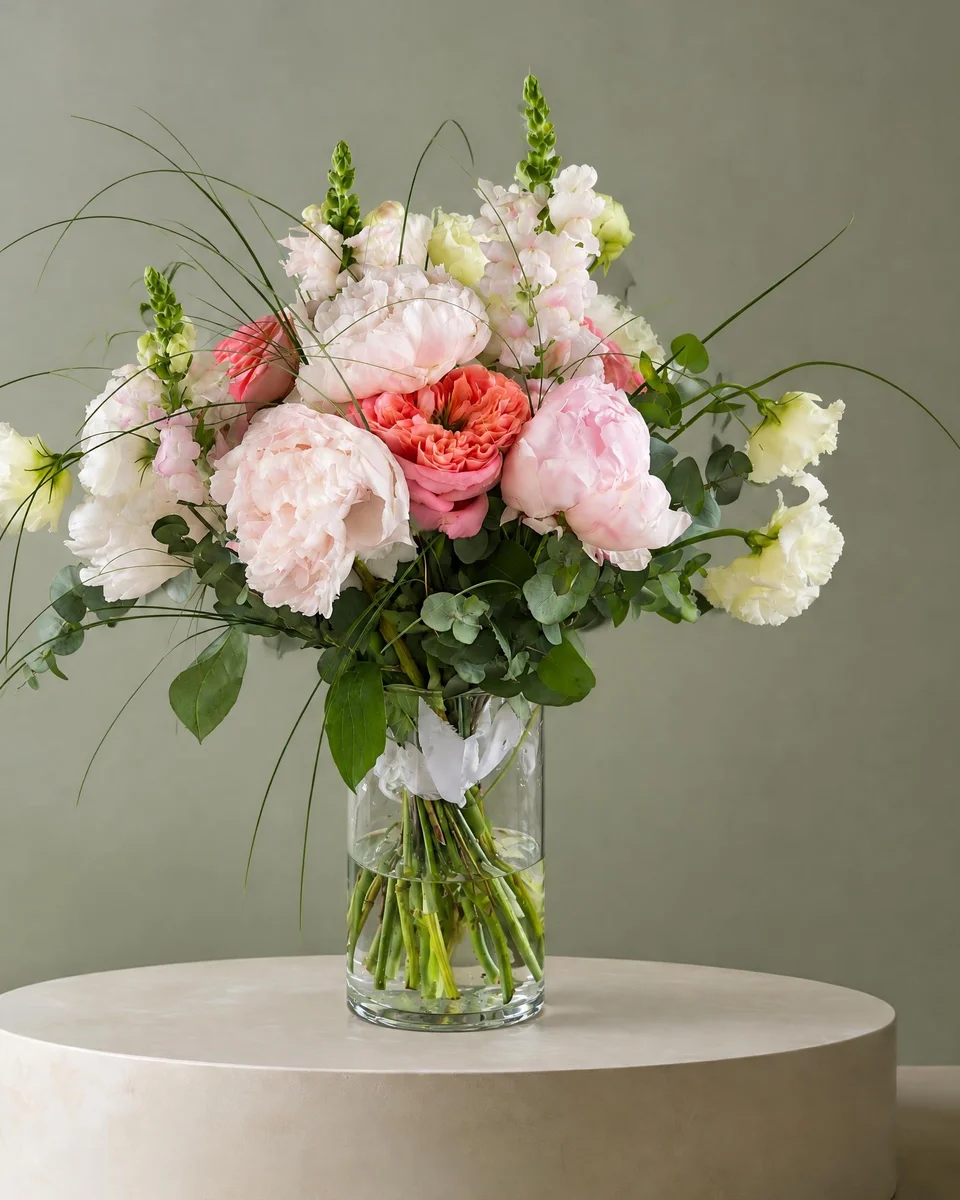
Your flowers are the product. FlowerShoot makes the photo as lovely as the arrangement, wherever you share it: one phone photo in, a studio photo out.
For social media
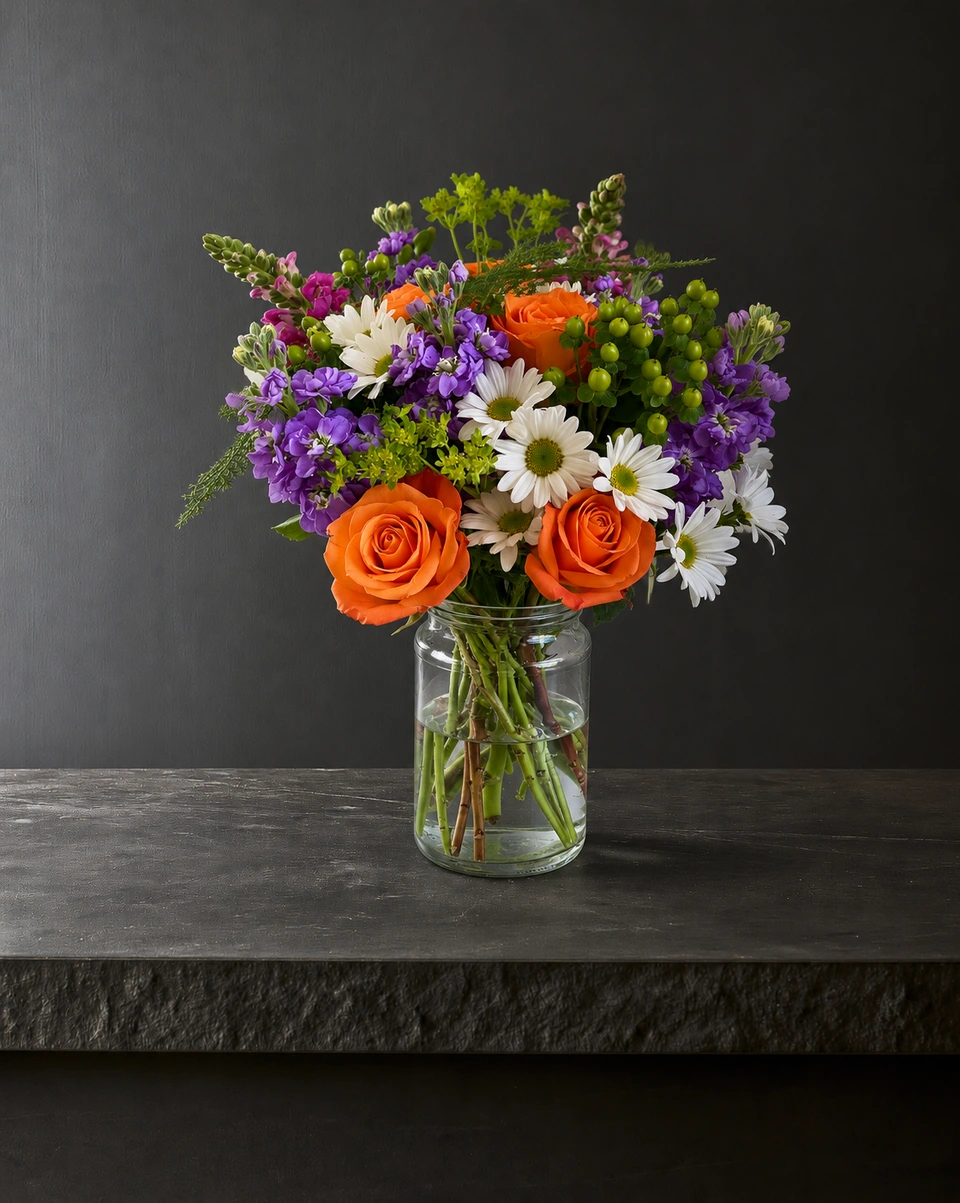
Fresh posts and Stories every week, without a photo shoot or moving a single bucket. Download post and Story sizes with your logo and a caption, and let your flowers shine in a calm, professional feed.
For selling on your website
Choose a house style for your collection, then check each result against the piece you sell. Keep a real product photo alongside staged views, with clear size and vessel details.
- Skip the photographer. A studio photo from one phone photo, in about a minute.
- Standard photos from 19.5¢. One standard photo uses 1 credit. Monthly plans start at $10 for 50 credits. Optional 4K generation uses 2 credits.
- Try before you subscribe. Start with 3 free previews, no card. Monthly plans start at $10 for 50 credits.
- Your real flowers. Start from your own arrangement. Compare the result with the original before listing it.
- 200+ rooms made for flowers. Studios, pedestals, homes, weddings and every season.
Quick answers
Is there a free florist photo tool?
Yes. FlowerShoot gives new accounts 3 free studio previews with no card, in the browser; BloomShot gives five free photos and PetalPro 3 free edits. For simple edits to a real photo, Snapseed is fully free.
Is there a florist photo tool online with no download?
Yes. FlowerShoot works in a modern phone or computer browser: take or choose a photo, pick one of 200+ rooms made for flowers and get a studio photo in about a minute.
Is there a florist photo tool app?
FlowerShoot works like an app in your phone’s browser, and you can add it to your home screen; its iPhone app is on the way. PetalPro and Snapseed are in the App Store and Google Play.
Can I sell with photos from a free plan?
Check each tool’s terms. Photoroom says its free plan is for personal, non-commercial use only. FlowerShoot’s free photos are previews until you buy a paid plan.
What is the best free florist photo tool?
For studio photos of your own arrangements, FlowerShoot (3 free previews in rooms made for flowers) or BloomShot (five free photos): try both on the same piece. For the real, unedited photo Etsy asks for, use your phone camera.
Sources
- Photoroom: free accounts and commercial use
- Canva pricing
- Snapseed on the App Store
- Etsy policy: listing image requirements (updated 22 Oct 2026)
Platform rules change. Check each one’s current help pages before you upload.
Prices on this page are in US dollars.