Consistent photos
Consistent product photos for a flower shop: make your menu, website and feed match
Short answer
To make flower shop photos consistent, keep five things the same for every design: the backdrop, the camera angle, the light, the crop and the edit. Photograph every piece in one spot at the same time of day, from flower height, with the whole piece centred and the same space around it. Or place each phone photo in the same studio room so the wall, surface and light match across your menu.
In this guide Jump to what you need
A flower shop page often looks like a jumble: one bouquet on the bench, one on the counter, one by the window at dusk. Each photo might be fine on its own, but together they make the shop look less sure of itself. Consistent photos fix that. Here are the five things to keep the same, and the quickest way to do it. For a ready-made set, FlowerShoot is a florist photo tool that places every design in the same room.
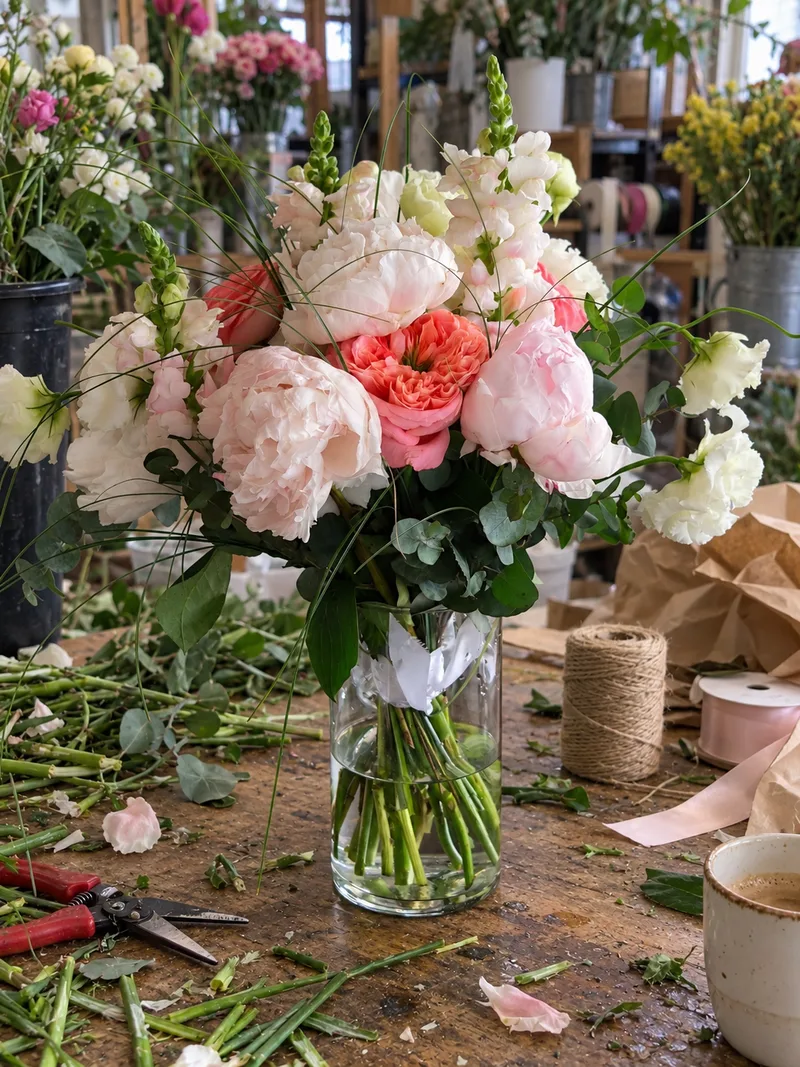 Phone photo
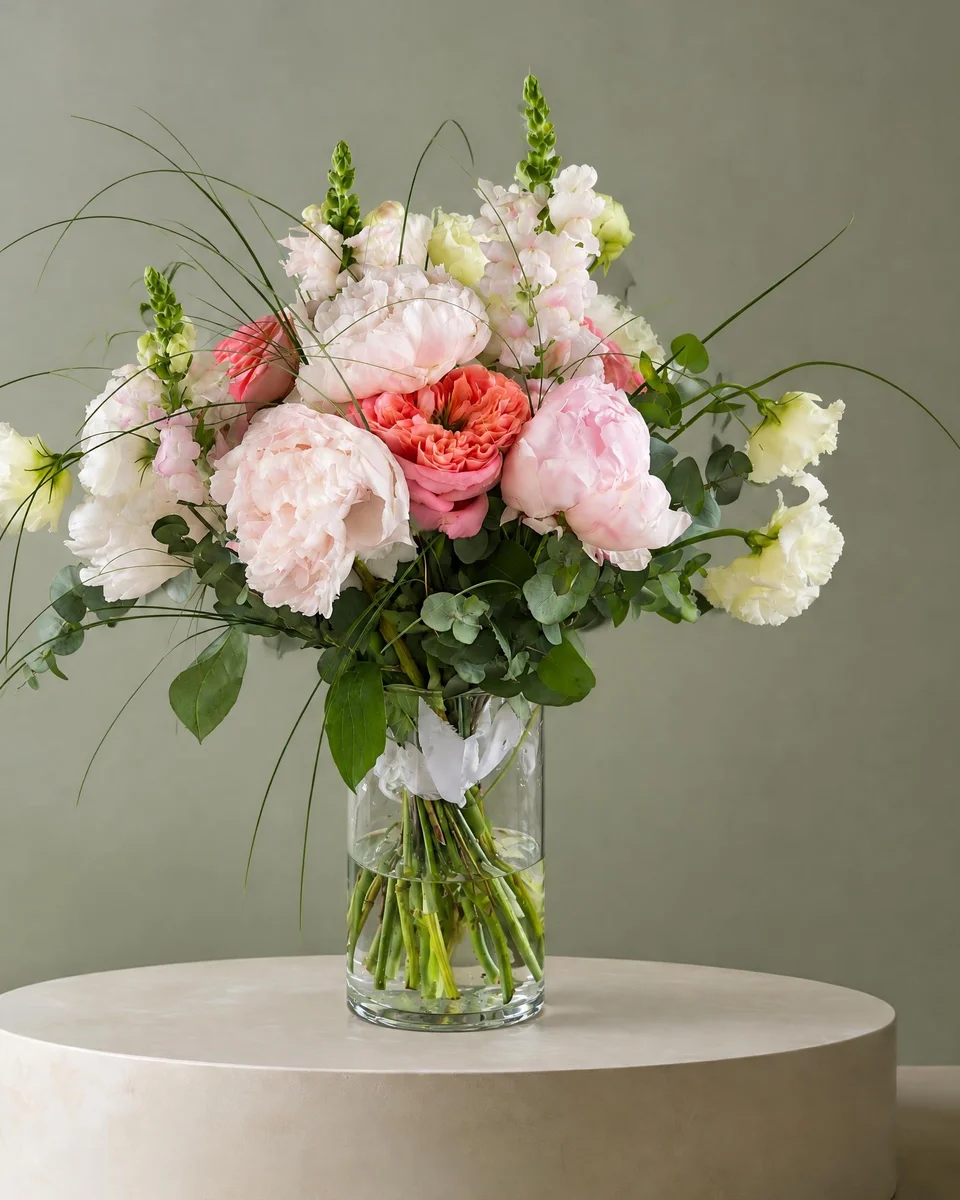 Studio photo
Why consistent photos sell more
When every design sits in the same setting, customers compare the flowers rather than the backgrounds. The shop looks planned, the prices look deliberate, and a new design slots into the menu without redoing the old photos.
The five things to keep the same
1. The backdrop
One wall and one surface for the whole menu: a plain wall and a table, a single colour or one studio room. How to choose a backdrop
2. The angle
Shoot from flower height, straight on, for every vase design. Save top-down shots for flat lays, and use them for the whole set.
3. The light
The same window at the same time of day, or the same room’s light. Avoid mixing daylight with warm ceiling lights.
4. The crop
The whole piece centred with the same space above and around it. Choose one shape, such as a 4:5 portrait or a square, for the whole menu.
5. The edit
The same brightness and colour settings for every photo, or none at all. True colours matter more than a filter.
One room for the whole menu
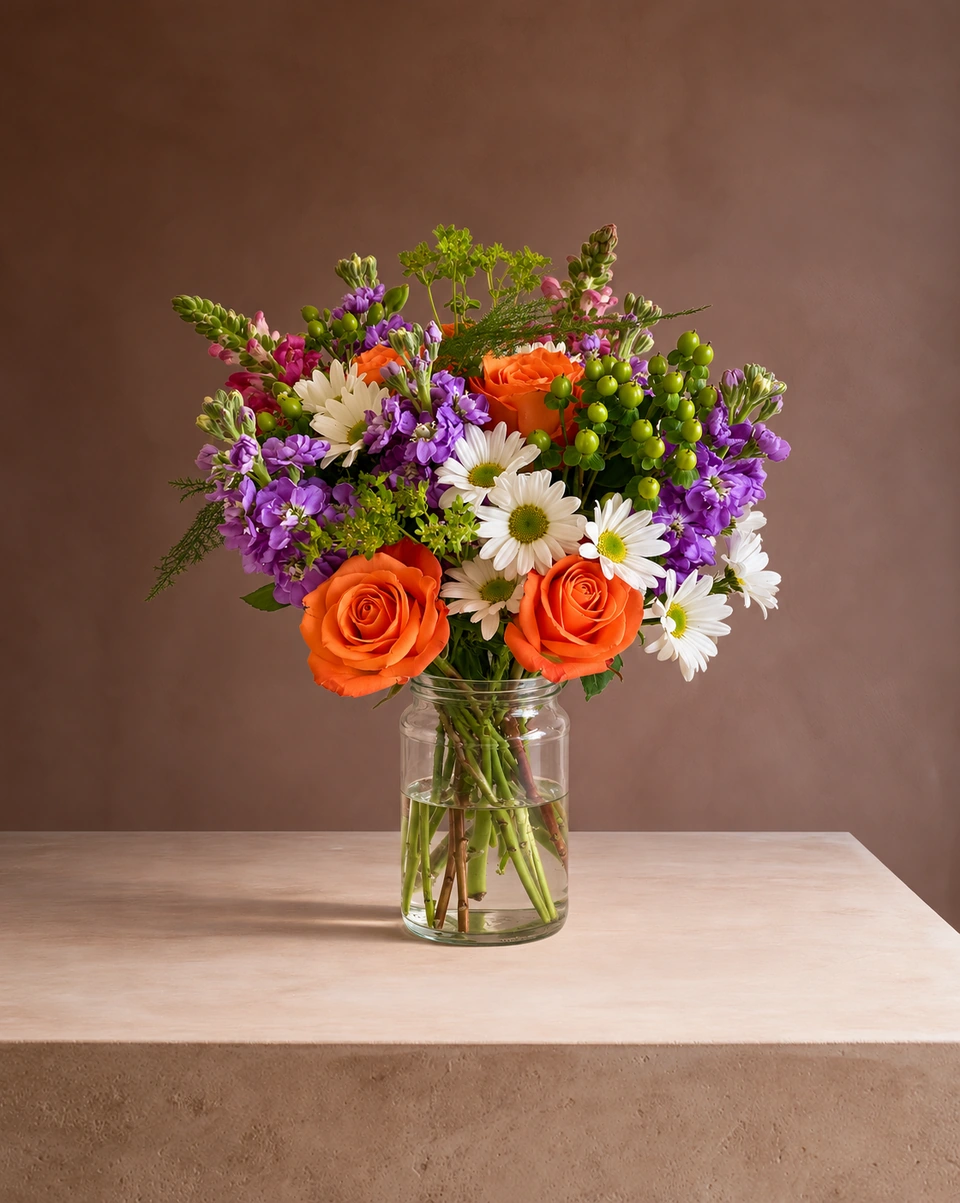
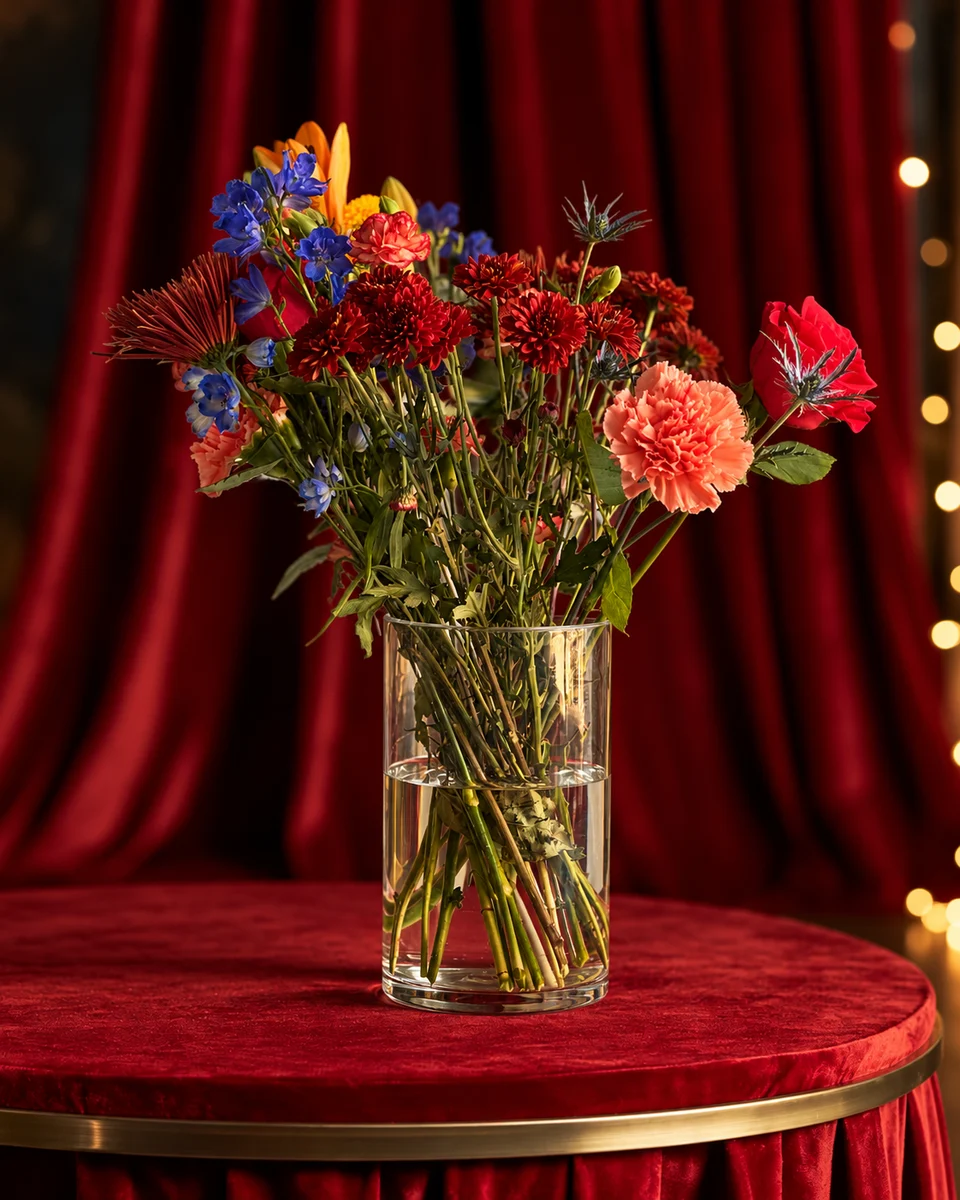
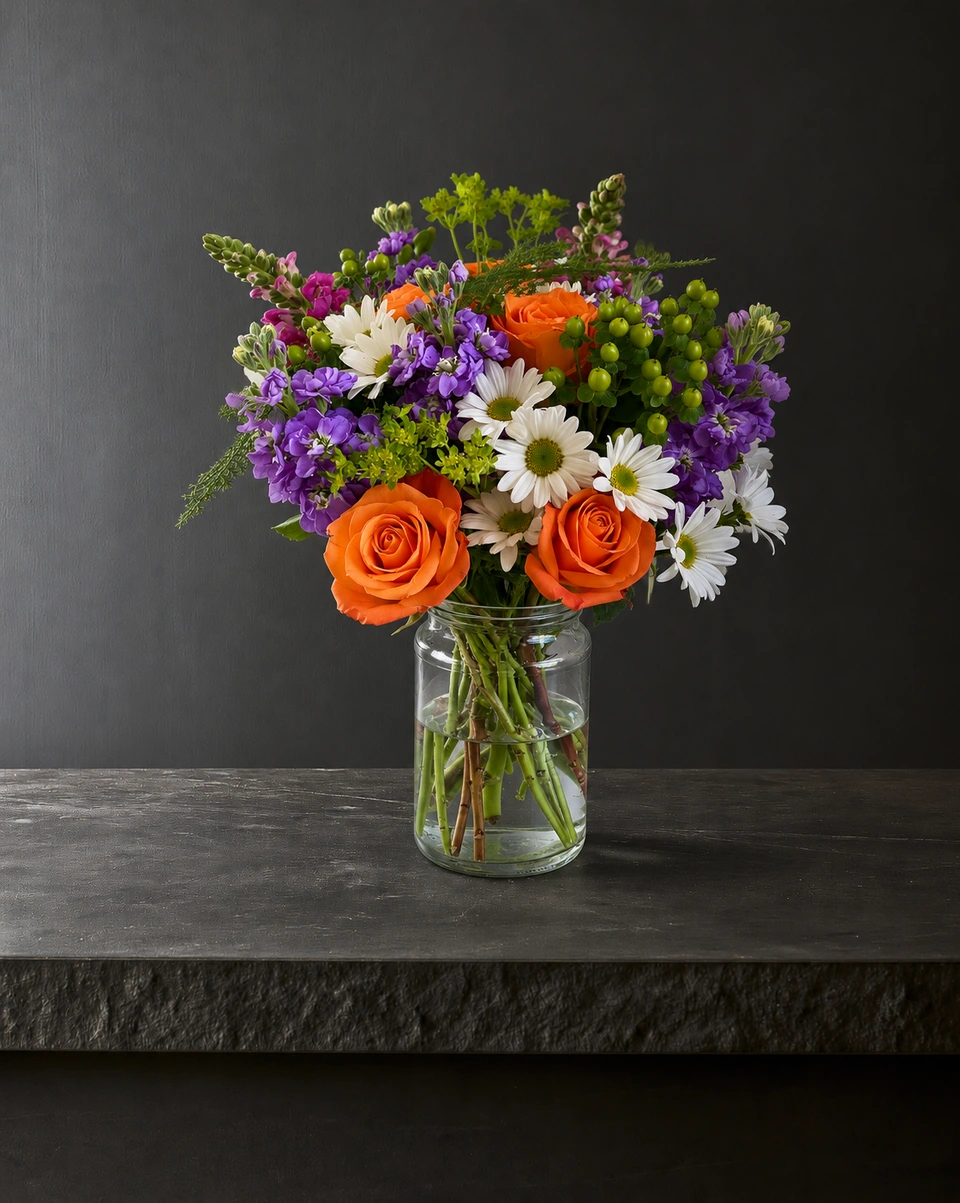
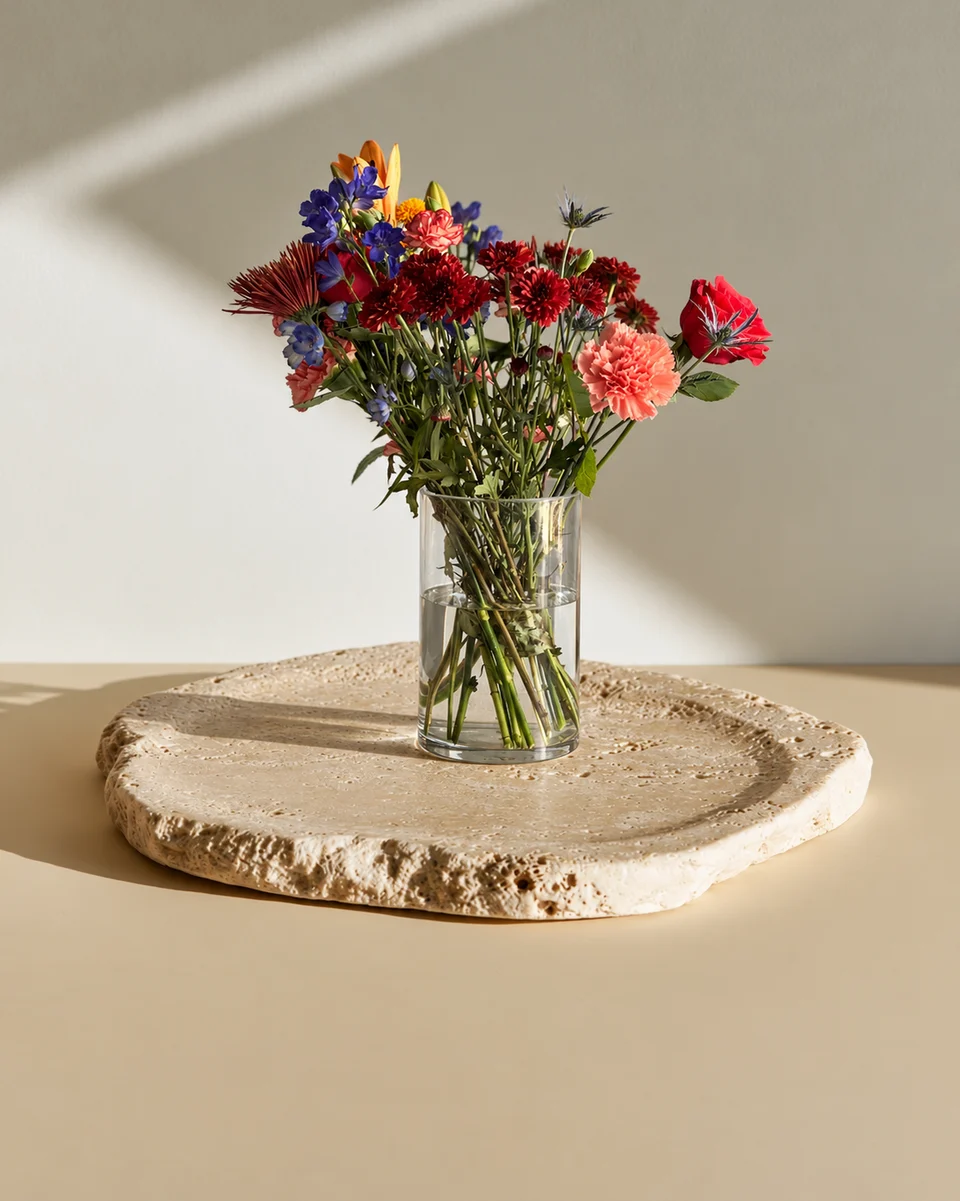
If one spot in your shop is hard to keep the same (the light changes, the bench fills up), use one FlowerShoot room instead. Snap each design wherever it stands, pick the same room each time, and the wall, surface and light stay the same across your menu. Rooms tagged Kept as made keep each piece’s flowers and vase as you arranged them. See the rooms page for the settings.
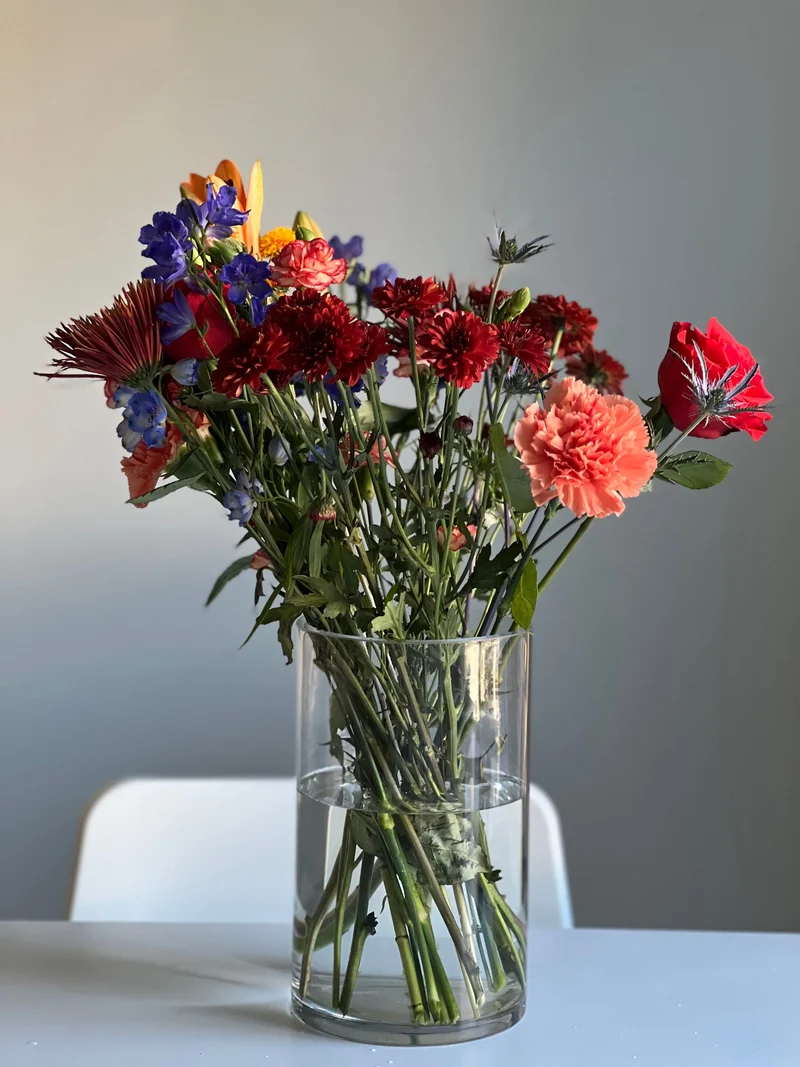 Phone photo
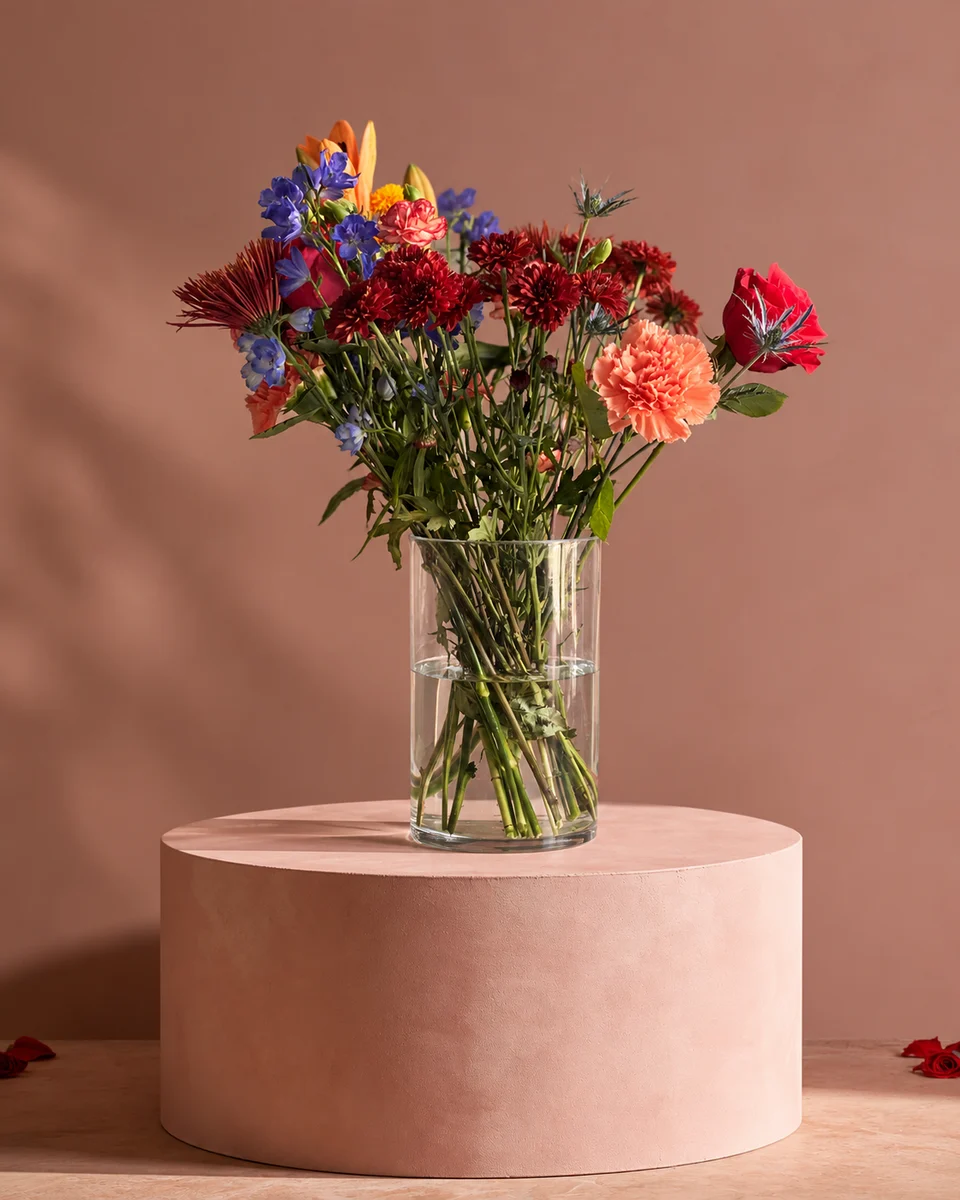 Studio photo
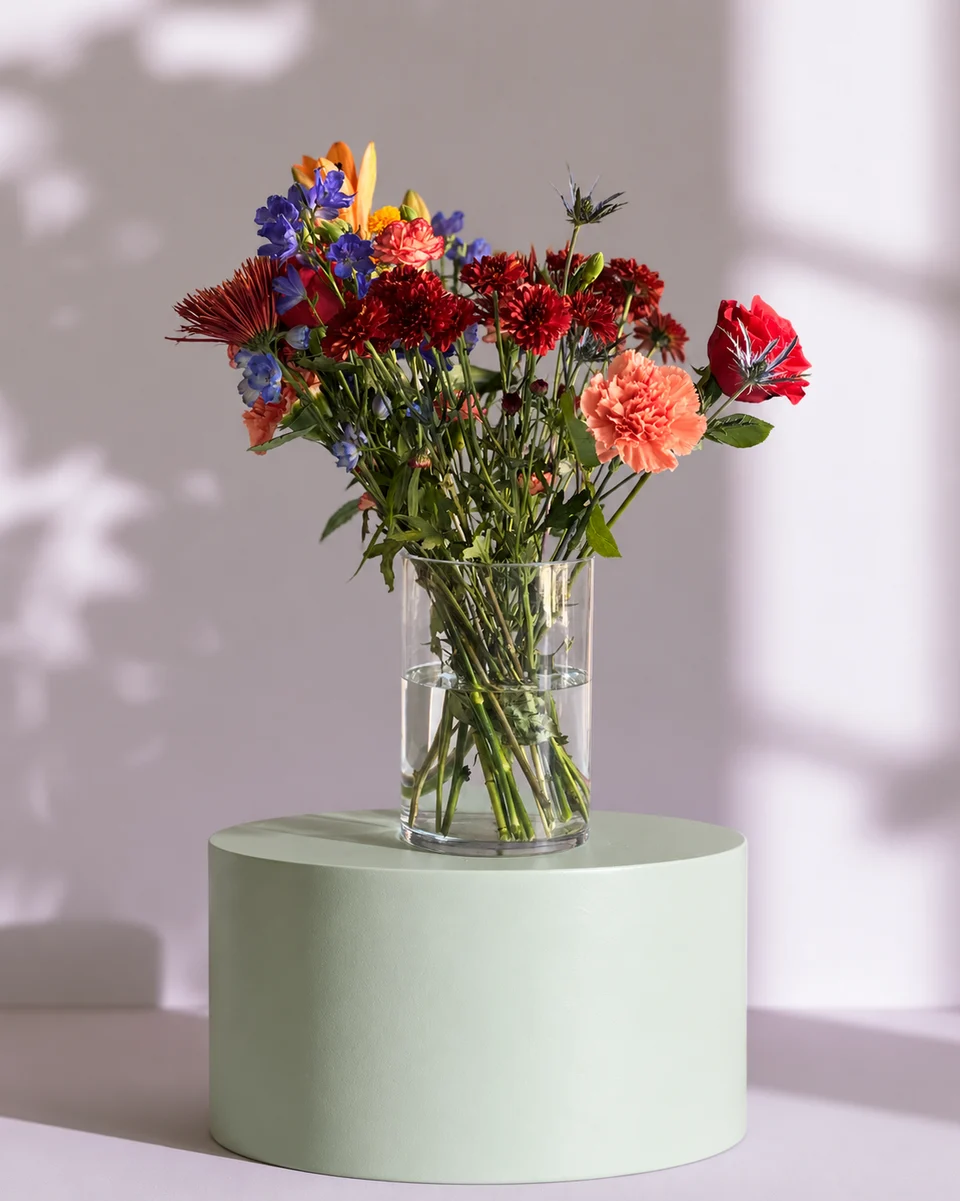 Studio photo
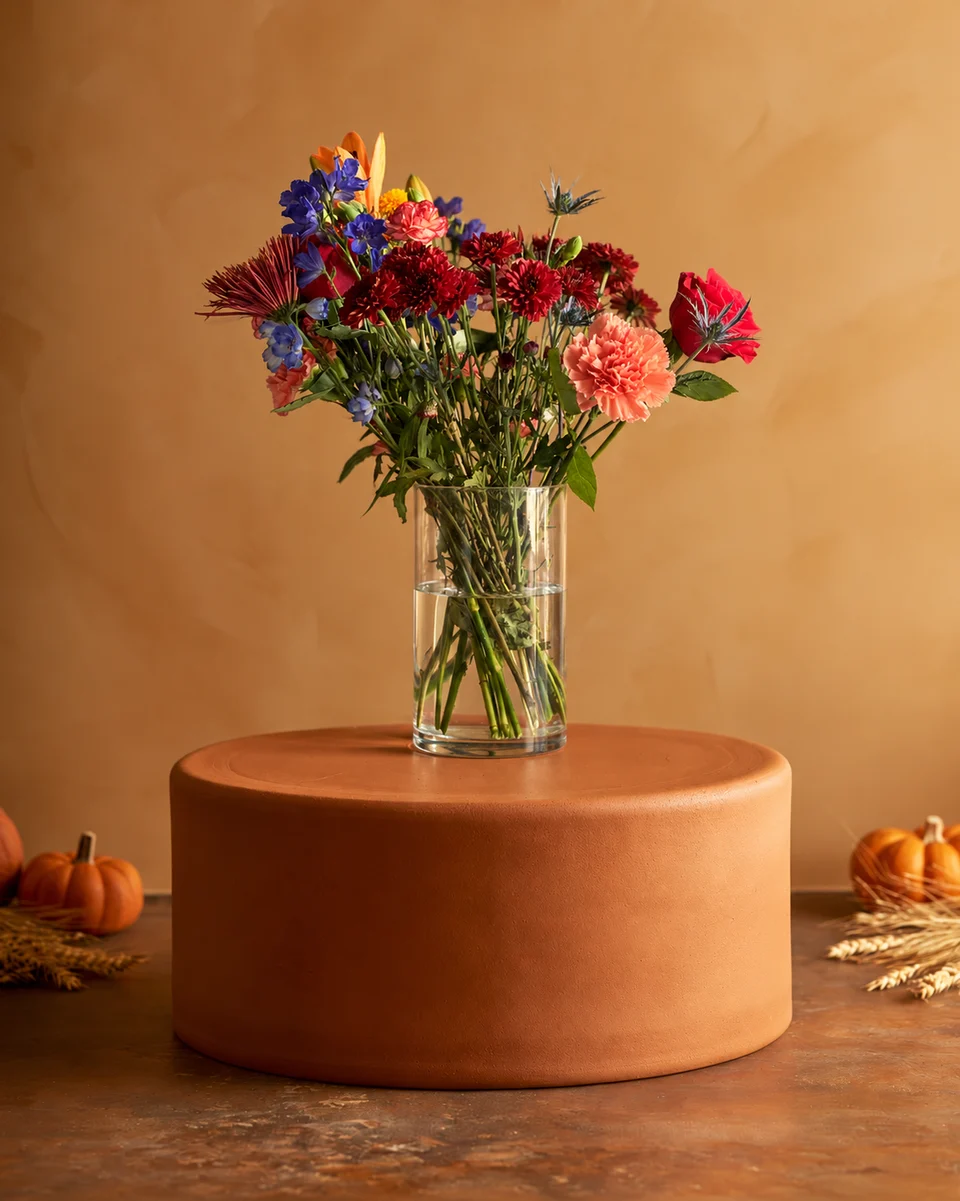 Studio photo
Where consistency matters most
- Your website menu, where designs sit side by side. Website photo guide
- Your Etsy shop page, where buyers see a grid of thumbnails. Selling flowers on Etsy
- Your Instagram grid, the first thing a new follower sees.
- Printed menus and price cards, made with the free flower menu maker.
Made only for florists
From a bench photo to your next listing
Your flowers are the product. FlowerShoot makes the photo as lovely as the arrangement, wherever you share it: one phone photo in, a studio photo out.
For social media
Fresh posts and Stories every week, without a photo shoot or moving a single bucket. Download post and Story sizes with your logo and a caption, and let your flowers shine in a calm, professional feed.
For selling on your website
Choose a house style for your collection, then check each result against the piece you sell. Keep a real product photo alongside staged views, with clear size and vessel details.
- Skip the photographer. A studio photo from one phone photo, in about a minute.
- Standard photos from 19.5¢. One standard photo uses 1 credit. Monthly plans start at $10 for 50 credits. Optional 4K generation uses 2 credits.
- Try before you subscribe. Start with 3 free previews, no card. Monthly plans start at $10 for 50 credits.
- Your real flowers. Start from your own arrangement. Compare the result with the original before listing it.
- 200+ rooms made for flowers. Studios, pedestals, homes, weddings and every season.
Quick answers
How do I make my flower photos consistent?
Keep the backdrop, angle, light, crop and edit the same for every design. Photograph in one spot at the same time of day, from flower height, with the whole piece centred.
What background is best for a flower shop menu?
A calm, plain setting that suits your shop: a light studio wall, a stone or wood surface, or one colour that matches your brand. Use the same one for every design.
Should every photo be the same shape?
Yes, for a menu or shop page. Choose a 4:5 portrait or a square and crop every design the same way, with the same space around the piece.
Can I keep my photos consistent without a studio?
Yes. Use one spot by a window at the same time of day, or snap each design anywhere and place it in the same FlowerShoot room so the setting matches.