For a small flower shop
The cheapest way to get product photos for an Etsy flower shop
Short answer
The cheapest starting point for an Etsy flower shop is your phone, window light and a plain surface you already own. Keep an unedited photo of the real item for the listing. If a cluttered background or a changing menu costs you extra setup time, try FlowerShoot’s 3 free previews, made in about a minute. Paid downloads start with $10 a month for 50 standard photos. Use a Kept as made room and check every result; a subscription is useful when you need styled images regularly.
In this guide Jump to what you need
When you are opening an Etsy flower shop, start with a photo setup you can repeat without buying gear. This guide separates a useful original photograph from optional styled listing photos, so you can spend on the pieces that actually need them.
Start with a setup that costs nothing extra
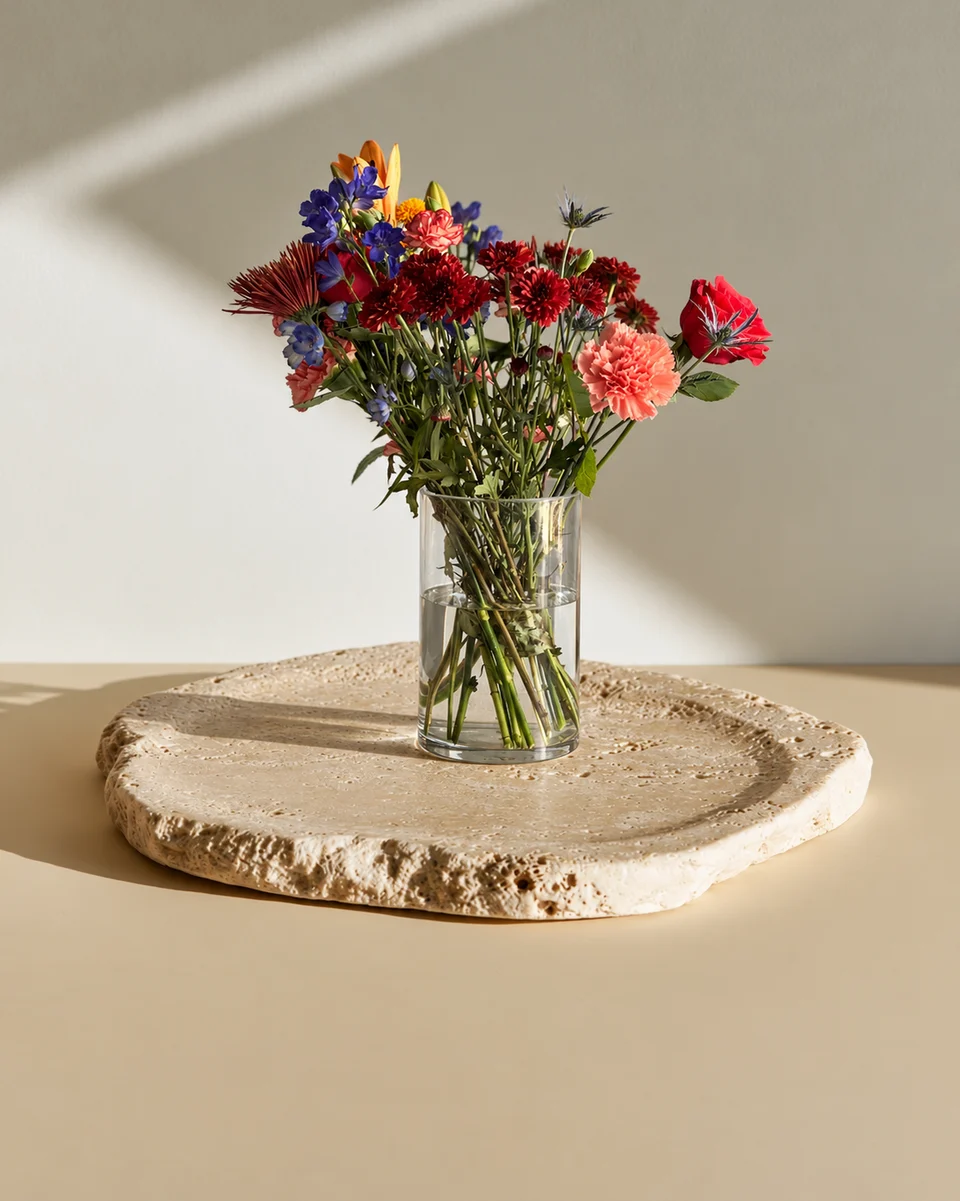
Clear a small surface by a window. Turn off mixed indoor lighting, clean the vase and photograph the whole piece against a quiet real background. Move the phone rather than stretching a crop later. A close-up can show texture; a second real angle can show the wrapping or container. Use what you already own before buying lighting or backdrops.
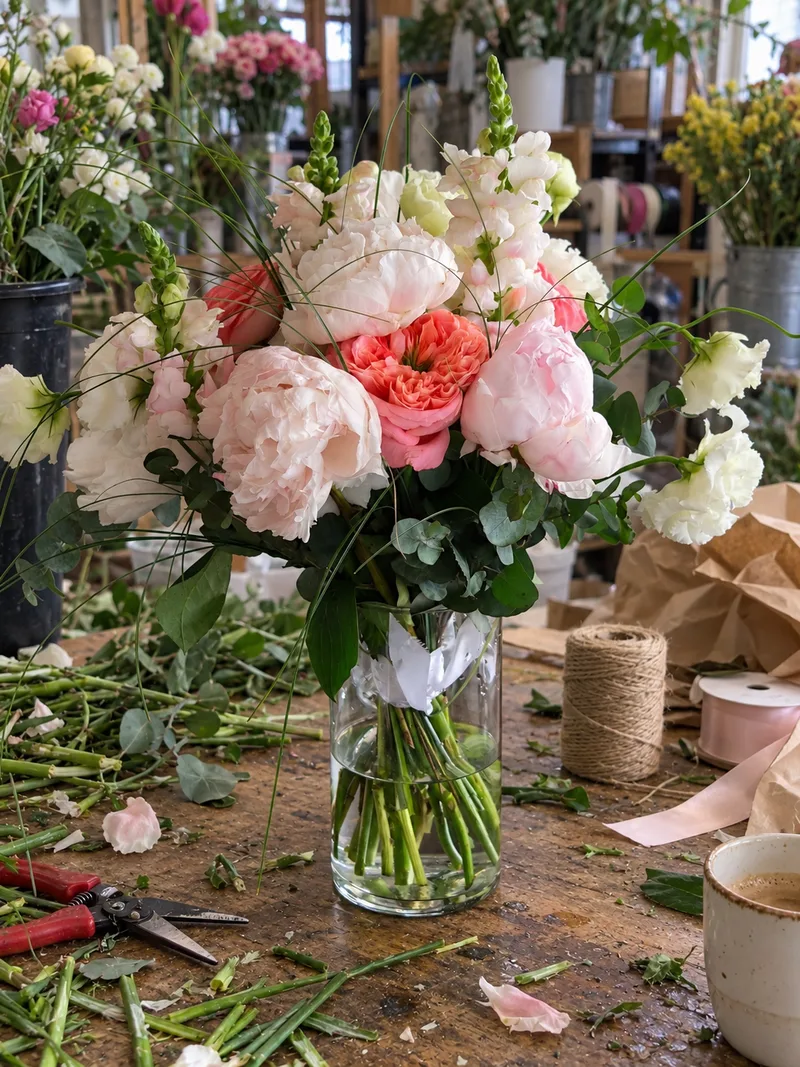 Phone photo
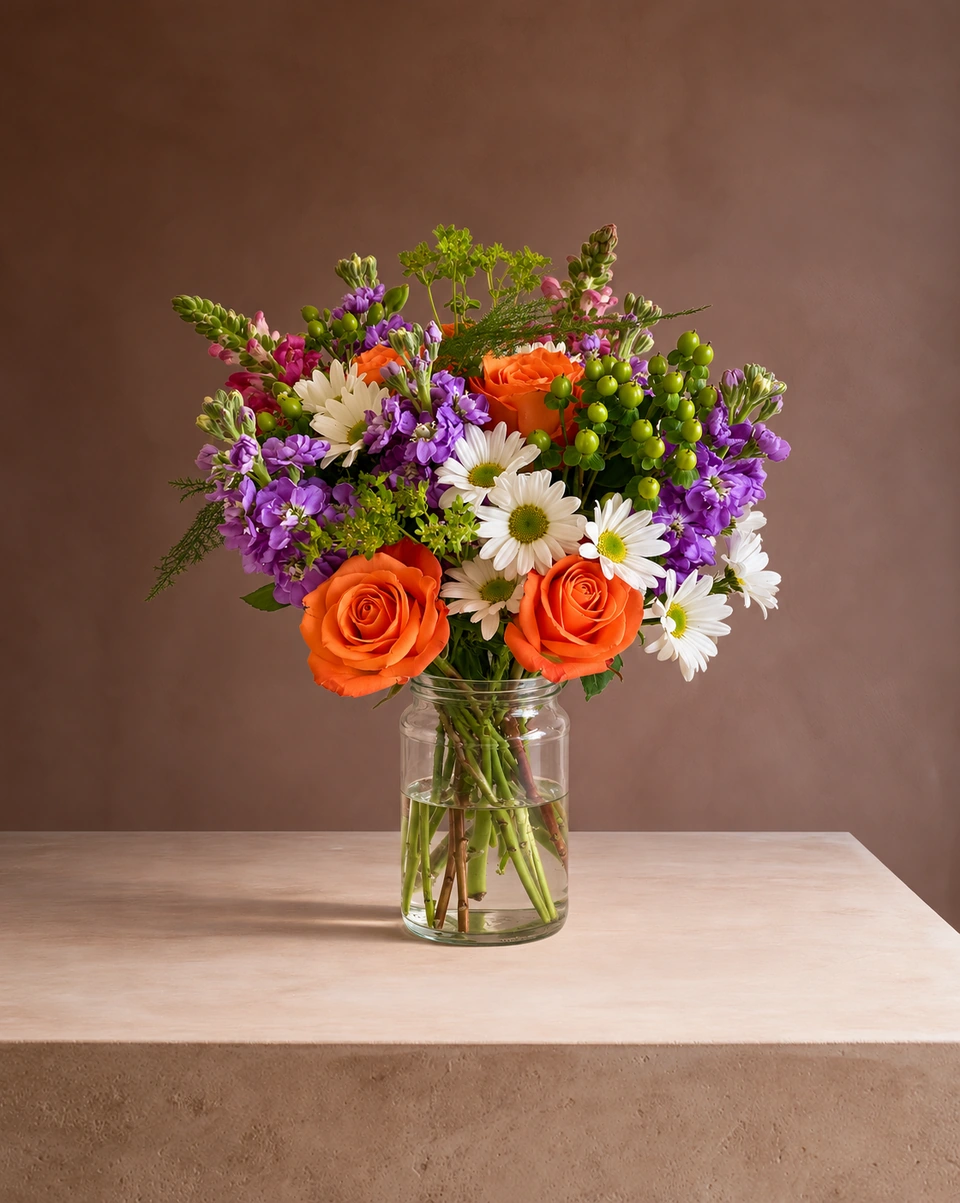
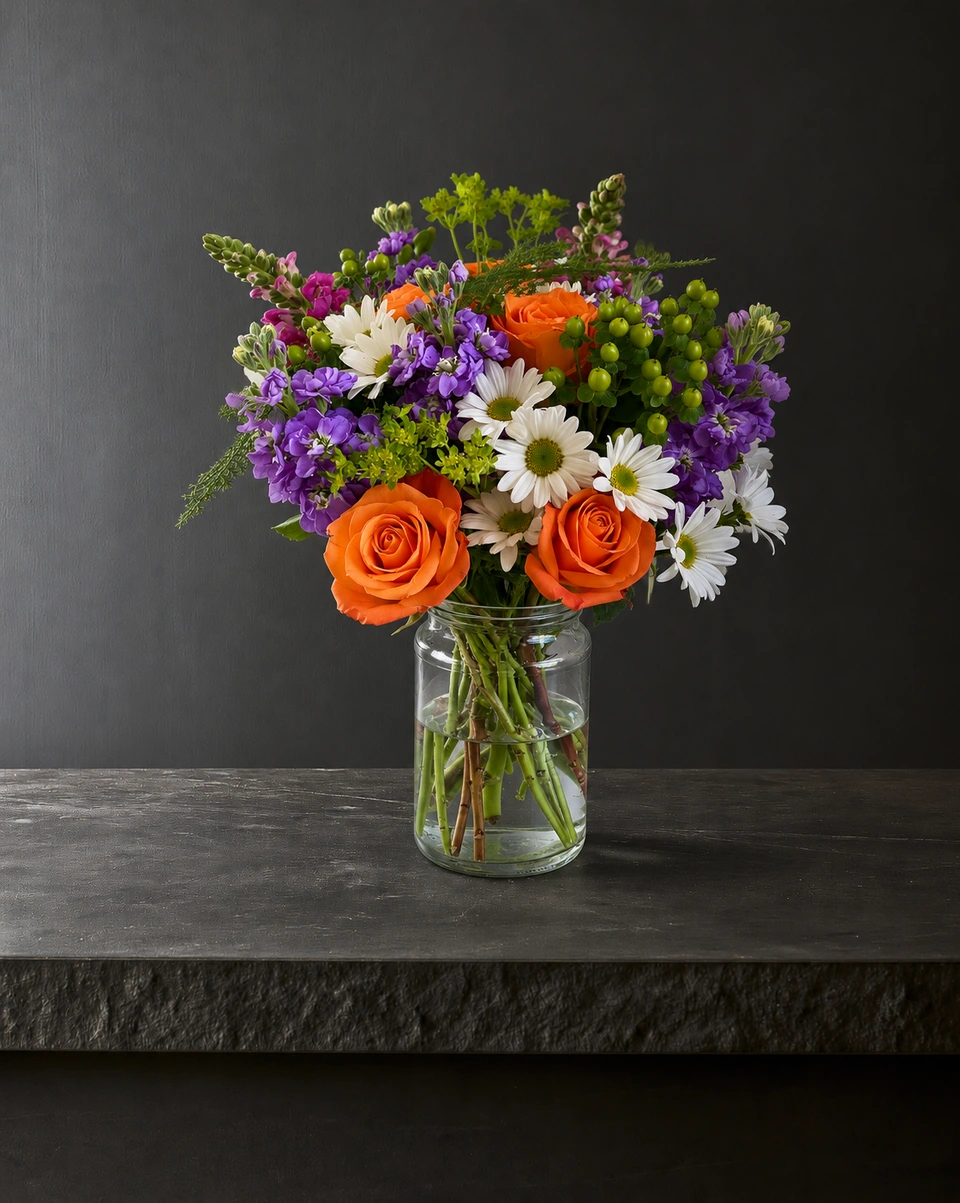
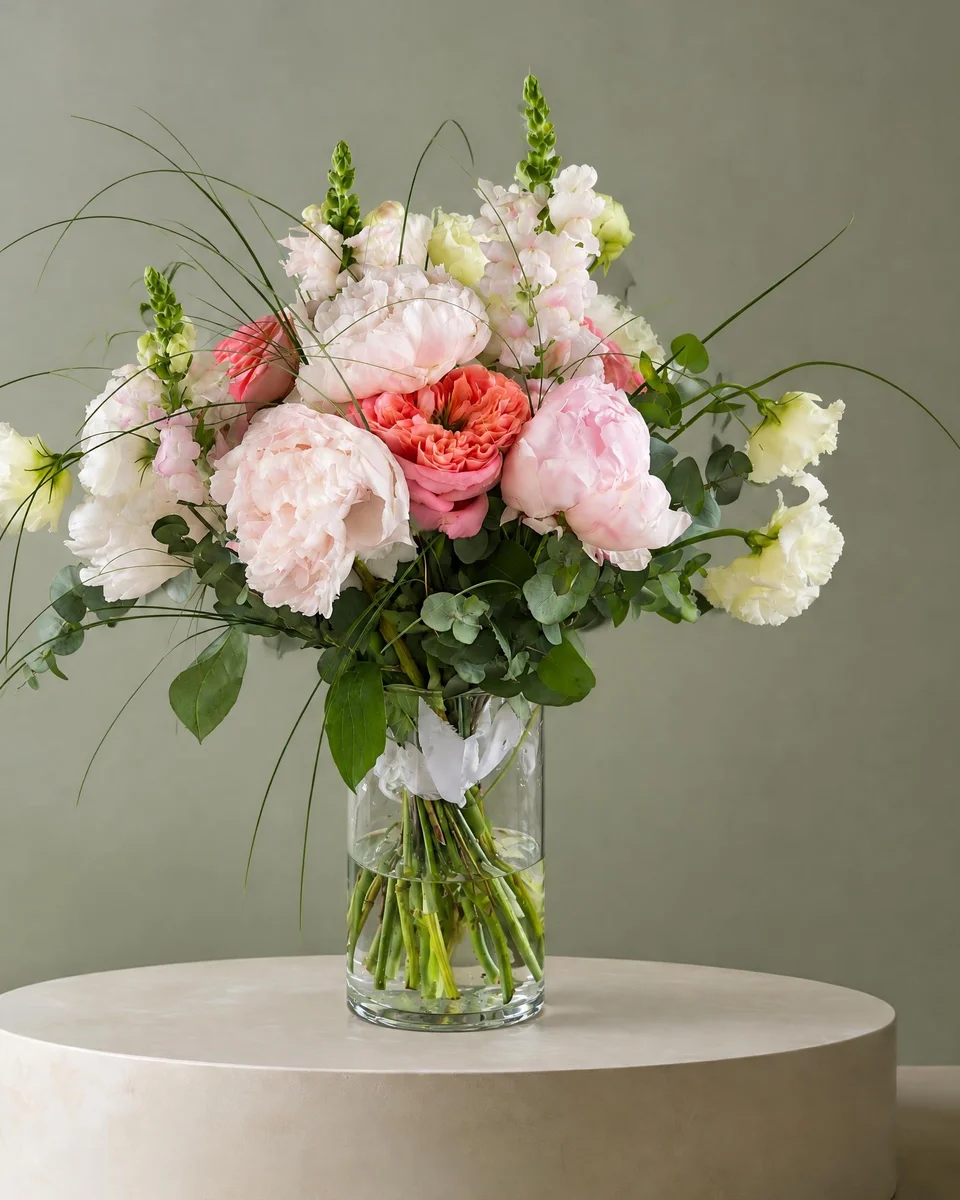 Studio photo
When a styled room earns its place
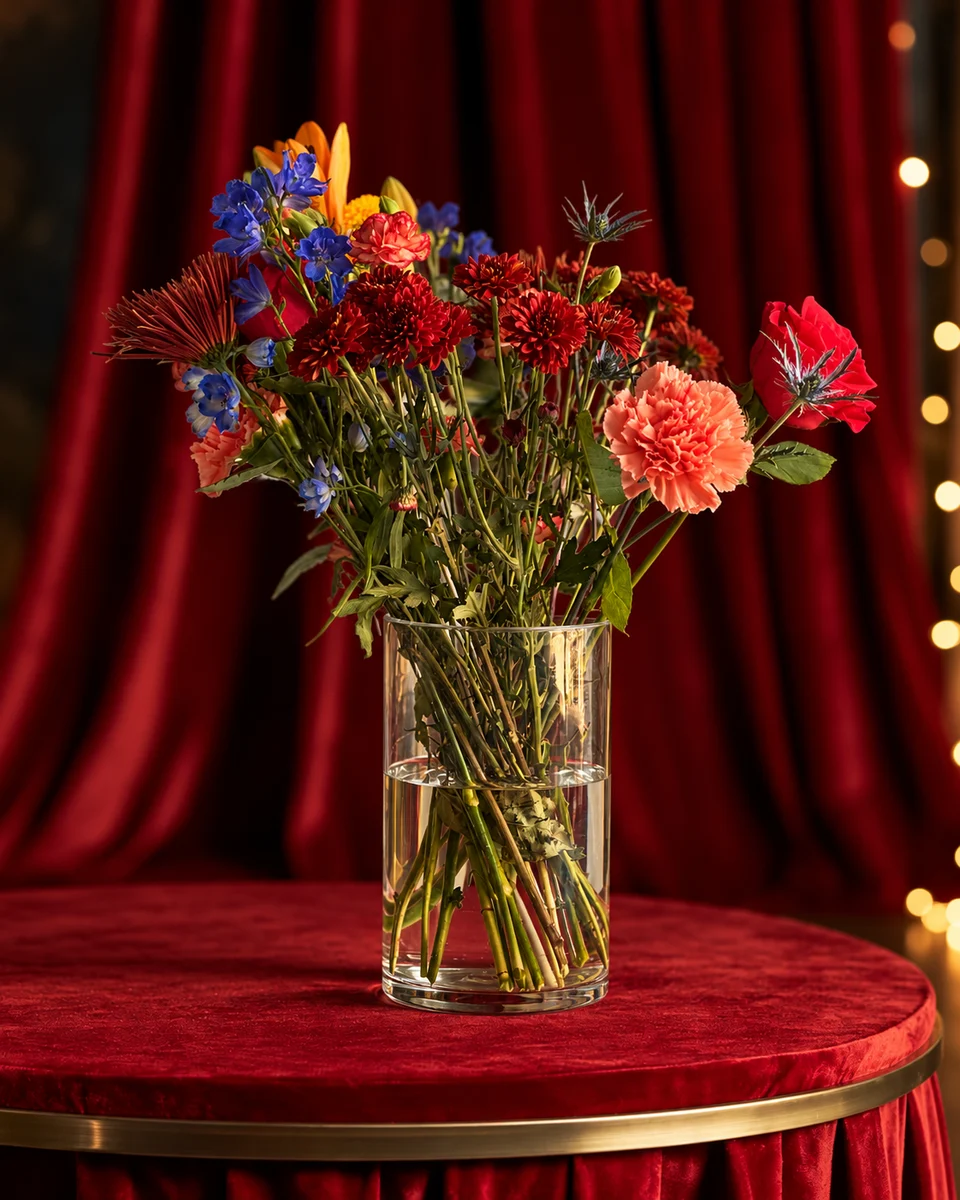
A plain phone photo can be enough. A styled room is useful when you want several designs to share a visual setting, or need a menu and social post from the same piece. FlowerShoot removes the need to build that physical set for each arrangement. It does not replace the photograph of what you actually sell, and a polished result should never hide a change in flowers, colour or size.
How to do it in FlowerShoot
Photograph the piece you sell
Use one clear phone photo with every flower, the vessel or wrapping and the base visible. Keep this original.
Choose a room for the listing
Pick a studio, pedestal or home setting. Read Kept as made or the restyling label before creating; choose Kept as made when selling that exact piece.
Check, then make the listing
Compare the flowers, colour, shape and container with the original. A paid plan downloads the generated image; Design & share adds your shop name, price and logo to cards, menus and posts.
Make the budget match your actual use
The starting monthly plan is $10 for 50 credits. A standard photo uses one credit; optional 4K uses two. Those are monthly allowances, not individual image purchases. Test a representative piece before subscribing, choose the allowance you expect to use and read the current prices and refund terms. If your original already does the job, you can keep using it.
Keep the real item visible on Etsy
Etsy asks for an unedited real-item photo in most listings. Other images must accurately represent what arrives, and Etsy asks sellers to note AI-edited photos in the description. Check the exceptions for your item. The Etsy Help answer explains the rule and a simple disclosure. Source checked 16 November 2026.
Build one useful listing before making more images
- Main image: the complete piece and what comes with it, centred for the thumbnail.
- Original photo: retain the real background and appearance.
- Detail image: the actual flowers, container, ribbon and finish.
- Size information: use real measurements and a real scale reference; do not infer dimensions from a generated room.
- Description: state the piece, price, variations and fulfilment information accurately.
Read next: selling flowers on Etsy, check a flower listing photo and the free product photo resizer.
Made only for florists
From a bench photo to your next listing
Your flowers are the product. FlowerShoot makes the photo as lovely as the arrangement, wherever you share it: one phone photo in, a studio photo out.
For social media
Fresh posts and Stories every week, without a photo shoot or moving a single bucket. Download post and Story sizes with your logo and a caption, and let your flowers shine in a calm, professional feed.
For selling on your website
Choose a house style for your collection, then check each result against the piece you sell. Keep a real product photo alongside staged views, with clear size and vessel details.
- Skip the photographer. A studio photo from one phone photo, in about a minute.
- Standard photos from 19.5¢. One standard photo uses 1 credit. Monthly plans start at $10 for 50 credits. Optional 4K generation uses 2 credits.
- Try before you subscribe. Start with 3 free previews, no card. Monthly plans start at $10 for 50 credits.
- Your real flowers. Start from your own arrangement. Compare the result with the original before listing it.
- 200+ rooms made for flowers. Studios, pedestals, homes, weddings and every season.
Quick answers
What is the cheapest way to get product photos for an Etsy flower shop?
Use a phone, window light and a plain real surface you already own. FlowerShoot is an optional paid workflow for styled settings and matching menus; test 3 free previews before deciding whether you need a plan.
Can I download FlowerShoot’s free Etsy previews?
Free previews are shown in full without a watermark; a paid plan is needed to download. Choose the generated size before creating, especially if your listing needs room for a crop.
Does Etsy allow AI-edited flower photos?
Most listings need an unedited real-item photo. Additional edited photos must represent the item accurately, and Etsy asks sellers to note AI edits in the description. Check the official rules and any exceptions for your item.
Will a styled image increase my Etsy sales?
We do not have a measured sales-lift result to promise. Compare your listing’s clarity, the time you spend preparing it and the photos you actually use before deciding whether a paid workflow is worthwhile.
Sources
Platform rules change. Check each one’s current help pages before you upload.