Listing photo checklist
Before you list it: check flower colour, shape and size
Short answer
Compare your original and edited photo at full size, then at listing size. Check the flower varieties and colour relationships, arrangement outline, vase or wrap, fine stems and believable support. Natural room light may change highlights and shadows; a different flower colour, container or product shape needs correction before listing.
In this guide Jump to what you need
A new background is useful only if customers still see the piece you can deliver. Keep the original next to the finished photo and decide what is fit to publish. This checklist works with FlowerShoot’s flower photo editor or any other editing tool; it is a review method, not a measured accuracy score.
Keep one reliable reference
Take a sharp photograph of the finished piece in soft daylight, with indoor lamps switched off if they add a different colour. Include the vase base, tallest stem and trailing foliage. Keep the original file. If the original is blurred, clipped or strongly tinted, reshoot before judging another version against it. See the phone setup guide.
What can change with room light?
A side-lit vase can be brighter on one edge and darker on the other. White petals may pick up a little warmth near a warm wall. That is different from turning blush flowers orange, losing burgundy detail or making foliage fluorescent. Judge colour relationships as well as overall brightness. A warmer result is not automatically more accurate.
| Check | Reasonable change | Revise before listing |
|---|---|---|
| Flowers and palette | Highlights, shadows and modest reflected warmth follow the scene. | New flower types, changed bud stages, shifted dominant colours or missing focal flowers. |
| Shape and fullness | Perspective is believable and the design still reads as the same piece. | An airy design becomes dense, trailing foliage disappears or stems create a different silhouette. |
| Vase or wrapping | Reflections and shadow change with the room. | Changed handle, rim, pattern, ribbon, logo or paper folds that misrepresent the item. |
| Fine detail and support | Some detail softens naturally behind the focal blooms. | Fused petals, broken stems, a floating base or hands that cannot support the piece. |
| Size and crop | The whole selling design remains readable in the final crop. | A tall product looks squat, the vessel base is cut off or the frame implies a size you do not sell. |
Make the comparison fair
Use the same screen first
Open both files on the same display at a similar zoom. Disable a warm night-display mode while checking colour. A second screen can reveal a large issue, but two uncalibrated devices do not establish precise colour accuracy.
Check full size, then the thumbnail
Inspect the focal blooms, foliage tips, glass rim and wrapping. Then view the exported listing crop at phone size: do the whole bouquet and container still fit?
Look at the set together
For a menu, check several products side by side. Keep framing and background style coherent without making different designs look artificially equal in size. Add measured dimensions separately.
Keep or revise
Publish only when the piece is represented honestly. If an important detail changed, use the original, correct the result or reshoot. A larger export does not by itself fix a missing stem or altered vase.
Inspect our files, including the limits
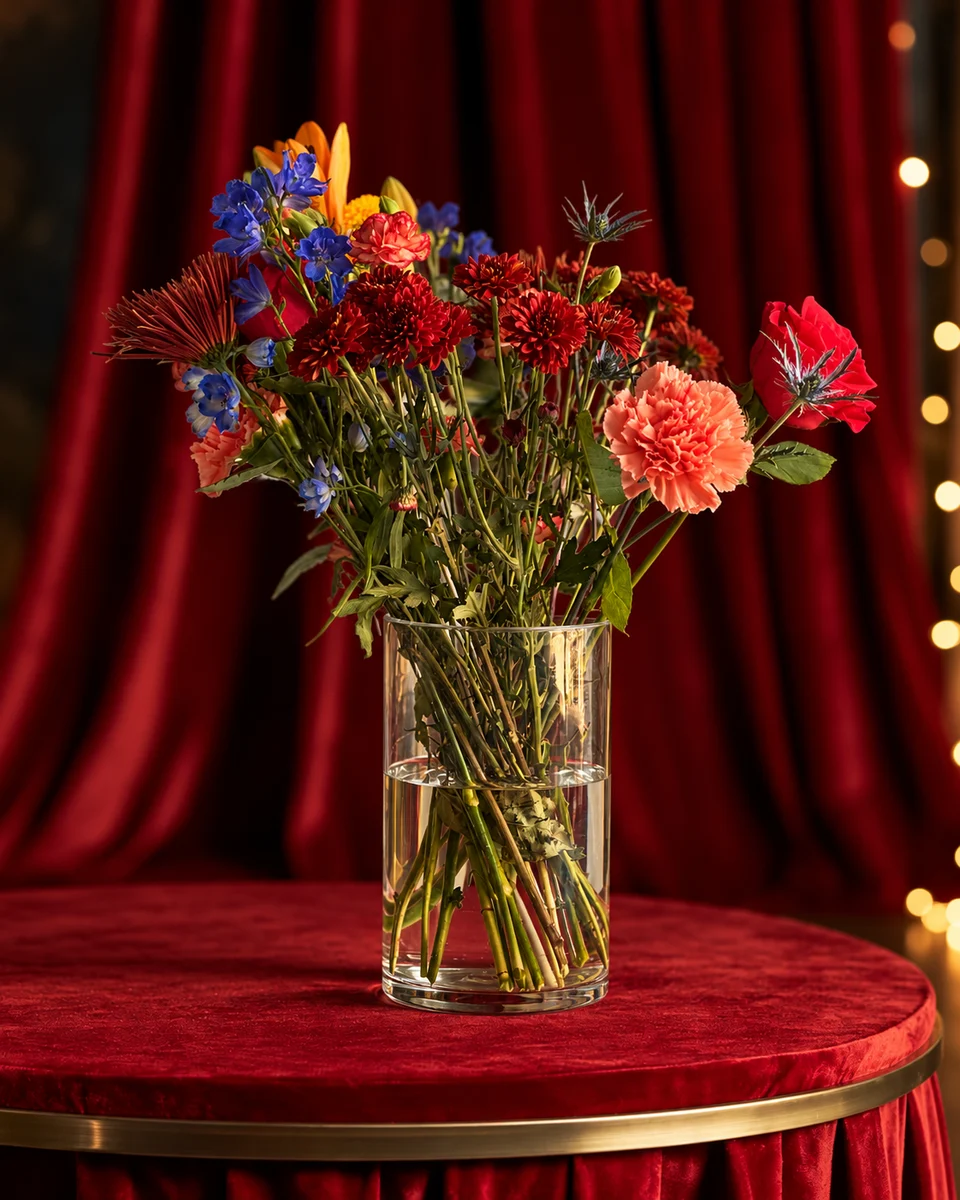
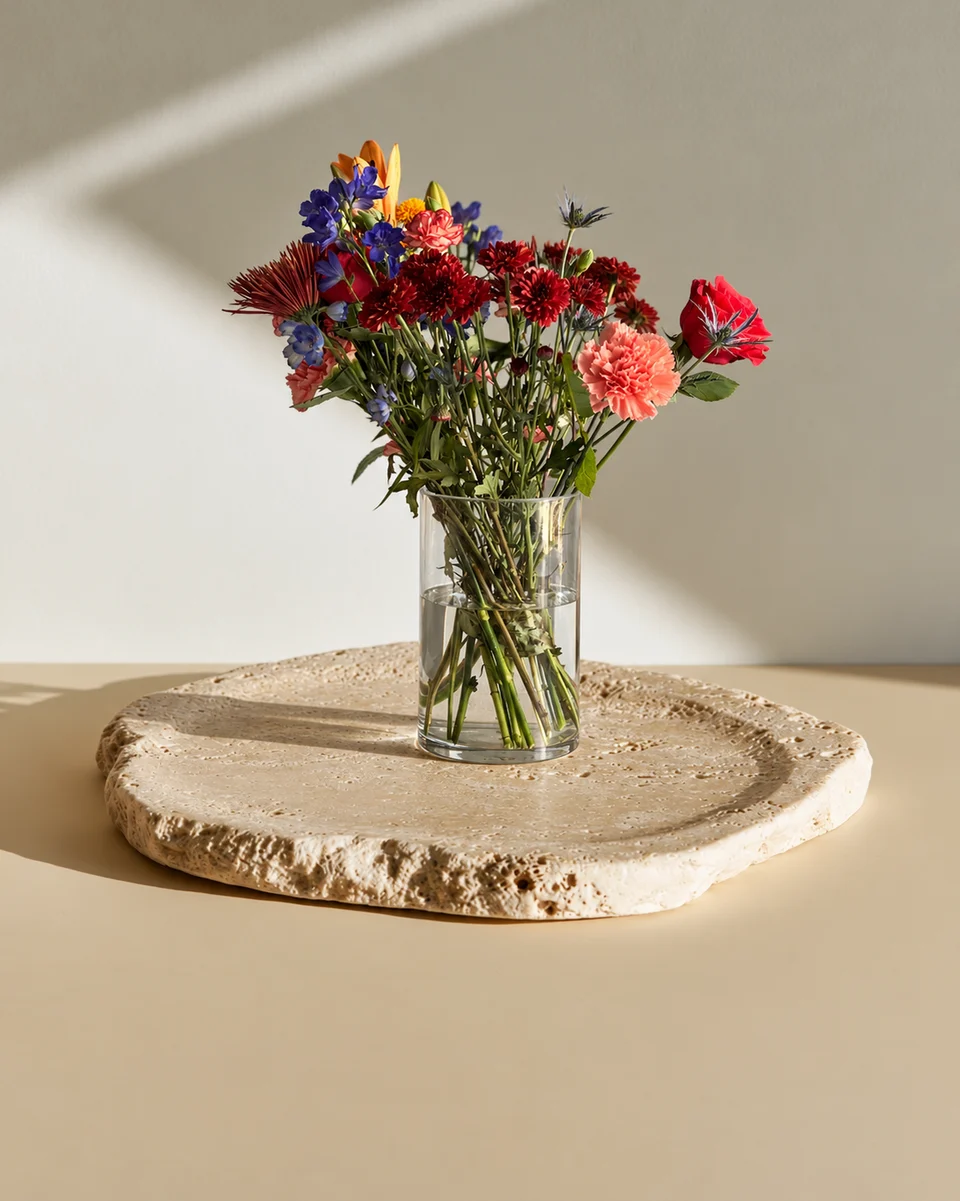
Our recorded full-size comparison shows one licensed arrangement, its reference files and two untouched results from 31 October 2026. The flowers and glass remain recognisable, while fine detail, reflections and placement vary. These are historical generation tests, not customer work or a current all-room pass rate. Use the same checks on your own upload.
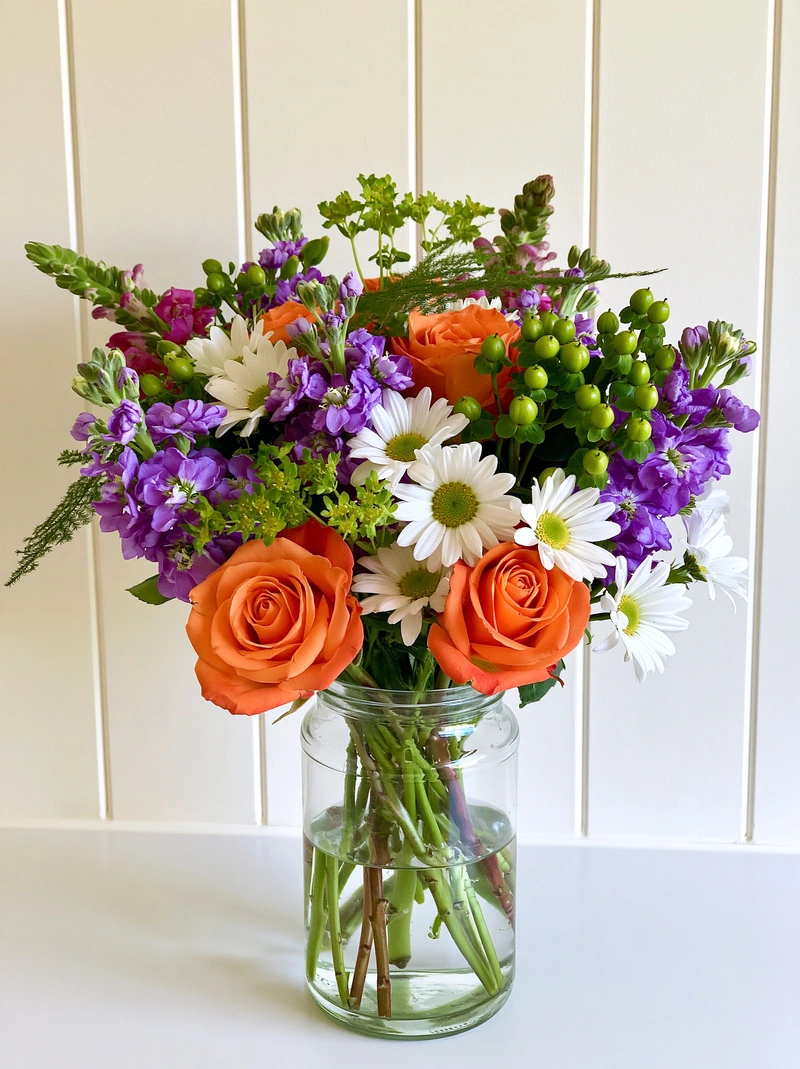 Phone photo
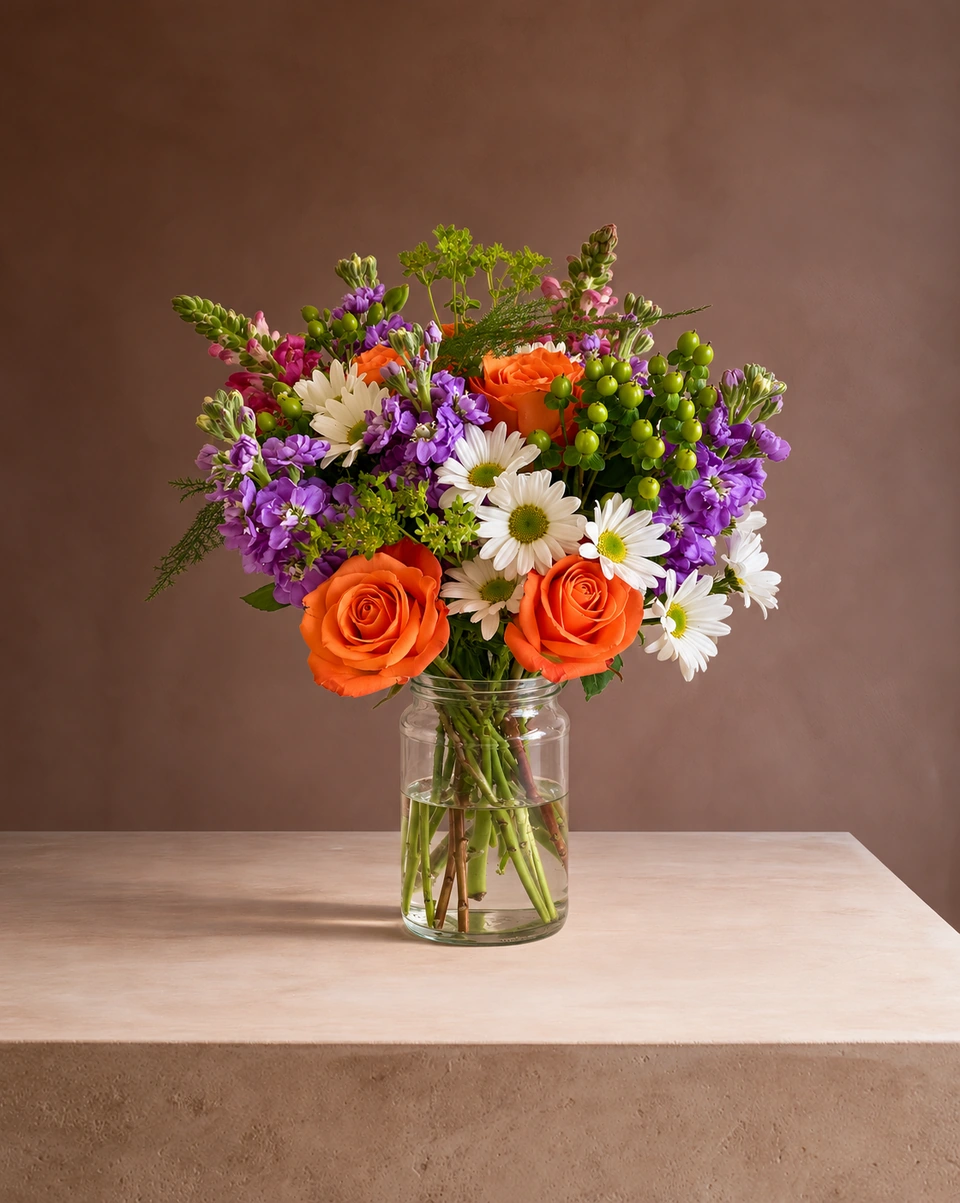 Studio photo
Use the right image for the job
- Your website or a social campaign: a checked staged photo can support the offer. Show an actual product photo too, and name the size, vessel and any seasonal substitutions.
- Etsy and delivery platforms: check their current image rules. Etsy’s policy requires an unedited actual-item image in most listings; DoorDash asks for unedited menu photos. See the channel photo guide.
- Google Business Profile: use photos that represent reality, without significant alterations. A generated home does not document your shop or a real installation; see the Google photo checklist.
- Before dispatch: keep a real photo of the finished order in your own records. A styled menu image is not proof of what was delivered.
To put these checks into a complete job, use the flower photoshoot workflow. It includes open 2K and 4K files and recorded generation-request timings.
Made only for florists
From a bench photo to your next listing
Your flowers are the product. FlowerShoot makes the photo as lovely as the arrangement, wherever you share it: one phone photo in, a studio photo out.
For social media
Fresh posts and Stories every week, without a photo shoot or moving a single bucket. Download post and Story sizes with your logo and a caption, and let your flowers shine in a calm, professional feed.
For selling on your website
Choose a house style for your collection, then check each result against the piece you sell. Keep a real product photo alongside staged views, with clear size and vessel details.
- Skip the photographer. A studio photo from one phone photo, in about a minute.
- Standard photos from 19.5¢. One standard photo uses 1 credit. Monthly plans start at $10 for 50 credits. Optional 4K generation uses 2 credits.
- Try before you subscribe. Start with 3 free previews, no card. Monthly plans start at $10 for 50 credits.
- Your real flowers. Start from your own arrangement. Compare the result with the original before listing it.
- 200+ rooms made for flowers. Studios, pedestals, homes, weddings and every season.
Quick answers
Should flower colours stay unchanged in a new setting?
The flower palette should remain recognisable and commercially accurate. New light can change brightness, shadow and reflected warmth, but it should not turn a pale pink product orange or hide important dark-petal detail.
Does 4K mean the flowers are more accurate?
No. Resolution describes image dimensions, not product fidelity. Check varieties, shape, colour, container and fine detail separately, whichever export size you choose.
Can I use a staged image as proof of a delivered arrangement?
Use an actual photograph of the finished order for that record. A staged catalogue photo describes a design or offer; it does not document the particular order you delivered.
How can I check whether a flower photo is ready to publish?
Compare with your original at full size and phone thumbnail size. Inspect colour relationships, focal flowers, silhouette, vase, wrapping, stems and contact with the surface. Then confirm the image follows the rules of the platform where you will use it.
Sources
- Google Business Profile: photos should represent reality (checked 1 Nov 2026)
- Etsy: listing image requirements (policy checked 29 Oct 2026)
Platform rules change. Check each one’s current help pages before you upload.