From the workbench to the listing
Flower photoshoot: a practical guide for florists
Short answer
For a florist’s product flower photoshoot, photograph the finished arrangement in soft daylight, keep the full vase or wrapping visible and use consistent framing. FlowerShoot offers another way to prepare the styled images: upload that photo, choose a flower room, review the result against the original, then make your listing or post. Keep an actual product photo too, and follow the channel’s image rules.
In this guide Jump to what you need
You have finished an arrangement, orders are waiting, and the only clear space is beside the cooler. A flower photoshoot for a shop needs to show what you sell, with enough consistency to make a menu. You can set up a simple physical shoot, book a photographer or start with one phone photo in FlowerShoot. This guide helps you choose and shows our recorded files so you can inspect the result.
What should a flower photoshoot show?
For a listing, the arrangement is the subject: its flower palette, shape, size and included container. Make the offer clear before adding a beautiful room. A wedding portrait among flowers or an editorial installation is a different job; use a photographer when you need to document real people, a venue or an event.
- One clear main view of each actual design and size you sell.
- A useful detail view of focal blooms, wrapping or the vessel, where it matters to the offer.
- A measured size description and the name of the size shown. A room scene alone cannot establish dimensions.
- A clean original retained alongside any staged views, with the recipe and any seasonal substitutions stated clearly.
Choose how to make the photos
| Approach | Useful when | Work to plan |
|---|---|---|
| A phone and a physical backdrop | You need an actual unedited product image, documentary record or a simple repeatable setup. | Clear a surface, arrange soft light, keep the camera position consistent and photograph every design. |
| A professional photographer | You need people, a real installation, brand images or a coordinated campaign shoot. | Agree the brief, location, styling, image rights and deliverables with the photographer. |
| FlowerShoot from a phone photo | You want styled listing or social images without setting up each physical room. | Photograph the piece once, choose a room, inspect the result and prepare the right export. Small product details can differ. |
Start with a useful phone photograph
Finish the piece you are selling
Include the vase, wrap and ribbon that belong to it. Photograph a representative finished piece, not an unfinished design you hope editing will complete.
Find soft light
Use a window out of direct sun. Avoid combining daylight with strongly coloured indoor lighting. Keep detail in pale petals rather than brightening them to blank white.
Keep the shape readable
Start with the main camera around flower height. Step back enough to include every selling detail and avoid stretching a vase with the ultra-wide lens.
Take a few frames and keep the sharp one
Check stems, petals and the container before uploading. The phone photography guide explains focus, exposure and framing in more detail.
A new way to prepare the styled flower photoshoot
FlowerShoot starts with your own product photograph and uses the selected room as a visual reference. Choose from 200+ settings for flower products: calm studios, stone displays, homes, held bouquets, wedding and holiday scenes. Each room explains whether it aims to keep the piece as made or intentionally restyles its flowers for that setting.
Choose a setting for the selling task
Use a quiet studio or tabletop for a catalogue, then a suitable home or seasonal room for an additional social image. Pick by the piece and customer occasion, rather than the most dramatic background. Browse the room examples.
Review the generated photograph
Compare flower colours, silhouette, vase, wrapping, stems and support with your original. Natural lighting changes highlights and shadows; a new flower type or changed container needs correction. Use the listing-photo checklist.
Prepare the finished offer
Add the product name, price, size shown and order-by date using product cards and menus. Check the whole bouquet still fits the final crop.
Recorded examples: inspect detail and generation time
A useful demonstration lets you open the source and full result. The comparison below uses a licensed sample arrangement, not a customer order. The results show both the opportunity and the details you need to check.
Recorded work, open files
2K or 4K? Inspect the photographs.
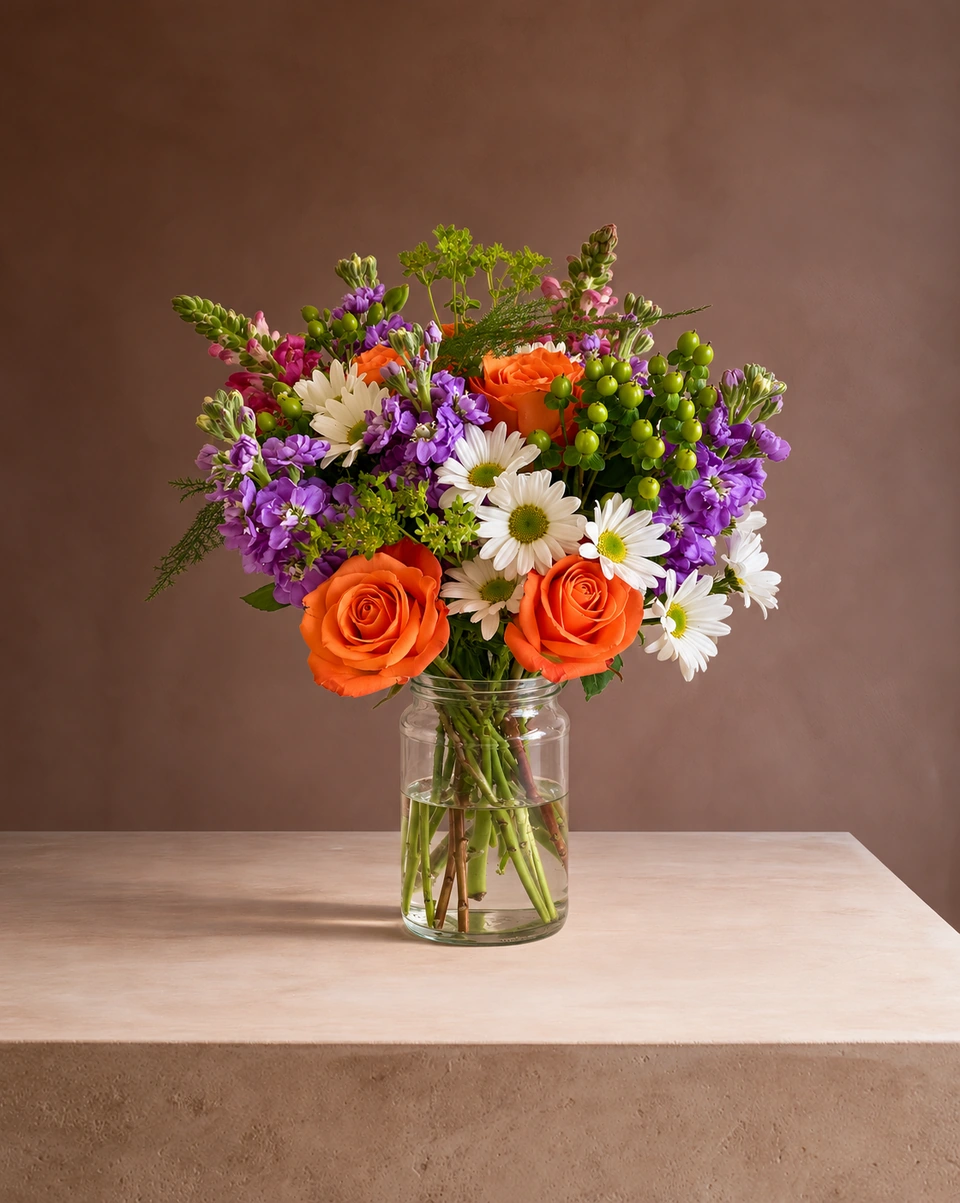
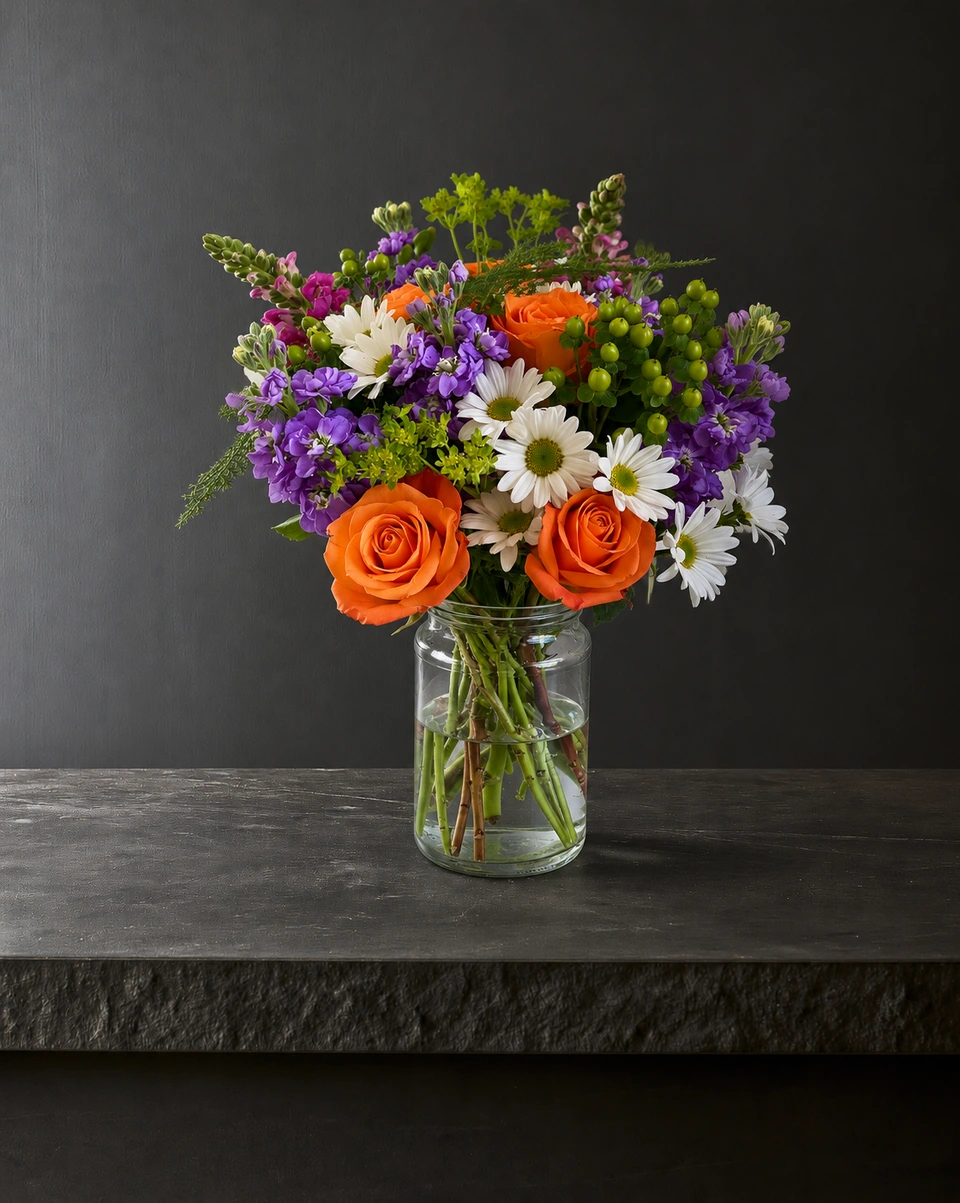
These two outputs use the same real arrangement, room and prompt recipe, with medium finish and three references capped at 1024 pixels. One requested 2K and the other 4K. Open both files and judge the flower detail, glass and placement before choosing a size for your own work.
Recorded 22 October 2026. Licensed demonstration photograph by Natalia S, Pexels 28871333 (source photo licence). One result per size; historical recipe tests, not customer work or a current all-room success rate.
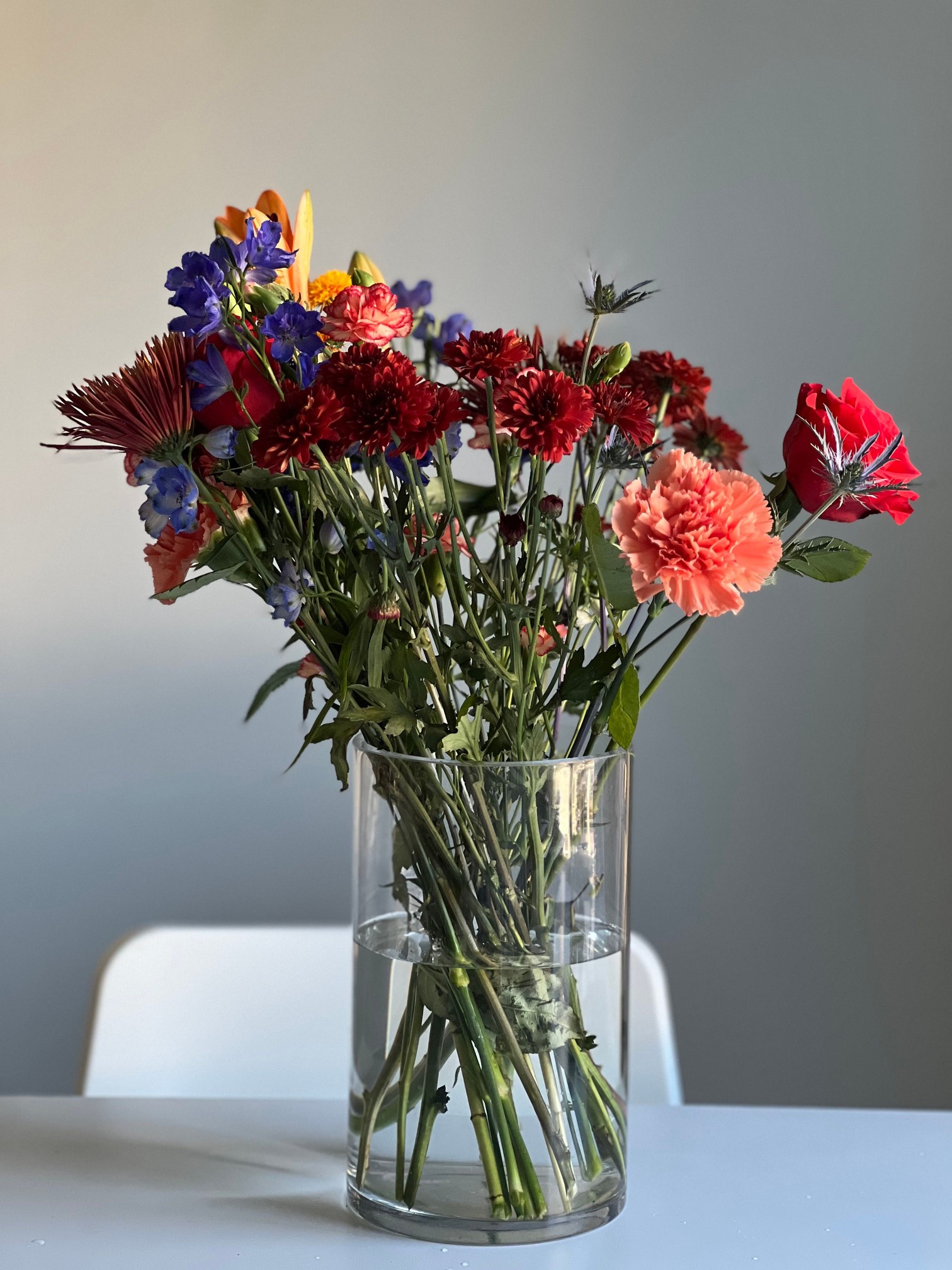
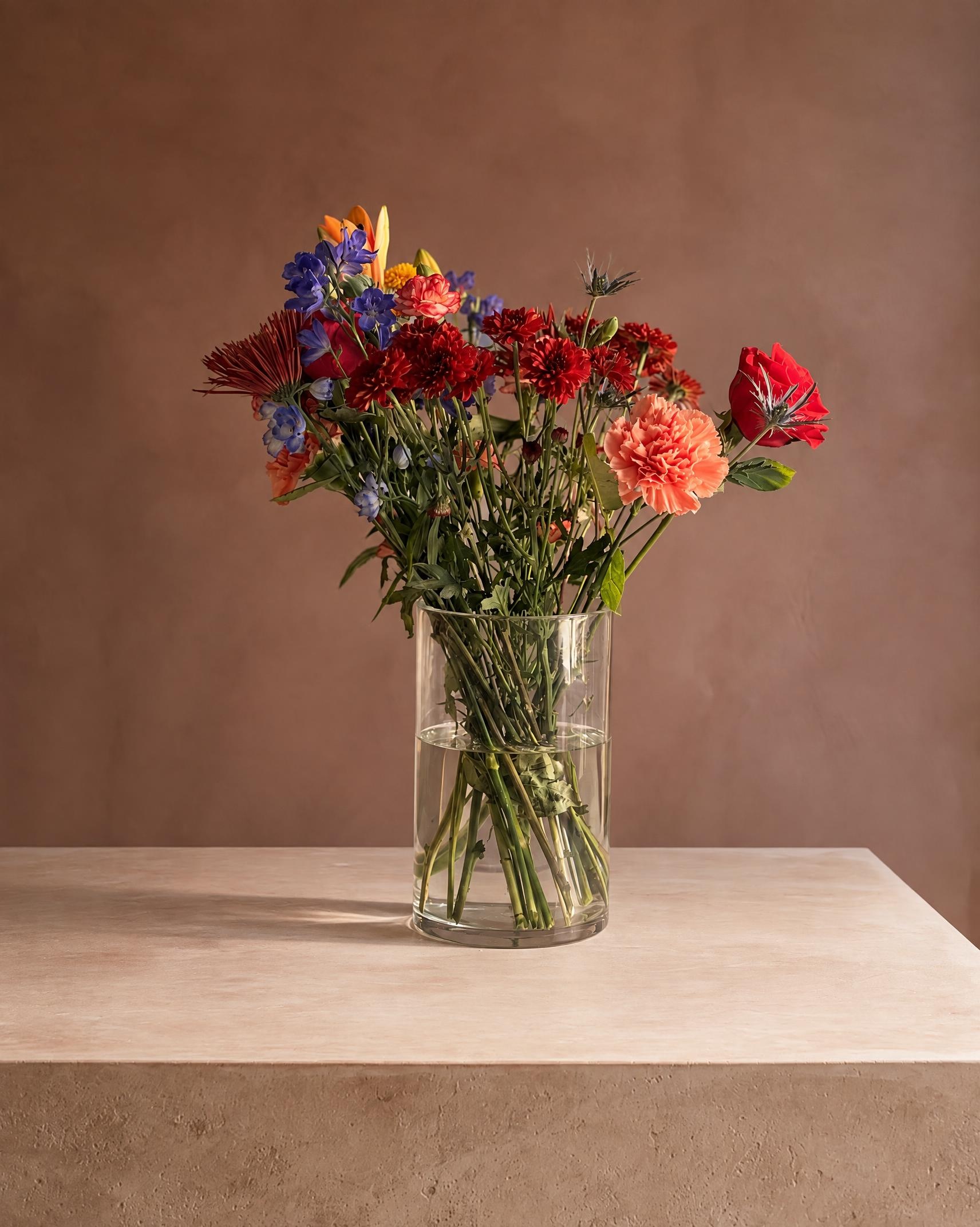
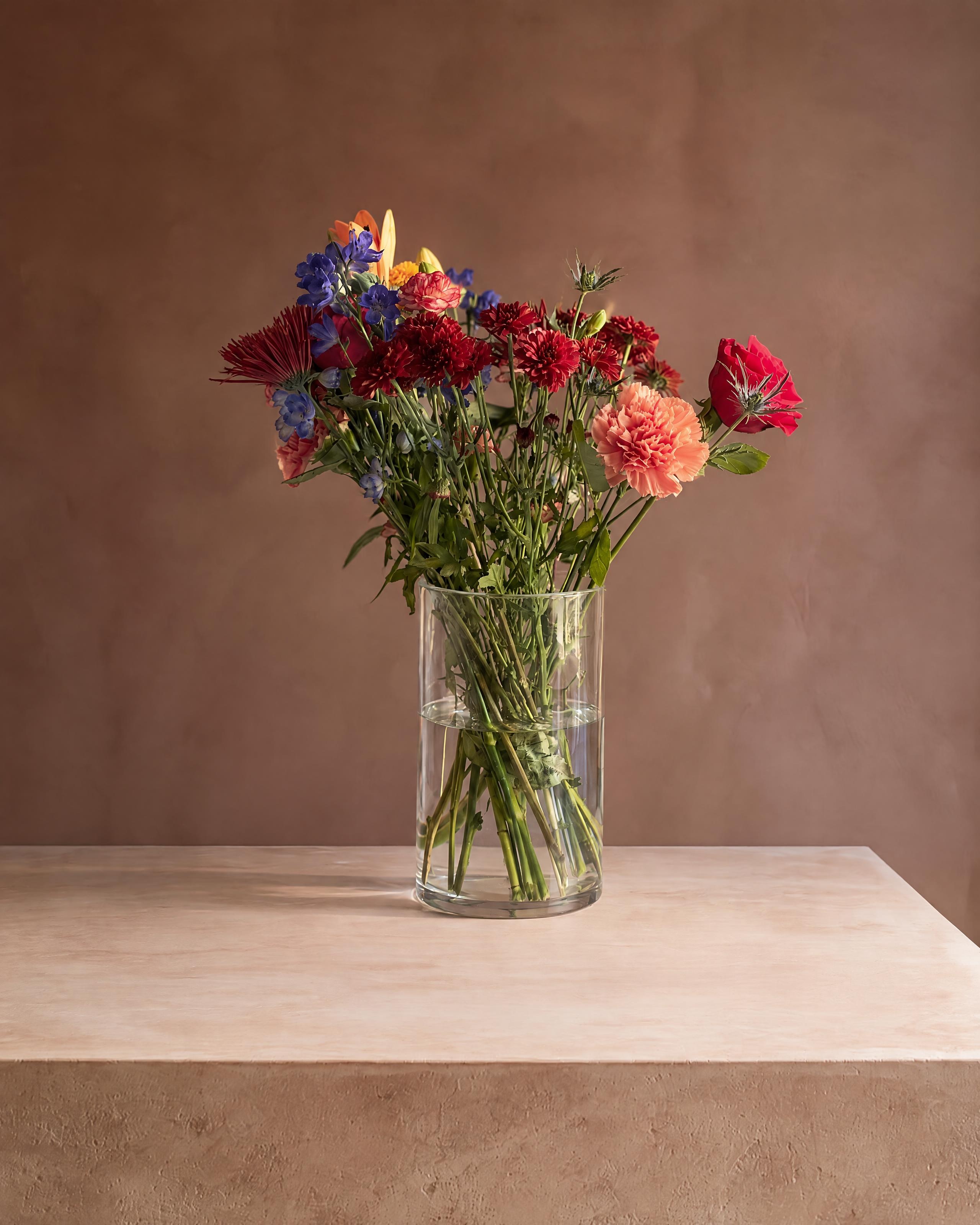
The 4K frame contains more pixels, but the arrangement sits farther back on the support. Flower folds, glass highlights and apparent proportions vary. A larger output does not by itself establish a more accurate product photo.
| Output | Native dimensions | Generation request |
|---|---|---|
| 2K | 1712 × 2144 | 22.8 seconds |
| 4K | 2560 × 3200 | 26.3 seconds |
Timing starts with the generation request and ends with its complete response. Upload, product analysis, queue, saving and download are outside this measurement. One attempt per size is not a typical wait-time estimate.
Two later 2K requests
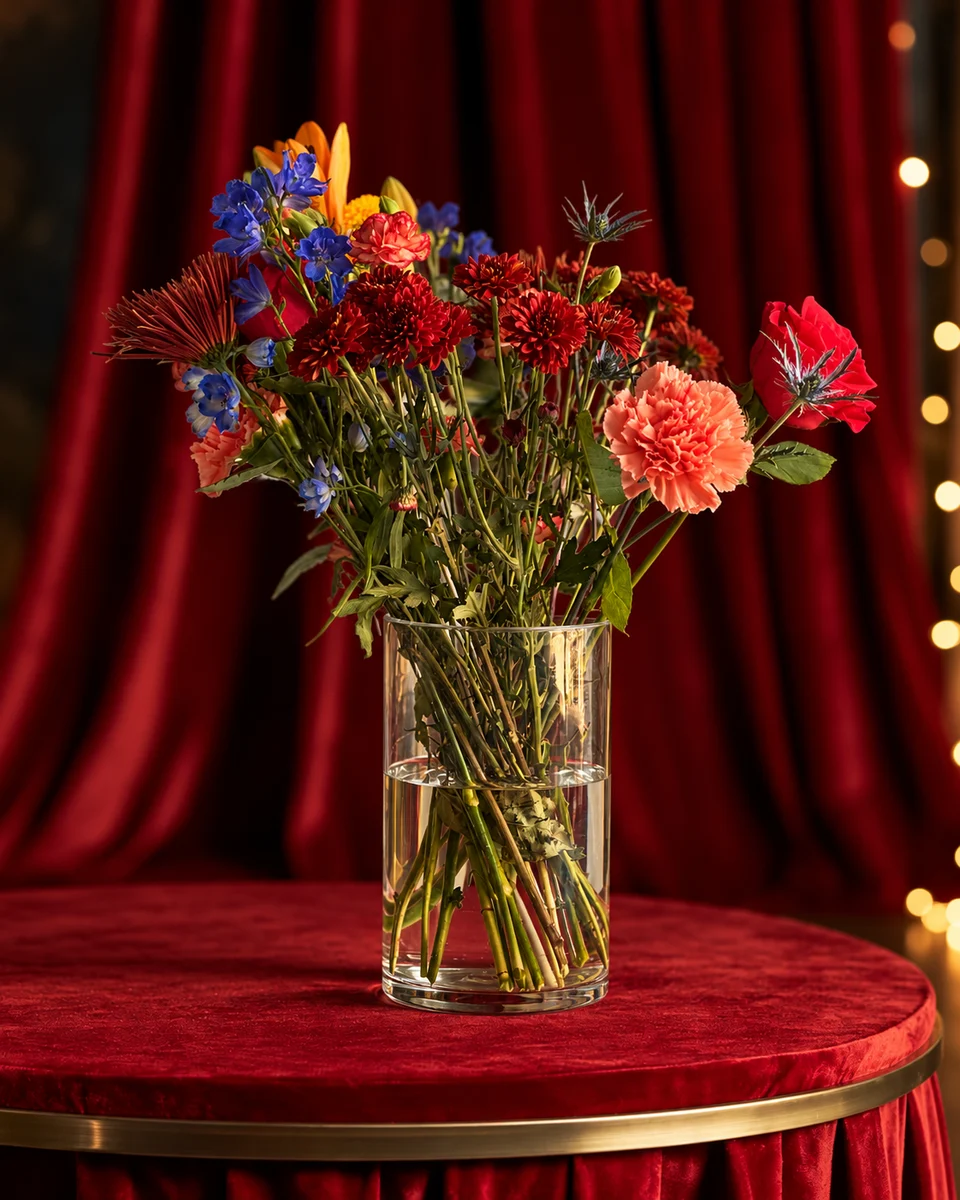
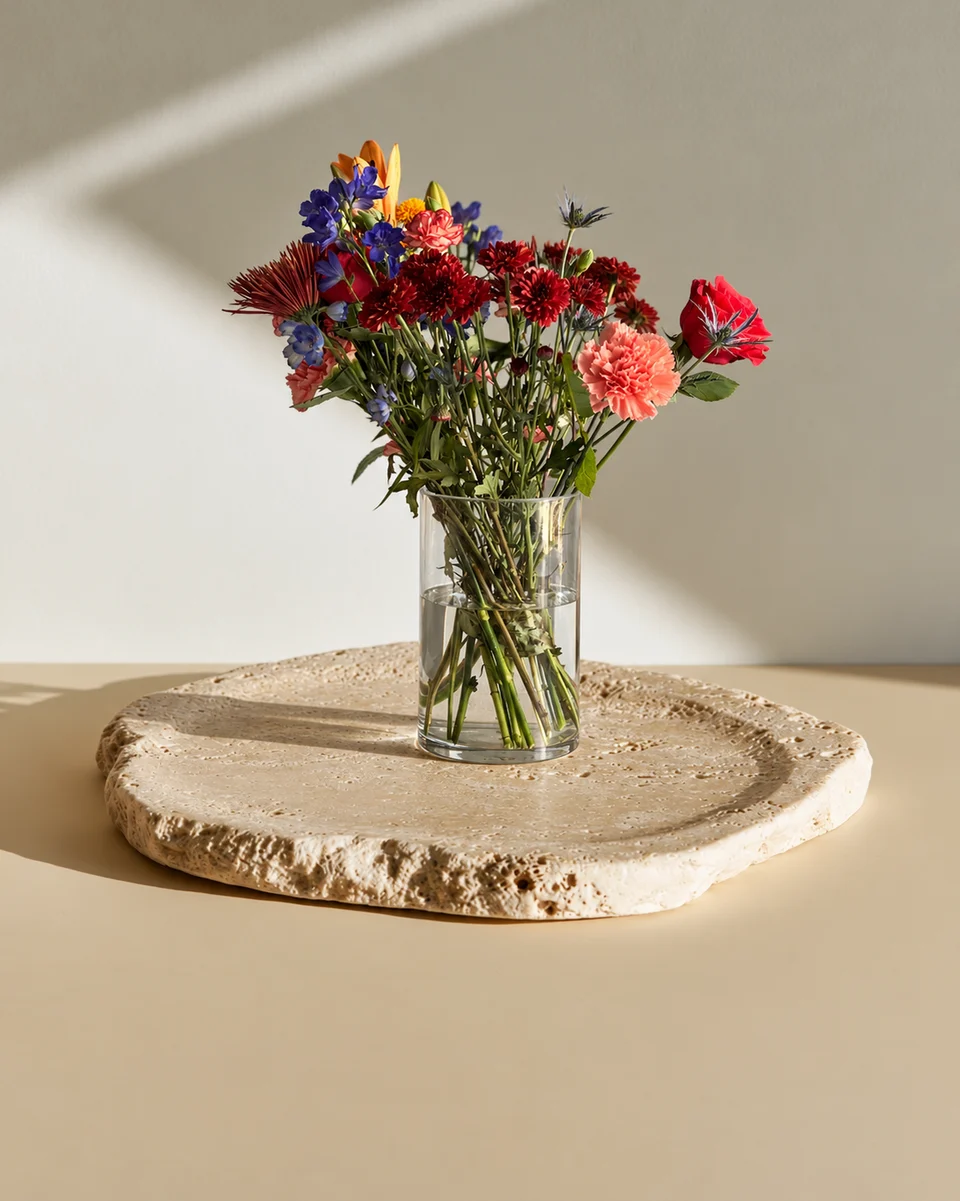
The two full-recipe requests recorded on 31 October took 18.33 seconds in Clay afternoon and 16.54 seconds in White podium · sage. These use a later recipe; they are separate observations, not the 2K side of the earlier size comparison.
For planning, allow about a minute for a photo, with longer waits possible. The studio’s actual waiting time includes work that these request timings do not measure.
Method and downloadable records
Both recorded size outputs are shown; one successful attempt per size and no generation retries. Both full JPEG downloads retain the original output bytes. Display copies are resized to load efficiently; the complete frame stays visible. No image was generated for this page.
Standard · 2K uses one credit. Optional Signature · 4K uses two. Check your platform’s dimensions and compare the finished result with your original before publishing.
Build a small seasonal menu
- Start with three designs you can fulfil at their advertised prices. Photograph each actual size; see how to show Standard, Deluxe and Premium.
- Choose a common room reference and similar framing. Review the whole set for scale, colour and placement before publishing; generated room details can vary.
- Keep the primary view clear. Add a holiday or lifestyle setting as a secondary image where the platform allows it.
- Export the listing image, then a post or menu with the product names, prices and ordering deadline. Recheck the final thumbnail.
- Keep a real photo of the completed order before dispatch. A styled catalogue view is not a delivery record.
Try the arrangement you actually sell
New FlowerShoot accounts get three free starting credits for previews within seven days, with no card needed. A paid monthly plan unlocks full-size downloads at the size each photo was generated in. Check the current prices and credits, then try one design before preparing the rest of your menu.
Made only for florists
From a bench photo to your next listing
Your flowers are the product. FlowerShoot makes the photo as lovely as the arrangement, wherever you share it: one phone photo in, a studio photo out.
For social media
Fresh posts and Stories every week, without a photo shoot or moving a single bucket. Download post and Story sizes with your logo and a caption, and let your flowers shine in a calm, professional feed.
For selling on your website
Choose a house style for your collection, then check each result against the piece you sell. Keep a real product photo alongside staged views, with clear size and vessel details.
- Skip the photographer. A studio photo from one phone photo, in about a minute.
- Standard photos from 19.5¢. One standard photo uses 1 credit. Monthly plans start at $10 for 50 credits. Optional 4K generation uses 2 credits.
- Try before you subscribe. Start with 3 free previews, no card. Monthly plans start at $10 for 50 credits.
- Your real flowers. Start from your own arrangement. Compare the result with the original before listing it.
- 200+ rooms made for flowers. Studios, pedestals, homes, weddings and every season.
Quick answers
What is a flower photoshoot for a florist?
It is a planned set of photographs of floral products for a shop, catalogue, portfolio or campaign. For listings, show the actual design, size and included vase or wrapping clearly. Editorial portraits and real event documentation may need a different brief and a photographer.
Can I prepare a flower photoshoot without a studio?
Yes. A window, clear surface and calm backdrop can make a useful real product photo. FlowerShoot can also turn a clear phone photo into a styled studio or lifestyle image. Review it against your original before using it in a listing.
How long does FlowerShoot take?
Allow about a minute for a photo, with longer waits possible. The recorded 31 October full-recipe 2K requests took 16.54 and 18.33 seconds for generation only. Upload, product analysis, queue, saving and download were outside those timings; they are not a complete current workflow benchmark.
Can I get 2K and 4K flower photos?
Yes. Standard · 2K uses one credit, and optional Signature · 4K uses two. Output dimensions depend on the room shape. Check your platform’s requirements and inspect the flowers and container separately from pixel dimensions.
Does FlowerShoot replace every kind of photoshoot?
It prepares styled product images from your photo. Use actual photography for documentary shop or venue images, completed-order records and platforms that require unedited photos. A photographer remains useful for people, events and brand campaigns.
Sources
- Etsy: listing image requirements (reviewed 29 Oct 2026)
- Google Business Profile: image quality and reality requirements
Platform rules change. Check each one’s current help pages before you upload.