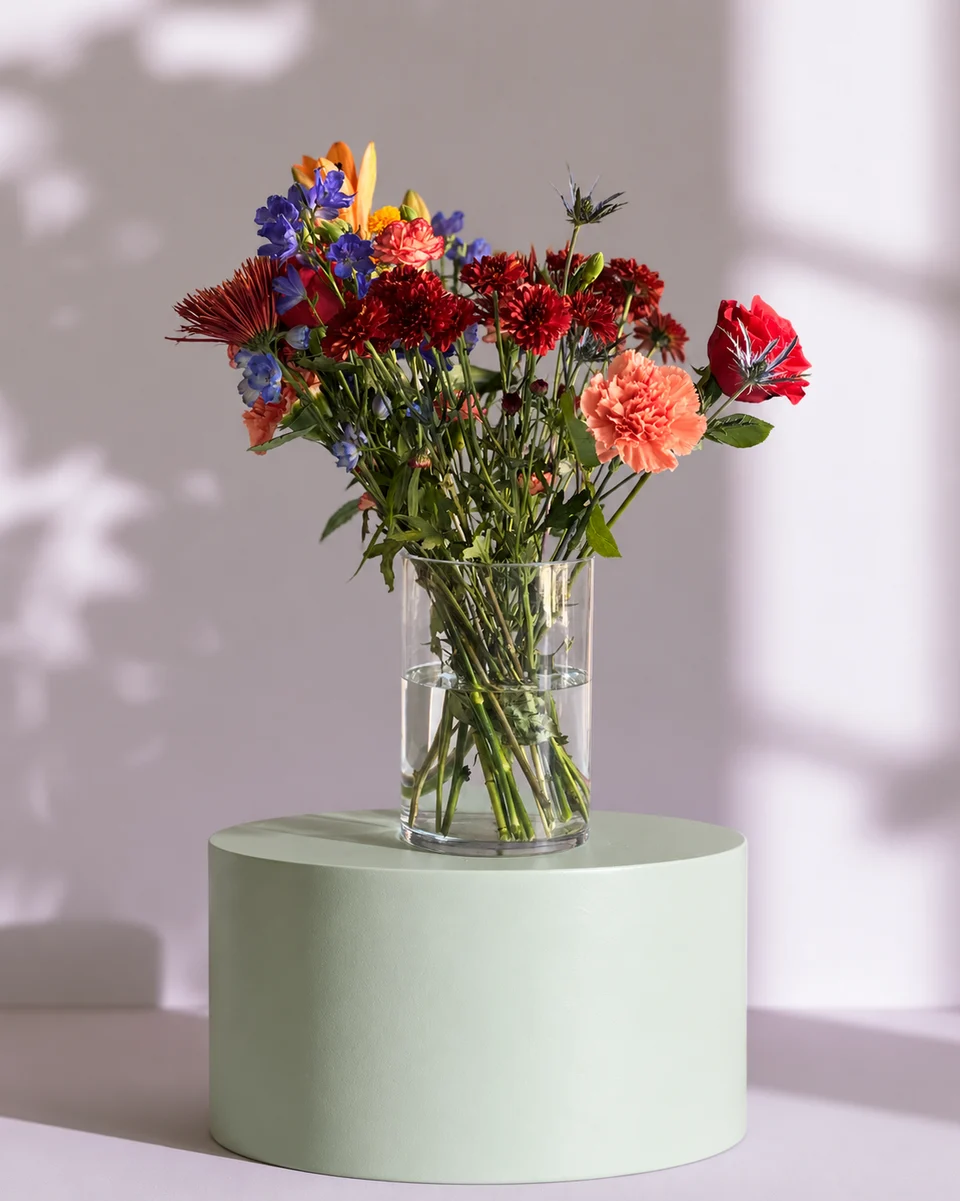
For growers and market sellers
Flower farm website photos for this week’s bouquets
Short answer
If your flower farm sells a changing weekly bouquet, use current real photos for availability and clear product views for pre-orders. Keep fields, harvests and pickup locations documentary. For a finished arrangement or bouquet that needs a quieter sales setting, FlowerShoot makes an optional styled photo from your phone image in about a minute. Plans start at $10 for 50 standard photos; try 3 free previews. Compare the piece with the original before downloading through a paid plan.
In this guide Jump to what you need
When the harvest changes, a website cannot keep showing the same offer indefinitely. Separate pictures that document your farm from the product photos used to sell a finished bunch. The home flower-business checklist covers the wider setup; this page focuses on the weekly photo workflow.
Give each farm photograph a job
- Farm story: real fields, people, growing conditions and harvest activity.
- This week’s availability: actual stems or finished bouquets you can supply now.
- Pre-order product: a clear example of the size, style and container offered.
- Pickup information: an accurate photograph of where customers should arrive.
- Subscription page: representative examples labelled for the season, with clear variation and collection terms.
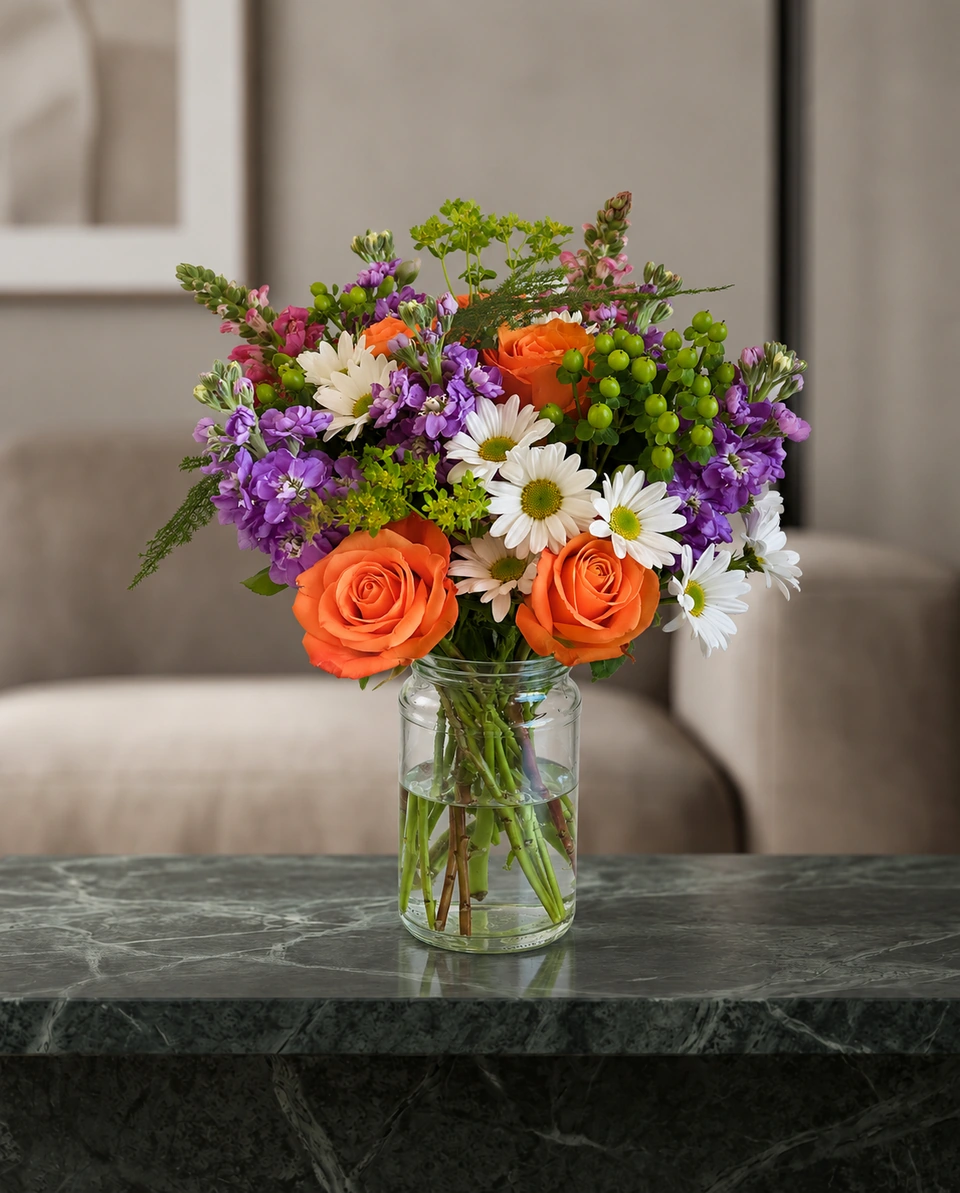
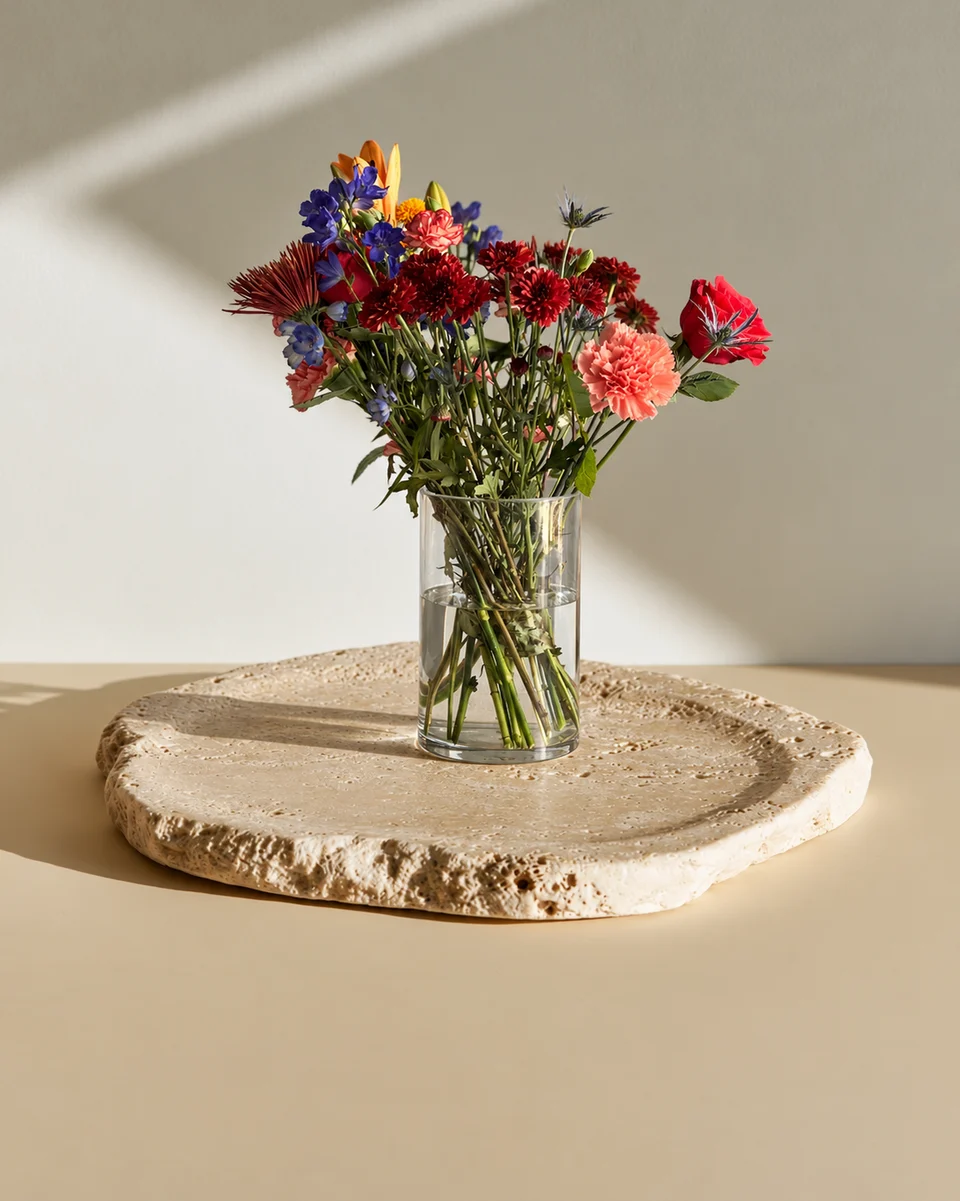
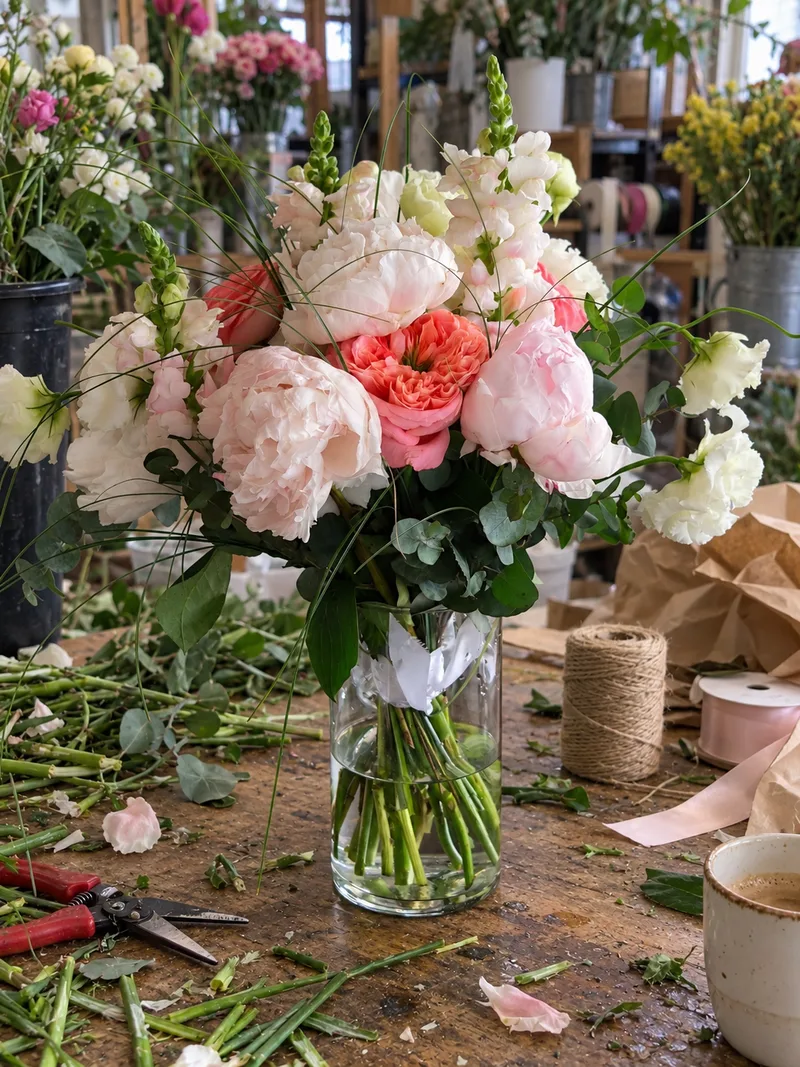 Phone photo
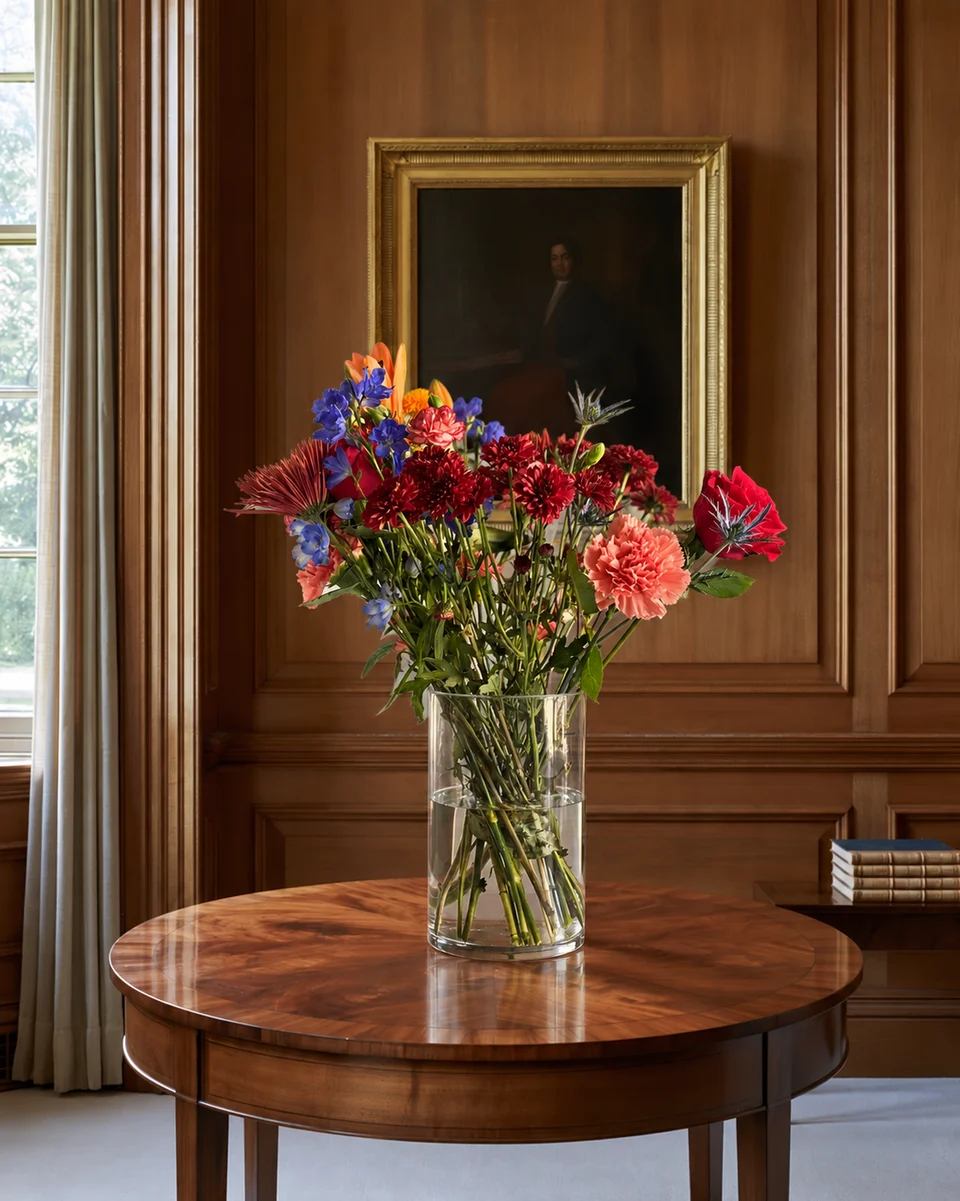
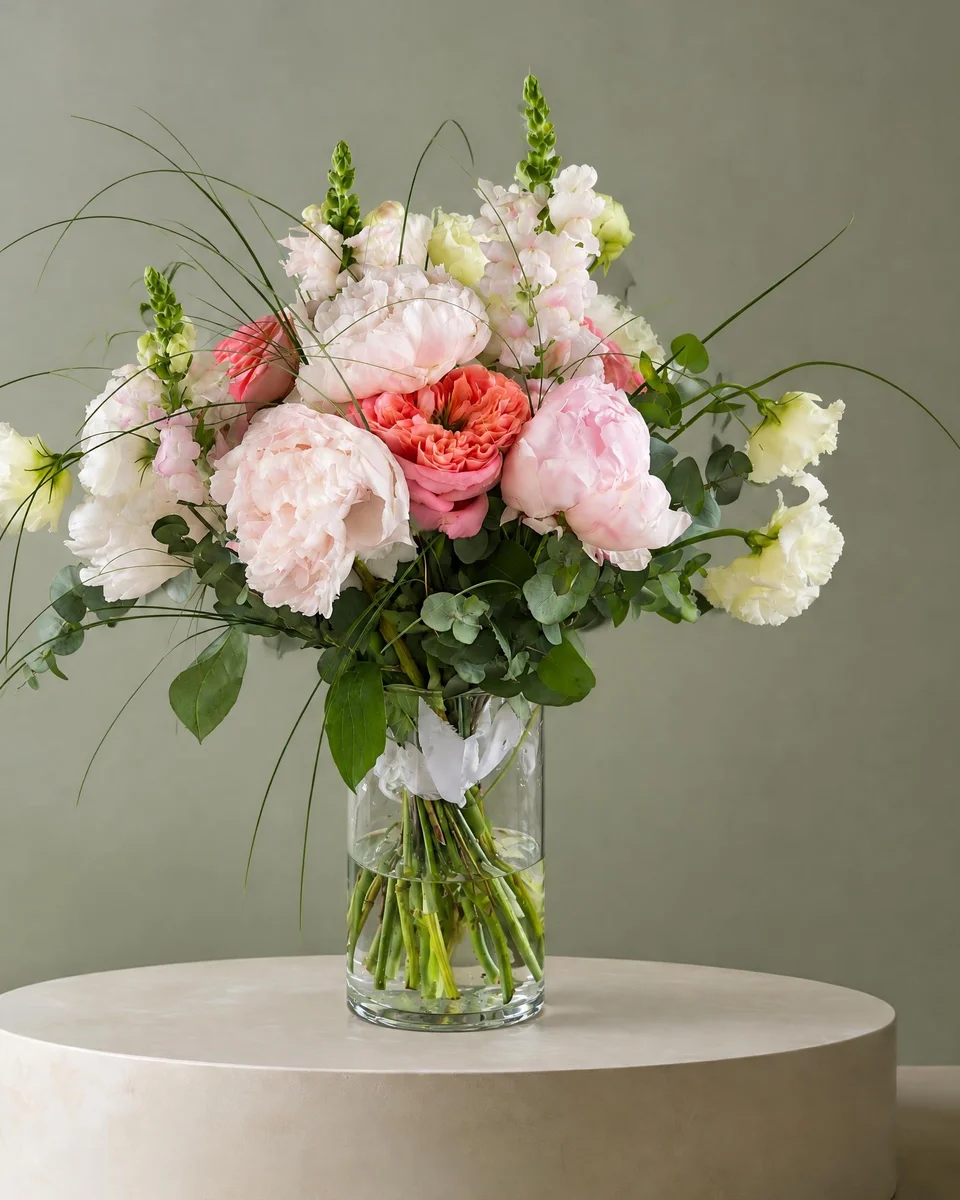 Studio photo
Take a useful original before adding a setting
Flower-grower Floret recommends natural light, watching clutter and choosing the surface deliberately in its photography advice. Use those basics for the original: show the full bunch, preserve its colour and take a closer real detail photograph. A quiet physical background may be enough. Source read 16 November 2026; the article is general photography advice, not a FlowerShoot test.
Prepare this week’s bouquet listing
Make the actual offer
Photograph the finished bunch or arrangement you can supply. Record real dimensions and the included wrapping or container.
Separate the evidence from the marketing
Keep original availability and field photographs. FlowerShoot is for styled images of floral pieces; do not use it as documentary proof of your farm or harvest.
Try one shop setting
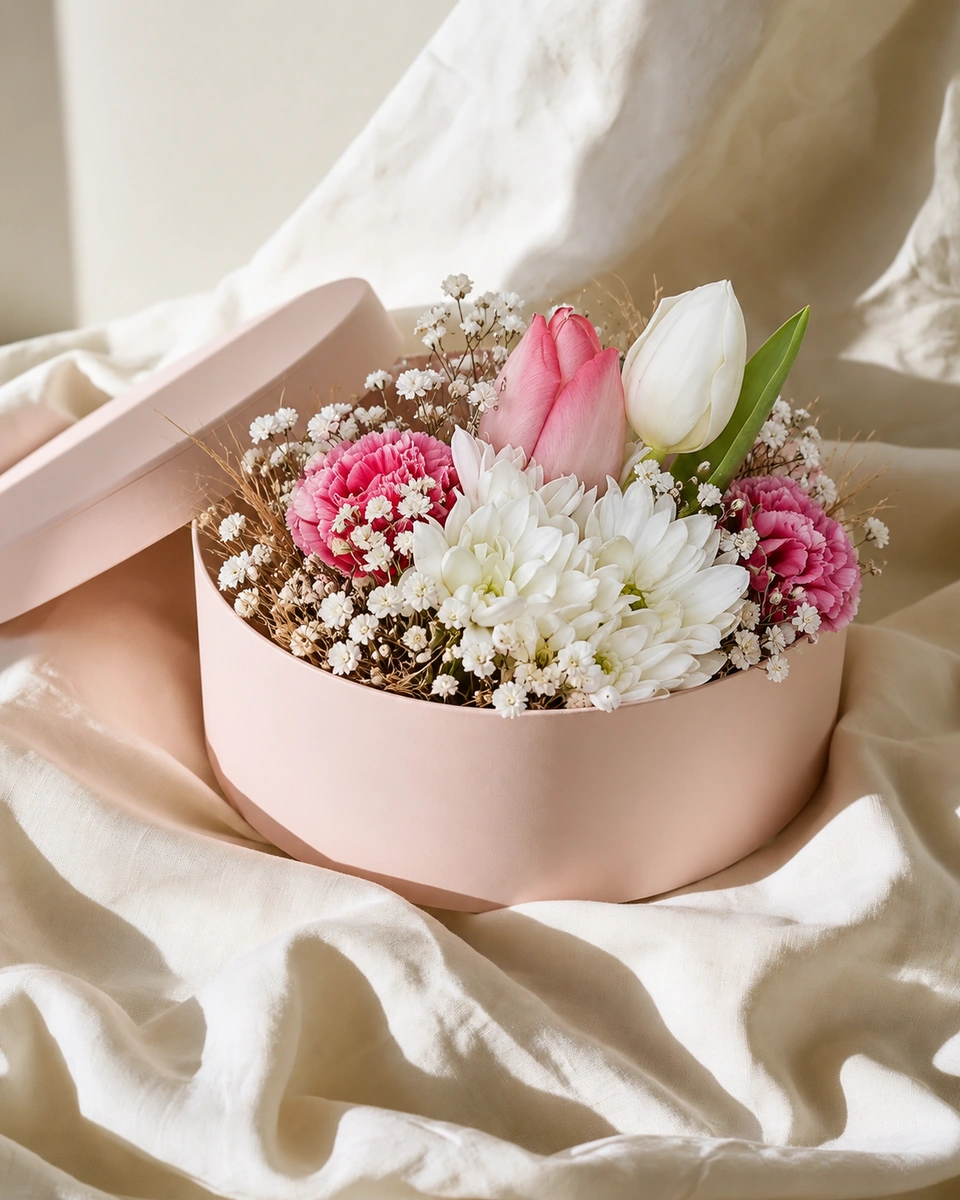
Choose a Kept as made room for the finished piece. Check varieties, colours, vessel and outline beside the original; generated framing can vary.
Publish the current menu
With a paid plan, download a checked image and upload it manually to your website. Use Design & share for a matching weekly post or pickup menu.
Label seasonal variation plainly
A representative subscription bouquet needs a clear explanation of weekly stem variation. Name the season and explain the kind of variation a buyer should expect. Replace an example when it no longer resembles the product. Do not use a generated image to conceal shortages, show a larger bunch or imply a variety you cannot supply.
Choose a website workflow you can maintain
The same image workflow can sit beside your existing farm website, Square menu or Shopify store. It does not require moving shops. FlowerShoot does not connect to these platforms or manage crop plans, orders or stock. Keep the menu small and the pickup details current; compare the photo plan allowance with the styled images you actually need.
Read next: Square Online florist photos, Shopify florist product photos and the free flower menu maker.
Made only for florists
From a bench photo to your next listing
Your flowers are the product. FlowerShoot makes the photo as lovely as the arrangement, wherever you share it: one phone photo in, a studio photo out.
For social media
Fresh posts and Stories every week, without a photo shoot or moving a single bucket. Download post and Story sizes with your logo and a caption, and let your flowers shine in a calm, professional feed.
For selling on your website
Choose a house style for your collection, then check each result against the piece you sell. Keep a real product photo alongside staged views, with clear size and vessel details.
- Skip the photographer. A studio photo from one phone photo, in about a minute.
- Standard photos from 19.5¢. One standard photo uses 1 credit. Monthly plans start at $10 for 50 credits. Optional 4K generation uses 2 credits.
- Try before you subscribe. Start with 3 free previews, no card. Monthly plans start at $10 for 50 credits.
- Your real flowers. Start from your own arrangement. Compare the result with the original before listing it.
- 200+ rooms made for flowers. Studios, pedestals, homes, weddings and every season.
Quick answers
Which flower farm photos should stay unedited?
Use real, accurate photographs for fields, harvest activity, people, stock and pickup locations. A styled product image has a different job and should not be presented as documentary evidence.
Can I use FlowerShoot for a weekly bouquet menu?
You can try a finished bouquet or arrangement in a Kept as made room, compare it with the original and use a checked image for the offer. No farm-wide quality or sales-lift result is claimed.
Will FlowerShoot run my subscription or farm shop?
No. It makes product photos and designs. Your website or shop system still handles orders, availability and fulfilment.
Should I make all my farm photos in a styled room?
No. Keep a real view of the farm and current availability. Use a styled image only when it helps explain a finished floral product accurately.
Sources
Platform rules change. Check each one’s current help pages before you upload.