Selling online
How to sell flowers online: where to sell, what to photograph and how to deliver
Short answer
To sell flowers online, start with a short menu of designs you can make every day, photograph each one the same way, and list them where your buyers already look: Google, Instagram or Facebook for local delivery, and Etsy or your own shop for dried and preserved pieces you can post. State your delivery area, prices and order-by times on every page, and take payment online so an order is confirmed when it is paid.
In this guide Jump to what you need
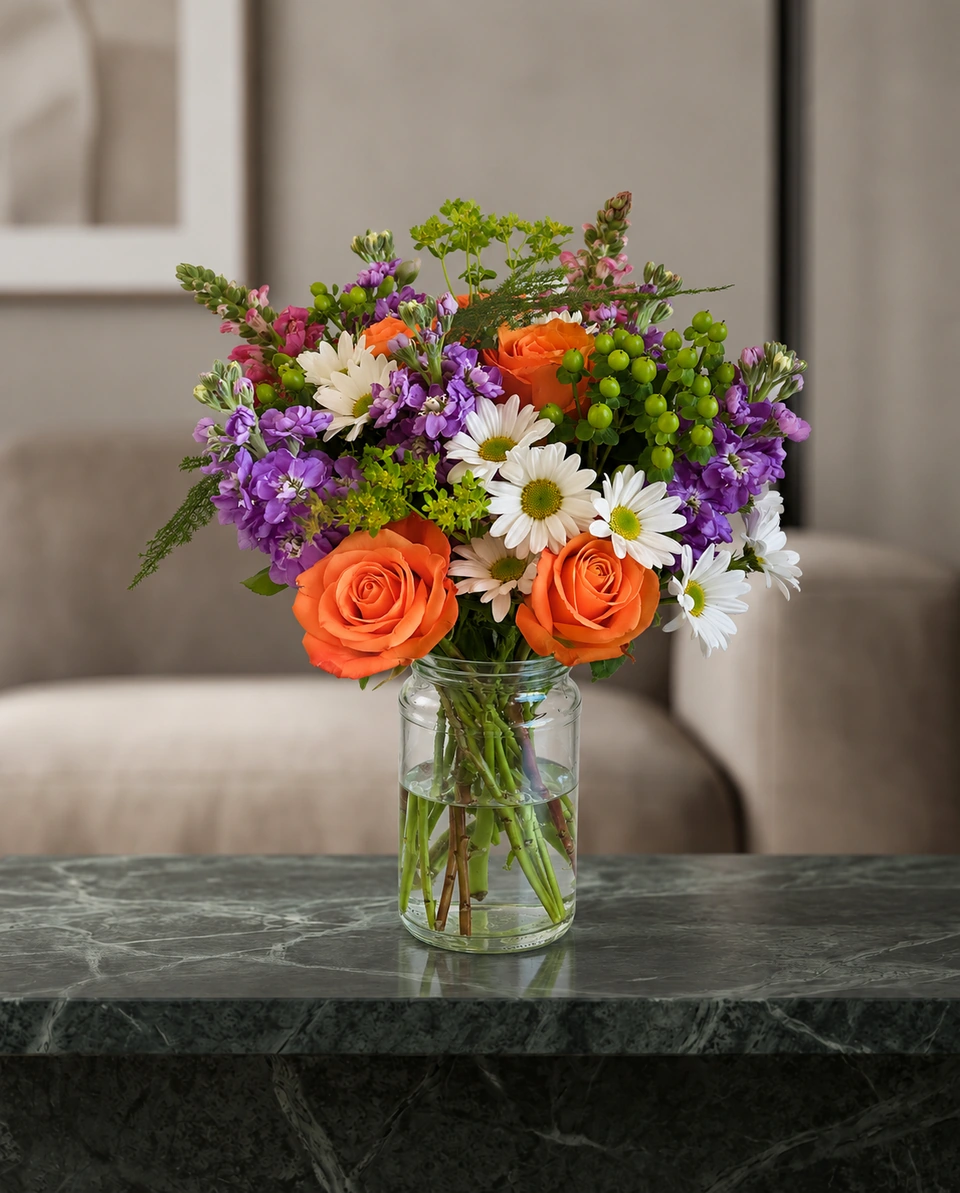
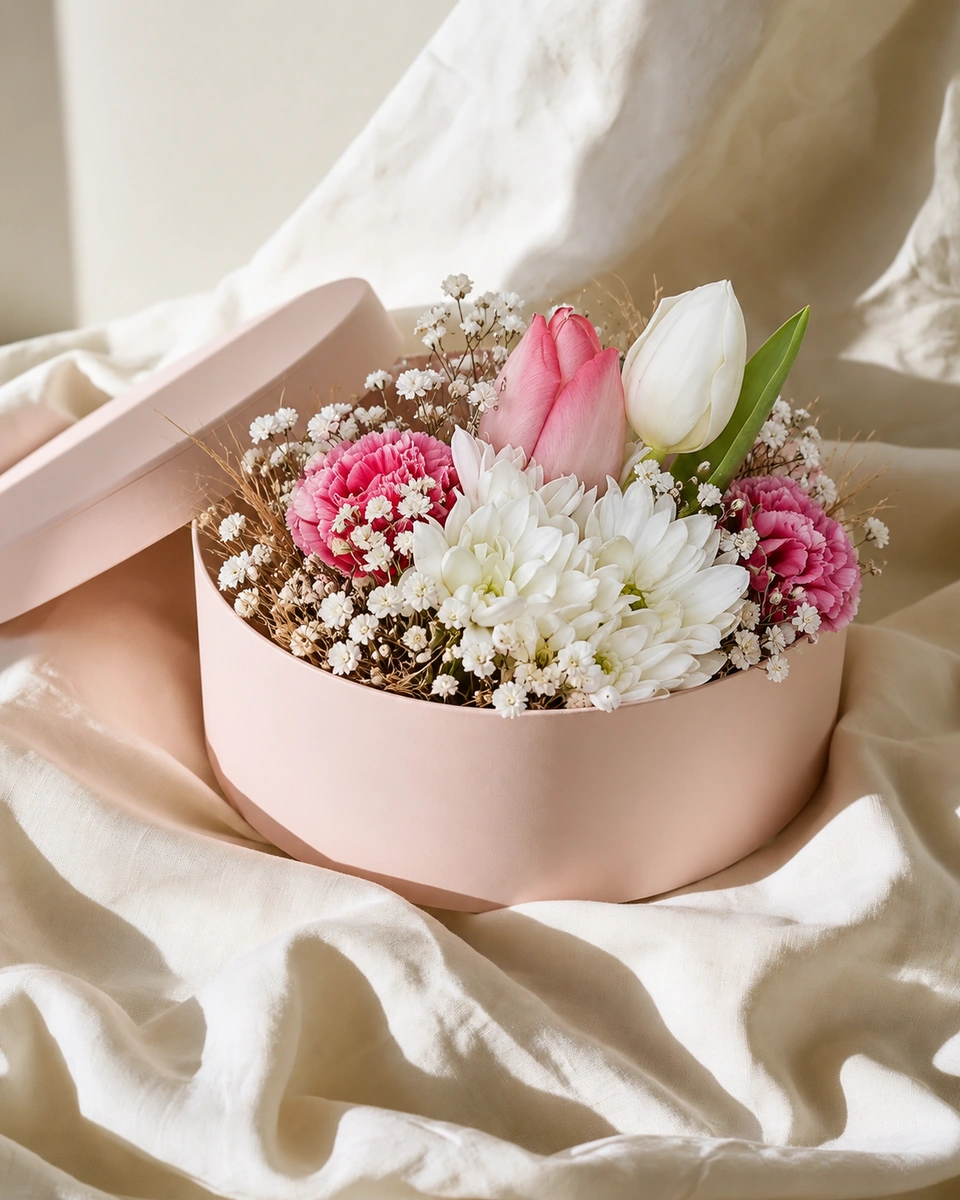
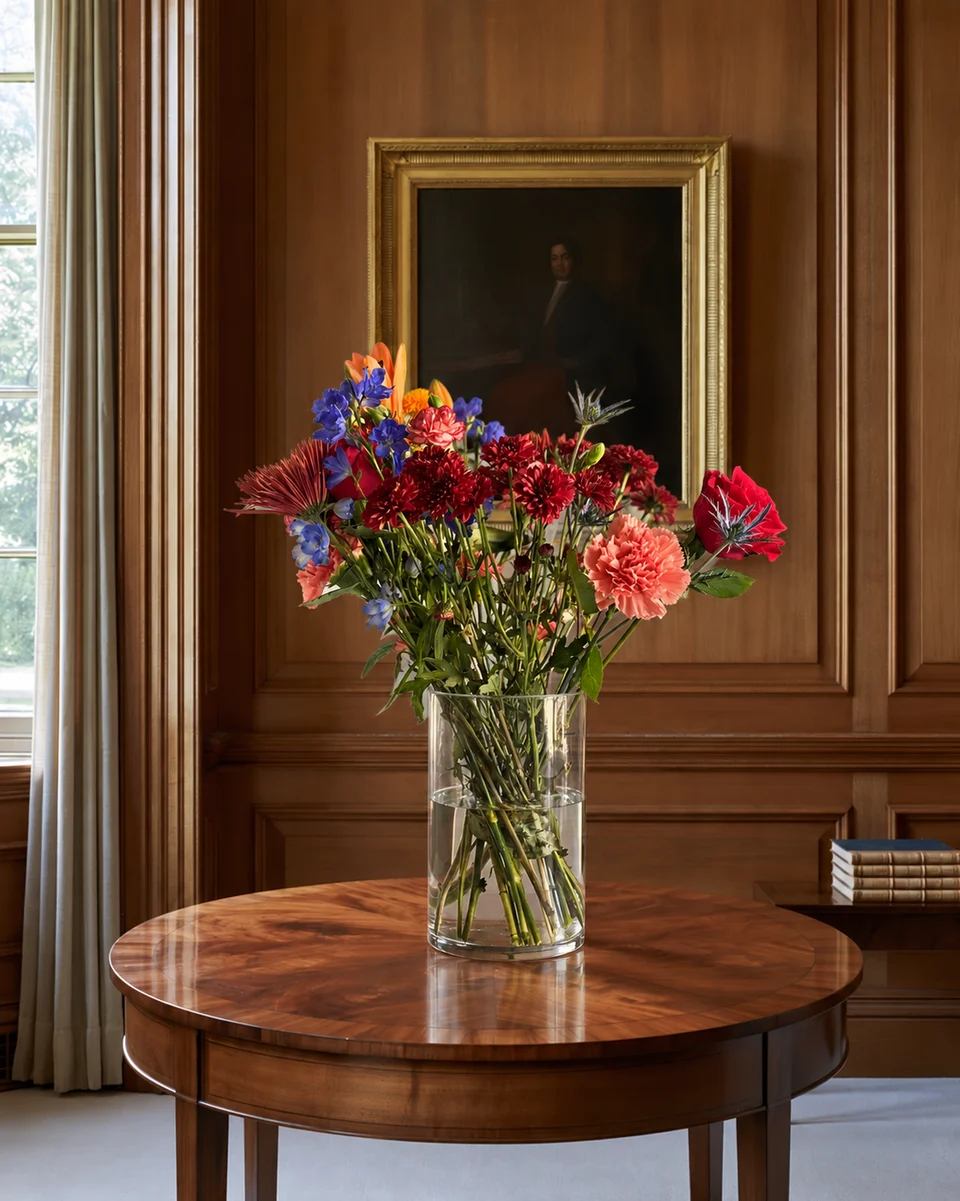
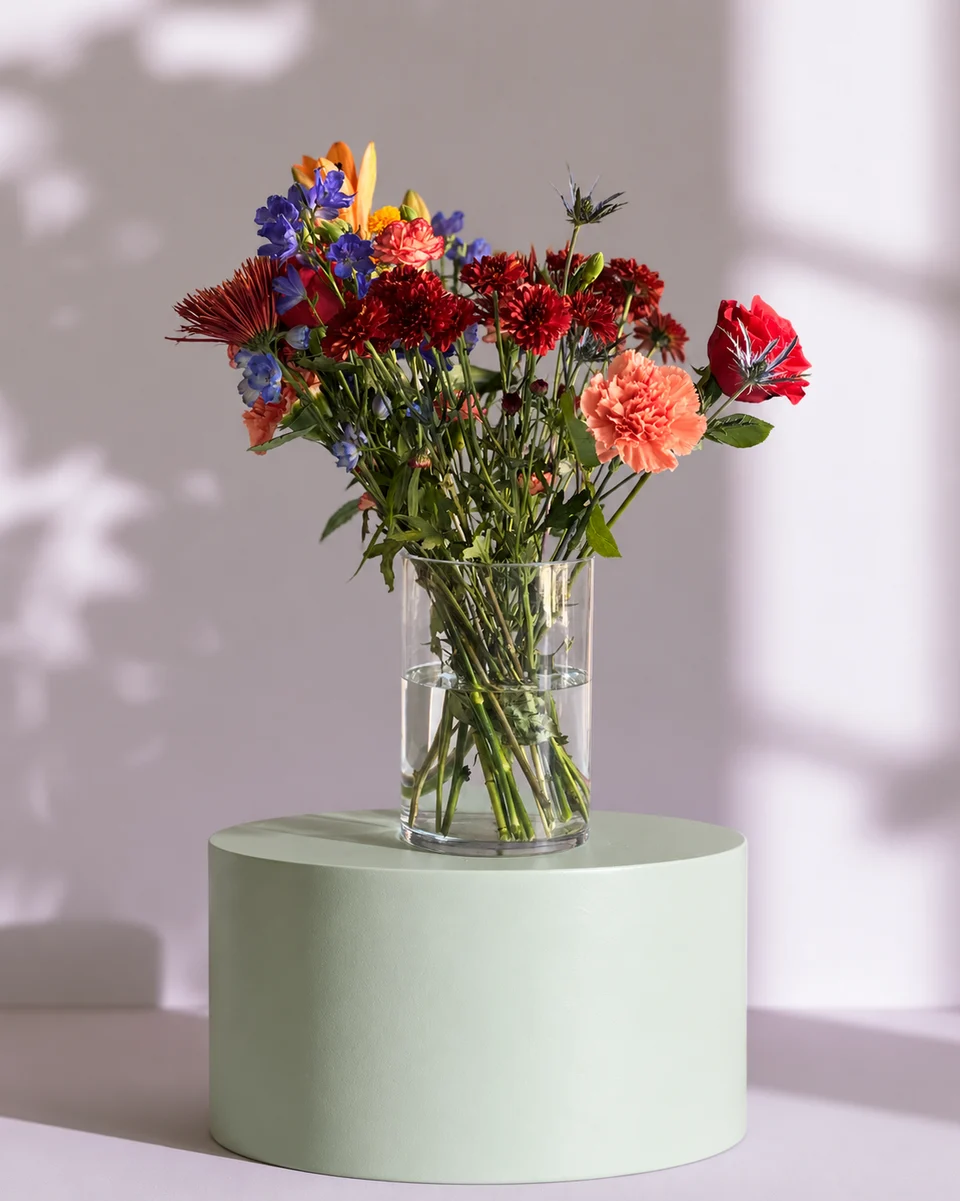
Most flower orders now start on a phone: a search, an Instagram post or a link a friend sent. Selling online is less about building a big website and more about four things: a short menu, clear photos, a delivery promise you can keep and an easy way to pay. Here is how to set each one up, channel by channel. For the photos, FlowerShoot is a flower photography app for florists that turns one phone photo into a studio product photo.
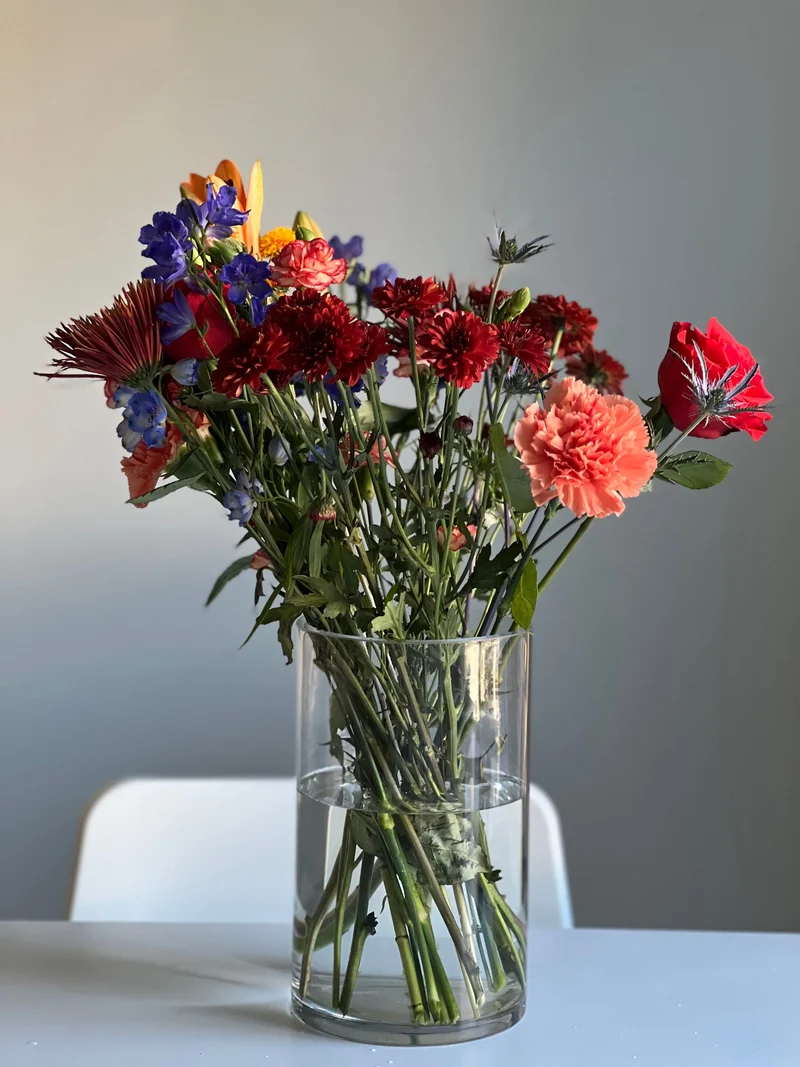 Phone photo
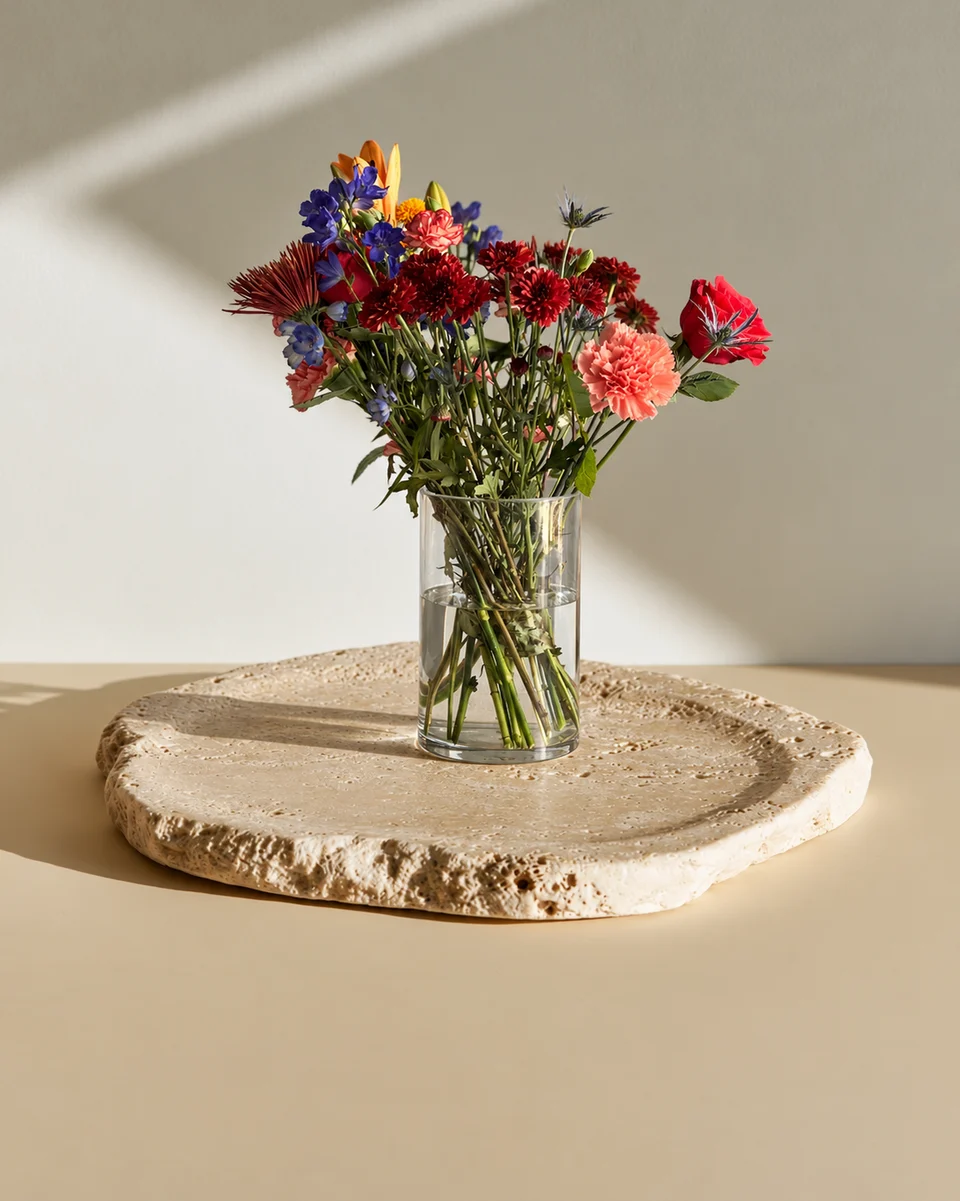 Studio photo
Step 1: decide what you will sell online
- A short everyday menu: four to eight designs, each in two or three sizes, that you can make from your usual stock.
- A designer’s choice option: you choose the flowers within a colour and a price. It lets you use what is fresh and avoids promising a stem you cannot get.
- Pieces that ship, if you want buyers beyond your area: dried and preserved arrangements, everlasting wreaths and pressed-flower keepsakes.
- Seasonal menus for Valentine’s Day, Mother’s Day and Christmas, put online weeks before each day.
Step 2: pick your channels
| Channel | Best for | What it needs |
|---|---|---|
| Your own website shop | Local delivery orders under your own name | A product page per design, a delivery-area checker or list, online payment |
| Google Business Profile | People searching “florist near me” | Photos, opening hours, a link to order, and replies to reviews |
| Instagram and Facebook | Showing new work and seasonal menus | Regular posts, a link in your profile, quick replies to messages |
| Etsy | Dried, preserved and other pieces you can post | Listings with titles, tags and one unedited photo |
| Delivery apps | Same-day orders from people already in the app | Real, unedited photos that match the menu |
You do not need every channel. A home florist can start with Instagram and a simple order form; a shop usually wants its own website and Google Business Profile first. If you are choosing between a marketplace and your own shop, read Etsy or Shopify for florists.
Step 3: photograph every design the same way
One photo of each design
Make one of each design and photograph it on your phone in soft light, with the whole piece in the frame. How to take the phone photo
One setting for the whole menu
Use the same backdrop for every design so your shop looks like one collection. How to keep your photos consistent
Show the size
Add one photo on a table or in a hand so buyers can judge how big it is, and give the height and width in words.
Keep the original
Etsy and the delivery apps ask for real, unedited photos. Keep your phone photo for them. What each app asks for
Step 4: write the product page
- Name and price for each size, with what changes between sizes (more stems, a larger vase).
- The flowers used, and a line saying similar flowers may be used when one is out of season.
- Care: how to keep the flowers fresh and how long they usually last.
- Delivery: the area, the fee, the days you deliver and your order-by time for same-day delivery.
Write descriptions faster with the free flower product description generator, and price each size with the flower pricing calculator.
Step 5: set delivery rules you can keep
- A delivery area by town, postcode or distance, with a fee for each zone.
- An order-by time for same-day delivery, shown on every product page and at checkout.
- Holiday rules: a separate order-by date before Valentine’s Day and Mother’s Day, and whether you deliver on the day itself.
- Collection from your shop or studio, if you offer it, as a free option.
Step 6: bring people to the shop
Post each new design on Instagram and Facebook, put your order link in your profile and on Google, and plan the big days early. Ideas: florist marketing ideas, ranked by cost and time and 30 days of florist social media ideas.
Made only for florists
From a bench photo to your next listing
Your flowers are the product. FlowerShoot makes the photo as lovely as the arrangement, wherever you share it: one phone photo in, a studio photo out.
For social media
Fresh posts and Stories every week, without a photo shoot or moving a single bucket. Download post and Story sizes with your logo and a caption, and let your flowers shine in a calm, professional feed.
For selling on your website
Choose a house style for your collection, then check each result against the piece you sell. Keep a real product photo alongside staged views, with clear size and vessel details.
- Skip the photographer. A studio photo from one phone photo, in about a minute.
- Standard photos from 19.5¢. One standard photo uses 1 credit. Monthly plans start at $10 for 50 credits. Optional 4K generation uses 2 credits.
- Try before you subscribe. Start with 3 free previews, no card. Monthly plans start at $10 for 50 credits.
- Your real flowers. Start from your own arrangement. Compare the result with the original before listing it.
- 200+ rooms made for flowers. Studios, pedestals, homes, weddings and every season.
Quick answers
What is the easiest way to start selling flowers online?
Start with a short menu of designs you can make every day, photograph each one the same way, and take orders through Instagram or Facebook with a simple order form or payment link. Add a website shop when orders grow.
Can I sell fresh flowers on Etsy?
Etsy works best for pieces you can post, such as dried and preserved arrangements and wreaths. For fresh local delivery, your own website, Google and social media usually fit better. Check Etsy’s current policies before listing fresh flowers.
Do I need a website to sell flowers online?
Not at first. Many home florists start with Instagram, Facebook and a payment link. A website with a shop gives you your own order page, your own customer list and a place to send people from Google.
What photos do I need to sell flowers online?
One clear photo of each design in the same setting, a photo that shows its size, and your original unedited phone photo for marketplaces and delivery apps that ask for one.
How do I handle delivery when selling flowers online?
Set a delivery area with a fee per zone, show a same-day order-by time on every product page, and publish separate order-by dates before Valentine’s Day and Mother’s Day.